Close Menu
MyAppsPlus

    Subscribe to Updates

    Get the latest creative news from FooBar about art, design and business.

    What's Hot

    Apple releases iPadOS 27.3 public beta and more, here’s what’s new

    November 7, 2026

    3 Artificial Intelligence (AI) Stocks I’d Buy Without Hesitation in a Market Crash

    November 7, 2026

    Protect your new Apple TV Siri Remote 4th Gen with these cases from just $7

    November 7, 2026
    Facebook X (Twitter) Instagram
    Facebook X (Twitter) Instagram
    MyAppsPlusMyAppsPlus
    Saturday, November 7
    • Home
    • Breaking Tech
    • Apps & Software
    • AI & Automation
    • Android
    • iPhone & iOS
    • More
      • Reviews
      • How-To Guides
      • Deals & Discounts
      • Shop
    MyAppsPlus
    Home»Breaking Tech»This GPS navigation app should be the go-to for older drivers
    Breaking Tech

    This GPS navigation app should be the go-to for older drivers

    myappsplusBy myappsplusNovember 7, 2026004 Mins Read
    Share Facebook Twitter Pinterest Copy Link LinkedIn Tumblr Email Telegram WhatsApp
    Follow Us
    Google News Flipboard
    This GPS navigation app should be the go-to for older drivers
    Share
    Facebook Twitter LinkedIn Pinterest Email Copy Link

    It’s less flashy than its rivals, which is exactly what makes it easier for older drivers.

    Driving to unfamiliar places can be unnerving for most people, but it can be harder with age. A reliable and easy-to-use GPS navigation app can give peace of mind to all nervous drivers of any age, and Google Maps stands out as one of the easiest to use for older drivers who want clear directions.

    Google Maps isn’t as flashy as some other apps like Waze. It has a clean interface without constant pop-ups and alerts, which matters when you’re trying to focus on the road and not wondering if that little bubble ahead is the police or just another driver. It also comes with a ton of extra information about the locations you’re visiting, and can even tell you when a business is packed.

    This isn’t to say that older drivers should switch apps immediately. Here’s why Google Maps tends to suit older drivers particularly well and which features are worth exploring.

    What makes Google Maps the easiest GPS app for older drivers?
    Google Maps icon on the smartphone screen.

    There are so many GPS apps available to download, but Google Maps often makes the most sense for older drivers because it’s likely already on their Android phone if they have one. If not, you can always download the app from the Google Play Store or Apple’s App Store. Google Maps does all the heavy lifting, tracking time, traffic and routes, taking the headaches out of everyday driving.

    Google Maps can also help you avoid the stress of guessing when to leave. Say you have a doctor’s appointment at 10AM. Look up the doctor’s office, tap Directions and select the car icon to see the estimated driving time. 

    To plan around when you need to arrive, tap the three dots in the top right corner, then select Set depart or arrive time. Set 9:45AM as your arrival time so you have time to find parking, and the app will adjust the estimate to reflect typical traffic at that time. Your phone will then tell you when to leave to get to your appointment on time.

    Google Maps also provides real-time color-coded traffic updates. You’ll see green sections for clear roads, yellow for slower sections and red for heavy congestion, so you’ll know exactly what to expect. The app gives clear turn-by-turn voice directions when you’re driving so you don’t have to take your eyes away from the road. It announces upcoming turns, street names and distance remaining, then recalculates automatically if you miss a turn.

    Offline map downloads can also be useful when the signal is weak on rural roads or in parking garages. Downloading a map ahead of time lets Google Maps keep working even without an internet connection. Tap your profile picture in Google Maps, then select Offline maps > Select your own map. Pinch to zoom until the area you want to save is in frame, then tap Download. Keep in mind that an offline map won’t give you traffic updates.

    The versatility of Google Maps

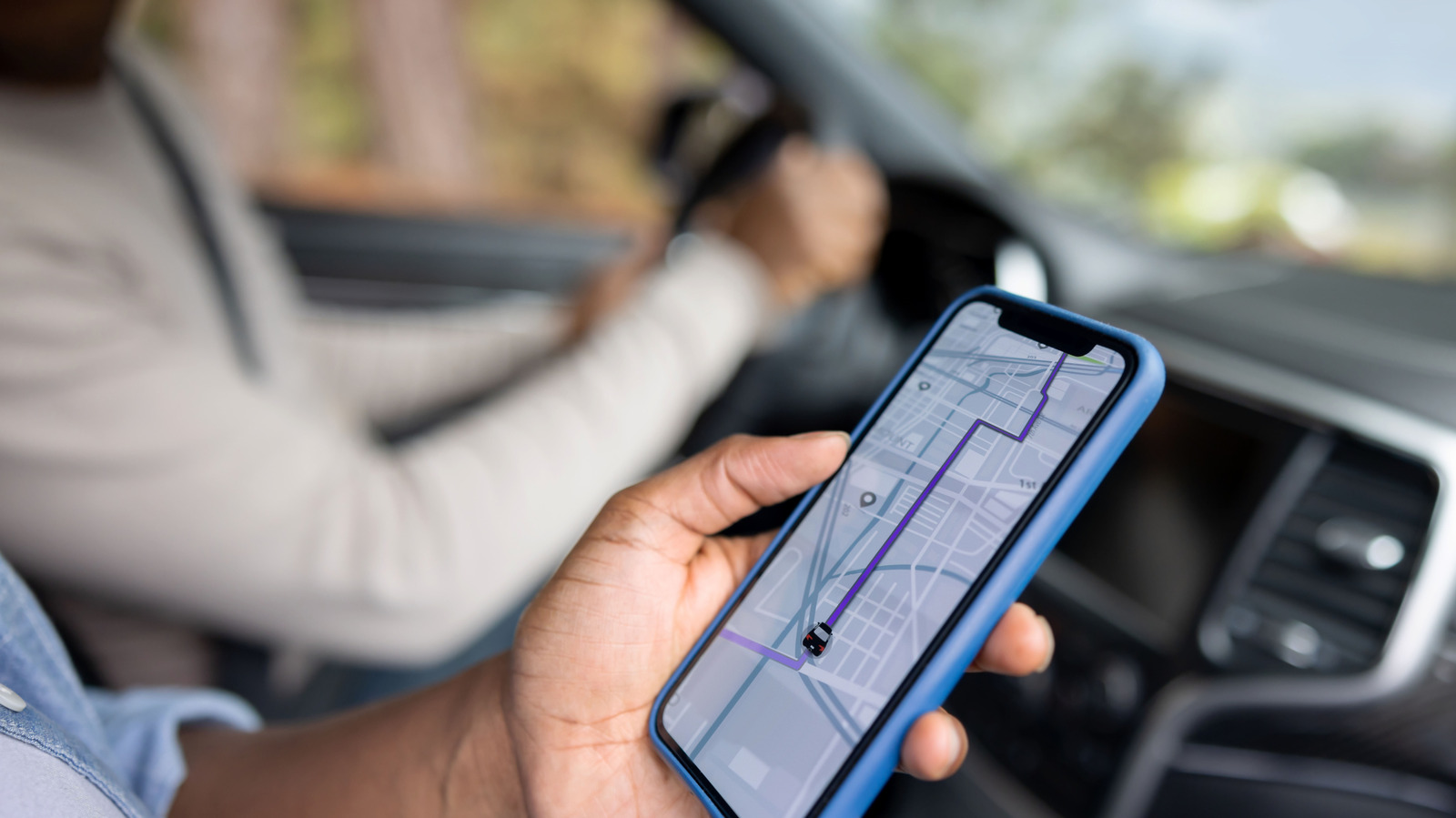
    People in a car looking at their phone.

    Most core features in Google Maps are pretty straightforward, though a few accessibility tools require some initial setup. Tapping on your profile picture in Google Maps, then scrolling down to Settings > App & Display lets you enable an extra feature to emphasize accessibility information. This will show wheelchair-accessible features like entrances, seating and parking more prominently when viewing a place.

    Besides being able to guide you to specific destinations, Google Maps can help you find the nearest gas station or a restaurant that isn’t too busy. You can check reviews and view menu details before setting off.

    Google Maps isn’t just useful when you drive. When you’re walking or taking public transportation, it tells you which bus to take, how many stops to ride and how far you’ll need to walk to your destination. While Waze delivers crowdsourced, real-time incident traffic alerts, it won’t help much when you’re going for a walk around a new city.

    Google goto navigation should this
    Follow on Google News Follow on Flipboard
    Share. Facebook Twitter Pinterest LinkedIn Tumblr Email Copy Link
    myappsplus
    • Website

    Related Posts

    The right way to fix your MacBook keyboard if it isn’t responding

    November 7, 2026

    How to use your old tablet to build a live streaming setup

    November 7, 2026

    Windows PowerToys can automate some of your more tedious PC tasks

    November 7, 2026
    Add A Comment
    Leave A Reply Cancel Reply

    Top Posts

    Cathay Pacific tests Google AI that dramatically cuts airplane contrails — tiny altitude shifts slash environmental impact by 40% in early trials

    September 8, 2026138 Views

    Save on your groceries, gas, and holiday shopping with this $15 BJ’s membership (Reg. $60) 

    November 4, 202627 Views

    Apple is making Creator Studio an even better deal with new AI features and creative tools

    October 28, 202619 Views
    Latest Reviews

    iPhone Duo?

    myappsplusSeptember 5, 2026

    From eating the elderly to selling kids, Afterworld gives you the freedom to do terrible things in the post-apocalypse — ‘We shouldn’t judge the player’ says director

    myappsplusSeptember 5, 2026

    This Dell 16 laptop is ideal for university, especially at the lowest price we’ve seen

    myappsplusSeptember 5, 2026
    Stay In Touch
    • Facebook
    • YouTube
    • TikTok
    • WhatsApp
    • Twitter
    • Instagram

    Subscribe to Updates

    Get the latest tech news from FooBar about tech, design and biz.

    Most Popular

    iPhone Duo?

    September 5, 20260 Views

    From eating the elderly to selling kids, Afterworld gives you the freedom to do terrible things in the post-apocalypse — ‘We shouldn’t judge the player’ says director

    September 5, 20260 Views

    I just went hands-on with the Odyss N1 — a sleek AI necklace that automatically tracks everything you eat

    September 5, 20260 Views
    Our Picks

    Apple releases iPadOS 27.3 public beta and more, here’s what’s new

    November 7, 2026

    3 Artificial Intelligence (AI) Stocks I’d Buy Without Hesitation in a Market Crash

    November 7, 2026

    Protect your new Apple TV Siri Remote 4th Gen with these cases from just $7

    November 7, 2026

    Subscribe to Updates

    Subscribe to our newsletter and get the latest tech news, app updates, AI trends, smartphone reviews, and exclusive deals delivered straight to your inbox.

    Facebook X (Twitter) Instagram Pinterest
    • About Us
    • Get In Touch
    • Disclaimer
    • Privacy Policy
    • Terms & Conditions
    © 2026 MyAppsPlus. All Rights Reserved.

    Type above and press Enter to search. Press Esc to cancel.