Close Menu
MyAppsPlus

    Subscribe to Updates

    Get the latest creative news from FooBar about art, design and business.

    What's Hot

    The safest way to store your laptop for a long period of time

    November 9, 2026

    Apple Reportedly Plans To Make Siri AI An Autonomous Agent And Change How It Builds iOS 28

    November 9, 2026

    These are the 7 most vital AI terms beginners (and even power users) should know, from large language models to tokens

    November 9, 2026
    Facebook X (Twitter) Instagram
    Facebook X (Twitter) Instagram
    MyAppsPlusMyAppsPlus
    Monday, November 9
    • Home
    • Breaking Tech
    • Apps & Software
    • AI & Automation
    • Android
    • iPhone & iOS
    • More
      • Reviews
      • How-To Guides
      • Deals & Discounts
      • Shop
    MyAppsPlus
    Home»Breaking Tech»The safest way to store your laptop for a long period of time
    Breaking Tech

    The safest way to store your laptop for a long period of time

    myappsplusBy myappsplusNovember 9, 2026003 Mins Read
    Share Facebook Twitter Pinterest Copy Link LinkedIn Tumblr Email Telegram WhatsApp
    Follow Us
    Google News Flipboard
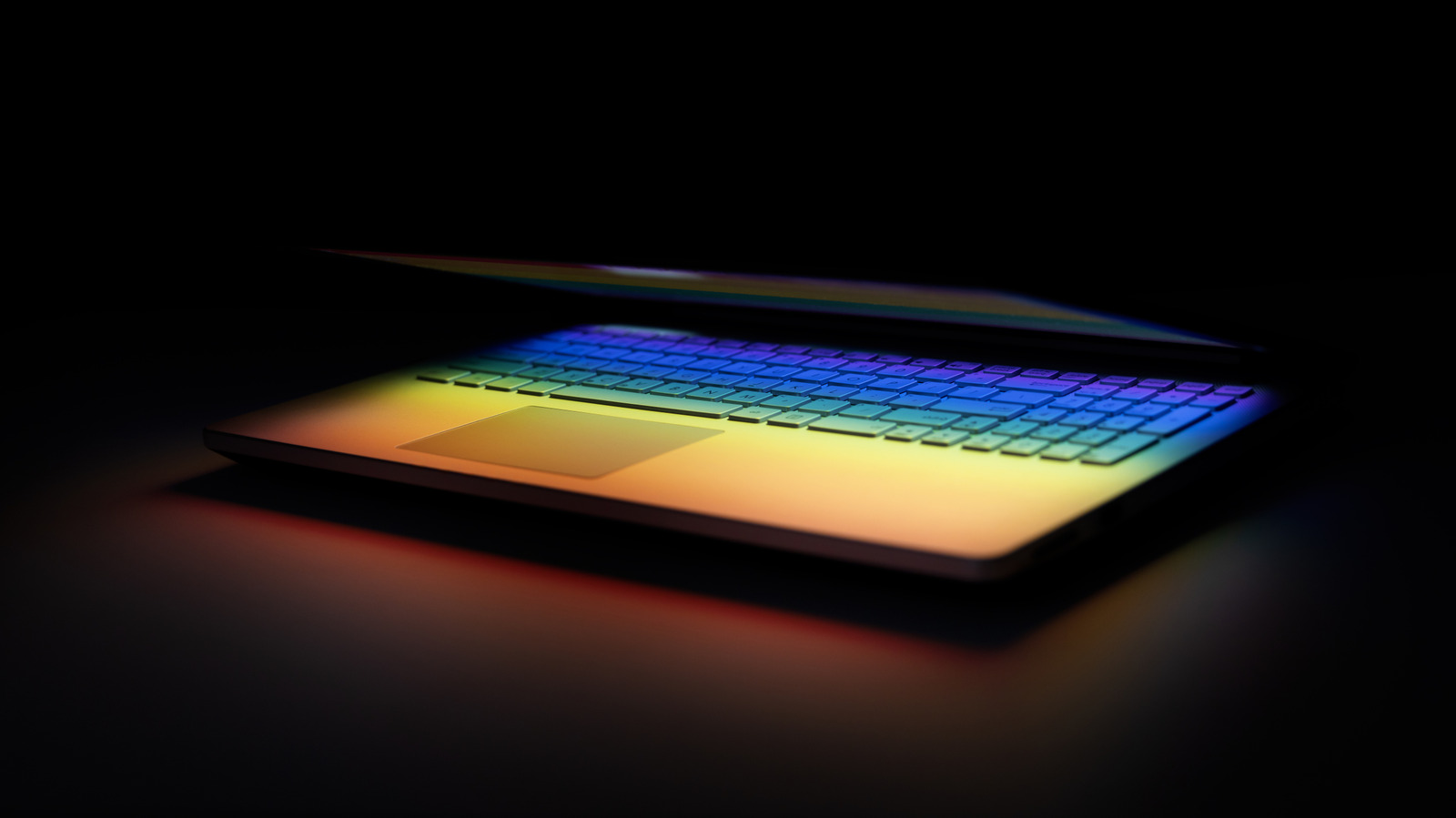
    The safest way to store your laptop for a long period of time
    Share
    Facebook Twitter LinkedIn Pinterest Email Copy Link

    A little planning can go a long way.

    Maybe you’re jetting off on a much-needed vacation. Maybe you’ve upgraded to a new machine but want to keep the old one on hand. There are plenty of reasons you might need to stop using a laptop for a couple of weeks or months. When you do find yourself in that situation, take a few precautions to keep the computer at its best whenever you’re ready to use it again.

    First things first: back up all your data before you put your laptop in storage. There’s no need to risk losing valuable on the off chance something does go awry while it’s in hibernation. So before you say goodbye to your laptop for a significant stretch of time, make at least one backup.

    Storage steps to protect the battery

    The main reason a laptop needs some TLC ahead of storage is the lithium-ion battery it contains. These power sources need to be properly maintained in order to keep functioning. If you can safely remove the laptop’s battery and store it separately, do it. If you can’t remove the battery, there are still straightforward steps to keep it in the best condition.

    Temperature is one of the main factors that can mess with a battery, and problems can arise if the fluids inside get too hot or too cold. That means you’ll want to store your laptop in a temperature-controlled place. That includes keeping it away from a furnace, radiator, or other appliances that might emit a lot of heat. Moisture is also bad for your computer, so pick a place that isn’t damp or humid.

    Another important aspect of long-term battery maintenance centers on how much it discharges and how quickly. Even if the hardware is completely powered off, a lithium-ion battery will still lose power over time, and it can over-discharge if it sits unused for too long. The best way to handle long-term storage is to have the battery charged to about 50 percent before you put it away. Essentially, you’re putting it back in the same state it was when the laptop first shipped to you from a warehouse.

    Ideally, even if you aren’t planning to use the device for a long time, it’s best to occasionally check on the laptop and give it a little juice. Every six months, plug the computer back in and charge the battery back to about 50 percent. It’s a small bit of maintenance that can help prevent long-term damage to the battery.

    Other important tips for laptop storage

    Beyond battery care, a few common-sense protections matter when storing a laptop. It can be tough to find enough space, but you’ll want to put the laptop in a location where nothing else gets placed on top of it, especially not anything that might be considered heavy. Even for a short time, an object pressing down on a laptop can damage the lid or the screen below it.

    In a similar vein, it’s a good idea to clean the screen and keyboard before storage. Wiping down the laptop’s inner surfaces will ensure that nothing gets trapped while it’s shut for a long time, which can also potentially cause screen damage.

    Finally, completely power down the computer and disconnect it from its AC powercan offer a little added protection while it’s out of sight. With a little bit of preparation and maintenance, your laptop will be ready to roll whenever you bring it out of storage

    laptop Laptops safest Store Your
    Follow on Google News Follow on Flipboard
    Share. Facebook Twitter Pinterest LinkedIn Tumblr Email Copy Link
    myappsplus
    • Website

    Related Posts

    At what length do DisplayPort cables start giving you trouble?

    November 9, 2026

    Apple’s $2,899 MacBook PROLED hides a massive unified memory bottleneck — why I think power users should abandon macOS for Nvidia RTX Spark and AMD Strix Halo

    November 9, 2026

    Don’t like Google Health’s AI Coach? Here’s how to turn it off

    November 9, 2026
    Add A Comment
    Leave A Reply Cancel Reply

    Top Posts

    Cathay Pacific tests Google AI that dramatically cuts airplane contrails — tiny altitude shifts slash environmental impact by 40% in early trials

    September 8, 2026138 Views

    Save on your groceries, gas, and holiday shopping with this $15 BJ’s membership (Reg. $60) 

    November 4, 202627 Views

    Apple is making Creator Studio an even better deal with new AI features and creative tools

    October 28, 202620 Views
    Latest Reviews

    OpenAI says it reached its goal of creating an automated research intern

    myappsplusSeptember 6, 2026

    Will the iPhone Ultra really be ‘Ultra’? 5 features the foldable could surprisingly ditch, from Face ID to MagSafe

    myappsplusSeptember 6, 2026

    Best TVs of 2026: Expert Tested, Compared and Reviewed

    myappsplusSeptember 6, 2026
    Stay In Touch
    • Facebook
    • YouTube
    • TikTok
    • WhatsApp
    • Twitter
    • Instagram

    Subscribe to Updates

    Get the latest tech news from FooBar about tech, design and biz.

    Most Popular

    Microsoft is ending Windows 11’s web app slop era, and AI now writes native apps in 30 minutes

    September 6, 20260 Views

    Is it safe to buy a refurbished iPhone from Walmart?

    September 7, 20260 Views

    Amazon cargo plane crashes at Miami International Airport, kills 5: Here’s the latest update shared by the company

    September 7, 20260 Views
    Our Picks

    The safest way to store your laptop for a long period of time

    November 9, 2026

    Apple Reportedly Plans To Make Siri AI An Autonomous Agent And Change How It Builds iOS 28

    November 9, 2026

    These are the 7 most vital AI terms beginners (and even power users) should know, from large language models to tokens

    November 9, 2026

    Subscribe to Updates

    Subscribe to our newsletter and get the latest tech news, app updates, AI trends, smartphone reviews, and exclusive deals delivered straight to your inbox.

    Facebook X (Twitter) Instagram Pinterest
    • About Us
    • Get In Touch
    • Disclaimer
    • Privacy Policy
    • Terms & Conditions
    © 2026 MyAppsPlus. All Rights Reserved.

    Type above and press Enter to search. Press Esc to cancel.