Close Menu
MyAppsPlus

    Subscribe to Updates

    Get the latest creative news from FooBar about art, design and business.

    What's Hot

    NYT Strands hints and answers for Sunday, September 13 (game #924)

    September 12, 2026

    One problem with Android Auto can be fixed with a simple update

    September 12, 2026

    LG’s denial over TV spying claims ‘does not address the full privacy picture’, experts say — after report accuses it of making ‘216,000,000 spy TVs’

    September 12, 2026
    Facebook X (Twitter) Instagram
    Facebook X (Twitter) Instagram
    MyAppsPlusMyAppsPlus
    Saturday, September 12
    • Home
    • Breaking Tech
    • Apps & Software
    • AI & Automation
    • Android
    • iPhone & iOS
    • More
      • Reviews
      • How-To Guides
      • Deals & Discounts
      • Shop
    MyAppsPlus
    Home»Breaking Tech»How to change Amazon Alexa’s voice and personality
    Breaking Tech

    How to change Amazon Alexa’s voice and personality

    myappsplusBy myappsplusSeptember 12, 2026003 Mins Read
    Share Facebook Twitter Pinterest Copy Link LinkedIn Tumblr Email Telegram WhatsApp
    Follow Us
    Google News Flipboard
    How to change Amazon Alexa’s voice and personality
    Share
    Facebook Twitter LinkedIn Pinterest Email Copy Link

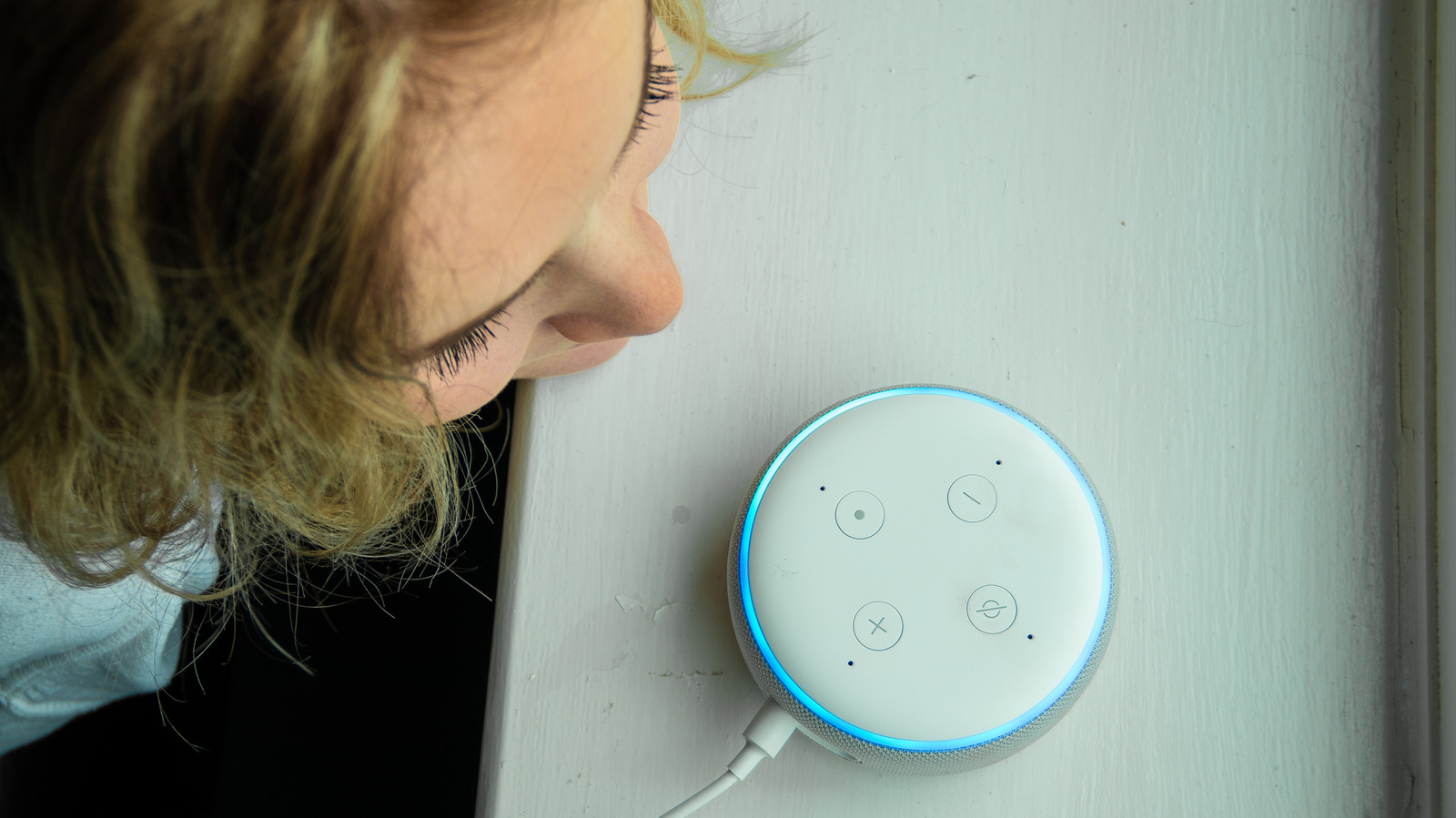
    You can even make Alexa snarky.

    If you’re an Alexa+ or Amazon Prime member, your interactions with Alexa are no longer relegated to fairly standard voice types or the creepy “Whisper Mode.” Amazon now lets eligible users experiment with eight different voice types (depending on region/country) and several intriguing personalities, like Sassy, Chill and Original. While each brings its own unique vibe to the table, these are simply fun customization options, and none of them make Alexa more or less accurate. At the end of the day, you’re still dealing with AI, albeit with a bit more fun.

    For an ordinary, low-effort voice change, you can simply say, “Alexa, change your voice.” Alexa will then offer you the current available options. You can also use the Alexa app. Once the app is open on your device, tap Devices > Your Device > Device Settings > Alexa’s Voice. The voice settings only apply to the specific device you’re using, so you’ll have to repeat the process for other devices, especially if you want a consistent voice or personality throughout your home.

    How to make Alexa Brief, Chill, Sweet or Sassy

    Alexa’s personality styles let you change the way Alexa answers without changing what it’s able to do. Amazon currently offers five personality options: Brief, Chill, Sweet, Sassy and Original. Brief is exactly what it sounds like, for those who prefer quick, concise answers. Chill is casual and conversational. Sweet is warmer and more encouraging, and Sassy adds a more playful, witty edge. The latter comes with an “adults only” warning that you have to tap to proceed. It’s not exactly NSFW or anti-kid-friendly, but Alexa may make fun of your question and use a few colorful pejoratives.

    The quickest method is to say, “Alexa, change your personality style.” Alexa will present your options and guide you through them. If you prefer to use the app, open Devices > Your Device > Device Settings > Alexa’s Personality Style. From there, simply swipe through the available personalities, left to right, and you can return to the original style at any time.

    Again, personality styles are device-specific, so if you want a consistent personality throughout every Echo device in your home, you’ll have to change each one individually.

    Celebrity voices and other limits
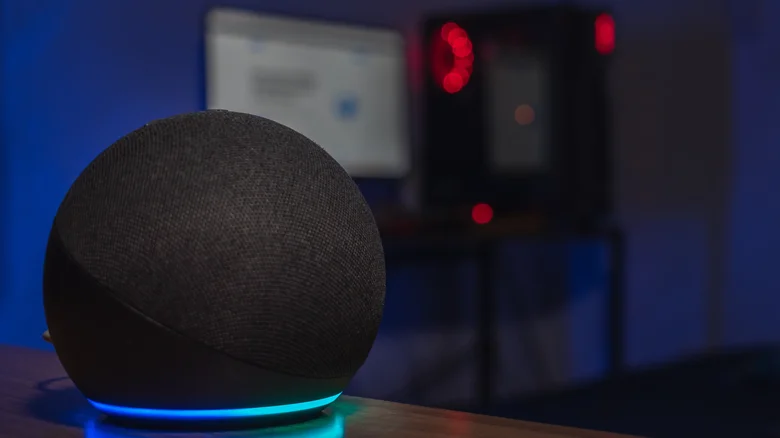
    Dark room picture of an Amazon Echo, a blurry computer screen and tower in the background.

    If you’ve had an Echo device or two for a while, you probably remember the celebrity voices, or you may have run into them while skimming online instructions. These older instructions walk you through activating Samuel L. Jackson, Melissa McCarthy and Shaquille O’Neal voice types. Those are no longer available and are not the same as Alexa’s current voice options and personality styles.

    If you want something child-friendly, Amazon offers animal voices for compatible kid-mode Alexa devices. However, that requires an active Amazon Kids+ subscription, and the device language has to be set to English.

    Last but not least, the new voice and personality options change how the assistant’s response sounds, but it doesn’t change much else, including the wake word. If you want to change the wake word from “Alexa” to something different, use the Echo device’s settings in the Alexa app and look for “Wake Word.” Yeah, changing the wake word is nothing new. But with a brand new personality flowing through your Echo device, it may be appropriate to apply an all-new wake word as well.

    AI Alexas Amazon change voice
    Follow on Google News Follow on Flipboard
    Share. Facebook Twitter Pinterest LinkedIn Tumblr Email Copy Link
    myappsplus
    • Website

    Related Posts

    One problem with Android Auto can be fixed with a simple update

    September 12, 2026

    Tesla says it will finally unveil the second generation Roadster on October 1

    September 12, 2026

    Why is the internet so upset about NVIDIA’s DLSS 5?

    September 12, 2026
    Add A Comment
    Leave A Reply Cancel Reply

    Top Posts

    The 6 AI-free Linux distros I recommend most

    August 19, 20263 Views

    AI, automation, robot dogs ensure on-site nuclear safety

    September 7, 20262 Views

    This tiny AI box could save me from upgrading my perfectly good laptop

    September 6, 20262 Views
    Latest Reviews

    Apple Wallet driver’s licenses are coming to North Carolina, but there’s a catch

    myappsplusAugust 18, 2026

    3 Japanese AI Stocks Turning Automation Spending Into Real Revenue

    myappsplusAugust 18, 2026

    Apple: DOJ’s latest challenge in antitrust case ‘fails at every level’

    myappsplusAugust 18, 2026
    Stay In Touch
    • Facebook
    • YouTube
    • TikTok
    • WhatsApp
    • Twitter
    • Instagram

    Subscribe to Updates

    Get the latest tech news from FooBar about tech, design and biz.

    Most Popular

    Apple Wallet driver’s licenses are coming to North Carolina, but there’s a catch

    August 18, 20260 Views

    3 Japanese AI Stocks Turning Automation Spending Into Real Revenue

    August 18, 20260 Views

    Apple: DOJ’s latest challenge in antitrust case ‘fails at every level’

    August 18, 20260 Views
    Our Picks

    NYT Strands hints and answers for Sunday, September 13 (game #924)

    September 12, 2026

    One problem with Android Auto can be fixed with a simple update

    September 12, 2026

    LG’s denial over TV spying claims ‘does not address the full privacy picture’, experts say — after report accuses it of making ‘216,000,000 spy TVs’

    September 12, 2026

    Subscribe to Updates

    Subscribe to our newsletter and get the latest tech news, app updates, AI trends, smartphone reviews, and exclusive deals delivered straight to your inbox.

    Facebook X (Twitter) Instagram Pinterest
    • About Us
    • Get In Touch
    • Disclaimer
    • Privacy Policy
    • Terms & Conditions
    © 2026 MyAppsPlus. All Rights Reserved.

    Type above and press Enter to search. Press Esc to cancel.