Close Menu
MyAppsPlus

    Subscribe to Updates

    Get the latest creative news from FooBar about art, design and business.

    What's Hot

    Apple Reportedly Plans To Make Siri AI An Autonomous Agent And Change How It Builds iOS 28

    November 9, 2026

    These are the 7 most vital AI terms beginners (and even power users) should know, from large language models to tokens

    November 9, 2026

    At what length do DisplayPort cables start giving you trouble?

    November 9, 2026
    Facebook X (Twitter) Instagram
    Facebook X (Twitter) Instagram
    MyAppsPlusMyAppsPlus
    Monday, November 9
    • Home
    • Breaking Tech
    • Apps & Software
    • AI & Automation
    • Android
    • iPhone & iOS
    • More
      • Reviews
      • How-To Guides
      • Deals & Discounts
      • Shop
    MyAppsPlus
    Home»Breaking Tech»At what length do DisplayPort cables start giving you trouble?
    Breaking Tech

    At what length do DisplayPort cables start giving you trouble?

    myappsplusBy myappsplusNovember 9, 2026003 Mins Read
    Share Facebook Twitter Pinterest Copy Link LinkedIn Tumblr Email Telegram WhatsApp
    Follow Us
    Google News Flipboard
    At what length do DisplayPort cables start giving you trouble?
    Share
    Facebook Twitter LinkedIn Pinterest Email Copy Link

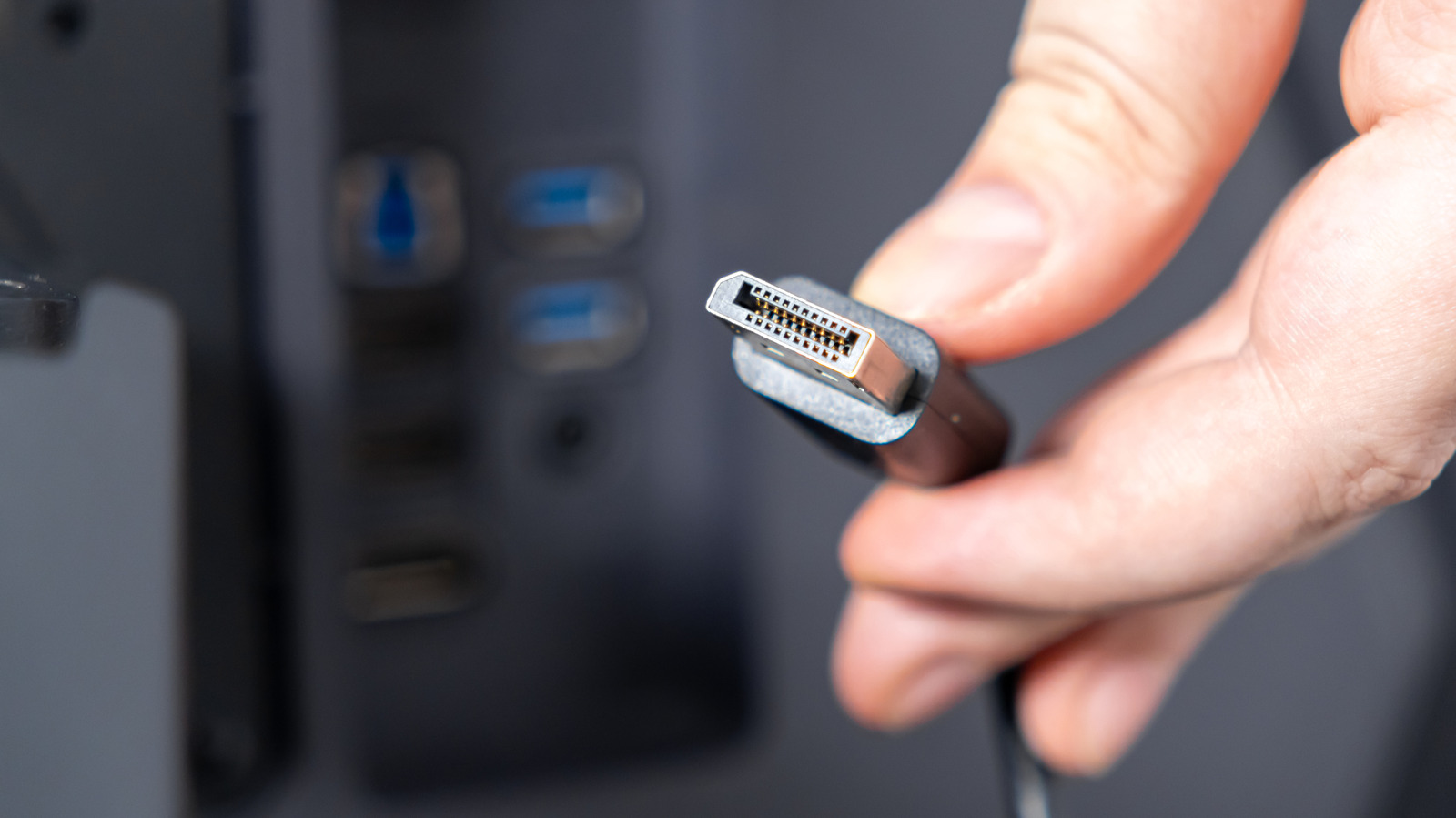
    The longer a DisplayPort cable gets, the lower the visual quality will become

    Although pure USB-C and Thunderbolt video connections are gaining traction, DisplayPort continues to rule the day for a lot of Mac and Windows PCs, and it’s likely just as much about production cost as legacy compatibility. To equal the bandwidth of the best DisplayPort tech, companies need to use USB 4 v2 or Thunderbolt 5. Whether that’s inherently more expensive to manufacture or not, people also tend to expect power delivery through USB-C and Thunderbolt, whereas DisplayPort can be exclusively about video.

    A major concern with any video format is how far a clean signal can be delivered. With HDMI, for example, connections can get sketchy past 25 feet, if not far earlier. When a cable isn’t up to the job, the result can be problems like artifacts, flickering or connections dropping out entirely. Alternately, a display might automatically scale back resolutions and refresh rates.

    With DisplayPort, the limitations can be pretty sharp if you want to maintain maximum quality. There are ways around them, but they’re probably not worth the money for most computing setups.

    DisplayPort’s very short leash
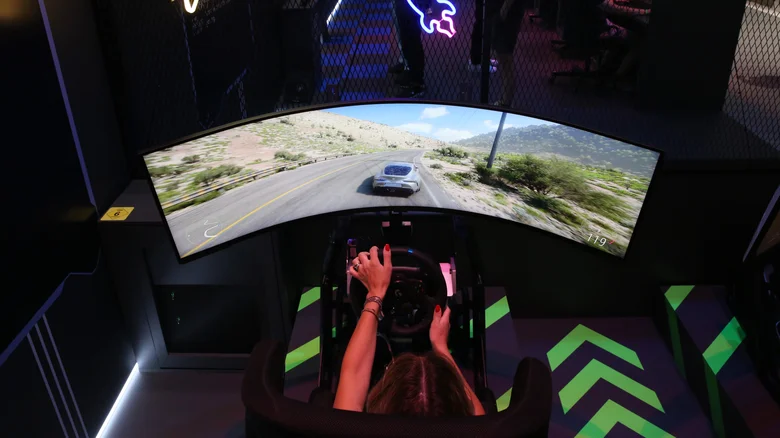
    A racing game on an ultra-wide Samsung Odyssey monitor.

    The standard copper-based DisplayPort cable should be solid up to 6 feet. By solid, we mean capable of displaying any resolution, color or refresh rate combo you could realistically ask for, such as 4K HDR at 144Hz. You shouldn’t experience artifacts or other issues with this setup, barring physical damage or severe interference that would probably affect the rest of your hardware too.

    Luckily, that’s not the true limit of DisplayPort. What we’ve been talking about so far is the performance of passive copper. If you switch to active copper cables that boost signal strength, practical range can extend to between 15 and 30 feet. Even better are fiber optic cables, which can run up to 100 feet.

    Expect to pay for the privilege, mind you. Whereas a 10-foot passive copper cable (rated for DisplayPort 2.1) can cost as little as $10, even a 15-foot fiber optic cable can cost north of $50. That second cable should be bulletproof, but it’s probably not worth the investment outside of corporate offices.

    What does a realistic DisplayPort setup look like?
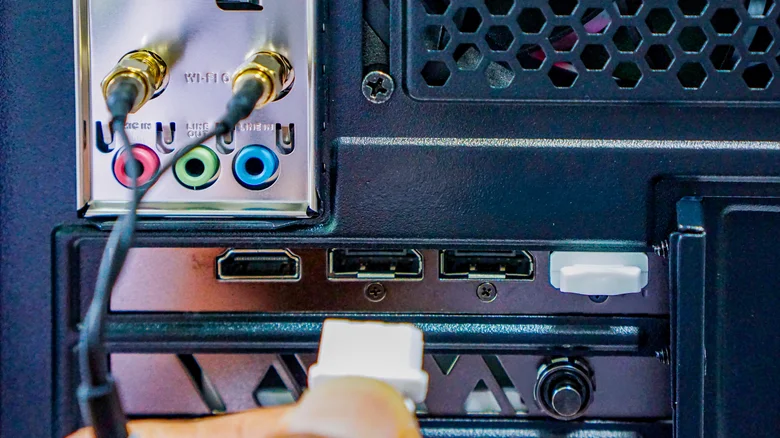
    Plugging a DisplayPort cable into the back of a tower PC.

    Most people should stick with passive copper DisplayPort cables measuring 6 feet or less. Although active copper and fiber optic cables provide reliable performance at greater distances, there’s usually no need for it since DisplayPort is almost exclusively associated with monitors. If a monitor is sitting on your desk, it’s almost certainly less than 6 feet away from your computer.

    In fact, if you’re daisy-chaining monitors via MST (Multi-Stream Transport), it’s better to stick to the shortest cables possible since two 3-foot cables already brings you up to the 6-foot mark. It’s all too easy to accidentally cripple one of your screens even if the GPU in your computer is likely going to be the biggest bottleneck. You need powerful hardware to run 4K games at 120Hz on a single screen, let alone two. The requirements soften for most productivity apps, yet the general concern remains.

    It’ll be interesting to see how much longer DisplayPort hangs around as a separate cable format. Once costs come down and devices are equipped with USB 4 v2 and Thunderbolt 5 as a matter of course, there may not be any incentive to keep DisplayPort in the mix. Not when port space is already at a premium.

    cables DisplayPort gaming length What
    Follow on Google News Follow on Flipboard
    Share. Facebook Twitter Pinterest LinkedIn Tumblr Email Copy Link
    myappsplus
    • Website

    Related Posts

    Don’t like Google Health’s AI Coach? Here’s how to turn it off

    November 9, 2026

    NVIDIA is investigating reports that CEO Jensen Huang was the target of Chinese spy efforts

    November 9, 2026

    Samsung One UI removed the all apps button, but you can easily get it back

    November 9, 2026
    Add A Comment
    Leave A Reply Cancel Reply

    Top Posts

    Cathay Pacific tests Google AI that dramatically cuts airplane contrails — tiny altitude shifts slash environmental impact by 40% in early trials

    September 8, 2026138 Views

    Save on your groceries, gas, and holiday shopping with this $15 BJ’s membership (Reg. $60) 

    November 4, 202627 Views

    Apple is making Creator Studio an even better deal with new AI features and creative tools

    October 28, 202620 Views
    Latest Reviews

    OpenAI says it reached its goal of creating an automated research intern

    myappsplusSeptember 6, 2026

    Will the iPhone Ultra really be ‘Ultra’? 5 features the foldable could surprisingly ditch, from Face ID to MagSafe

    myappsplusSeptember 6, 2026

    Best TVs of 2026: Expert Tested, Compared and Reviewed

    myappsplusSeptember 6, 2026
    Stay In Touch
    • Facebook
    • YouTube
    • TikTok
    • WhatsApp
    • Twitter
    • Instagram

    Subscribe to Updates

    Get the latest tech news from FooBar about tech, design and biz.

    Most Popular

    Microsoft is ending Windows 11’s web app slop era, and AI now writes native apps in 30 minutes

    September 6, 20260 Views

    Is it safe to buy a refurbished iPhone from Walmart?

    September 7, 20260 Views

    Amazon cargo plane crashes at Miami International Airport, kills 5: Here’s the latest update shared by the company

    September 7, 20260 Views
    Our Picks

    Apple Reportedly Plans To Make Siri AI An Autonomous Agent And Change How It Builds iOS 28

    November 9, 2026

    These are the 7 most vital AI terms beginners (and even power users) should know, from large language models to tokens

    November 9, 2026

    At what length do DisplayPort cables start giving you trouble?

    November 9, 2026

    Subscribe to Updates

    Subscribe to our newsletter and get the latest tech news, app updates, AI trends, smartphone reviews, and exclusive deals delivered straight to your inbox.

    Facebook X (Twitter) Instagram Pinterest
    • About Us
    • Get In Touch
    • Disclaimer
    • Privacy Policy
    • Terms & Conditions
    © 2026 MyAppsPlus. All Rights Reserved.

    Type above and press Enter to search. Press Esc to cancel.