

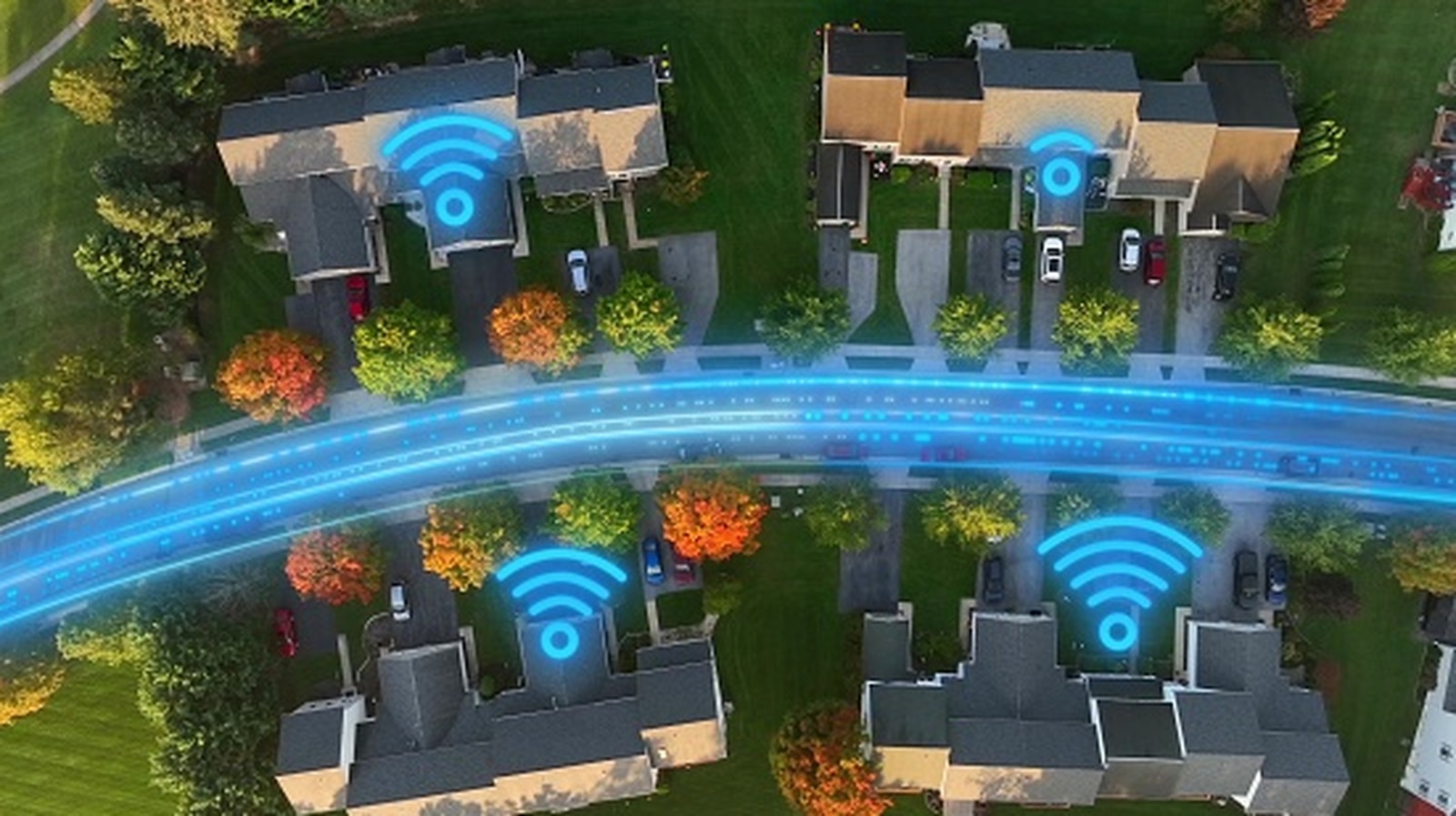
The right choice depends on the services available at your address and your networking needs.
“Wireless internet” can have two different meanings, so there’s an important distinction to make first. This comparison isn’t about Wi-Fi versus Ethernet inside your home. Rather, it’s about how your internet provider gets the connection to your house.
With wired internet, your provider’s internet service reaches your home through a physical line, such as fiber, coaxial cable or a DSL connection. Fixed wireless home internet works differently. Instead of running that final line into the property, the provider sends the connection over a 4G LTE or 5G cellular network to a gateway inside your home. That gateway then passes the connection onto your phones, laptops, TVs and other devices over Wi-Fi or Ethernet.
How wired and wireless home internet actually differ
<img src="https://www.engadget.com/img/gallery/wired-vs-wireless-internet-which-should-you-choose-for-your-home/how-wired-and-wireless-home-internet-actually-differ-1789580968.webp" alt="A person holds a smartphone displaying an internet speed test.” loading=”lazy”>
With wired internet, a physical line runs to your home. Depending on the service, that might be fiber-optic cable, the coaxial cable used for cable internet or older telephone wiring used for DSL. Once the connection reaches your property, a gateway (usually a modem, optical network terminal or similar) converts the incoming signals into ones the devices in your home can use.
Fixed wireless home internet replaces that final physical line with a wireless connection. A gateway inside your home connects to the provider’s 4G LTE or 5G network, much like a smartphone connects to a cellular network. The gateway then passes that internet connection onto your other devices.
After that, wired and wireless home internet work in much the same way from the user’s perspective. Your gateway may be an all-in-one device that also functions as a router and Wi-Fi access point, or you might have a separate router plugged into the gateway. Either way, the router’s job is making sure traffic coming in and out goes to the right devices.
Either connection can provide Wi-Fi throughout the house, and a fixed-wireless gateway can also have Ethernet ports for devices you want to plug in directly. Thus, choosing 5G home internet doesn’t mean your TV, computer or game console has to connect over Wi-Fi.
This is also why poor Wi-Fi in one part of the house doesn’t necessarily mean the internet connection coming into your home is slow. A weak signal in an upstairs bedroom or a distant corner may instead be a coverage problem inside the house. In that case, a mesh Wi-Fi system can extend coverage across a larger space and reduce dead zones, regardless of whether the internet itself arrives over fiber, cable or 5G.
The same separation applies if you prefer wired connections for certain devices. You can use Ethernet with either type of home internet, and there are even ways to get a wired connection in rooms without running Ethernet cables over long distances.
Wired internet usually has the speed advantage
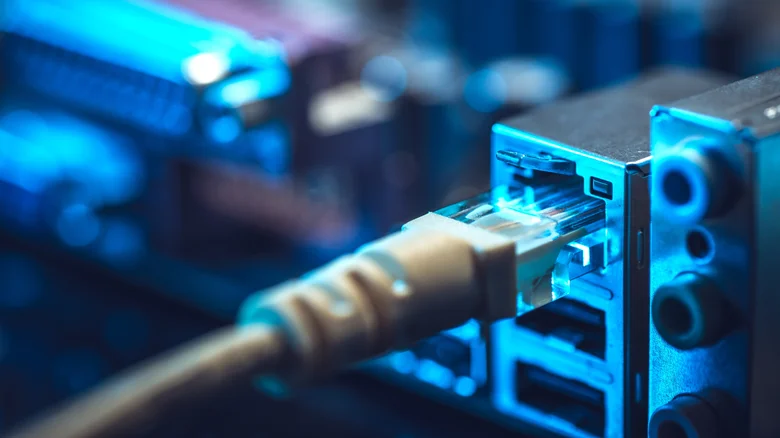
“Wired” covers several different technologies, so it doesn’t automatically mean faster. A strong 5G home connection can outperform an old DSL service. Fiber sets a much higher performance ceiling, and modern cable can also deliver fast download speeds.
Opensignal’s April 2026 US analysis provides some useful real-world context. Among subscribers who bought both home broadband and mobile service from the same provider, those using fiber or cable for home broadband experienced higher average download speeds than those using fixed wireless. The difference was much smaller in its Consistent Quality measurement, which considers factors like speed, latency, jitter and packet loss. In other words, fixed wireless can provide a competitive everyday experience even when it trails wired technologies on raw speed.
Current fixed-wireless plans also show why the category shouldn’t be dismissed as slow. T-Mobile says its Rely Home Internet customers typically see download speeds of 170 to 354 Mbps and uploads of 12 to 55 Mbps. AT&T Internet Air lists typical speeds of 90 to 300 Mbps down and 8 to 30 Mbps up. Verizon’s figures vary more widely by plan and network type: its current 5G Home Internet disclosures range from typical downloads of 25 to 85 Mbps on some mid-band plans to 300 to 1,000 Mbps on its fastest high-band 5G Home Ultimate option. None of those numbers are guaranteed, since fixed-wireless performance can change with location, signal conditions and network demand.
That variability is one of the practical differences to consider. Fixed wireless depends on the radio connection at your particular home’s location and the capacity available on the network. Fiber and cable don’t rely on a cellular signal reaching your gateway, although wired networks can still experience congestion, equipment problems and outages.
At the other end of the scale, wired broadband can reach speeds well beyond current fixed-wireless plans. Verizon, for example, introduced a 5Gbps Fios plan in select locations in 2026. You probably don’t need anything close to 5Gbps, but the example shows why comparing “wired” and “wireless” as two uniform products can be misleading.
5G home internet can be simpler to set up
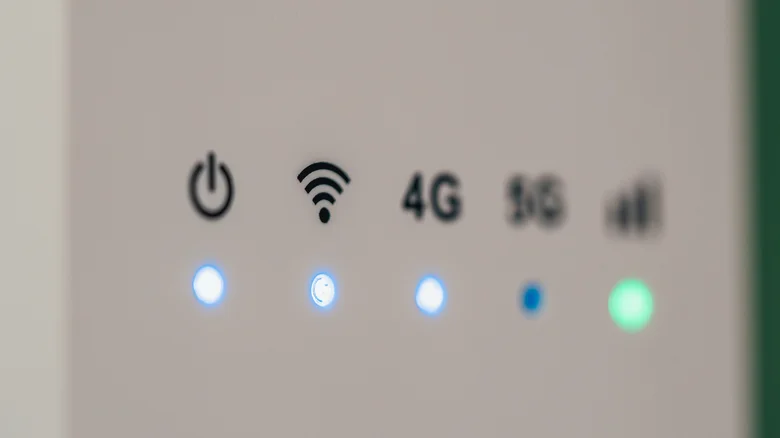
Fixed wireless has a practical advantage: it can usually be self-installed. Instead of waiting for a new cable or fiber line on the property and a technician visiting your home, you can often set up the provider’s gateway yourself and find a spot where it receives a good signal.
Plan terms can be attractive too, but they depend on the provider rather than the underlying technology. For example, T-Mobile’s current Rely plan includes unlimited data, has no yearly contract and carries no early termination fee. Those aren’t universal features of 5G home internet, but are good examples of why it pays to compare the complete plan rather than speed alone.
Also, availability can make the decision for you. A provider needs the right wired infrastructure to serve your address with fiber, cable or DSL, while fixed wireless depends on whether the carrier has enough coverage and network capacity at your location. Having 5G service on your phone at home doesn’t guarantee that 5G home internet will be offered at your address.
A useful place to start is the FCC National Broadband Map. Entering an address shows which providers report offering service there, whether they use fiber, cable, DSL or fixed wireless, and their maximum advertised download and upload speeds. The FCC notes that the map shows reported availability and advertised speeds, not actual network performance or affordability.
From there, compare the plans you can actually buy. Check expected download and upload speeds, latency, the full monthly price, equipment or installation charges, data limits and what happens when any promotional pricing ends. For fixed wireless, a trial period is especially useful because the quality of the cellular connection can vary from one address to another.
If competitively priced fiber reaches your home, that’s generally the best mix of affordability, performance and speed. But if your wired alternatives are slow, expensive or inconvenient to install, a good fixed-wireless connection can be superior to choosing a physical cable simply because it’s wired.
