Close Menu
MyAppsPlus

    Subscribe to Updates

    Get the latest creative news from FooBar about art, design and business.

    What's Hot

    Apple’s 2026 AirPods Max 2 are $100 off at Amazon, or grab a refurb set at $220 off

    September 13, 2026

    Software-Defined Defence Satellites Market Size, Share & Forecast 2036

    September 13, 2026

    Android System Services Blackout Issue: Mid-September 2026

    September 13, 2026
    Facebook X (Twitter) Instagram
    Facebook X (Twitter) Instagram
    MyAppsPlusMyAppsPlus
    Sunday, September 13
    • Home
    • Breaking Tech
    • Apps & Software
    • AI & Automation
    • Android
    • iPhone & iOS
    • More
      • Reviews
      • How-To Guides
      • Deals & Discounts
      • Shop
    MyAppsPlus
    Home»Reviews»The one Fire TV setting you need to change right now to instantly boost performance
    Reviews

    The one Fire TV setting you need to change right now to instantly boost performance

    myappsplusBy myappsplusSeptember 3, 2026003 Mins Read
    Share Facebook Twitter Pinterest Copy Link LinkedIn Tumblr Email Telegram WhatsApp
    Follow Us
    Google News Flipboard
    The one Fire TV setting you need to change right now to instantly boost performance
    Share
    Facebook Twitter LinkedIn Pinterest Email Copy Link

    My Fire Stick had become painfully slow. Every time I opened it, scrolling felt sluggish and content took forever to load. I assumed the device was aging poorly or needed replacement.

    Before investing in a new one, I decided to dig into the settings. What I discovered was surprising: a single feature was consuming bandwidth in the background and dragging everything down. To my surprise, disabling it immediately improved performance.

    If your Fire Stick feels sluggish, this is likely your problem too.

    The hidden cost of Fire Stick autoplay

    Fire Stick’s home screen plays preview clips automatically as you browse. These videos begin loading before you press play, which sounds harmless but creates problems.

    This resource competition can make the entire interface feel slow and unresponsive.

    Autoplay forces your device to constantly process heavy video data right up until the moment you select a movie, monopolizing your system’s limited memory and processing power.

    This resource competition can make the entire interface feel slow and unresponsive. The previews also consume internet data even when you’re not actively watching them, adding unnecessary usage to your connection.

    Disabling this feature frees up system resources immediately, allowing your device to focus entirely on the content you actually want to view. The impact on speed is noticeable from the get-go.

    Disable autoplay in three easy steps

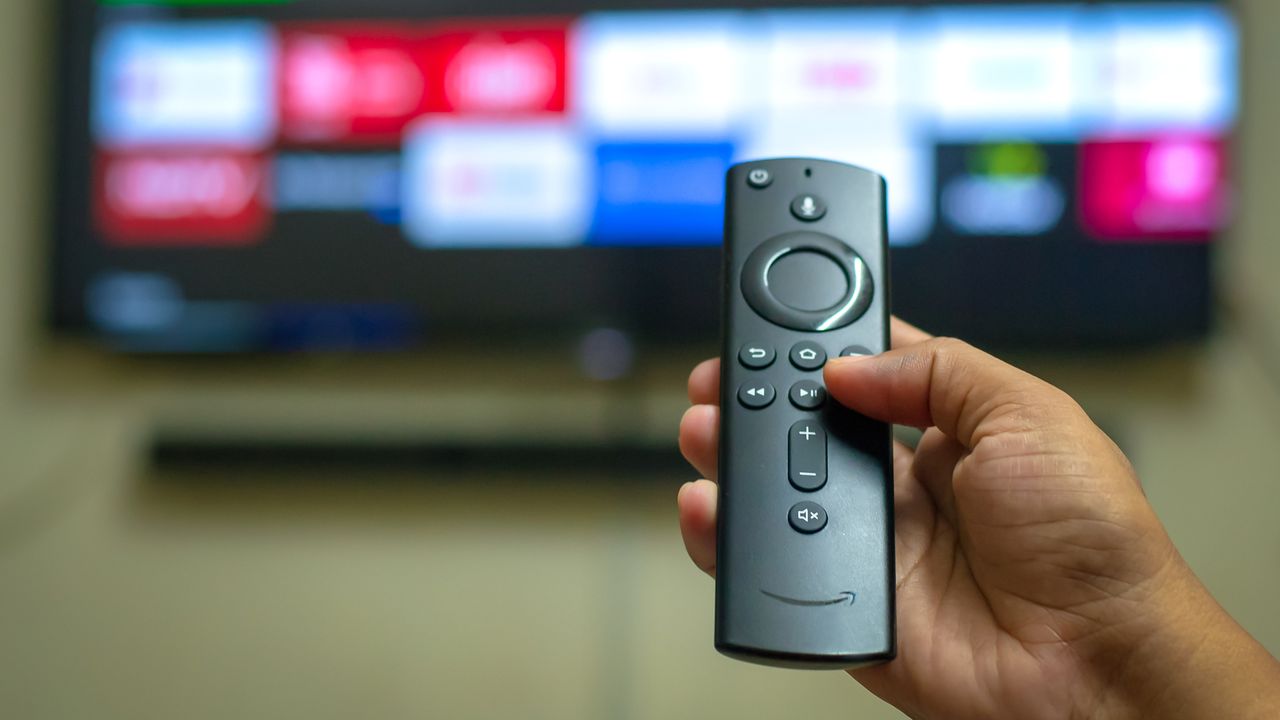
    Press Home on your Fire Stick remote to reach the main screen. Navigate to Settings and select Preferences, then find Featured Content in the menu.

    Toggle off both “Allow Video Autoplay” and “Allow Audio Autoplay.”

    Once you return to your home screen and scroll through, you’ll immediately notice the difference. Navigation feels faster and content loads more quickly. The responsiveness improves because your device stops juggling multiple streams in the background.

    This single setting change often resolves the sluggishness that makes people think their Fire Stick is dying. It’s one of the most common causes of performance issues, regardless of model.

    Additional speed improvements (if needed)

    If disabling autoplay doesn’t fully resolve the slowness, try a soft reboot. Press Select and Play/Pause simultaneously on your remote. This restarts the device without losing your settings or account information.

    If that doesn’t help, disconnect your Fire Stick from power for 10 seconds, then plug it back in. The brief power cycle can clear temporary glitches.

    Also, check for software updatesby going to Settings and looking for available updates. Outdated firmware can cause performance issues that updates address.

    These additional steps rarely become necessary after disabling autoplay, but they’re worth trying if your device remains sluggish.

    • I discovered this Fire TV stick feature by accident — and it’s a game-changer
    • Your Fire TV Stick has an expiration date — here’s when support ends
    • Is your Fire TV acting up? Here’s exactly how I fixed mine in under a minute
    Entertainment Fire setting Streaming Streaming Devices
    Follow on Google News Follow on Flipboard
    Share. Facebook Twitter Pinterest LinkedIn Tumblr Email Copy Link
    myappsplus
    • Website

    Related Posts

    I ran 40 miles in the Saucony Triumph 24 and it’s a return to form for the popular cushioned running shoe

    September 13, 2026

    How to watch Rangers vs Celtic for FREE: Live streams and TV channels for Scottish League Cup 2026/27 quarter-final

    September 13, 2026

    3 best psychological thriller movies on Prime Video you (probably) haven’t seen

    September 13, 2026
    Add A Comment
    Leave A Reply Cancel Reply

    Top Posts

    The 6 AI-free Linux distros I recommend most

    August 19, 20264 Views

    AI, automation, robot dogs ensure on-site nuclear safety

    September 7, 20262 Views

    This tiny AI box could save me from upgrading my perfectly good laptop

    September 6, 20262 Views
    Latest Reviews

    Why Fluper is the No.1 Mobile App Development Company in the UAE, Saudi Arabia, and the Middle East.

    myappsplusAugust 18, 2026

    How New Kuwait And Indonesia Tech Deals At Baker Hughes (BKR) Have Changed Its Investment Story

    myappsplusAugust 18, 2026

    Google is reportedly planning to move all Pixel production out of China

    myappsplusAugust 18, 2026
    Stay In Touch
    • Facebook
    • YouTube
    • TikTok
    • WhatsApp
    • Twitter
    • Instagram

    Subscribe to Updates

    Get the latest tech news from FooBar about tech, design and biz.

    Most Popular

    Why Fluper is the No.1 Mobile App Development Company in the UAE, Saudi Arabia, and the Middle East.

    August 18, 20260 Views

    How New Kuwait And Indonesia Tech Deals At Baker Hughes (BKR) Have Changed Its Investment Story

    August 18, 20260 Views

    Google is reportedly planning to move all Pixel production out of China

    August 18, 20260 Views
    Our Picks

    Apple’s 2026 AirPods Max 2 are $100 off at Amazon, or grab a refurb set at $220 off

    September 13, 2026

    Software-Defined Defence Satellites Market Size, Share & Forecast 2036

    September 13, 2026

    Android System Services Blackout Issue: Mid-September 2026

    September 13, 2026

    Subscribe to Updates

    Subscribe to our newsletter and get the latest tech news, app updates, AI trends, smartphone reviews, and exclusive deals delivered straight to your inbox.

    Facebook X (Twitter) Instagram Pinterest
    • About Us
    • Get In Touch
    • Disclaimer
    • Privacy Policy
    • Terms & Conditions
    © 2026 MyAppsPlus. All Rights Reserved.

    Type above and press Enter to search. Press Esc to cancel.