

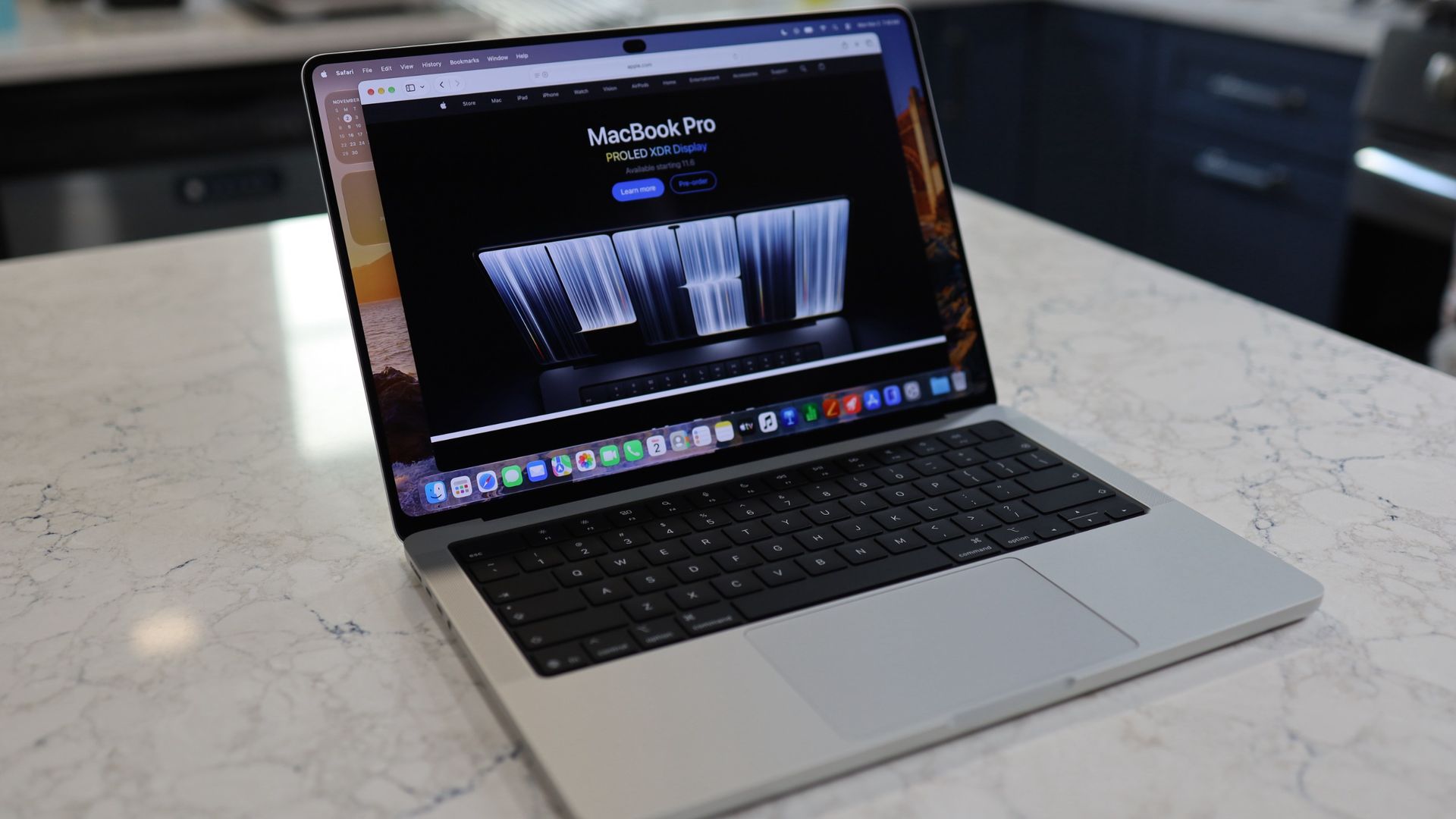
It wasn’t until I unboxed the all-new touchscreen MacBook Pro that I understood the enormity of what Apple had done. They’d told me it was now a 3lb system that was both thinner and smaller than the MacBook Pro M5 (and the recently released M6 model), but it wasn’t until I put the new laptop next to the M5 and then compared it to the MacBook Air M5 that I knew Apple had changed its laptop game.
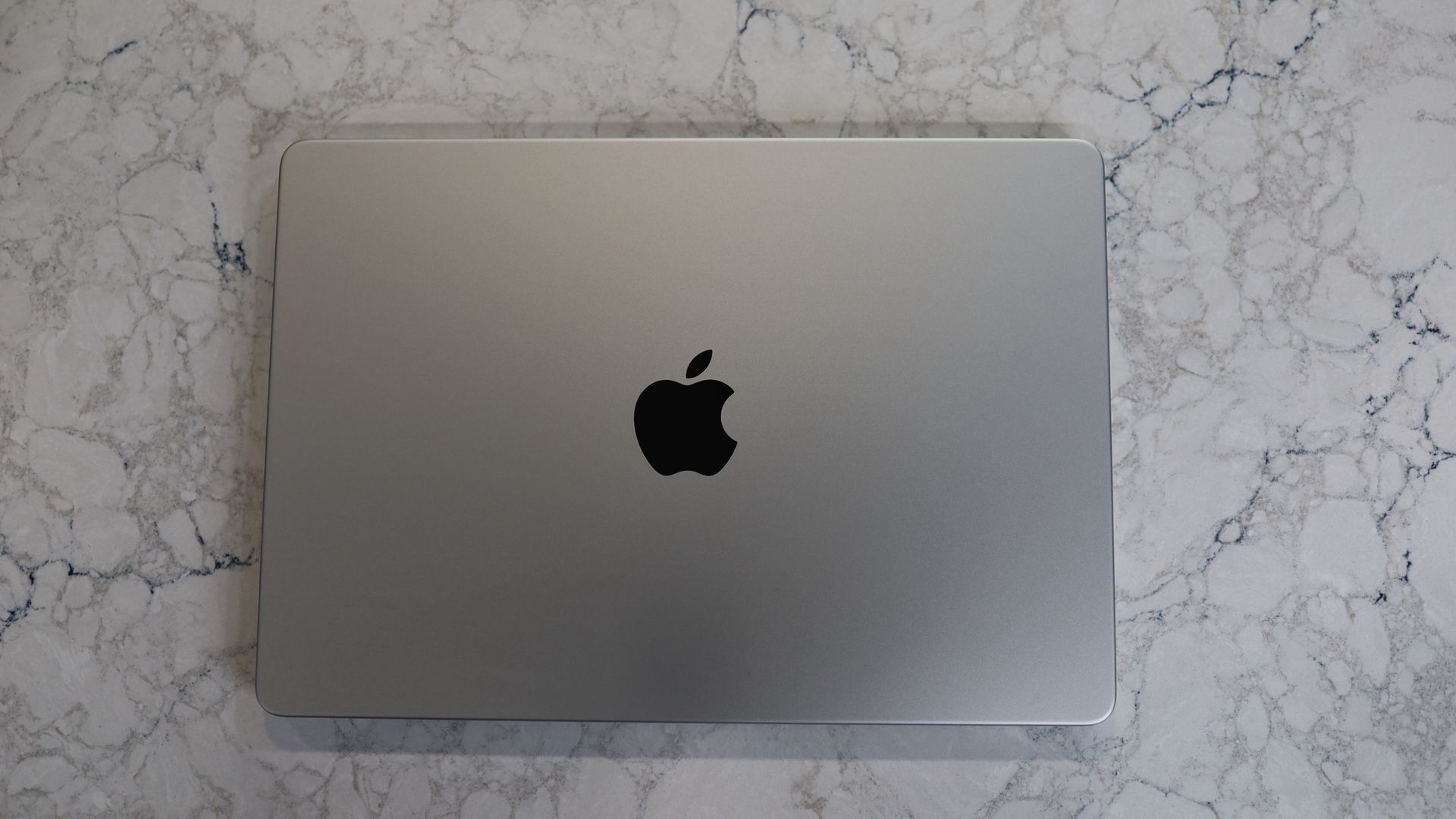
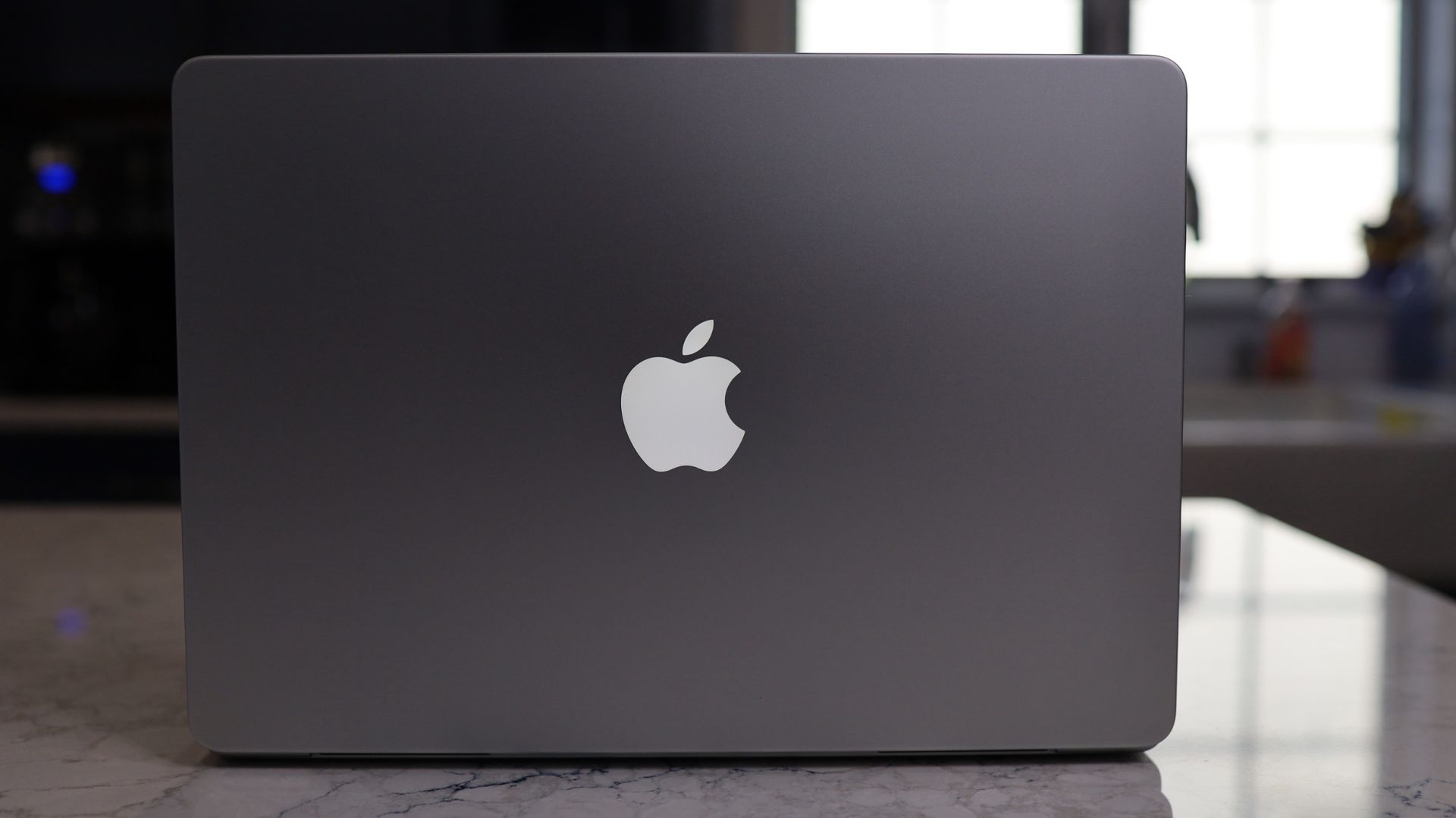
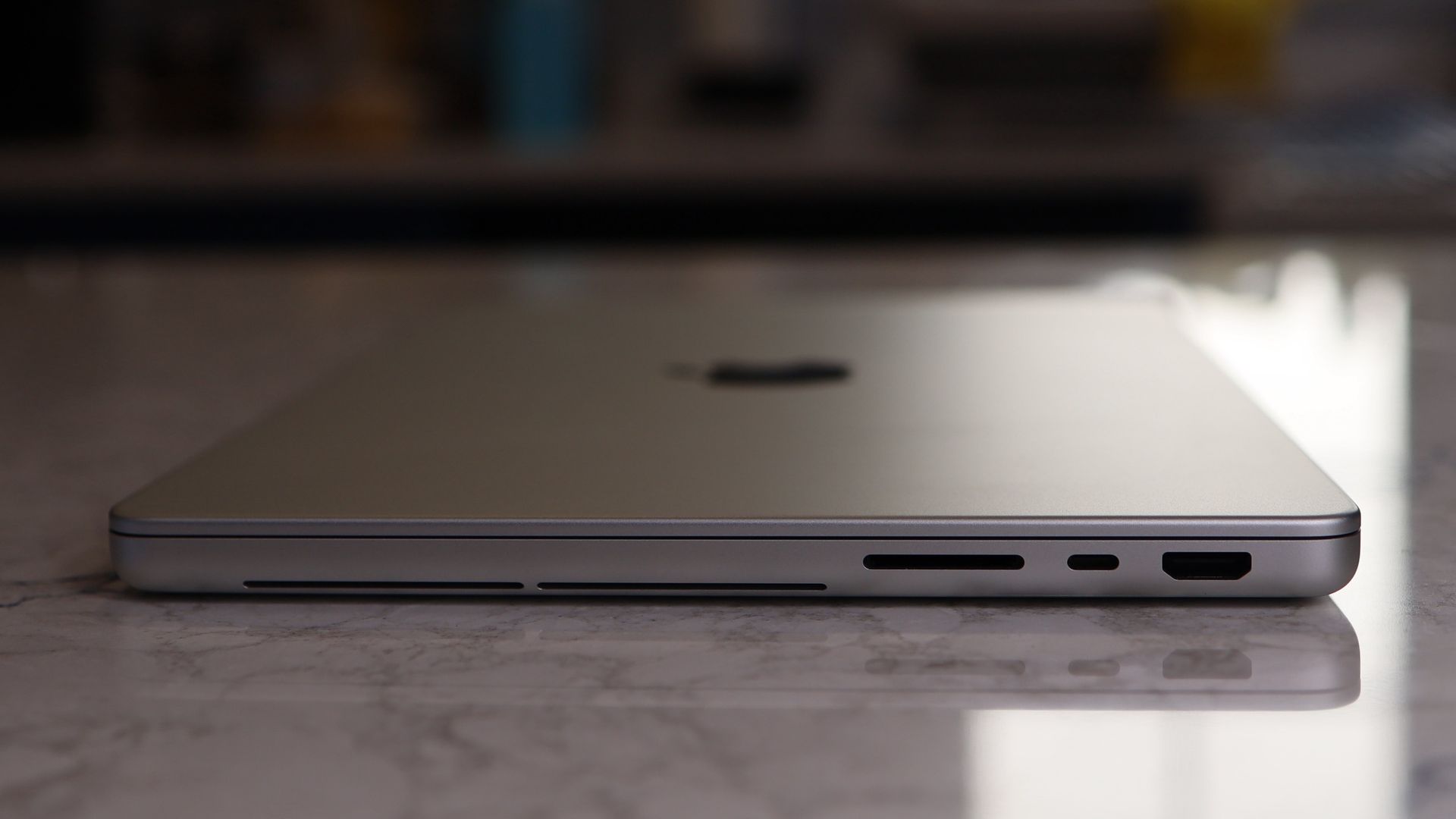
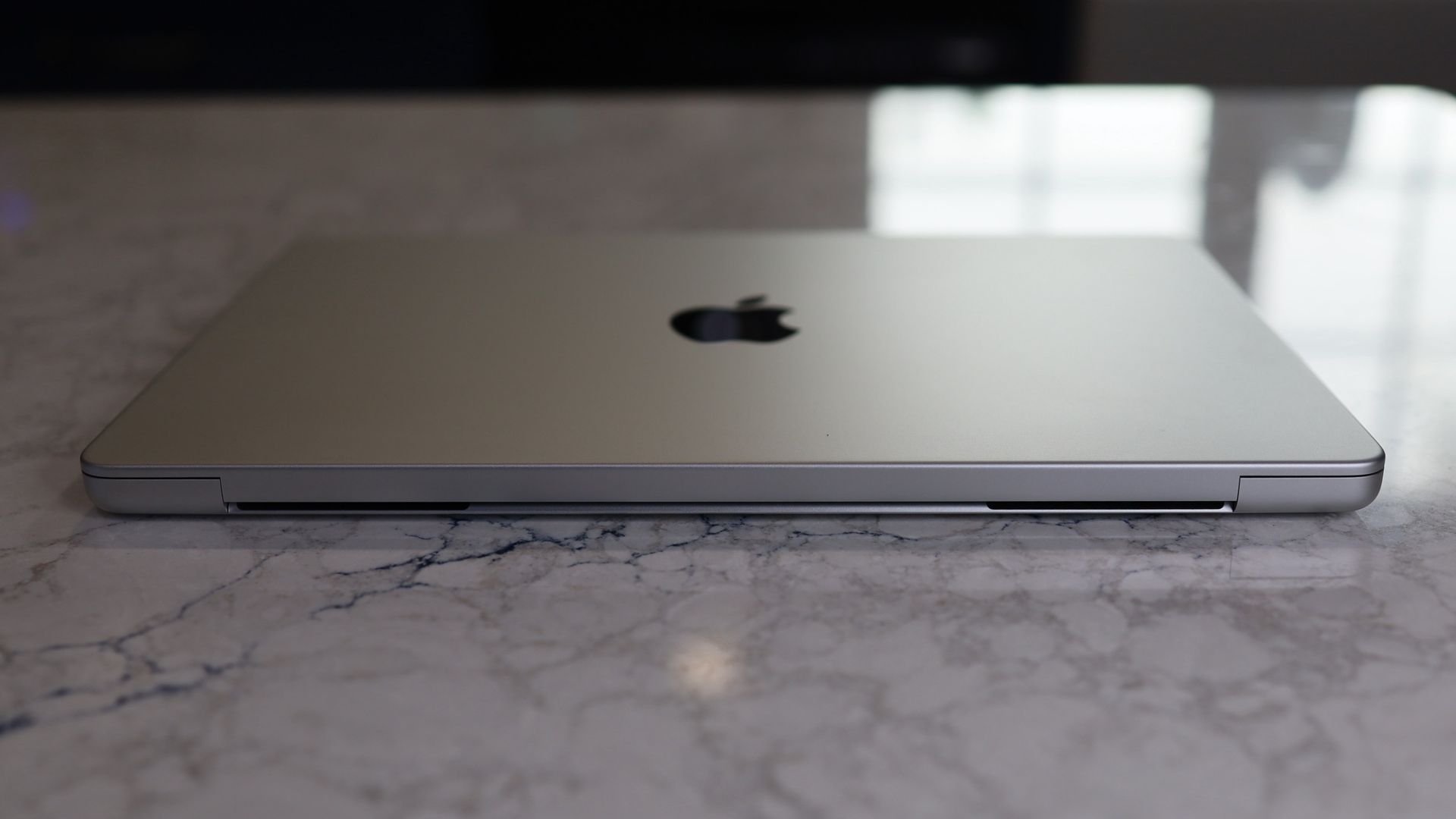
Here’s what you should know about me: I hate a heavy backpack. That’s one of the reasons I carried a Microsoft Surface Pro for a decade and have now carried a succession of excellent MacBook Air laptops for the last few years. At 2.7 lbs, it’s light enough to be mostly unnoticeable in my backpack, and since the M-class Apple silicon chips, Apple has packed in more than enough power for my needs.
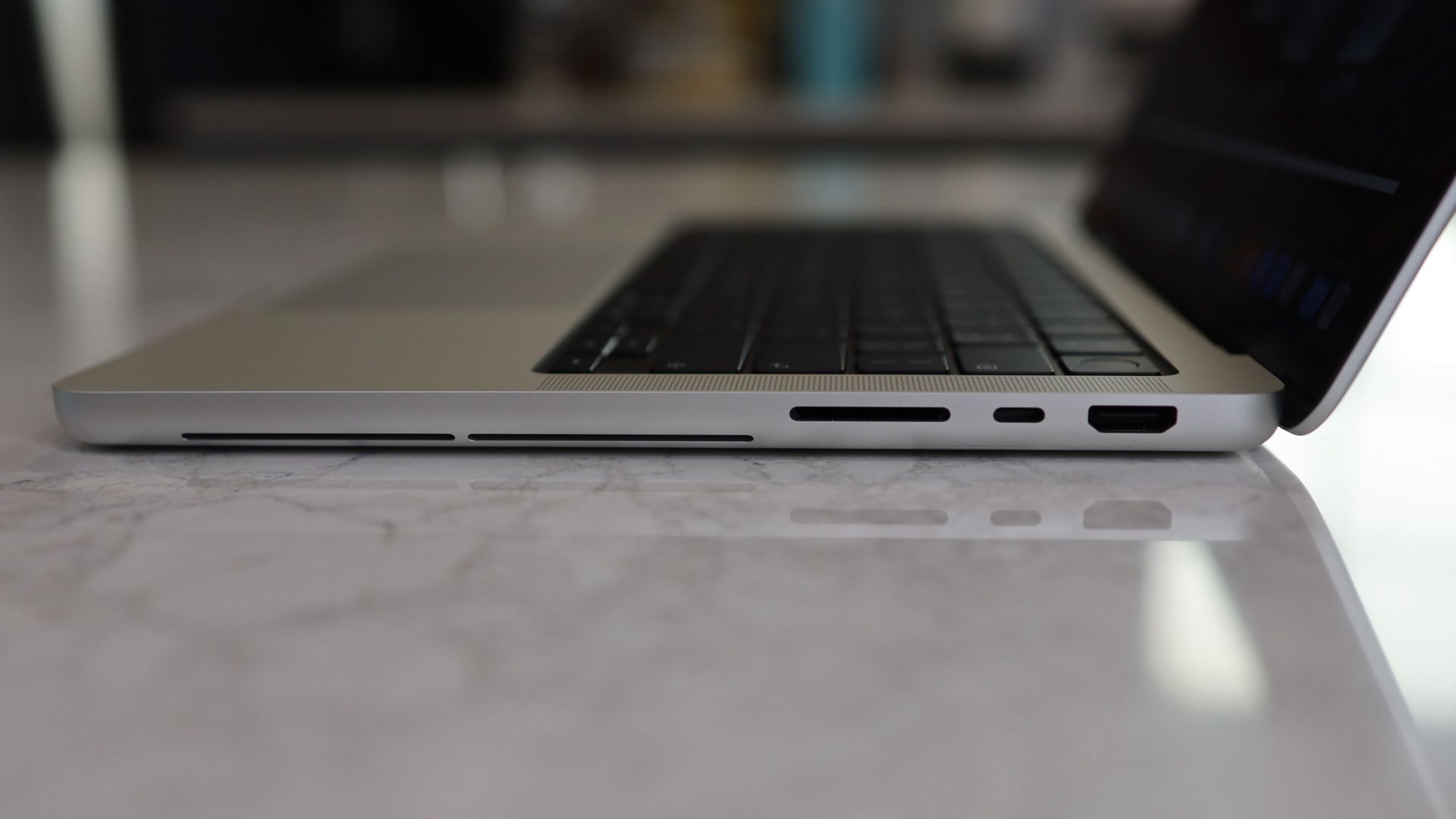
The new Touchscreen MacBook shrinks the traditional Pro chassis by a full half pound. That’s right, it’s now just 0.3 pounds heavier than my MacBook Air. It’s not just the weight. Overall bulk — despite a larger (and also in part because of) PROLED XDR display — is not much more than the Air.
- Height: 0.44 inch
- Width: 11.97 inches
- Depth: 8.46 inches
MacBook Pro PROLED XDR Display 14-inch
- Height: 0.59 inch
- Width: 12.24 inches
- Depth: 8.52 inches
Obviously, the touchscreen MacBook Pro is fractionally larger in every dimension, but it no longer feels like a bulky, heavy Pro system.
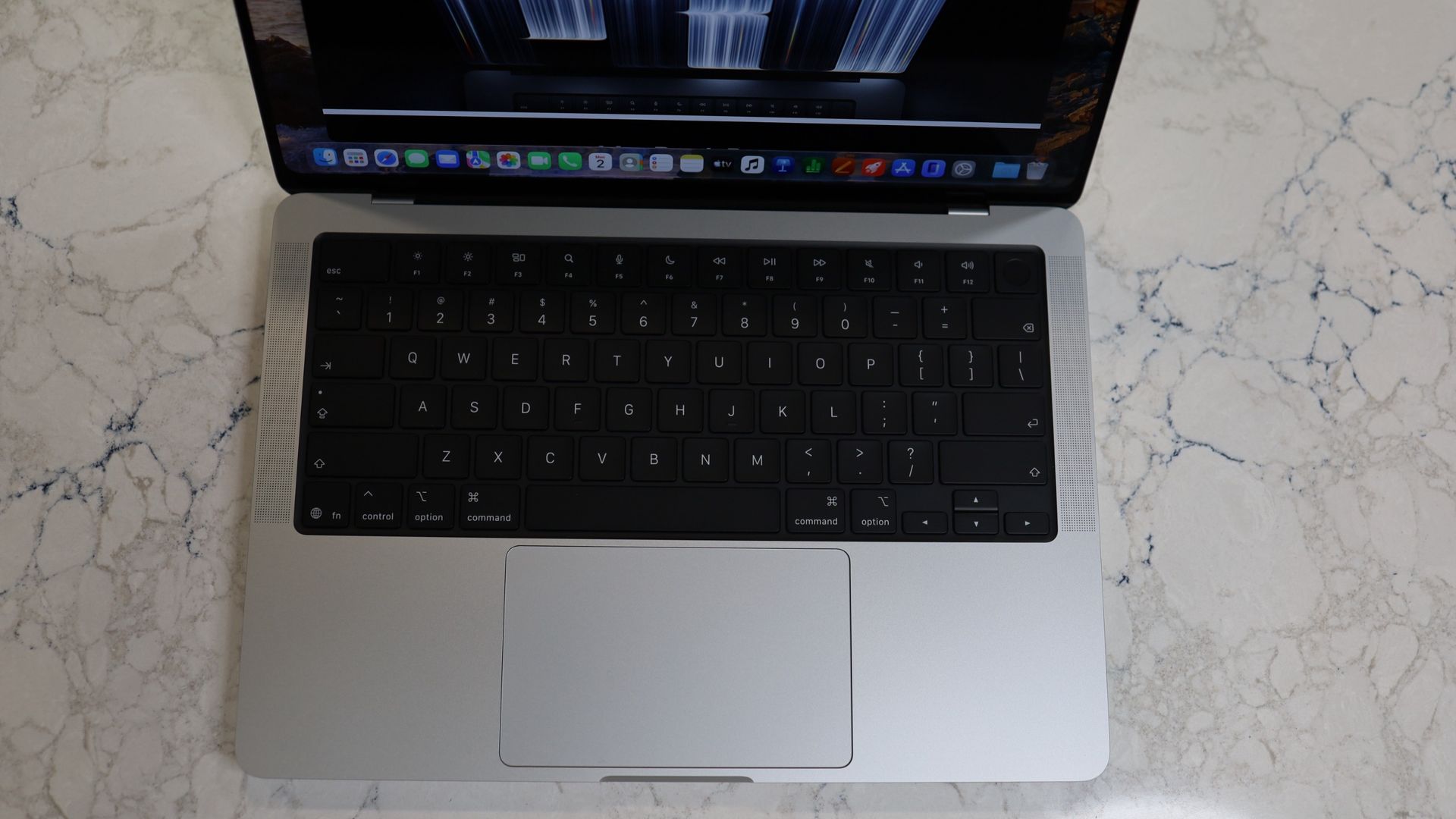
Apple’s ability to shrink this powerful laptop’s dimensions — while leaving ports, keyboard, trackpad, and speakers virtually untouched and oh-so-familiar — comes down, in large part, to the new tandem OLED display, which is considerably thinner than the M6’s mini-LED-based Liquid Retina Display.
It’s also wholly redesigned, stretching far deeper on the cover than the Liquid Retina panel on the traditional MacBook Pro. That extra depth is how Apple almost magically fits a 14.2-inch display on a smaller chassis.
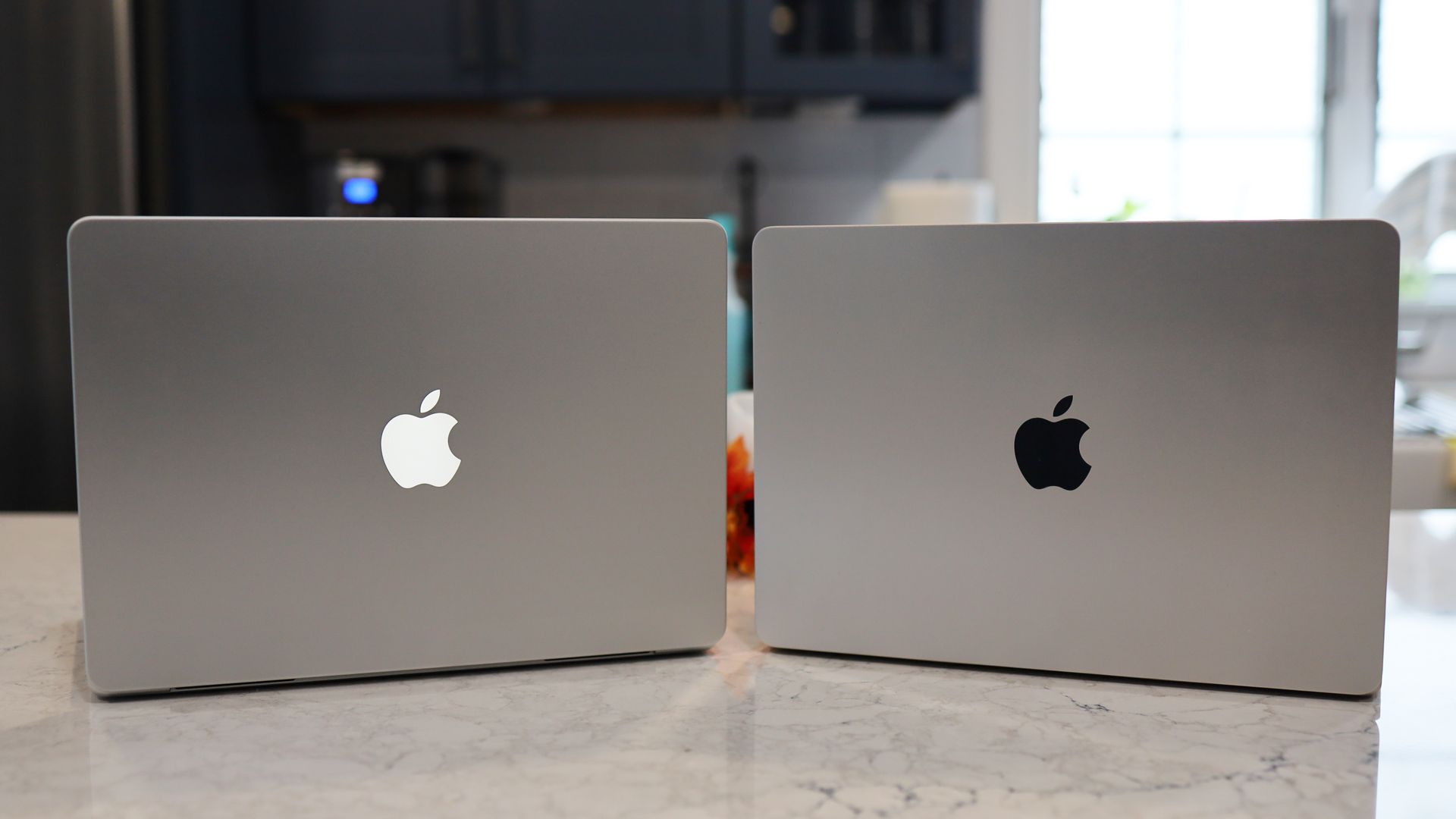
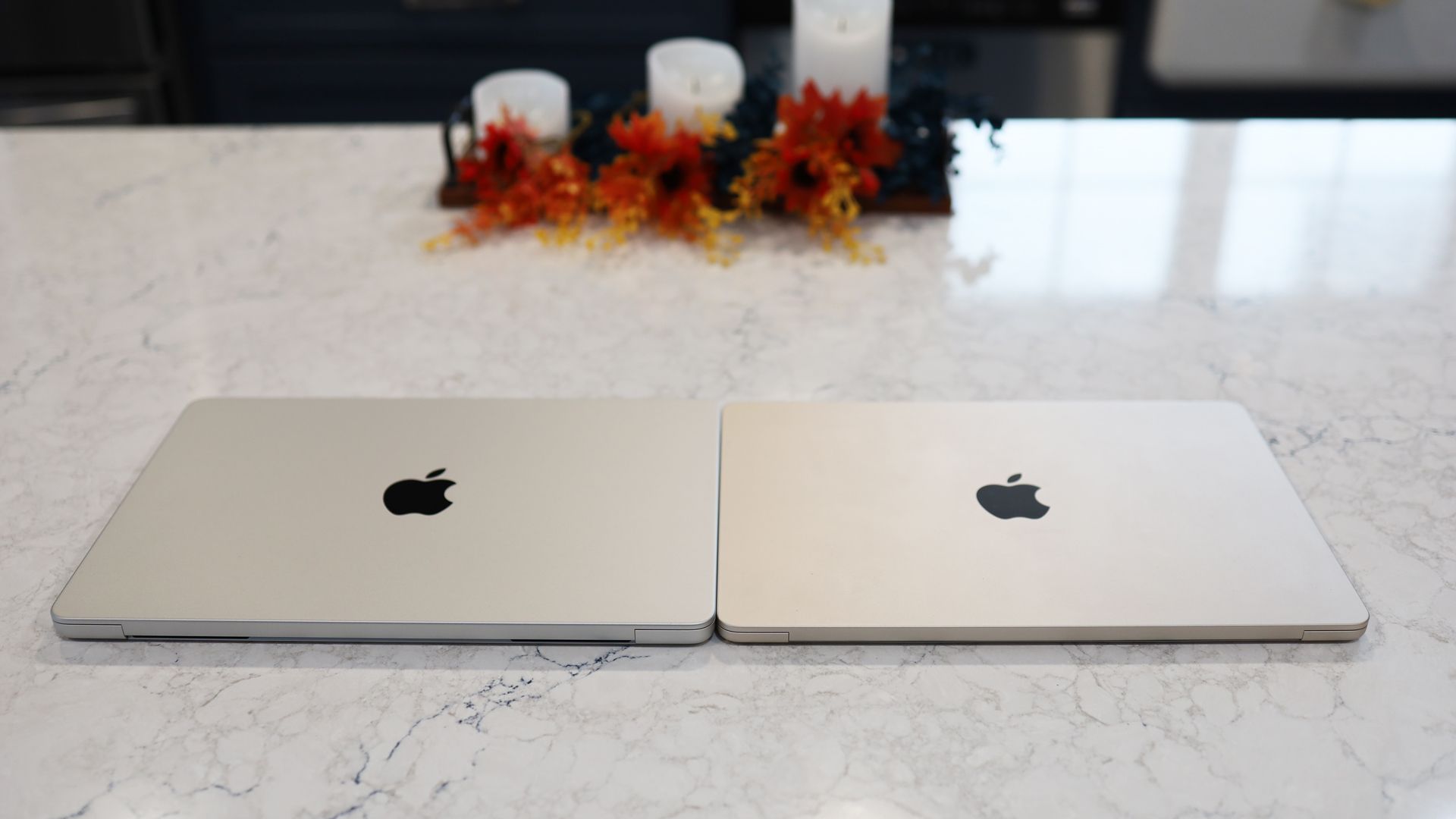
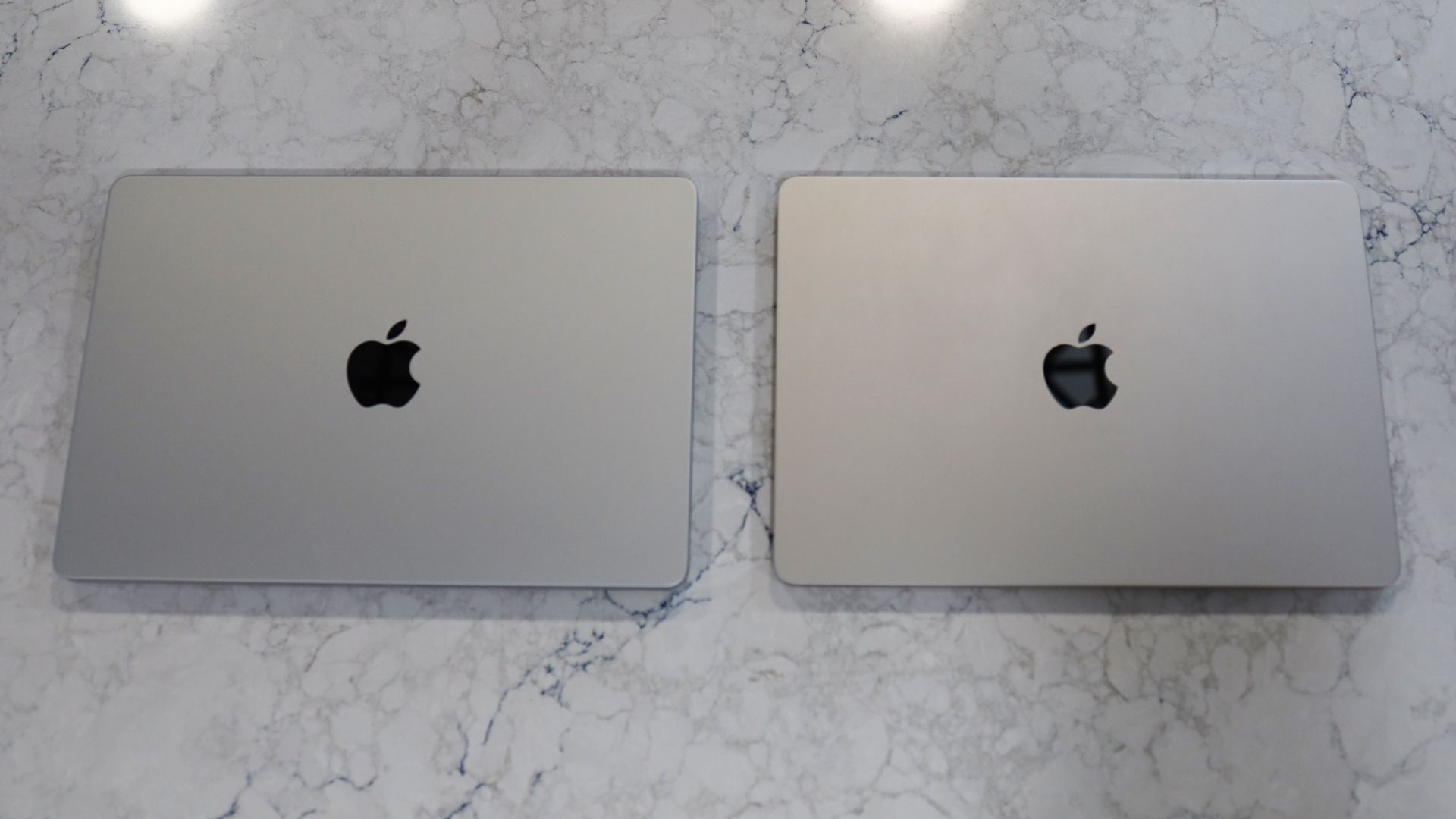
Perhaps you can see where I’m going: By shrinking its most powerful portable (with a touchscreen, no less), Apple is, whether purposefully or not, introducing some buying confusion. A MacBook Pro is officially nearly ultra-portable territory.
Obviously, the price and power disparity is what will now cleave consumers one way or the other. The MacBook Air 13-inch M5 starts at $1,099 / £1,099 / AU$1,799 with 16GB of RAM, a 10-Core CPU, 8-Core GPU, and 512GB of storage. The 14-inch MacBook Pro PROLED XDR Display starts at $2,899 / £2,899 / AU$4,599, with a 15-Core M5 Pro, 16-Core GPU, 24GB of RAM, and 1TB of storage.
The difference is clear: this is a Pro-grade system, which has far more power than anyone looking at a MacBook Air-class system probably needs.
Still, with this new MacBook Pro, I think the MacBook Air’s portability advantage has been taken off the table.
The magic touch
Now, I’ve spent some time with a slightly juiced-up MacBook Pro PROLED XDR Display (M5 Pro with an 18-Core GPU, 20-Core GPU, 48GB of RAM, and 1 TB of storage for $3699) and have come to realize that aside from formidable, virtually endless power, it’s the remarkable screen that I now believe is set to change the trajectory of all Apple MacBooks.
I want to be clear: the ability to touch the MacBook Pro screen and manipulate data, content, screen views, desktops, and more is exciting. But I‘m not gonna lie, I’ve been struggling to figure out what it was made for. As I wrote when Apple unveiled the touchscreen MacBook Pro, I’m quite familiar with touchscreen systems and, when necessary, did touch my Surface Pro screen.
However, it’s becoming clear to me that as I use the MacBook Pro PROLED XDR Display system as my everyday driver, I don’t touch the display very often. Instead, I kept looking for reasons to touch the display.
There are apps where it’s fun to try, like the 3D-manipulating ZBrush, which lets me pull and push 3D models like a digital sculptor, and 3D scene-creating Cinema 4D (using my fingers to manipulate a 3D couch was harder than I thought it would be), but these are, at least not for me, everyday tools.
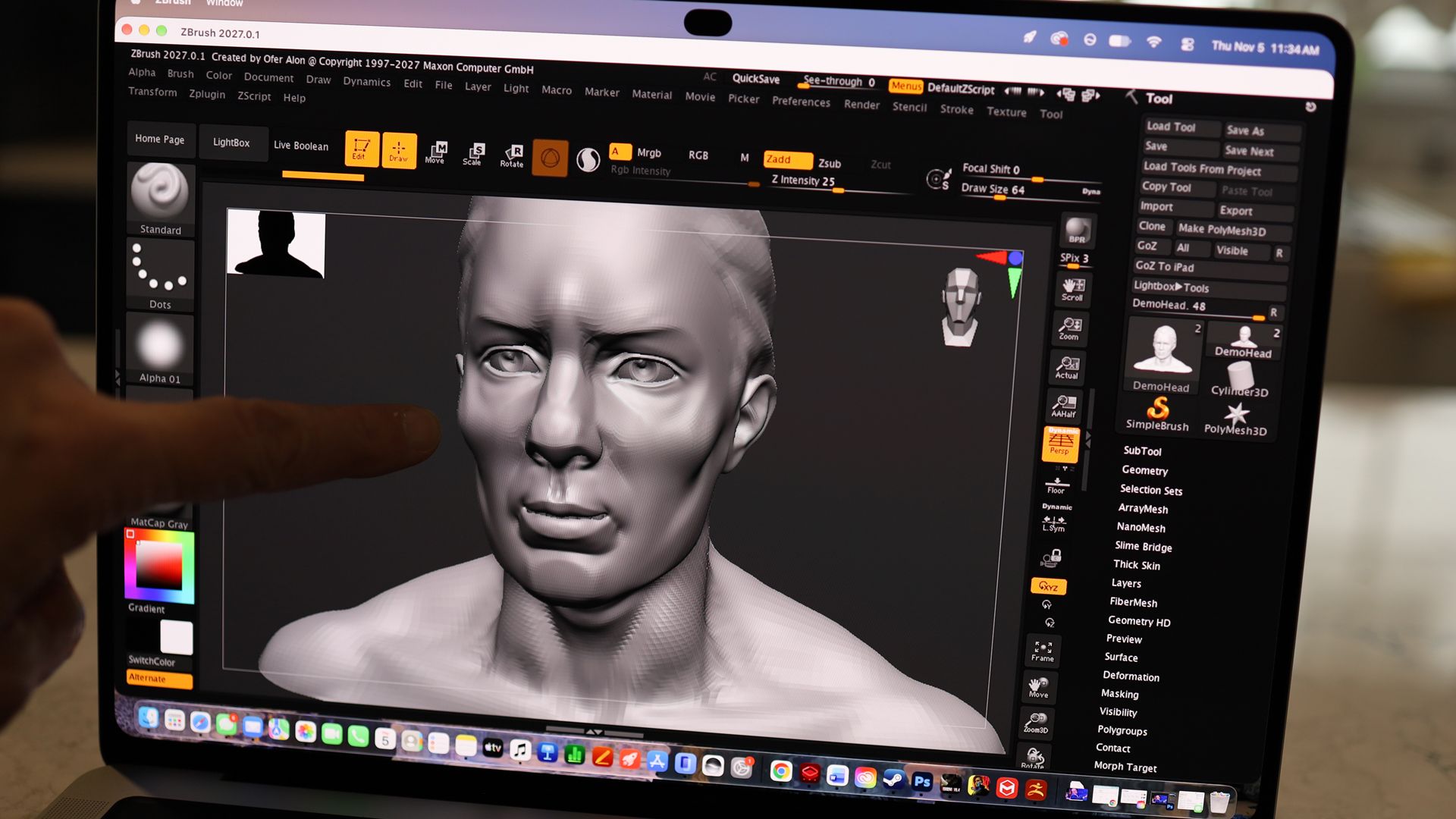
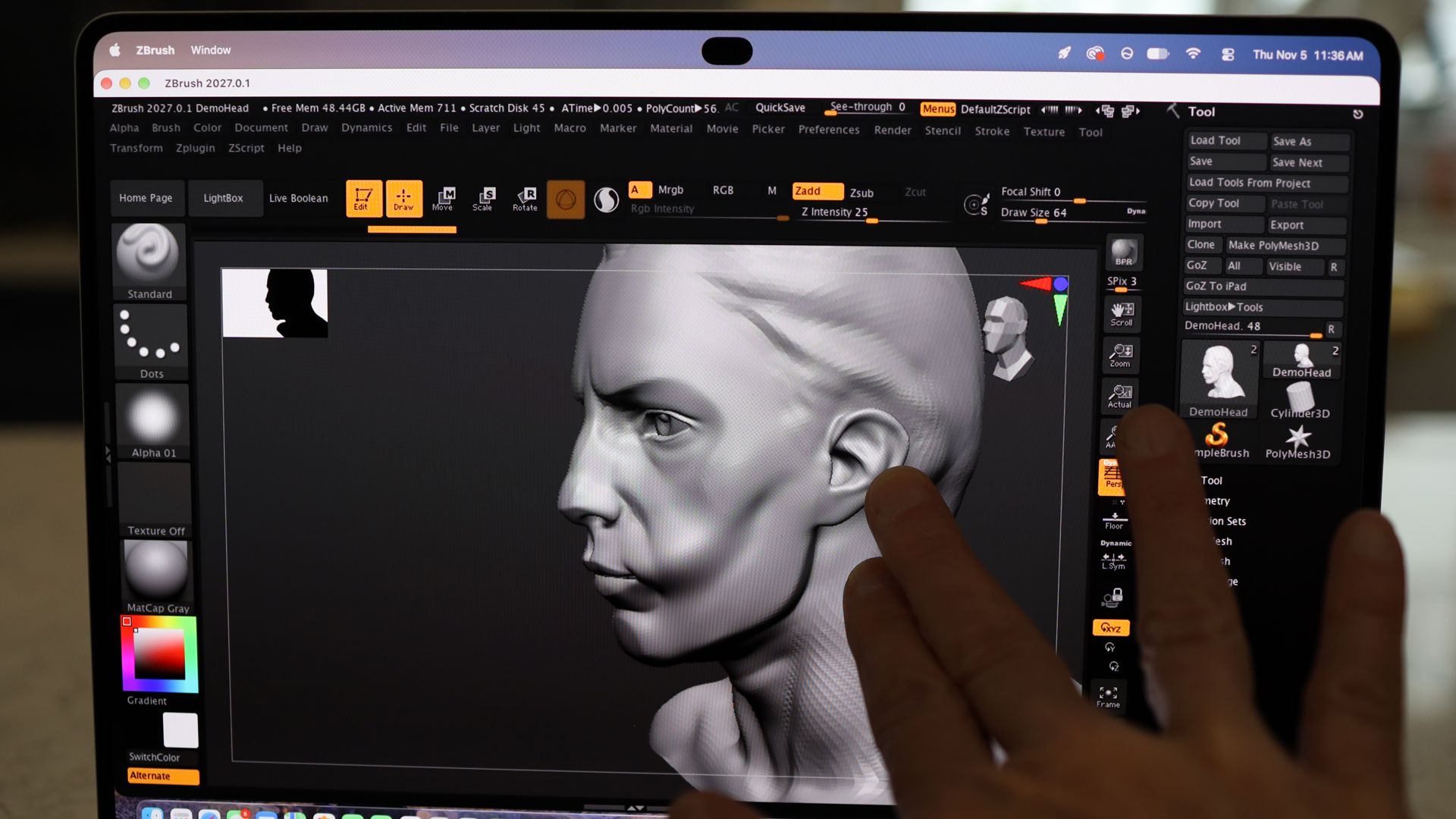
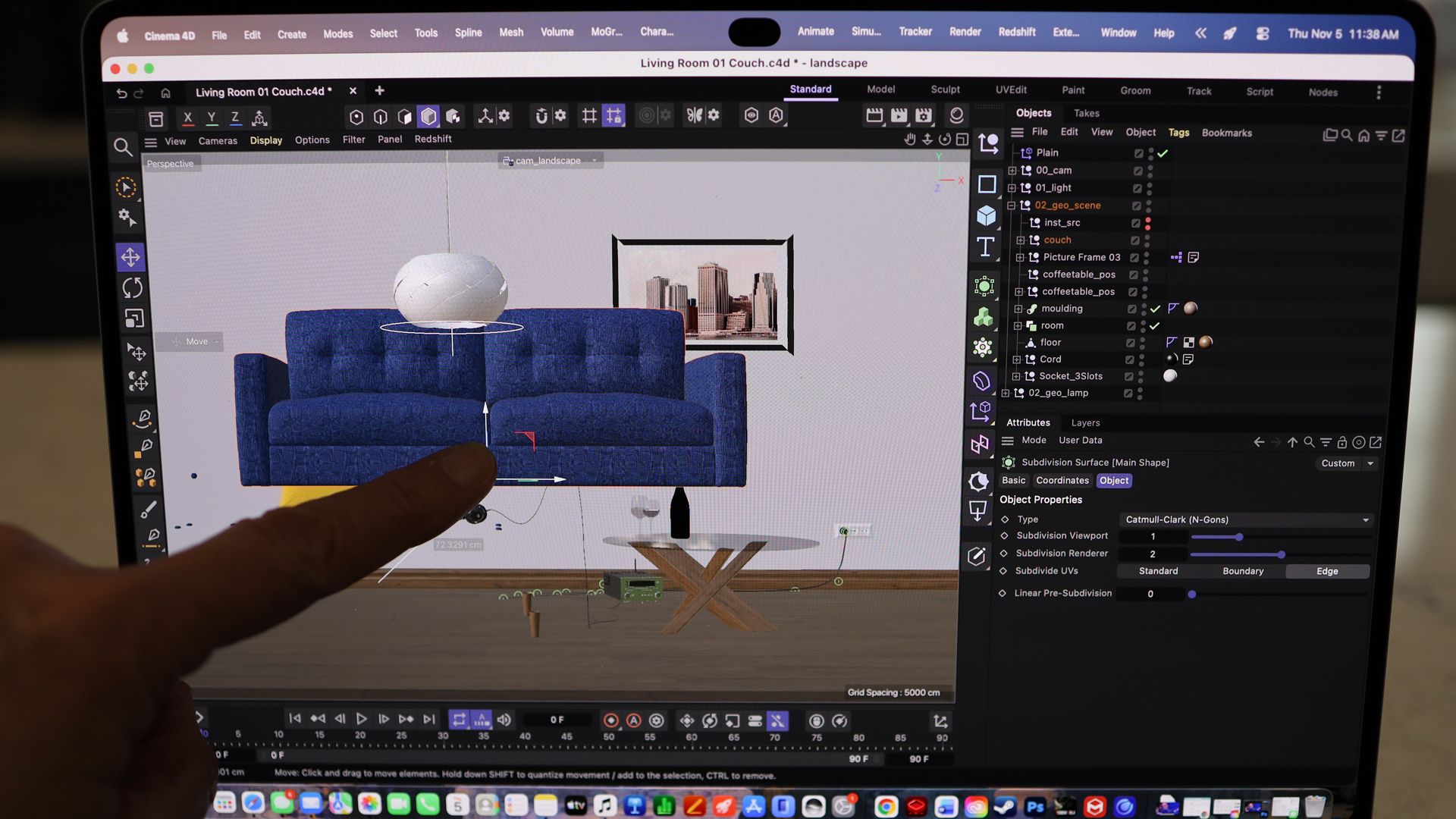
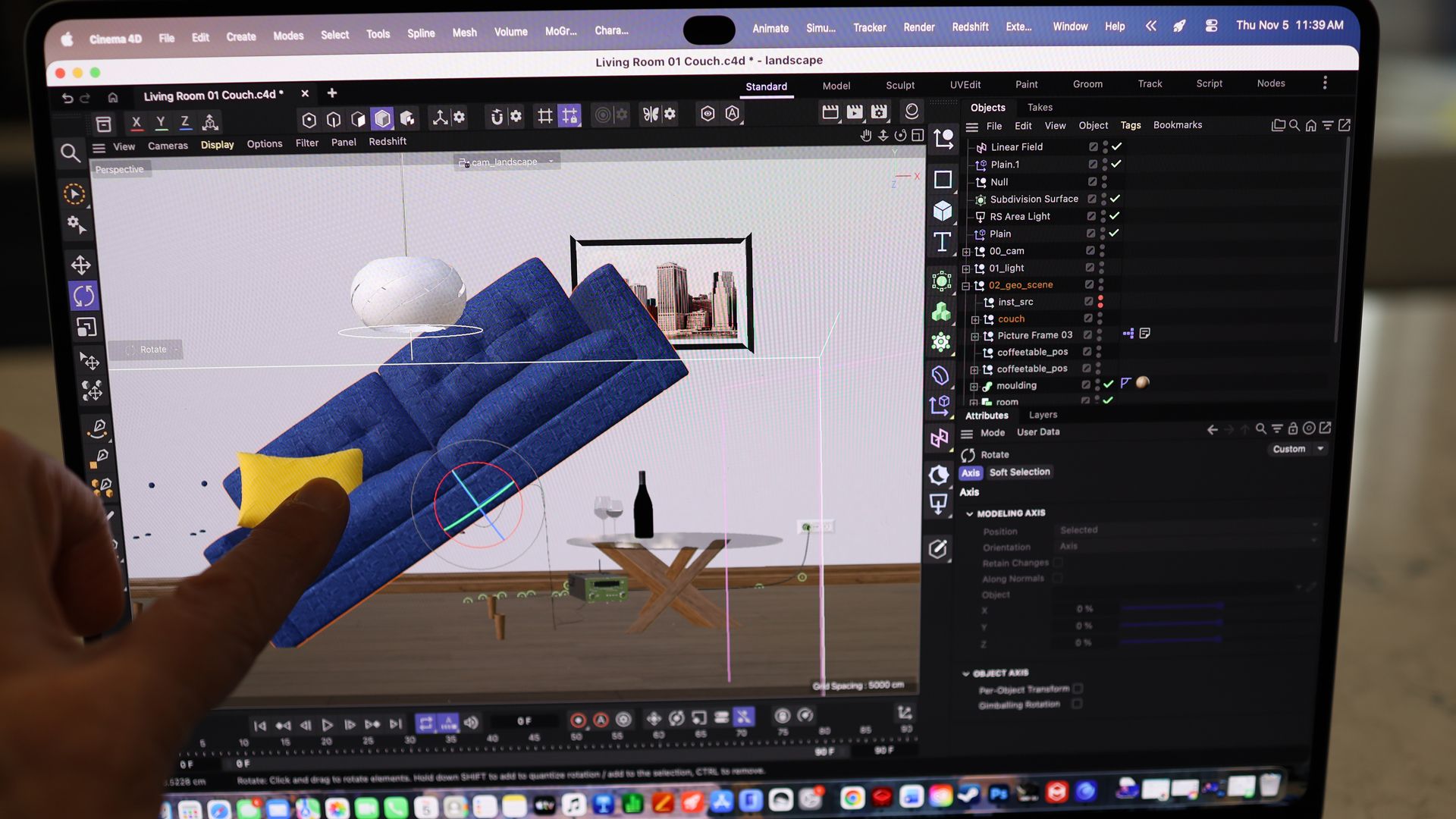
I fiddled with the laptop’s touchscreen to scroll through web pages, but I’m just as happy to use the giant Force Touch trackpad.
I take a lot of screen grabs by holding down Command/Shift/4 to launch the grabber, and I usually use the mouse to select the capture area. With the touchscreen, I could drag my finger diagonally across the screen to select a capture area. That was kind of cool, though not a game changer, and I’m fine with using the mouse.
I tried using my fingers to manipulate my Cyberpunk 2077 character, and it was a disaster. I kept accidentally drawing my weapon and blasting away at random strangers. I decided to stick with the mouse and trackpad. Side note: I ran all of these games and apps at once. This system is such a beast.
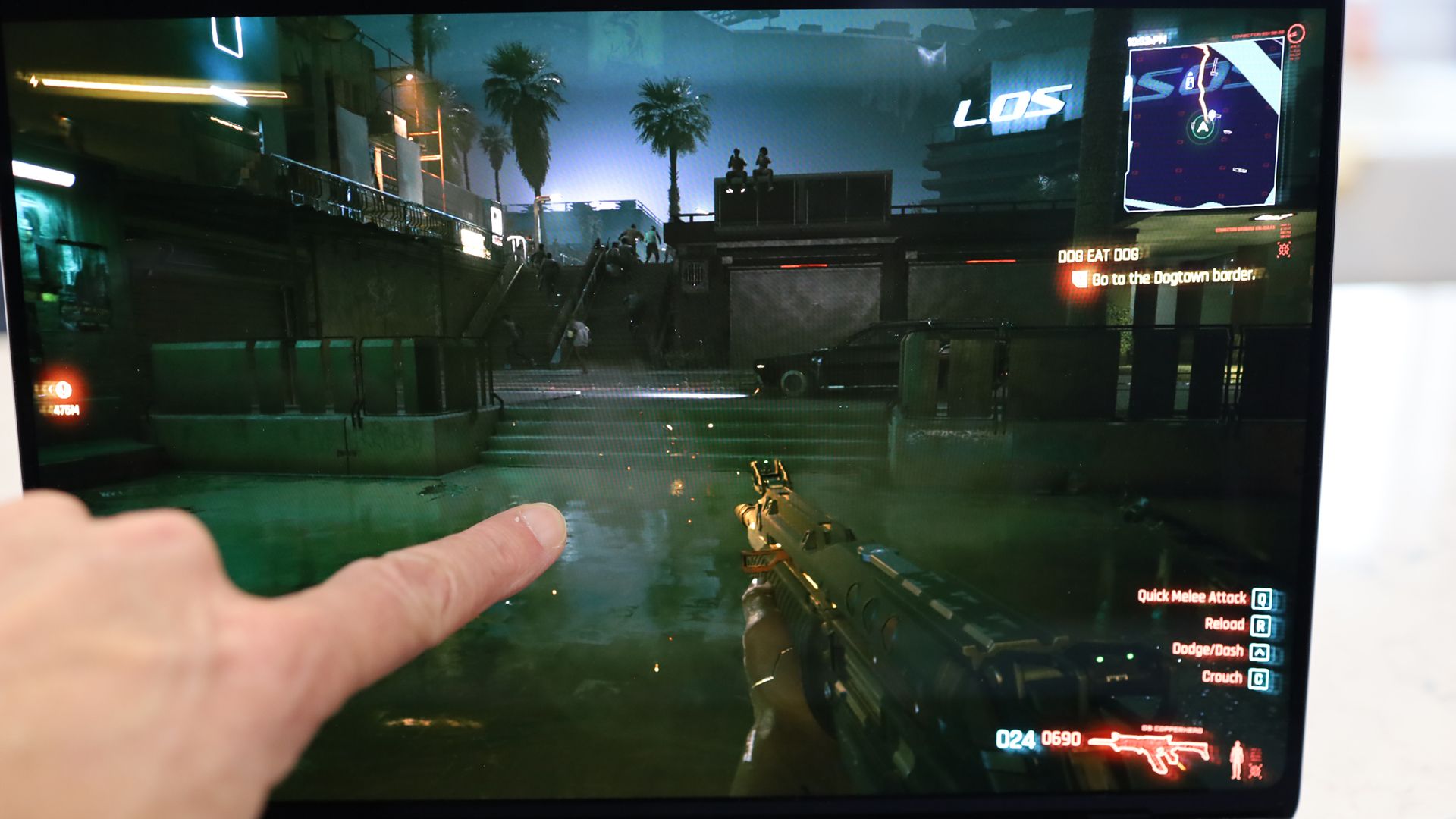
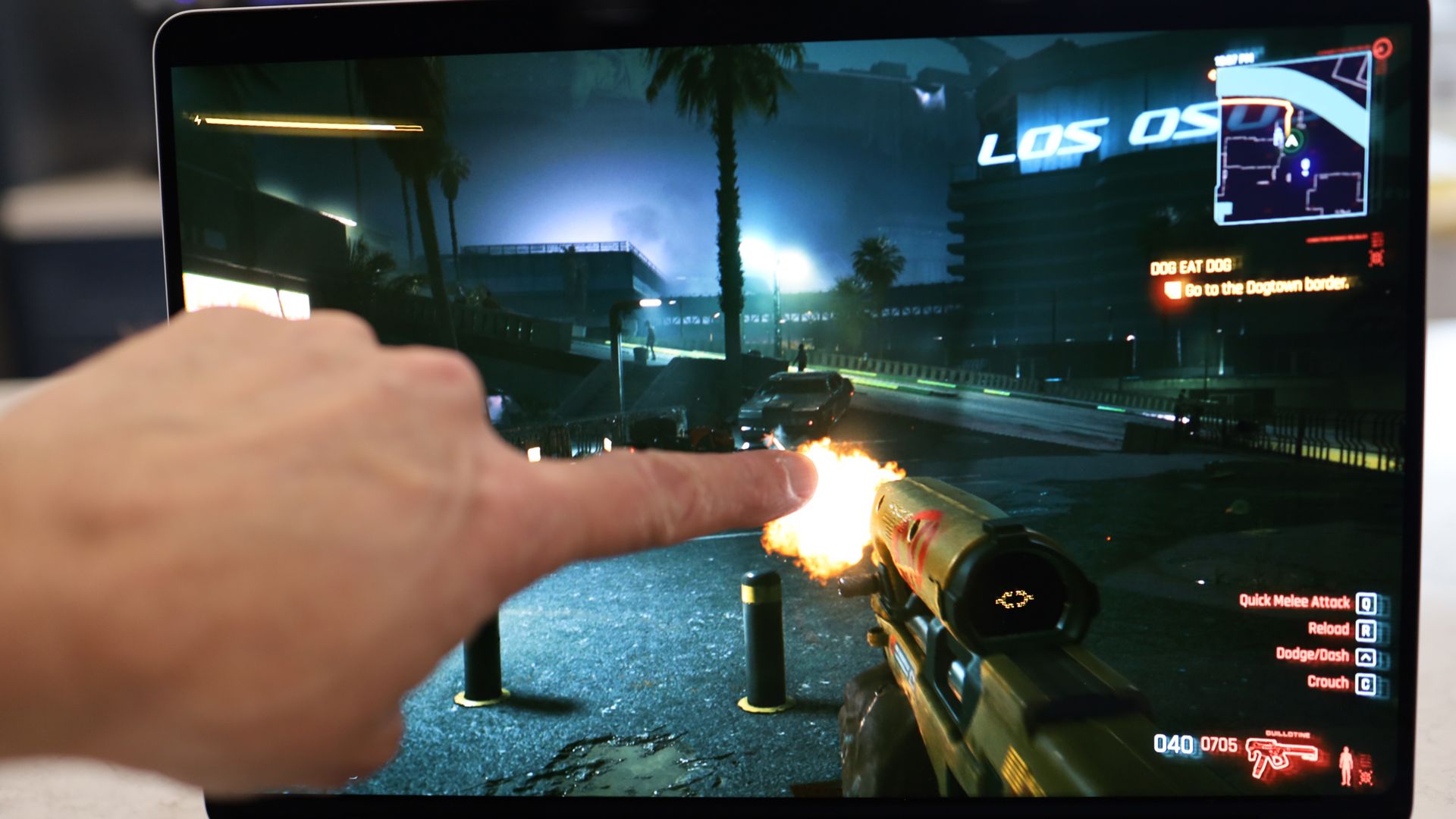
The point is, I think touch has its applications and place, but I think it’ll end up being mostly useful in specific, vertical workflows.
That feeling may change over time. After all, sometimes touching a MacBook display does feel like an illicit act. Each time I went to close a window or scroll a webpage with a fingertip, I did glance around to see who was watching, wondering if they thought I’d gone a bit daft, as they thought, “Dude, you can’t touch a MacBook screen; Steve Jobs told us so.”
Those who do choose this relatively lightweight and incredibly powerful system probably won’t do so because of touch, but they may choose it for another reason:
The astonishing display.
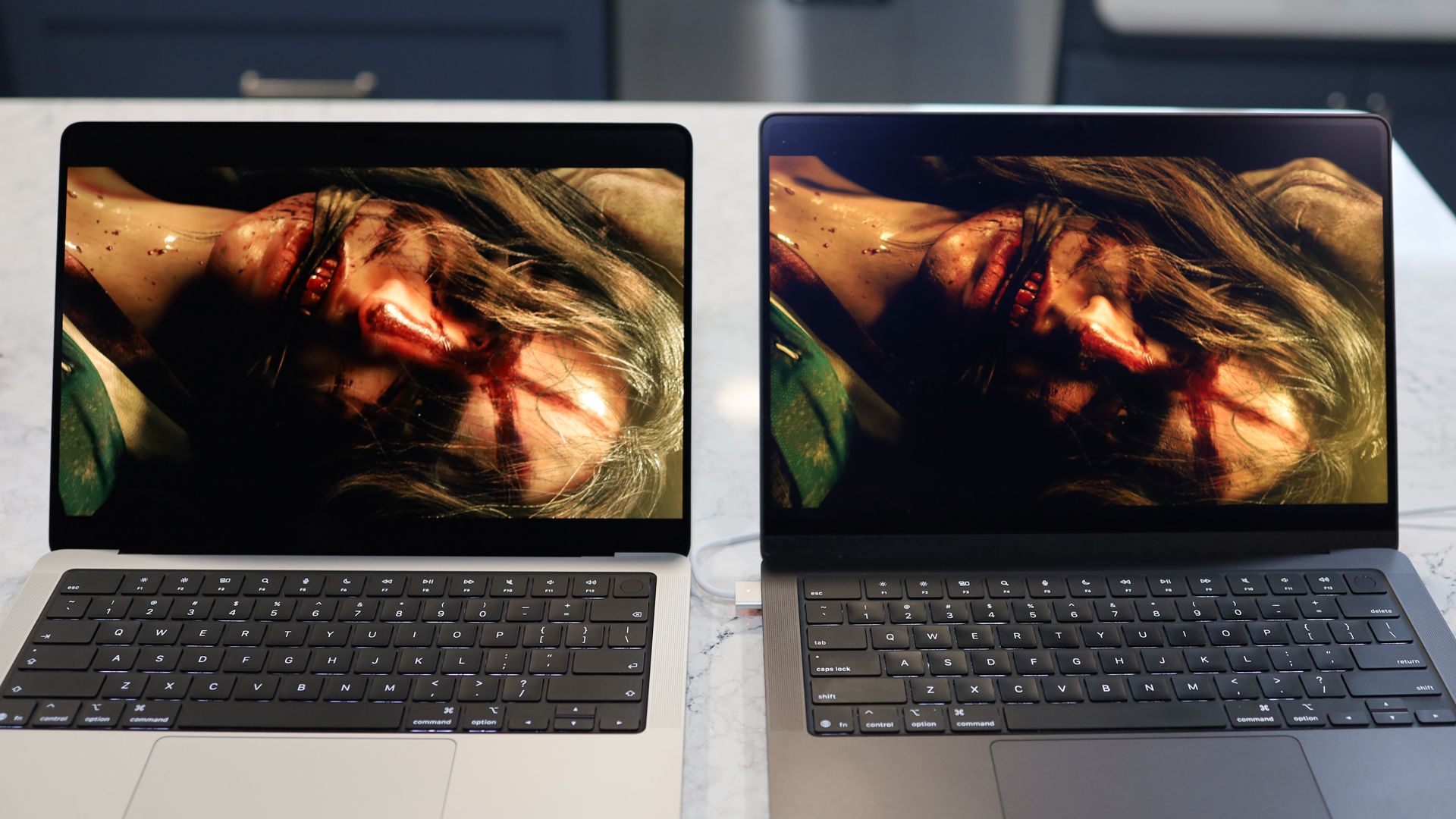
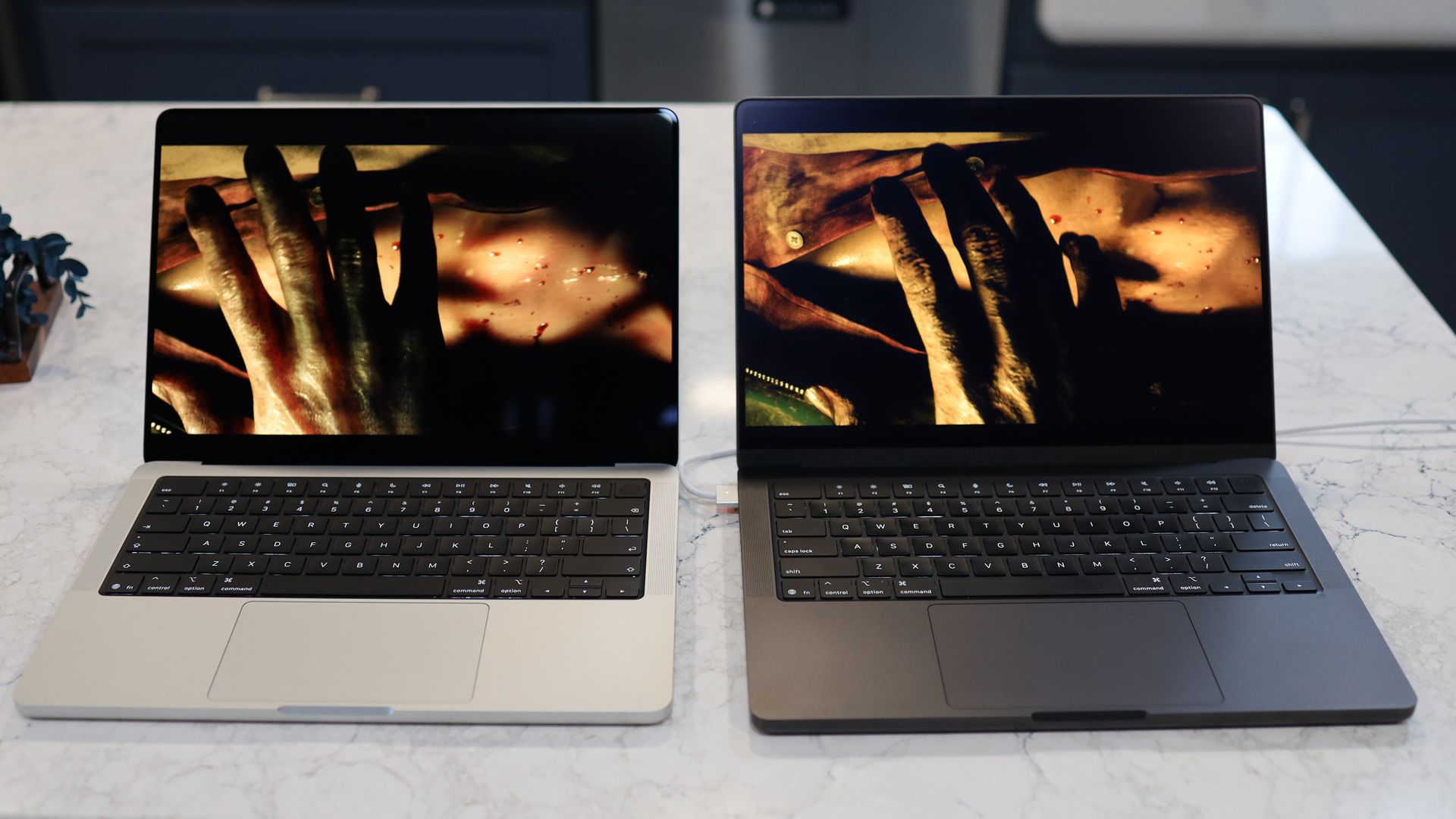
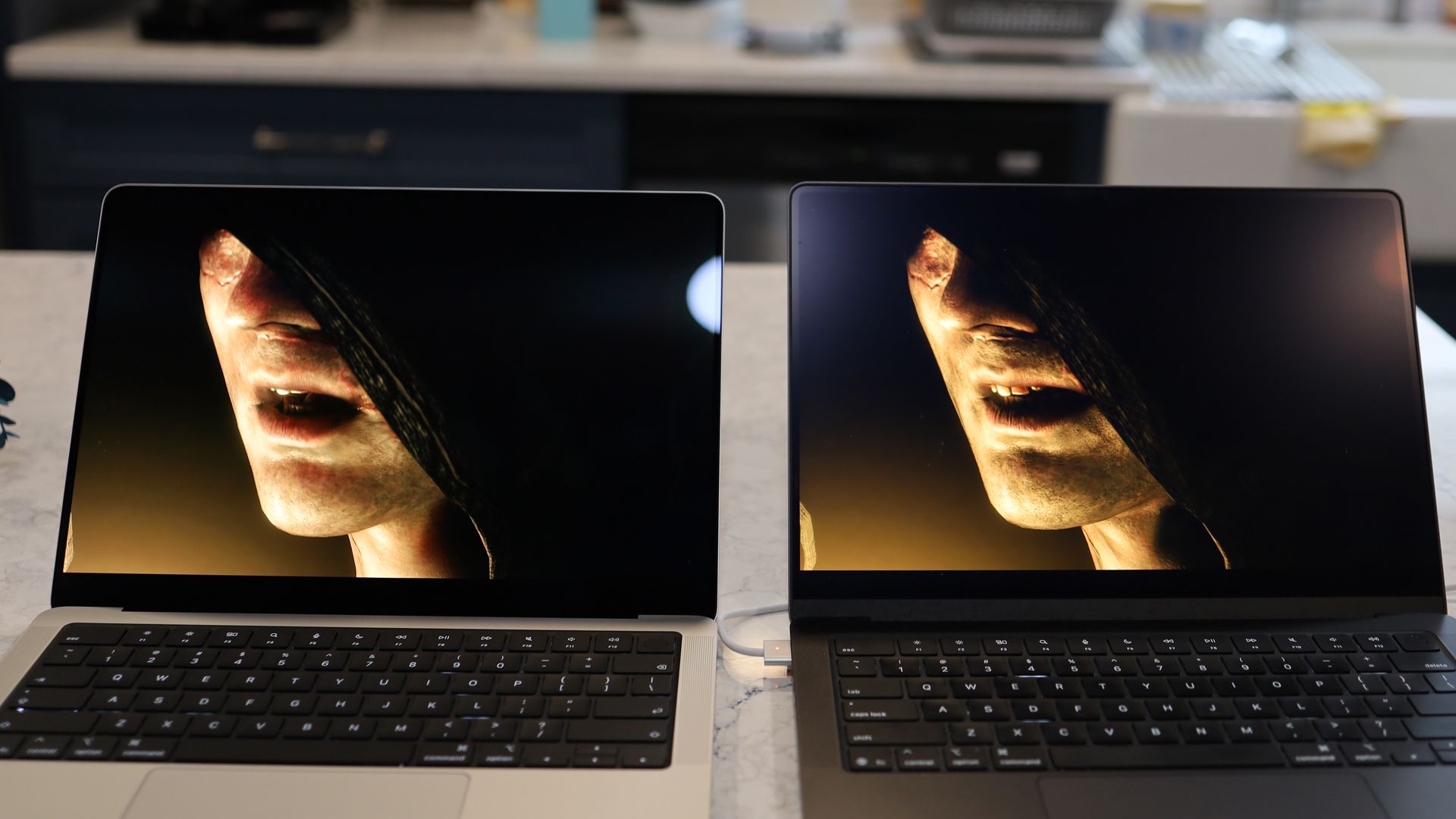
From the new Dynamic Island that replaces the giant notch on my old MacBook Pro (and provides some useful live info but sadly not Face ID) to the thinner bezels and curved bottom, it’s more aesthetically appealing. The tandem OLED technology, though, transforms the visuals in ways that no other laptop I’ve ever used or seen can approach.
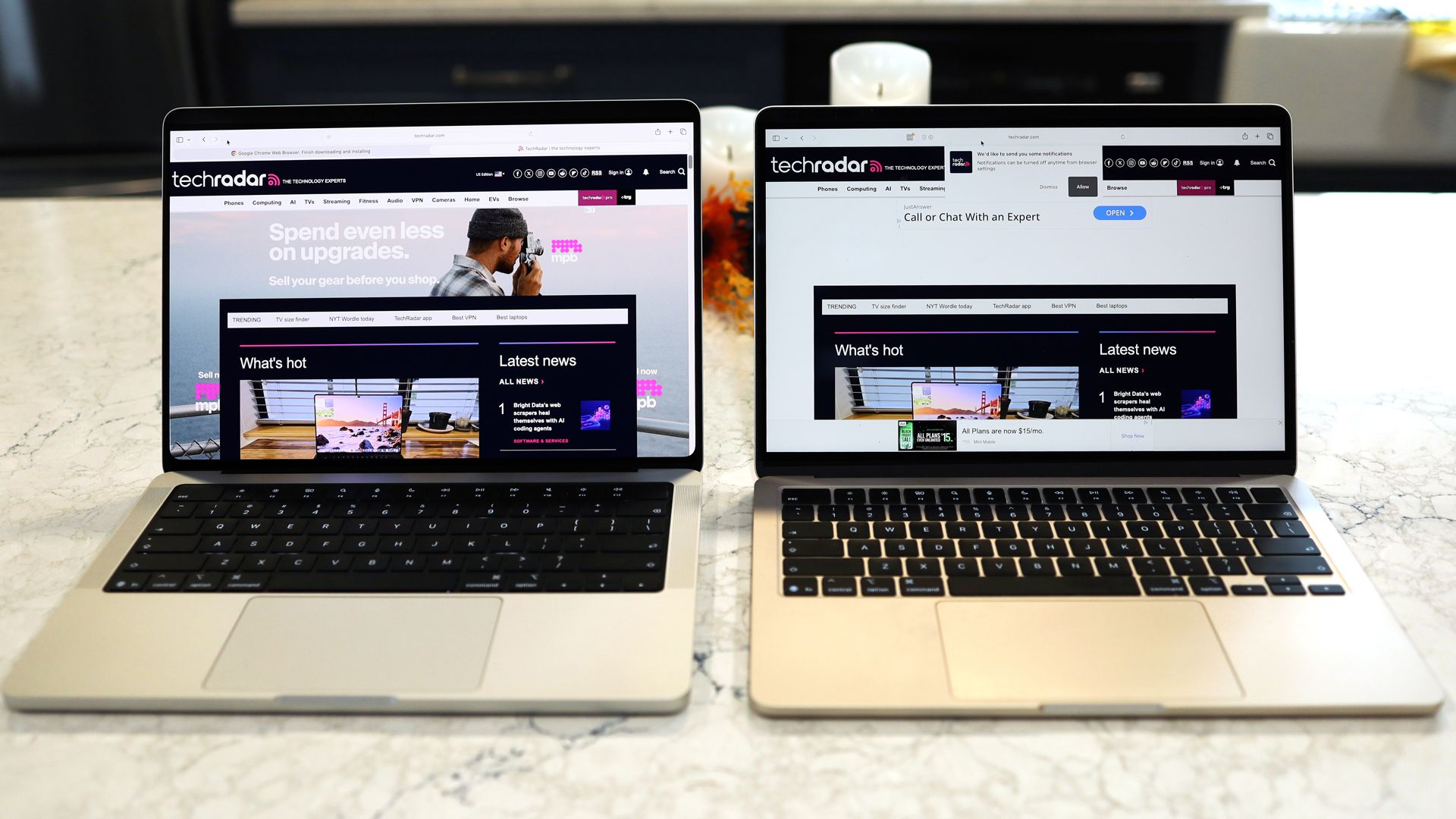
I put the MacBook Pro PROLED XDR Display next to the MacBook Pro M5, and the difference is nothing short of remarkable.
The promised 10,000,000-to-1 contrast ratio pays dividends with blacks that are inkier than the deep center of a black hole. That’s paired with colors and clarity that make everything pop, and with ProMotion (up to 120Hz), everything is smooth as silk.
Viewed separately, imagery still looks great on the MacBook M5’s Liquid Retina XDR, but next to the new PROLED XDR, everything on the M5 Pro looks muted. Even the off-angle viewing is noticeably better on the PROLED XDR Display. I wasn’t alone in this assessment. I showed the side-by-side laptops to a group of coworkers, and they all agreed.
That spectacular screen is paired with a more performant silicon that easily bested the standard M5 in my older MacBook Pro. In my side-by-side tests with Resident Evil 4, the M5 Pro MacBook Pro loaded the game faster and stayed a step ahead of the M5 MacBook Pro.
Here’s my conundrum. Most people shopping for laptops are not making a feature film, cutting a studio album, working on giant CAD-level projects, or running large language AI models locally, all things that the MacBook Pro PROLED XDR and its M5 Pro are more than capable of (often, as I noted above, at the same time, but with a lot of fan noise). But I cannot think of a single potential user who would not want this display.
They don’t all need the touchscreen, for as cool as it is, but as for that big, efficient, bright, and contrast-rich tandem OLED, everyone could use that.
So the question I’m left with after my MacBook Pro PROLED XDR Display 14-inch experience is: when will the next MacBook Air get this display, shrink by half a pound, and regain its position as the ultra-portable king? Oh, and how soon can the MacBook Air get that glowing logo on the back?
Did you know TechRadar now has membership?
Become a TechRadar Insider by simply clicking ‘Join Now’ at the top of this page. Have a question? Please email membership@techradar.com
