
Close Menu
MyAppsPlus

    Subscribe to Updates

    Get the latest creative news from FooBar about art, design and business.

    What's Hot

    Yandex users may have lost their data for good following Ukraine strikes — Russian tech giant confirms 2.84% of customer data is gone forever

    November 14, 2026

    Elon Musk, other tech execs sign petition calling on Nvidia to reinstate Jensen Huang

    November 14, 2026

    Barcelona Travel Apps for Metro, Taxis and Day Trips

    November 14, 2026
    Facebook X (Twitter) Instagram
    Facebook X (Twitter) Instagram
    MyAppsPlusMyAppsPlus
    Saturday, November 14
    • Home
    • Breaking Tech
    • Apps & Software
    • AI & Automation
    • Android
    • iPhone & iOS
    • More
      • Reviews
      • How-To Guides
      • Deals & Discounts
      • Shop
    MyAppsPlus
    Home»Android»Stop Uninstalling Your Android Apps When You Need Space – Do This Instead
    Android

    Stop Uninstalling Your Android Apps When You Need Space – Do This Instead

    myappsplusBy myappsplusSeptember 30, 2026043 Mins Read
    Share Facebook Twitter Pinterest Copy Link LinkedIn Tumblr Email Telegram WhatsApp
    Follow Us
    Google News Flipboard
    Stop Uninstalling Your Android Apps When You Need Space – Do This Instead
    Share
    Facebook Twitter LinkedIn Pinterest Email Copy Link

    BGR

    Tue, September 29, 2026 at 11:05 AM UTC

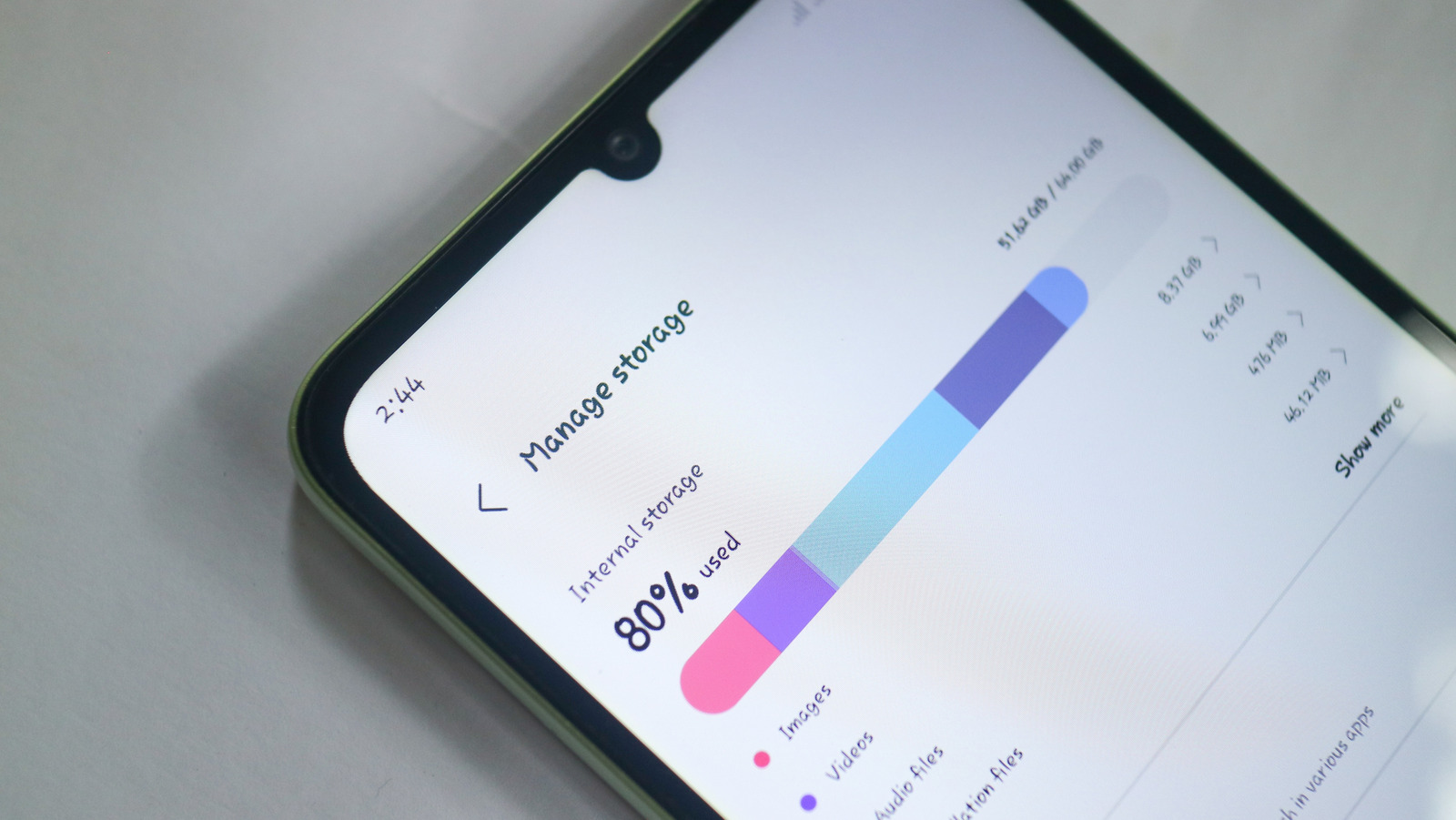
    We’ve all been there. You’re browsing Google Play to download new Android apps or taking photos and videos while out and about, and you see a pop-up on your phone. “Memory full,” it says, or some other variation. This can be a really troubling issue to run into, especially since many smartphones tend to still be released with just 128GB of built-in storage.

    One of the first things smartphone owners tend to do when they run into these kinds of issues is to start uninstalling apps they no longer use or that they don’t think they need. That’s not a bad idea most of the time, but what happens when you decide to remove an app and then need it again later? You might not have access to all of the data or progress from your previous installation.

    Well, you no longer have to settle for saying goodbye to all of your data just because you need some storage space. Android 15 introduced a new functionality that removes the app from your device, but saves all the data to the cloud, so when you reinstall it, your data is right where you left it. If you’re rocking an Android device with Android 15 or higher, then you might already know about the Archive feature. If you don’t, though, don’t fret. We’ll show you how to use it.

    How to use the Archive option on Android
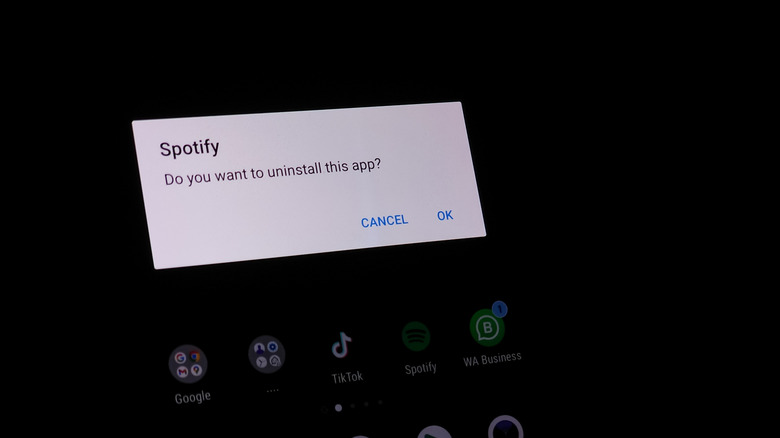
    uninstalling spotify app on android phone

    Archive allows you remove an app and its various files from your device without costing you all the time that you put into customizing that app and setting it up just the way you want it. It’s the perfect solution for all those seasonal apps you might install, or apps that you only need certain times of the year — like an app for the resort you visit with your family every summer.

    To make use of Archive, simply navigate to your phone’s Settings, then find the Apps section. The exact steps taken here will vary depending on device, but on most phones, you can just search for Apps using the search bar at the top or bottom. On the Apps page, find the app you want to archive and tap on it. Next, find the Archive option on the toolbar. Once you tap Archive, your phone will remove the app from your storage but upload your data to the cloud.

    When archived, an app will still be visible in your phone’s apps list within the Settings app. To restore the app and continuing using it, just tap on the app in question, then tap Restore. This will reinstall the app right back to how you had it before — permissions and all. Keep in mind that you’ll still need to download any new updates, though, and you’ll still want to keep up with important maintenance functions to keep your Android phone running smoothly, like clearing the app cache regularly.

    Enjoyed this article? Sign up to BGR’s free newsletter and add us as a preferred searchent, plus tips and advice you’ll actually use

    Read the original article on BGR.

    Android apps Stop Uninstalling Your
    Follow on Google News Follow on Flipboard
    Share. Facebook Twitter Pinterest LinkedIn Tumblr Email Copy Link
    myappsplus
    • Website

    Related Posts

    Barcelona Travel Apps for Metro, Taxis and Day Trips

    November 14, 2026

    Android Auto 18.2 Update Is Here, and Google Is Still Working on Light Mode

    November 14, 2026

    5 excellent free Apple Watch apps every owner should know about

    November 14, 2026
    Add A Comment
    Leave A Reply Cancel Reply

    Top Posts

    Save on your groceries, gas, and holiday shopping with this $15 BJ’s membership (Reg. $60) 

    November 4, 202629 Views

    Google’s new AI shopping cart tracks deals across stores

    October 25, 202627 Views

    Apple is making Creator Studio an even better deal with new AI features and creative tools

    October 28, 202623 Views
    Latest Reviews

    Grab the compact Anker 13-in-1 Nano laptop dock for just $112

    myappsplusSeptember 8, 2026

    How to watch Porto vs Man City: Live Streams & TV Channels for Champions League 2026/27

    myappsplusSeptember 8, 2026

    Logitech Releases the Developer-Focused MX Keypad for AI Automation

    myappsplusSeptember 8, 2026
    Stay In Touch
    • Facebook
    • YouTube
    • TikTok
    • WhatsApp
    • Twitter
    • Instagram

    Subscribe to Updates

    Get the latest tech news from FooBar about tech, design and biz.

    Most Popular

    Eight Microsoft Office apps are yours for just $30 with this lifetime deal (Reg. $220)

    September 8, 20260 Views

    What is Roku’s secret menu and how do you unlock it?

    September 8, 20260 Views

    TrendForce: Apple produced 52 million iPhones in Q2

    September 8, 20260 Views
    Our Picks

    Yandex users may have lost their data for good following Ukraine strikes — Russian tech giant confirms 2.84% of customer data is gone forever

    November 14, 2026

    Elon Musk, other tech execs sign petition calling on Nvidia to reinstate Jensen Huang

    November 14, 2026

    Barcelona Travel Apps for Metro, Taxis and Day Trips

    November 14, 2026

    Subscribe to Updates

    Subscribe to our newsletter and get the latest tech news, app updates, AI trends, smartphone reviews, and exclusive deals delivered straight to your inbox.

    Facebook X (Twitter) Instagram Pinterest
    • About Us
    • Get In Touch
    • Disclaimer
    • Privacy Policy
    • Terms & Conditions
    © 2026 MyAppsPlus. All Rights Reserved.

    Type above and press Enter to search. Press Esc to cancel.