

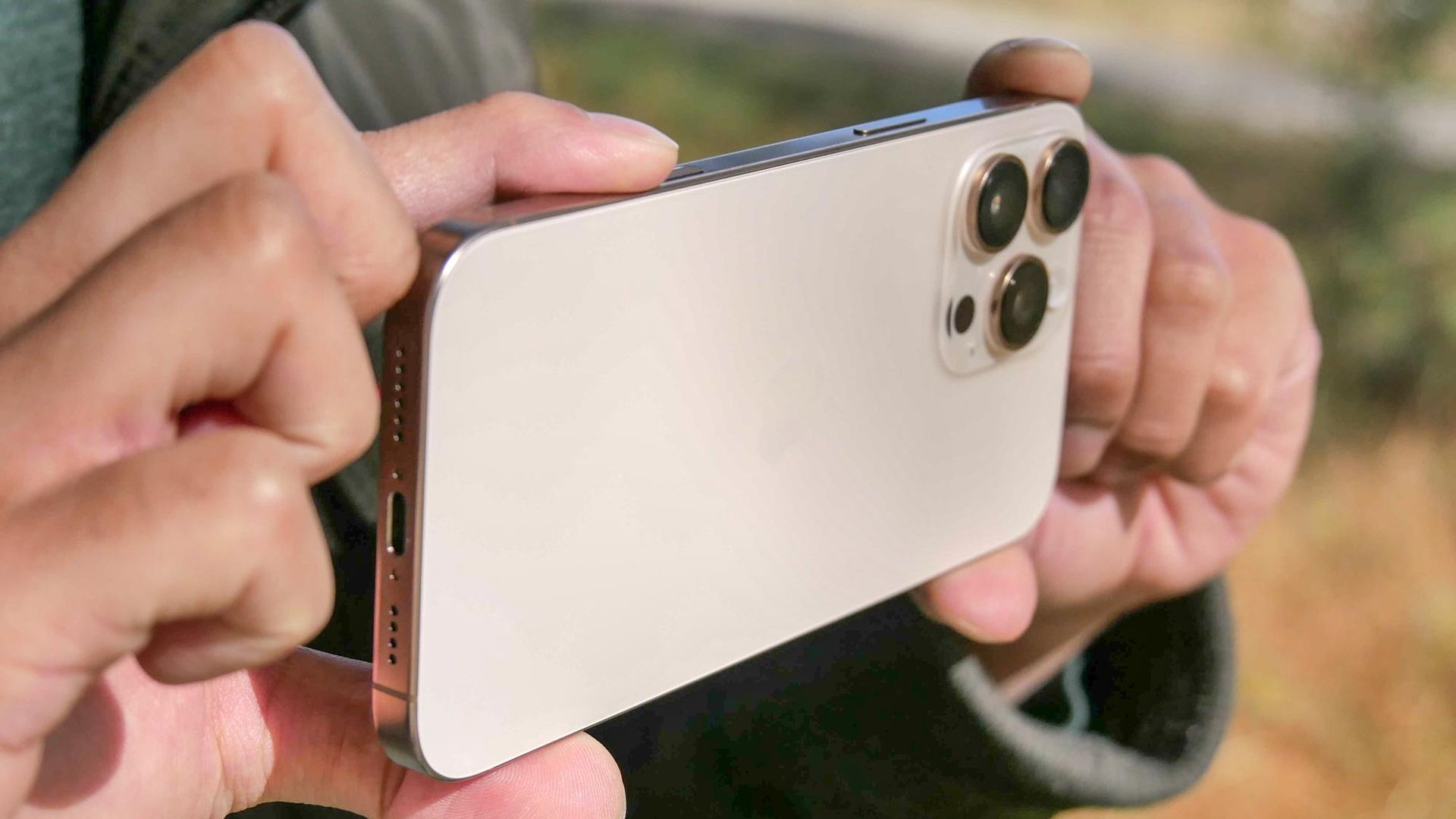
I’ve always been a little bit confused about the launch of Camera Control on the iPhone 16. It’s one of those features that generally feels pretty redundant, especially since there are already better ways to quick launch the camera app that Apple hasn’t bothered with yet. Well the good news is that the standalone Camera Control button could be on its way out, or at least it might be according to one leaker.
The leakerInstant Digitalposted about this on their Weibo account, noting that the Camera Control and Action Buttons could be merged as soon as next year’siPhone 20. The new button will apparently launch the camera with a single tap, while press-and-hold will fire up whatever Action Button setting you have mapped. There’s no mention of touch sensitivity, or any of the other Camera Control features that are currently available.
Instant Digital clarifies that this means the Action Button will be rolled into Camera Control, rather than the other way around. This presumably means the button will remain on the bottom right side of the phones, in the spot Camera Control currently occupies. That said, whichever way this might happen, I am all for it, because I’ve never liked Camera Control.
We never needed Camera Control in the first place
I’ve been using iPhones on and off for years, since before the Camera Control button was added to the iPhone 16 series two years ago. Apple marketed this button as a way to instantly access the camera with a single click and adjust camera features with your finger — rather than the touchscreen controls.
Apple didn’t come up with the idea of a dedicated camera button, those have existed on smartphones for years, but mostly fell out of favor. Instead phones came up with better ways to access the camera with the existing button layout — including the well known “double tap” gesture on an Android phone’s power button.
Admittedly Camera Control was meant for more. It was a way to access Visual Intelligence, until it got rolled into the camera app as “Siri Mode,” and to adjust various different camera levels without having to poke around on the screen.
Though, in my experience with recent iPhones, that was never particularly appealing. On-screen controls always felt faster and simpler, especially since I could adjust things like zoom without taking my hands off the phone itself.
It’s really not that difficult to do, and I’ve never felt the need to actually utilize the Camera Control button to the fullest extent of its capabilities. The older ways were easier and simpler to do, and didn’t require much in the way of thinking first. Plus, the volume keys were (and still are) a valid way to activate the shutter for photos and video.
I’ve never fully understood why Apple felt the need to add that extra button to the side of the iPhone, when better alternatives were already being used. Especially after all the rumors that suggested Apple was trying to eliminate buttons altogether.
Combining buttons is the perfect middle ground
I’ll admit, in the same way that I do not care for the Camera Control button, there are plenty of people who do. In fact some of them have already taken to social media sites like Redditto discuss their own feelings about both the Action Button and Camera Control — many of them lamenting the fact that the current iterations may be lost.
I get it to an extent, but it still feels as though iPhones are getting a little too cluttered for my liking, especially on the smaller models. That’s assuming you ignore all those rumors about a possible third button on the iPhone 17, which didn’t come to pass because it would have been a step too far.
The features that are on offer aren’t necessarily bad, but there are better ways to implement them. Combining Camera Control and the Action Button together is one good way of doing it. After all, the Action Button is triggered by a long press, while the Camera Control opens your camera with a single or double press. There’s no reason why the two can’t live in harmony as a single dual-purpose button.
Of course turning the Camera Control button into an Action Button will mean Siri Mode needs a new shortcut. At the moment, pressing and holding the Camera button launches the camera app in Apple’s AI camera mode, just like how it launched Visual Intelligence before the release of iOS 27.
Likewise you won’t be able to use the Action Button while the camera is open, since that action is already reserved for recording video — and nobody wants to get rid of that. I’m guessing that the emphasis on the claim that the Action Button will become part of Camera Control means the latter’s touch-sensitive controls will stick around for people that actually use them.
Sure, it will take some getting used to, regardless of how old your current iPhone might be, but I think that it will end up being the more efficient option in the long run. I just hope they pick a more sensible spot, because the bottom right side of an iPhone doesn’t really scream “Action” to me.
Bottom line
The one thing that has to be made very clear is that this is an unverified rumor. Instant Digital doesn’t have a bad reputation, but that doesn’t mean they have a 100% track record, and we’re still pretty early in the iPhone 20 development cycle. So, in other words, there’s no guarantee that Apple will actually make this change with the iPhone 20.
Especially when you remember all the other Camera Control rumors that never came true, and the fact the iPhone 20 is also rumored to swap out buttons for haptic sensors. If every phone rumor we heard turned out to be true, these devices would be a complete mess.
Still, I would quite like to see this happen. The Action Button is useful, and I don’t want to see that go away, but there are plenty of people who have grown to like the Camera Control button too — even if I don’t really care for it myself. If you’re going to keep both, you might as well merge them into a single, easy to use button.
At the very least it’s going to look and feel neater than plastering the iPhone with more buttons than a keyboard.
- Apple’s iPhone 20 ‘all-glass’ revolution just got bad news with this new leak
- 5 seriously useful iPhone Duo hacks you need to know
- Forget iPhone 18 Pro Max — I tested this wild Android/Hasselblad combo for a month and it’s my favorite new camera phone
