

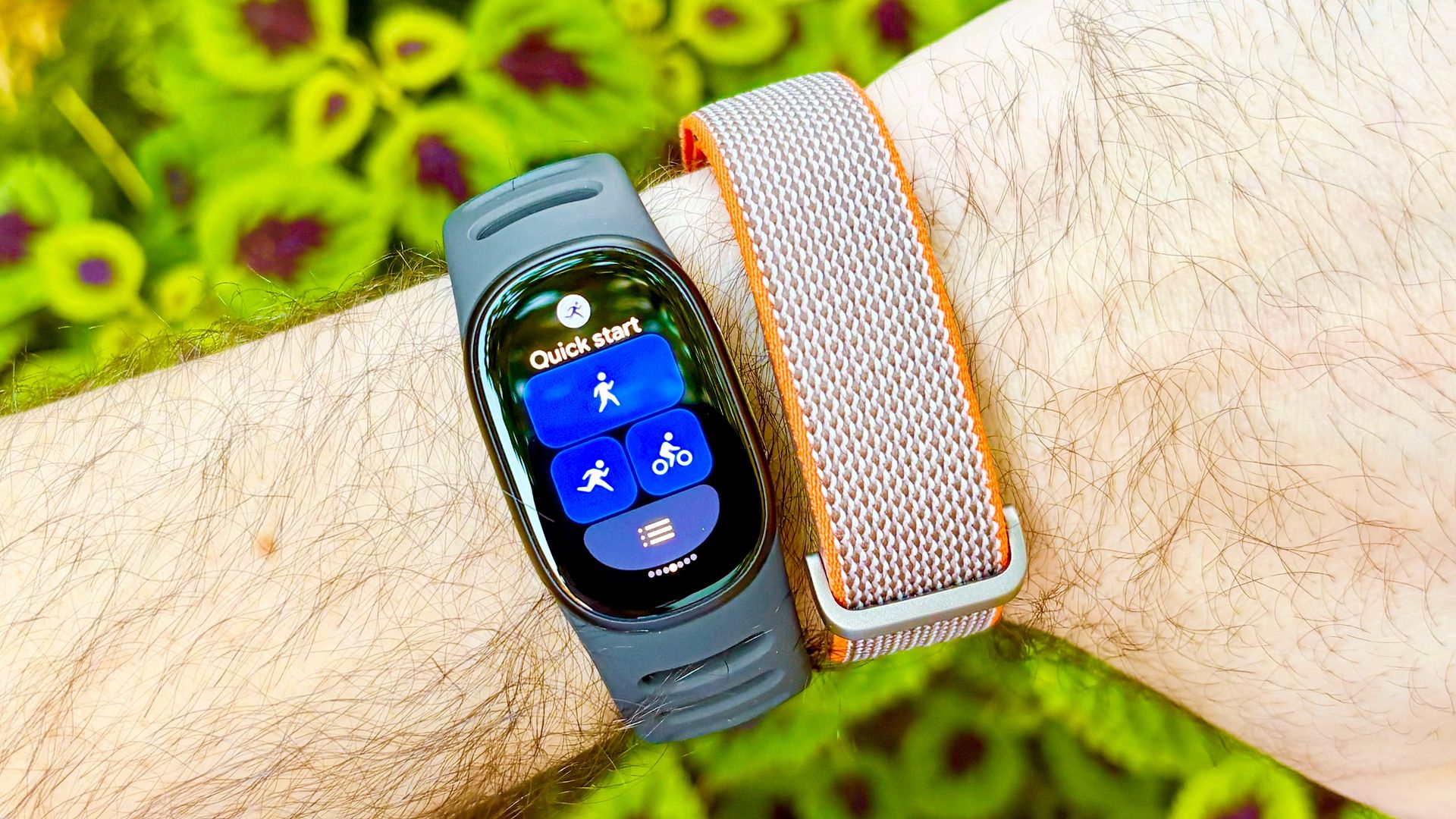
I just reviewed the Fitbit Edge and the Fitbit Air, and they are easily two of the best fitness trackers of 2026, and devices I’ll likely be recommending for the foreseeable future.
However, one key criticism I had for both: Unreliable auto workout detection. Less of an issue for the screen-sporting Fitbit Edge than the screen-free Fitbit Air, I was hopeful Google would be quick to address this complaint with a firmware update.
And sure enough, the Mountain View Mammoth did just that, announcing improvements to Automatic Activity Detection not just for the latest Fitbits but also the Pixel Watch 5 and older Pixel Watch models.
The update expands the list of trackable activities from just a handful, like walking and bike riding, to over 100, with lots of popular and nuanced exercises covered.
However, even without the latest firmware, there’s a quick and easy way to improve auto activity tracking on the Fitbit Air and Fitbit Edge that’s buried within the menus of the Google Health app.
This fix addresses one of the two key conditions needed for workout tracking to kick in. You see, Google wearables, by default, require a sustained heart rate and a minimum workout duration of 15 minutes for auto-detection to work.
However, users can manually lower the minimum duration to ten minutes, a change I’ve found tends to make auto-detection more reliable than the default settings. Here’s how to change it.
How to improve auto activity tracking on the Fitbit Edge and Fitbit Air
- Open the Google Health app and tap on your profile picture in the top right corner
- Scroll down and tap on ‘Google Health settings.’ Then scroll down and tap on ‘Activity’ under the ‘Preferences’ banner
- On the ‘Activity’ page, scroll down and tap on ‘Activity Detection’ near the bottom under the ‘Feature settings’ banner
- Tap on one of the listed activities and then tap on ‘Minimum duration’
- Change the minimum duration threshold from the default to 10 minutes by swiping up/down
- Tap ‘Save’ and then the back button to change the duration for other activities
Read on to see full illustrated instructions for each step.
1. Open the Google Health app and tap on your profile picture
(Image: © Future)
To improve auto activity tracking on the Fitbit Edge, Fitbit Air, or Pixel Watch 5, first, open the Google Health app on your smartphone and tap on your profile picture in the top right corner of the screen.
2. Scroll down and tap on ‘Google Health settings,’ then tap on ‘Activity’
(Image: © Future)
Next, scroll down and tap on “Google Health Settings,” and then scroll down and tap on “Activity”under the “Preferences” banner.
3. Scroll down and tap on ‘Activity Detection’
(Image: © Future)
Once on the Activity page, scroll down and tap on “Activity Detection” near the bottom of the page under the ‘Feature settings’ banner.
4. Tap on one of the listed activities and then tap on ‘Minimum duration’
(Image: © Future)
On the Activity Detection page, go ahead and tap on one of the listed activities, like “Walk” or “Bike.” Next, tap on “Minimum Duration”to adjust it to a shorter threshold.
5. Change the minimum duration threshold from the default to 10 minutes
(Image: © Future)
Change the minimum duration threshold from the default to 10 minutes by swipingup or down on the options shown.
6. Tap ‘Save’ and then the back button to change the duration for other activities
(Image: © Future)
Finally, with the duration changed to 10 minutes,tap on “Save” and then the back button in the upper left to adjust the minimum duration for other workout types.
I recommend changing the workout duration to ten minutes — the minimum — for all of the activities listed, including walking, biking, and “All other workouts.” Unfortunately, when it comes to “Sports” workouts, the default duration of 15 minutes is the shortest option.
It’s also worth noting that users can revisit a mislabeled activity in the Google Health app and manually correct the workout type. Moreover, the more activities you log on your Fitbit or Pixel Watch, the better your device should get at auto-detecting your favorites.
Finally, keep in mind that auto-detected activities can take up to 30 minutes before appearing in the Google Health app.
- I walked 6,000 steps with the Fitbit Edge vs Apple Watch 12 — and I’m shocked by the results
- 3 reasons why I’m glad Google didn’t give the Fitbit Edge NFC
- 3 reasons why the new Fitbit Edge beats the Fitbit Charge 6 — and 1 reason it doesn’t
