Close Menu
MyAppsPlus

    Subscribe to Updates

    Get the latest creative news from FooBar about art, design and business.

    What's Hot

    Netflix top 10 movies — here’s the 3 worth watching right now (September 19-20)

    September 19, 2026

    Broken Sword creator chose human artists over AI for all 55,000 new frames of animation in the upcoming 2 remake — ‘People are going to seek out human-crafted art’

    September 19, 2026

    Even mid-sprint to a secret flight, the Navy’s tech chief has a pitch for investors

    September 19, 2026
    Facebook X (Twitter) Instagram
    Facebook X (Twitter) Instagram
    MyAppsPlusMyAppsPlus
    Saturday, September 19
    • Home
    • Breaking Tech
    • Apps & Software
    • AI & Automation
    • Android
    • iPhone & iOS
    • More
      • Reviews
      • How-To Guides
      • Deals & Discounts
      • Shop
    MyAppsPlus
    Home»Breaking Tech»How to switch between two phones on CarPlay
    Breaking Tech

    How to switch between two phones on CarPlay

    myappsplusBy myappsplusSeptember 19, 2026003 Mins Read
    Share Facebook Twitter Pinterest Copy Link LinkedIn Tumblr Email Telegram WhatsApp
    Follow Us
    Google News Flipboard
    How to switch between two phones on CarPlay
    Share
    Facebook Twitter LinkedIn Pinterest Email Copy Link

    It should be easier than this.

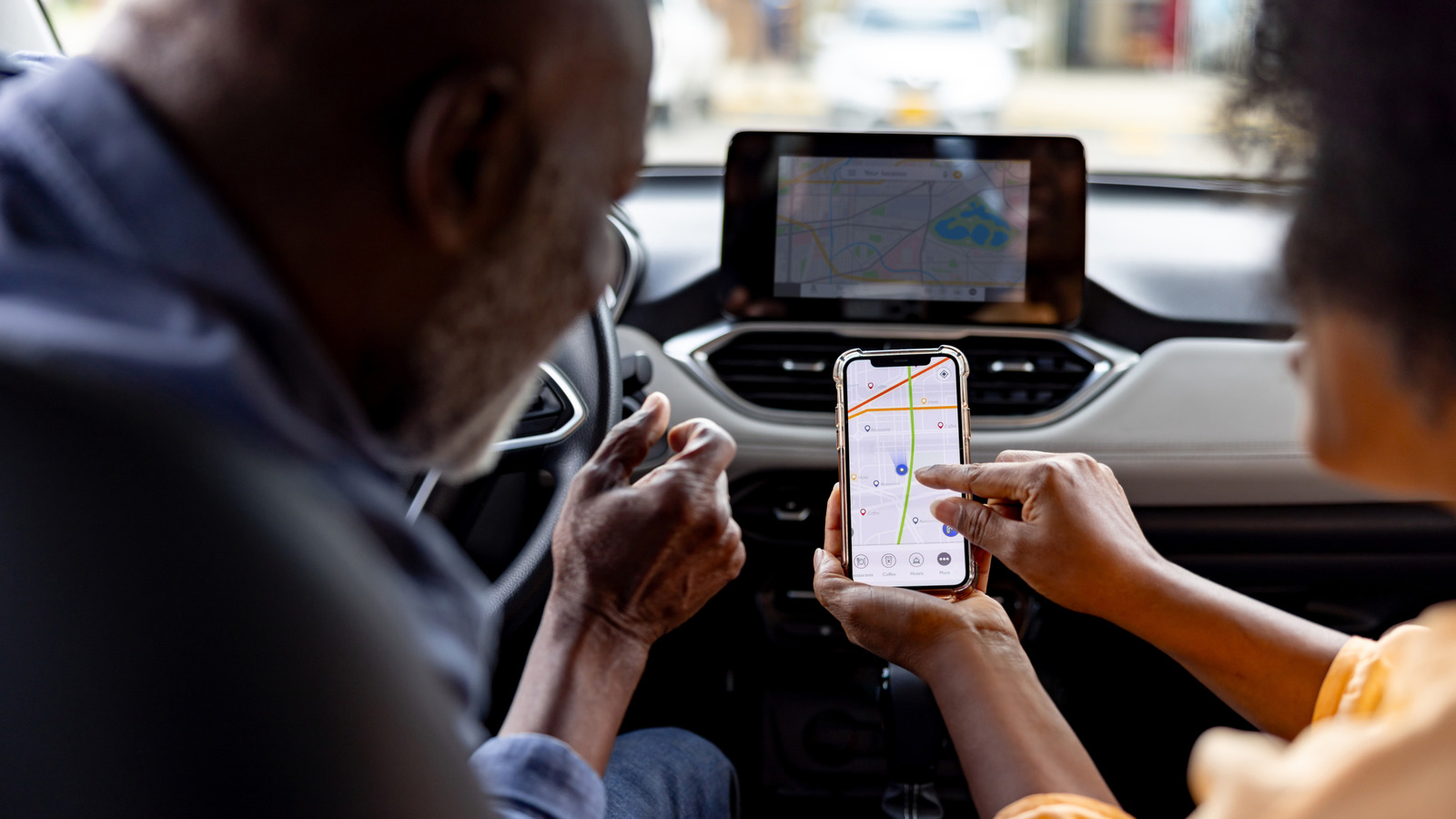
    CarPlay has been around since 2014 and has been receiving feature updates quite frequently, making it a safer way to interact with your phone while driving. Setting it up is easy and, outside of occasional connection issues, CarPlay tends to work seamlessly without requiring any troubleshooting — well, until you have a passenger with an iPhone that had previously been paired to your car. Though you can set up CarPlay for multiple iPhones in the same vehicle, you can only use one of them with CarPlay at a time.

    Let’s say two people with CarPlay-paired iPhones get into the same car. If your car automatically connects to the driver’s iPhone, there’s nothing you need to do, but if it picks the passenger’s phone for projecting CarPlay instead, you’ll need to manually switch the connection back. Depending on your car manufacturer, the process to pick a different iPhone for CarPlay will vary. Some infotainment systems let you pick a preferred or primary phone that gets priority whenever there are multiple paired iPhones in the vicinity. You should be able to find this under the Bluetooth settings or device management menu on your car’s infotainment system. 

    Some manufacturers, like Hyundai, let you switch CarPlay or <a href="https://myappsplus.com/migrate-passkeys-on-android-12-steps-4-apps-2026/” title=”Migrate Passkeys on Android: 12 Steps, 4 Apps [2026]”>Android Auto connections on the go. Your car should remember your preference the next time it detects the same devices. Car infotainment systems are particular, though, so manually turning off Bluetooth and Wi-Fi on the other iPhone is a quick-and-dirty fix. You could also try using a wired CarPlay connection to see if it forces your car to prioritize the iPhone that’s physically plugged in over another phone that’s connected wirelessly; however, Reddit users have not had much luck with this method.

    Using SharePlay in the car
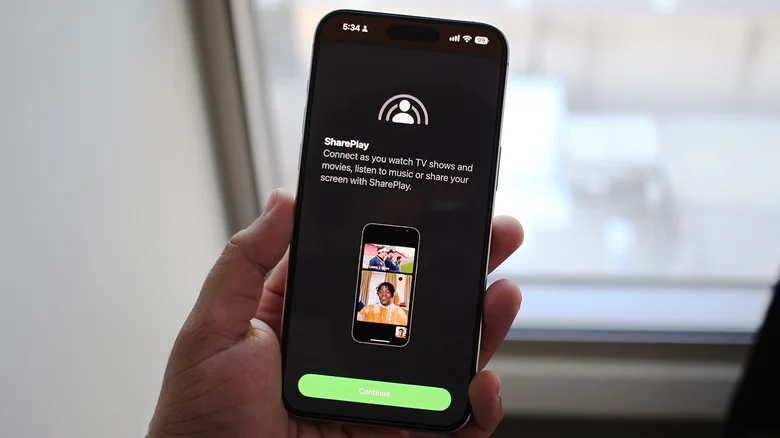
    SharePlay screen on an iPhone.

    CarPlay’s app library actually spans more than just navigation and music apps. There’s support for AI chatbots like ChatGPT, fuel price trackers and parking spot finders, but most people are content with having a map and playback controls on the screen. If you were looking to switch CarPlay connections to a passenger’s iPhone so they could take over the music, though, there’s an elegant workaround that lets them do that.

    SharePlay support for CarPlay was introduced with iOS 17, and as long as everyone in the car has an iPhone running iOS 17 or newer, they will be able to join the driver’s Apple Music session and add, rearrange or remove tracks using their own device. The passengers don’t need to be Apple Music subscribers to use SharePlay in the car — only the host does.

    For those who primarily use Spotify instead, the app’s Jam feature essentially offers the same functionality and lets everyone in the car join the host’s session and contribute to the queue from their own phones. Once again, participants don’t need Spotify Premium if they’re using the feature in an in-person setting.

    Of course, using SharePlay or Spotify Jam only lets the passengers control the music. If they ever need to use navigation or view messages on the car’s infotainment screen, they’ll need to manually switch CarPlay connections using one of the methods we’ve mentioned above.

    Apple between EVs and Transportation Smartphones Switch
    Follow on Google News Follow on Flipboard
    Share. Facebook Twitter Pinterest LinkedIn Tumblr Email Copy Link
    myappsplus
    • Website

    Related Posts

    Even mid-sprint to a secret flight, the Navy’s tech chief has a pitch for investors

    September 19, 2026

    Apple Watch Ultra 4 Sees First Discount After Launch, Now $779.99 on Amazon

    September 19, 2026

    Here’s why some monitors have two USB ports (and the best ways to use them)

    September 19, 2026
    Add A Comment
    Leave A Reply Cancel Reply

    Top Posts

    This tiny AI box could save me from upgrading my perfectly good laptop

    September 6, 20263 Views

    New Target ad delivers look at upcoming deals in one of Nintendo’s ‘largest promotions ever’

    September 13, 20262 Views

    Top 10 Best React Native App Development Companies in 2026

    September 12, 20262 Views
    Latest Reviews

    Amazon’s headphone sale is packed with deals from $19 — here are the 15 I’d buy

    myappsplusAugust 20, 2026

    China’s Military Says AI Can’t Replace Commanders. Xi Is Testing That

    myappsplusAugust 20, 2026

    EU Welcomes Apple’s App Store Changes, Epic Slams ‘Junk Fees’

    myappsplusAugust 20, 2026
    Stay In Touch
    • Facebook
    • YouTube
    • TikTok
    • WhatsApp
    • Twitter
    • Instagram

    Subscribe to Updates

    Get the latest tech news from FooBar about tech, design and biz.

    Most Popular

    Amazon’s headphone sale is packed with deals from $19 — here are the 15 I’d buy

    August 20, 20260 Views

    China’s Military Says AI Can’t Replace Commanders. Xi Is Testing That

    August 20, 20260 Views

    EU Welcomes Apple’s App Store Changes, Epic Slams ‘Junk Fees’

    August 20, 20260 Views
    Our Picks

    Netflix top 10 movies — here’s the 3 worth watching right now (September 19-20)

    September 19, 2026

    Broken Sword creator chose human artists over AI for all 55,000 new frames of animation in the upcoming 2 remake — ‘People are going to seek out human-crafted art’

    September 19, 2026

    Even mid-sprint to a secret flight, the Navy’s tech chief has a pitch for investors

    September 19, 2026

    Subscribe to Updates

    Subscribe to our newsletter and get the latest tech news, app updates, AI trends, smartphone reviews, and exclusive deals delivered straight to your inbox.

    Facebook X (Twitter) Instagram Pinterest
    • About Us
    • Get In Touch
    • Disclaimer
    • Privacy Policy
    • Terms & Conditions
    © 2026 MyAppsPlus. All Rights Reserved.

    Type above and press Enter to search. Press Esc to cancel.