Close Menu
MyAppsPlus

    Subscribe to Updates

    Get the latest creative news from FooBar about art, design and business.

    What's Hot

    Xbox system update adds 3 new features including highly requested navigation boost

    November 15, 2026

    WhatsApp introduces new Android update with floating navigation bar

    November 15, 2026

    MacBook Air Discounts Seen Early

    November 15, 2026
    Facebook X (Twitter) Instagram
    Facebook X (Twitter) Instagram
    MyAppsPlusMyAppsPlus
    Sunday, November 15
    • Home
    • Breaking Tech
    • Apps & Software
    • AI & Automation
    • Android
    • iPhone & iOS
    • More
      • Reviews
      • How-To Guides
      • Deals & Discounts
      • Shop
    MyAppsPlus
    Home»Breaking Tech»How to change and customize your app icons on Samsung Galaxy
    Breaking Tech

    How to change and customize your app icons on Samsung Galaxy

    myappsplusBy myappsplusNovember 15, 2026003 Mins Read
    Share Facebook Twitter Pinterest Copy Link LinkedIn Tumblr Email Telegram WhatsApp
    Follow Us
    Google News Flipboard
    How to change and customize your app icons on Samsung Galaxy
    Share
    Facebook Twitter LinkedIn Pinterest Email Copy Link

    Give your Samsung Galaxy phone a one-of-a-kind look.

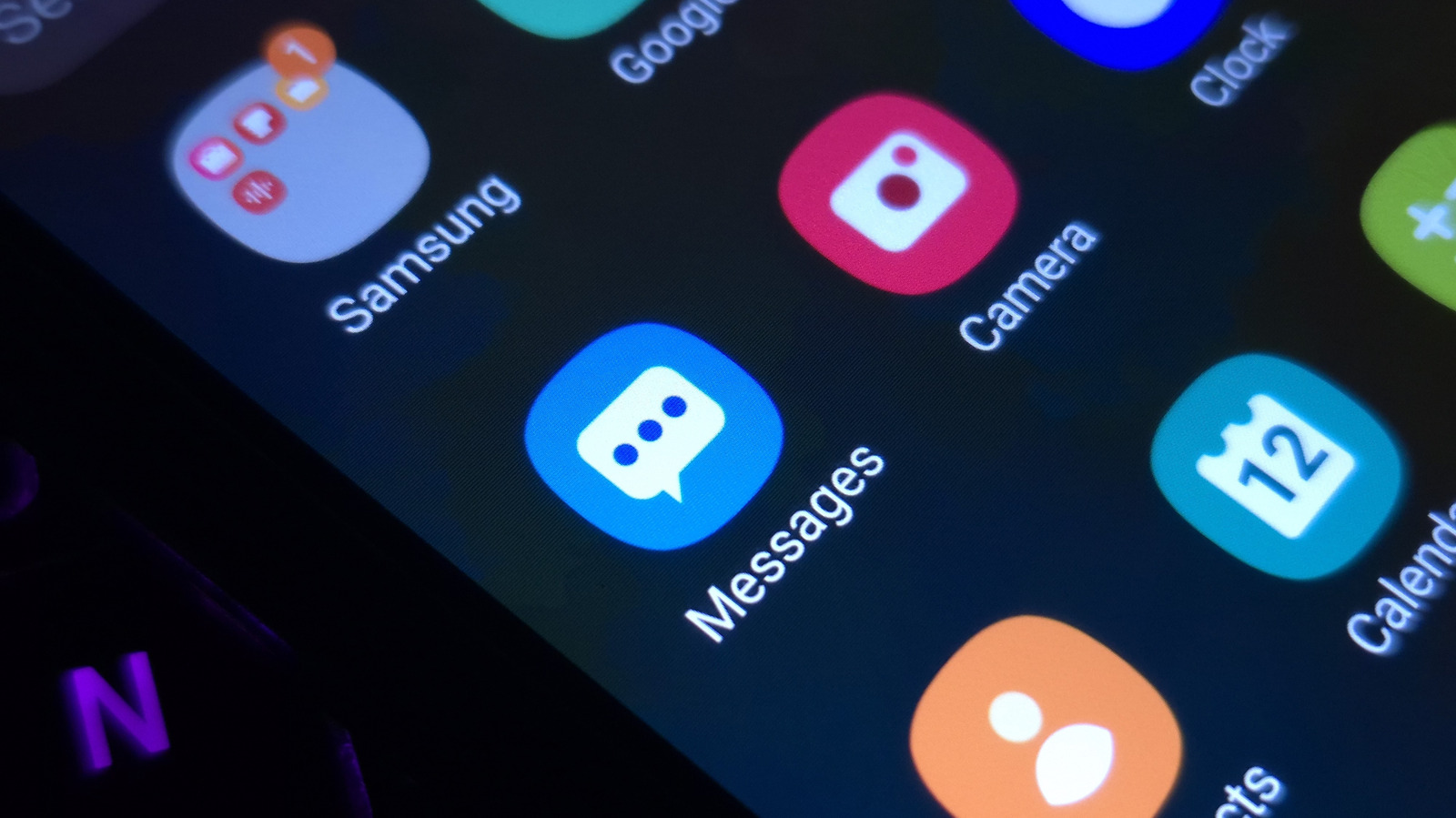
    Cozy fireplaces, reimaginations of tourist destinations or even abstract concepts: Pick from these and more when you get to tinkering with app icons and unique customizations on Samsung Galaxy smartphones. Change them up to keep your phone looking fresh and to match your current mood or outfit.

    In addition to changing the icons you interact with, themes also change the color scheme on system apps like Contacts, Settings and Messages. Swipe down, and you’ll also notice a sprinkle of color on your Quick Panel.

    Here’s how you can get started with app icon customization. On the Home screen, right after unlocking your Galaxy phone, hold an empty area and tap Themes. Look through the options and download the ones you like. Then, press the Menu option and head to My stuff to access your Icons and Themes.

    Select the ones you want and hit Apply to make the changes. While you cannot use your own images as app icons, the Themes app has all kinds of icons to download in the Icons section. Outside themes, Samsung owners have plenty more customization toys to play with.

    What other customization features does a Samsung Galaxy phone offer?
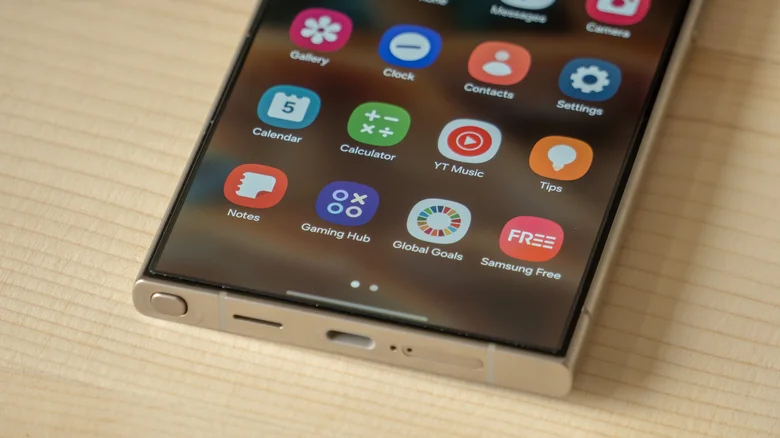
    Icons on the Samsung Galaxy S24 Ultra smartphone.

    If you’ve upgraded your Galaxy device to One UI 9, there are more features to play with, starting with the redesigned Quick Panel you can access by swiping down from the top-right corner. From resizing elements to moving them around or deleting them, tune things to your liking. For another sprinkle of customization, Samsung’s Galaxy Wearable app for its Watch lineup lets you change watch faces by snapping pictures of your outfit.

    Samsung’s official Good Lock suite brings plenty more to the table. Download the app from the Play Store and you can mess around with motion wallpapers, lock screen designs and even your home screen. Within the app, you can download add-ons like Theme Park. In addition to system-wide themes, I love Theme Park’s options to change the colors of individual keys, notifications and Quick Panel switches like turning on Airplane Mode.

    The company’s Home Up application expands your customization options with stickers, flexible placement of apps and widgets and custom gesture animations. Granular control over speed and vibration lets you adjust the experience as you see fit. Good Lock also has a nifty one-handed operation feature that lets you use diagonal swipes for different functions like opening Recent Apps or going to the Home screen. 

    Change the color palette of your Samsung Galaxy phone menus

    To complete the look, you can change how menus and screens appear on your phone with more cool Samsung features. Head over to the Settings app and select Wallpaper and style. Now press Color palette and turn the switch next to it to activate it. Pick from a range of Wallpaper colors and Basic colors that match best with the look you’re going for.

    As you select them, the previews at the top of the screen will give you a good idea of what navigating your device will look like. Press Apply when you’re ready and you’ll see your chosen color appear all over your phone’s interface, from switches in menus to buttons across system apps.

    While the color palette might not affect every app icon, it can also be used to change most app icon colors instead of downloading a completely different theme. It’s a simple way to change how your home screen and app drawer look without getting a custom theme.

    change customize Samsung Smartphones Your
    Follow on Google News Follow on Flipboard
    Share. Facebook Twitter Pinterest LinkedIn Tumblr Email Copy Link
    myappsplus
    • Website

    Related Posts

    Your next desktop PC for the price of a Ferrari? HP ZGX Fury packs in 748GB RAM and Nvidia GB300 — but prices start at $132,000

    November 15, 2026

    You can now generate and edit GIFs with ChatGPT – here’s how

    November 15, 2026

    Flaming Hydra’s new Kickstarter campaign rethinks e-book ownership and digital lending

    November 15, 2026
    Add A Comment
    Leave A Reply Cancel Reply

    Top Posts

    Save on your groceries, gas, and holiday shopping with this $15 BJ’s membership (Reg. $60) 

    November 4, 202629 Views

    Google’s new AI shopping cart tracks deals across stores

    October 25, 202628 Views

    5 Best Smartphone Deals Under Rs 30,000 On Amazon And Flipkart

    October 30, 202624 Views
    Latest Reviews

    Apple faces new UK rules over nude images on children’s iPhones

    myappsplusSeptember 8, 2026

    Everything revealed at Zelda Direct: Ocarina of Time pre-order deal, release date, new Switch 2, more

    myappsplusSeptember 8, 2026

    Google has deployed a fix for YouTube’s blank screen problems

    myappsplusSeptember 8, 2026
    Stay In Touch
    • Facebook
    • YouTube
    • TikTok
    • WhatsApp
    • Twitter
    • Instagram

    Subscribe to Updates

    Get the latest tech news from FooBar about tech, design and biz.

    Most Popular

    Apple faces new UK rules over nude images on children’s iPhones

    September 8, 20260 Views

    GL.iNet Beryl 7 review: This Wi-Fi 7 travel router saved my holiday connecting 5 iPads, a laptop, and a couple of phones

    September 8, 20260 Views

    69% of Americans oppose local AI data centers in 2026 poll — Trump blasts blocking communities on Truth Social for choosing poverty over server farms, throwing off ‘tremendous amounts of money’

    September 8, 20260 Views
    Our Picks

    Xbox system update adds 3 new features including highly requested navigation boost

    November 15, 2026

    WhatsApp introduces new Android update with floating navigation bar

    November 15, 2026

    MacBook Air Discounts Seen Early

    November 15, 2026

    Subscribe to Updates

    Subscribe to our newsletter and get the latest tech news, app updates, AI trends, smartphone reviews, and exclusive deals delivered straight to your inbox.

    Facebook X (Twitter) Instagram Pinterest
    • About Us
    • Get In Touch
    • Disclaimer
    • Privacy Policy
    • Terms & Conditions
    © 2026 MyAppsPlus. All Rights Reserved.

    Type above and press Enter to search. Press Esc to cancel.