Close Menu
MyAppsPlus

    Subscribe to Updates

    Get the latest creative news from FooBar about art, design and business.

    What's Hot

    This crowdfunded $109 hub wants to pool the RAM in your old PCs, Macs, and phones to run bigger AI models — but the engine underneath is software you can already get for free

    October 25, 2026

    Beelink ME Pro Creator Edition NAS review

    October 25, 2026

    The most unexpected everyday tool can be found on your phone

    October 25, 2026
    Facebook X (Twitter) Instagram
    Facebook X (Twitter) Instagram
    MyAppsPlusMyAppsPlus
    Sunday, October 25
    • Home
    • Breaking Tech
    • Apps & Software
    • AI & Automation
    • Android
    • iPhone & iOS
    • More
      • Reviews
      • How-To Guides
      • Deals & Discounts
      • Shop
    MyAppsPlus
    Home»Breaking Tech»Even the best mesh Wi-Fi system can be easily improved with a simple cable
    Breaking Tech

    Even the best mesh Wi-Fi system can be easily improved with a simple cable

    myappsplusBy myappsplusOctober 25, 2026004 Mins Read
    Share Facebook Twitter Pinterest Copy Link LinkedIn Tumblr Email Telegram WhatsApp
    Follow Us
    Google News Flipboard
    Even the best mesh Wi-Fi system can be easily improved with a simple cable
    Share
    Facebook Twitter LinkedIn Pinterest Email Copy Link

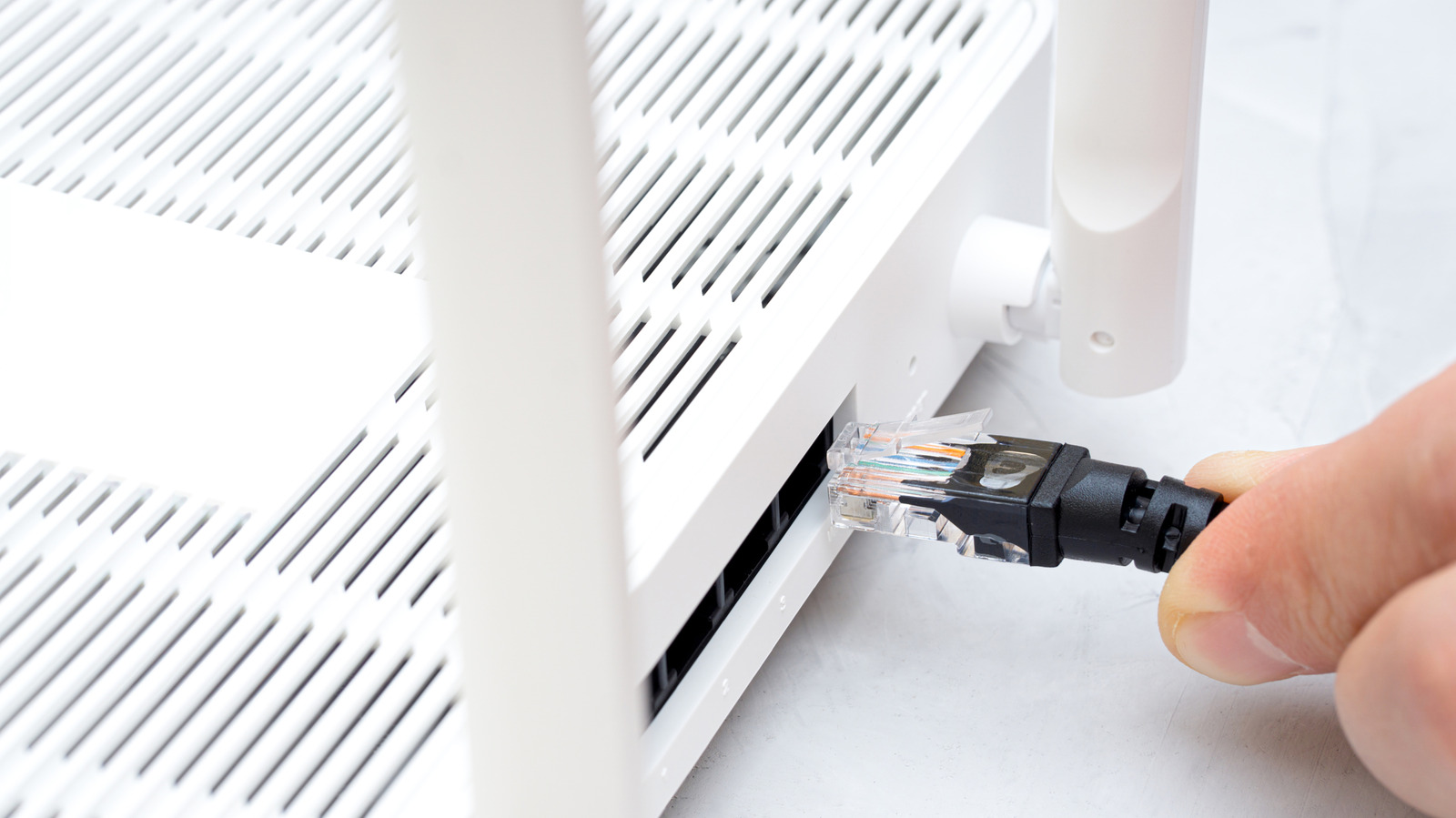
    If you want your mesh system to deliver even faster speeds, try this router upgrade.

    Once you’ve switched to mesh Wi-Fi, it’s tough to go back. Standalone routers can get the job done and may actually be superior in some circumstances, namely if you want to shove all your smart home accessories over to the slower but far-reaching 2.4GHz band. A mesh system eliminates dead zones, however, and keeps speeds more consistent, which is often more important on a daily basis. A state-of-the-art smart home doesn’t count for much if your phone or laptop can’t get a decent signal in the basement.

    To get the most out of mesh technology, you do have to learn certain principles. Chief among these is router placement — you want to maximize coverage without accidentally slowing things down or breaking the mesh entirely. If you stash a router in a closet or behind some other barrier hampering signals, you’re sabotaging performance.

    The best possible mesh experience requires integrating Ethernet. It’s easy to understand why, although whether or not that’s practical in your home may be another issue. Most people will, understandably, have to sacrifice maximum performance.

    How Ethernet can save the day for mesh Wi-Fi
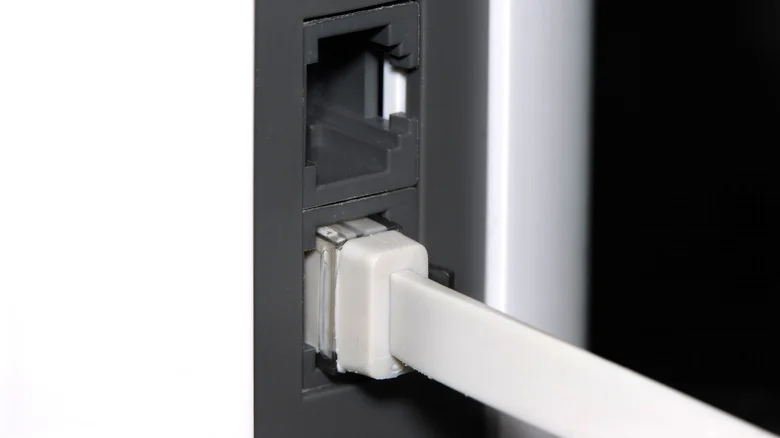
    A flat Ethernet cable plugged into a mesh Wi-Fi router.

    All mesh systems require what’s called a backhaul connection. This is the pipeline that shuffles data between routers, rather than directly to your devices. You don’t have to do anything to set one up — by default, mesh products automatically establish a wireless backhaul.

    There are a couple of potential problems with this, the first being an echo of what you’d deal with in a standalone router: diminished speed over distance. As signal falls, so do bitrates. The gap between routers can reduce performance by hundreds of megabits, and devices connecting to a mesh are automatically limited by the bandwidth of the closest node. The results should still be better than those of a standalone router, yet they remain less than optimal.

    Worse, some cheaper mesh systems merge their wireless backhauls with the same bands your devices rely on, forcing both halves of the equation to suffer. This is why you should never buy a dual-band mesh product. For reference, anything with a dedicated backhaul link will at least be tri-band, and some more advanced options are quad-band.

    Switching to an Ethernet backhaul is an instant fix for both of these concerns. Suddenly, it doesn’t matter whether a product is dual-band. And in the distances of the average home, Ethernet won’t lose you a meaningful amount of speed. It will probably deliver at least 1 Gbps, if not more, when you use a Cat 6 cable. Wi-Fi devices will likely only see a portion of this bandwidth, but at least they’re not being kneecapped before they even connect.

    Dealing with the downsides of Ethernet
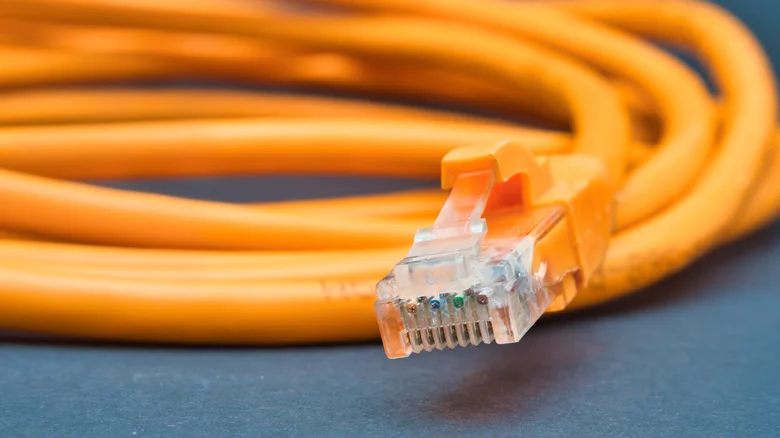
    A snaking orange Ethernet cable.

    The massive hurdle here is stretching enough Ethernet cable across your home. Even apartment dwellers might need a few dozen feet, and the burden is only going to multiply in a two- or three-story house. The basic cost is trivial — you can buy a pair of 50-foot Cat 6 cables for around $30 — but most people don’t like wires snaking across their floor. Trying to conceal everything can quickly become a serious project, so if Wi-Fi speeds are already snappy enough, a wired backhaul may not be worth the time, money or effort.

    Then there’s the question of compatibility. Every router has to have at least one free Ethernet port. While that’s relatively common, you might want to dedicate some of those ports to other hardware, such as a laptop or a smart home hub. An Ethernet switch is an obvious workaround, though, once again, that raises the cost of the venture. 

    You also need to verify that each port is fast enough. A 100 Mbps port is simply too slow, and even 1 Gbps can feel subpar if you’ve got a Wi-Fi 7 system with a dedicated wireless backhaul, as connecting Wi-Fi devices might be able to achieve multi-gig speeds. It’s always preferable to use 2.5 or 10 Gbps Ethernet when it’s available — but it might not be.

    Accessories Best even mesh WiFi
    Follow on Google News Follow on Flipboard
    Share. Facebook Twitter Pinterest LinkedIn Tumblr Email Copy Link
    myappsplus
    • Website

    Related Posts

    The most unexpected everyday tool can be found on your phone

    October 25, 2026

    What does the bell icon mean on your CarPlay screen?

    October 25, 2026

    This Switch 2 sequel accessory was a few millimeters away from being good

    October 25, 2026
    Add A Comment
    Leave A Reply Cancel Reply

    Top Posts

    Cathay Pacific tests Google AI that dramatically cuts airplane contrails — tiny altitude shifts slash environmental impact by 40% in early trials

    September 8, 2026137 Views

    Keep running out of mobile data? This new unlimited plan gets you up to 80Mbps 5G speeds for just AU$50/m

    October 8, 202615 Views

    Drone swarm tech valued by both defense and civilian sectors, industry platform says

    September 8, 202615 Views
    Latest Reviews

    Samsung is randomly deactivating some accounts for ‘security reasons’

    myappsplusSeptember 1, 2026

    ‘Sonos 27’ brings a refreshed UI to the app and lets AI agents control your system

    myappsplusSeptember 1, 2026

    Anthropic reveals its view of how AI agents should interact with the physical world

    myappsplusSeptember 1, 2026
    Stay In Touch
    • Facebook
    • YouTube
    • TikTok
    • WhatsApp
    • Twitter
    • Instagram

    Subscribe to Updates

    Get the latest tech news from FooBar about tech, design and biz.

    Most Popular

    Samsung is randomly deactivating some accounts for ‘security reasons’

    September 1, 20260 Views

    ‘Sonos 27’ brings a refreshed UI to the app and lets AI agents control your system

    September 1, 20260 Views

    Anthropic reveals its view of how AI agents should interact with the physical world

    September 1, 20260 Views
    Our Picks

    This crowdfunded $109 hub wants to pool the RAM in your old PCs, Macs, and phones to run bigger AI models — but the engine underneath is software you can already get for free

    October 25, 2026

    Beelink ME Pro Creator Edition NAS review

    October 25, 2026

    The most unexpected everyday tool can be found on your phone

    October 25, 2026

    Subscribe to Updates

    Subscribe to our newsletter and get the latest tech news, app updates, AI trends, smartphone reviews, and exclusive deals delivered straight to your inbox.

    Facebook X (Twitter) Instagram Pinterest
    • About Us
    • Get In Touch
    • Disclaimer
    • Privacy Policy
    • Terms & Conditions
    © 2026 MyAppsPlus. All Rights Reserved.

    Type above and press Enter to search. Press Esc to cancel.