

Affiliate links on Android Authority may earn us a commission. Learn more.
Does the Pixel 11 Pro’s modem still lose to the competition? I ran a test to find out
The Pixel’s modem may finally no longer be its biggest weakness.
By
•
•
•
Sanuj Bhatia / Android Authority
Add Android Authority on Google:
Preferred SourceGoogle Discover
The Google Pixel 11 series may not look that different from last year’s Pixel 10 lineup, but Google has clearly worked on some major under-the-hood upgrades this year. You get a more efficient Tensor G6 chipset, which is great, but perhaps the bigger change is the modem.
Google has ditched Samsung’s Exynos modem in favor of a new MediaTek modem on the Pixel 11 phones. We recently compared the Pixel 11 Pro’s modem with last year’s Pixel 10 Pro and saw clear improvements in download speeds, signal reception, and battery efficiency.
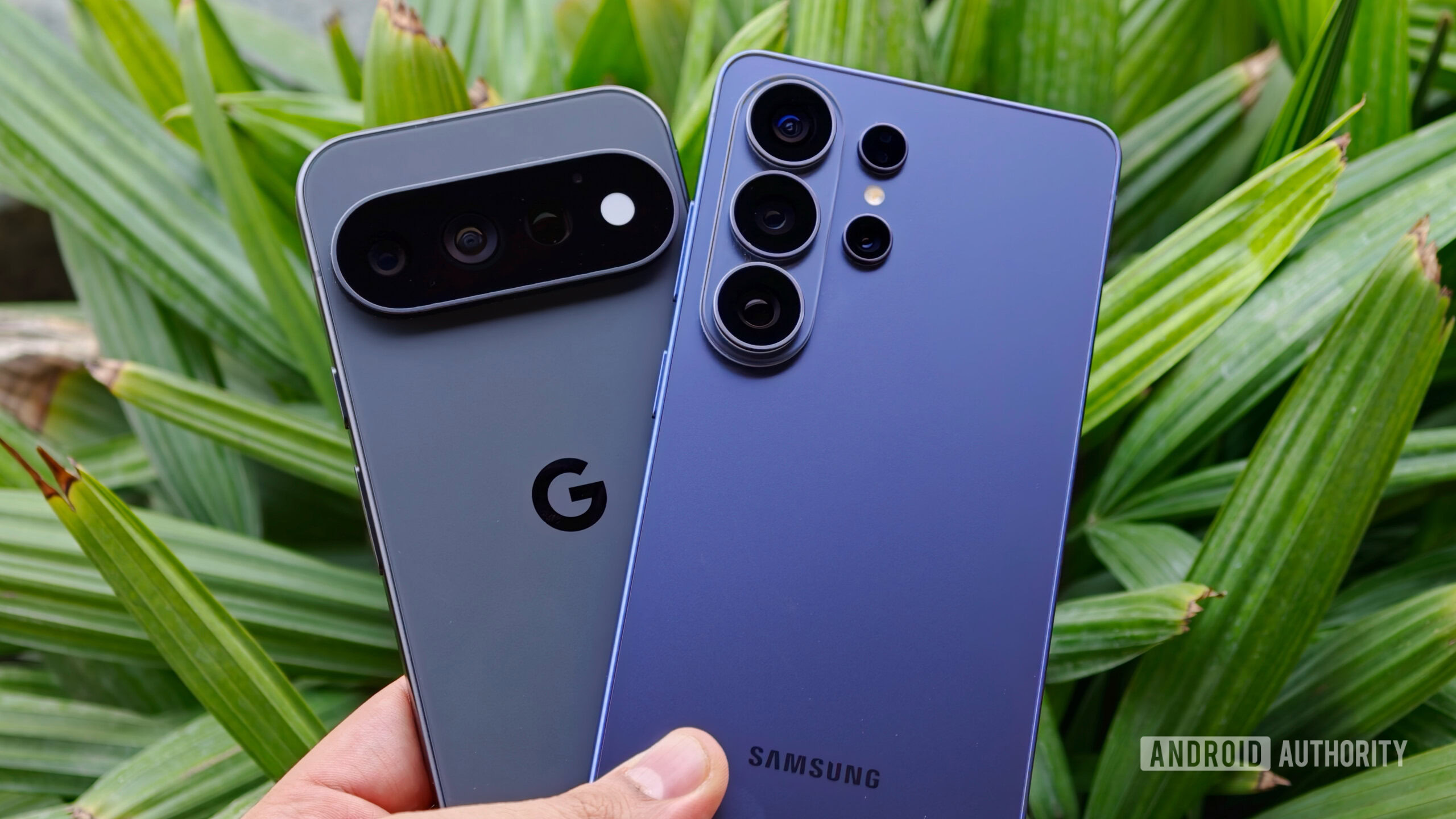
But how does the Pixel 11 series’ new modem compare to what you get on other top-tier Android flagships? To find out, I put the Pixel 11 Pro against the Samsung Galaxy S26 Ultra to see how the new MediaTek modem fares against one of the best Android phones.
What’s been your biggest Pixel connectivity complaint?
How I tested the Pixel 11 Pro and Galaxy S26 Ultra modems
Ryan Haines / Android Authority
Before we get into the results, it’s worth noting that I tested both the Samsung Galaxy S26 Ultra and the Google Pixel 11 Pro under as similar conditions as possible. I made sure both devices were running the latest available software and started the tests with both phones at close to 100% battery. I also used the same SIM card on both phones to keep things as fair as possible.
The S26 Ultra and Pixel 11 Pro were disconnected from Wi-Fi and relied entirely on mobile data throughout the test. To compare the two modems, I ran three different tests covering signal strength, cellular speeds, and battery consumption while streaming video.
Signal strength test
Sanuj Bhatia / Android Authority
The first test I ran was to compare the actual signal strength on both phones. Android shows signal bars in the status bar, but those don’t necessarily reflect the exact strength of the cellular connection.
Instead of relying on those bars, I went into the Settings app and checked the actual signal strength reported by both phones in dBm. For those unfamiliar, dBm is a measurement of signal strength, and since these values are negative, the closer the number is to zero, the stronger the signal. So, for example, -75 dBm is better than -95 dBm.
To properly compare the two phones, I tested them in three areas with weak, average, and strong cellular reception, keeping their positions as similar as possible.
| Model | Weak area | Mid-signal area | Strong outdoor area |
|---|---|---|---|
| Pixel 11 Pro | -96 dBm | -90 dBm | -90 dBm |
| Galaxy S26 Ultra | -97 dBm | -89 dBm | -74 dBm |
The results were pretty close overall, especially in areas with weak and average reception, where neither phone had a meaningful advantage. The Galaxy S26 Ultra, however, pulled noticeably ahead in the strong reception area, where it picked up a considerably stronger signal (-74 dBm) than the Pixel 11 Pro (-84 dBm).
Speed test
The next test I ran to compare the Pixel 11 Pro and Galaxy S26 Ultra modems was the good old internet speed test. Signal reception is one thing, but I also wanted to see whether the Pixel 11 Pro could actually deliver competitive cellular speeds.
For this, I ran three speed tests on each phone, both indoors and outdoors, measuring download speeds, upload speeds, and ping. I then took an average of all three runs to get a better idea of how each phone performed.
| Model | Download speeds | Avg. download | Upload speeds | Avg. upload | Ping | Avg. ping |
|---|---|---|---|---|---|---|
| Pixel 11 Pro | 1. 563 Mbps
2. 482 Mbps 3. 591 Mbps |
545.3 Mbps | 1. 57.4 Mbps
2. 62 Mbps 3. 65.5 Mbps |
61.6 Mbps | 1. 20 ms
2. 17 ms 3. 18 ms |
18.3 ms |
| Galaxy S26 Ultra | 1. 644 Mbps
2. 506 Mbps 3. 594 Mbps |
581.3 Mbps | 1. 100.9 Mbps
2. 100.6 Mbps 3. 99.9 Mbps |
100.5 Mbps | 1. 16 ms
2. 16 ms 3. 15 ms |
15.7 ms |
Outdoors, the Galaxy S26 Ultra came out ahead. It averaged around 581 Mbps download speeds compared to 545 Mbps on the Pixel 11 Pro. That’s not a massive difference, but Samsung had a much bigger advantage when it came to uploads, averaging around 100 Mbps compared to just 62 Mbps on the Pixel. Ping was also slightly better on the Galaxy S26 Ultra at around 16ms, compared to 18ms on the Pixel 11 Pro.
| Model | Download speeds | Avg. download | Upload speeds | Avg. upload | Ping | Avg. ping |
|---|---|---|---|---|---|---|
| Pixel 11 Pro | 1. 494 Mbps
2. 429 Mbps 3. 497 Mbps |
473.3 Mbps | 1. 49 Mbps
2. 39.9 Mbps 3. 47.5 Mbps |
45.5 Mbps | 1. 20 ms
2. 22 ms 3. 19 ms |
20.3 ms |
| Galaxy S26 Ultra | 1. 367 Mbps
2. 407 Mbps 3. 446 Mbps |
406.7 Mbps | 1. 51.1 Mbps
2. 49.4 Mbps 3. 46.1 Mbps |
48.9 Mbps | 1. 17 ms
2. 20 ms 3. 18 ms |
18.3 ms |
Indoors, though, things flipped around. The Pixel 11 Pro averaged around 473 Mbps download speeds, while the Galaxy S26 Ultra managed around 407 Mbps. That’s roughly a 16% advantage for the Pixel in an area where cellular reception wasn’t as strong. The Galaxy S26 Ultra still held onto a slight lead in upload speeds and ping, but the differences were much smaller here.
A couple of generations ago, I wouldn’t have expected a Pixel to perform this well indoors.
At least from my testing, the Galaxy S26 Ultra still seems better when you have strong reception, but I’m quite (pleasantly) surprised by the Pixel 11 Pro’s performance indoors. It managed to deliver faster download speeds in my testing despite having similar reception. This isn’t something I would’ve expected from a Pixel a couple of generations ago.
Video streaming test
Finally, one of Google’s big claims about the Pixel 11’s new modem is that it’s more power-efficient. To put that to the test, I played the same hour-long 4K YouTube video on both phones over cellular data and measured how much battery each one lost. I kept the display brightness at similar levels on both devices and had the volume muted throughout the test.
| Model | Starting battery | After 1 hour | Battery used |
|---|---|---|---|
| Pixel 11 Pro | 91% | 86% | 5% |
| Galaxy S26 Ultra | 95% | 89% | 6% |
The Pixel 11 Pro started at 91% and, after an hour of video playback, dropped to 86%, resulting in a 5% battery drain. The Galaxy S26 Ultra, meanwhile, started at 95% and finished at 89%, losing 6% over the same period.
Of course, an hour-long test isn’t enough to tell the whole battery life story, and there are plenty of other factors at play beyond just the modem. But under similar conditions, the Pixel 11 Pro actually used slightly less battery, and it looks like Google has finally gotten modem efficiency much closer to what you get on other flagship Android phones
So, how does the Pixel 11 Pro’s modem compare?
Joe Maring / Android Authority
Based on the three tests I conducted, I think Google has finally gotten pretty close to the modem performance you expect from other flagship Android phones.
Sure, the Pixel 11 Pro still falls behind the Galaxy S26 Ultra in areas like pure signal reception and upload speeds. But it delivered competitive, and sometimes faster, download speeds while also matching Samsung when it came to efficiency.
And those are two things you’re actually going to notice in everyday use. The Pixel 11 Pro’s modem isn’t outright better than the Galaxy S26 Ultra’s, but it no longer feels like the phone’s obvious weak point either. For Pixel phones, I’d say that is a huge step forward.
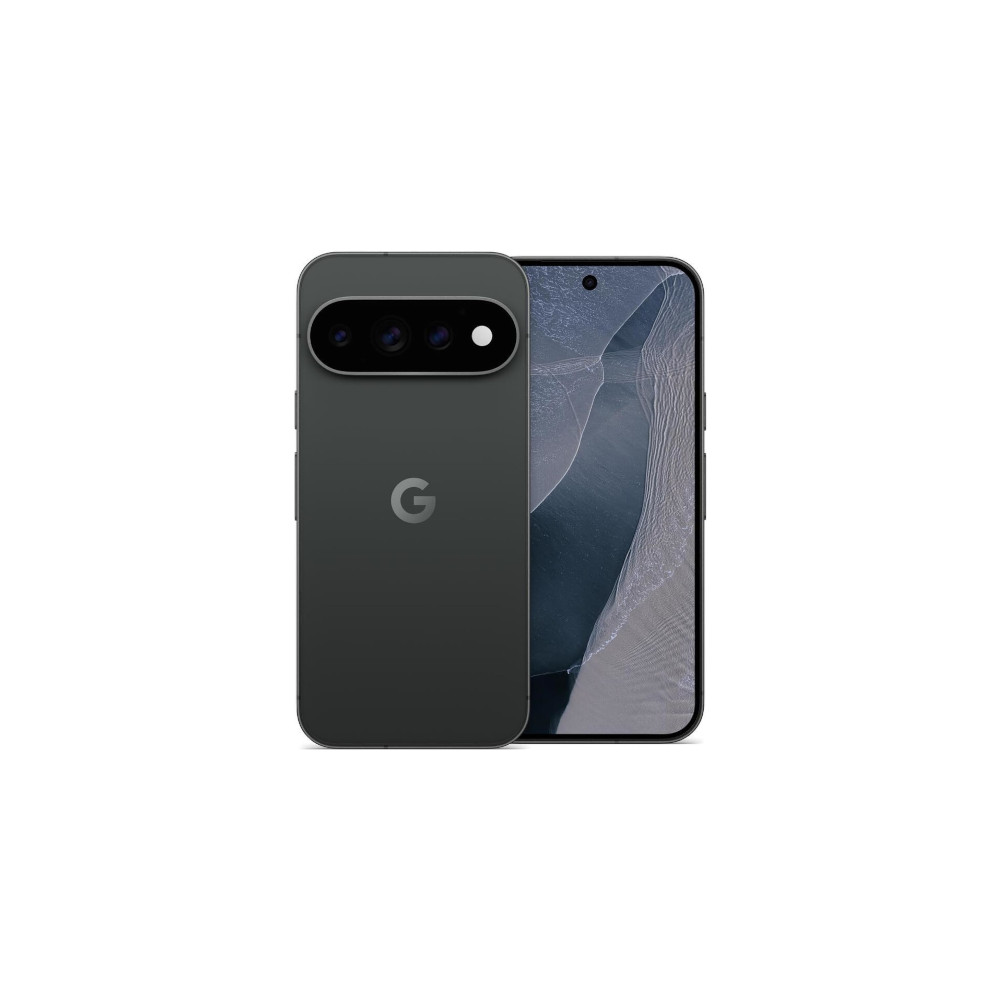
Google Pixel 11 ProExcellent cameras
7 years of Android updates
Built-in magnets with Qi 2.2
See price at Amazon
See price at Amazon
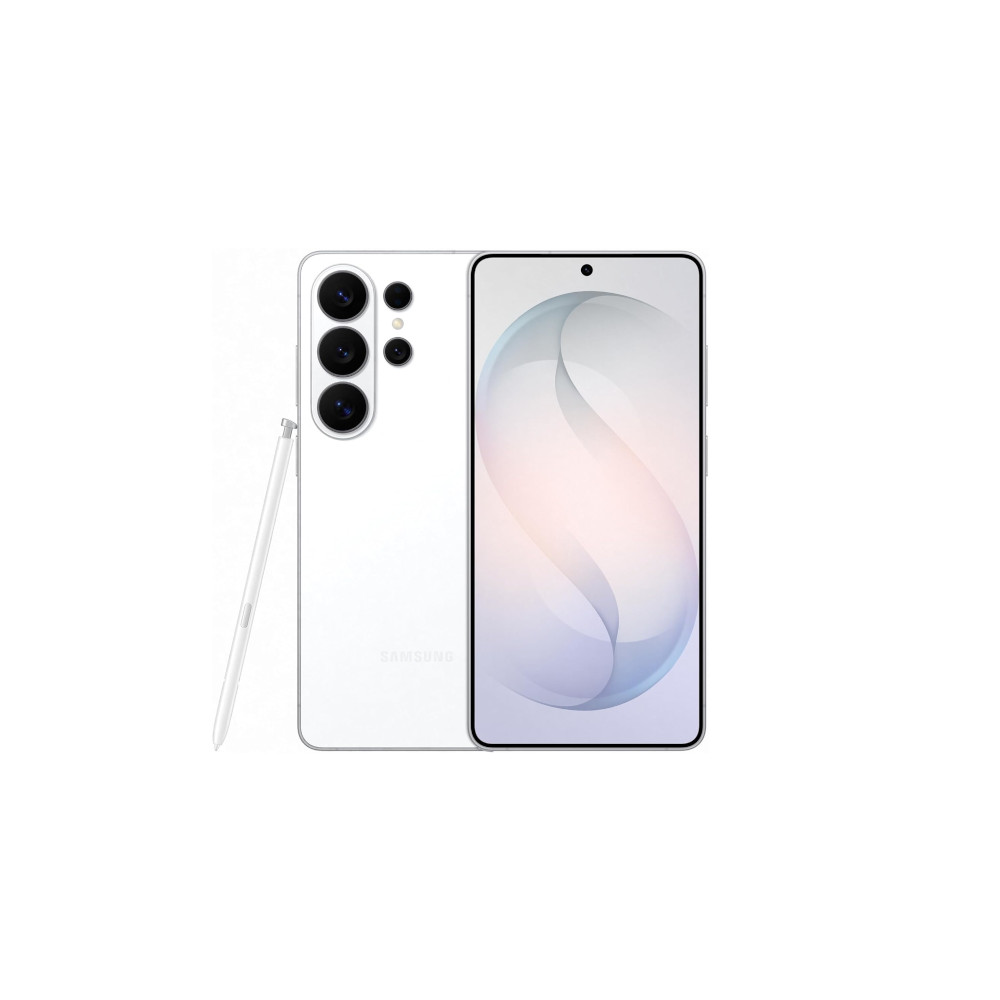
Samsung Galaxy S26 UltraPrivacy display
Snapdragon 8 Elite Gen 5 for Galaxy
Power AI features
See price at Amazon
Features
GoogleGoogle PixelGoogle Pixel 11SamsungSamsung GalaxySamsung Galaxy S26
Follow
Thank you for being part of our community. Read our Comment Policy before posting.
