

It’s not as nefarious as it sounds.
Amazon Alexa in all its forms has become increasingly prevalent across households — over 600 million Alexa-enabled devices have been purchased worldwide since its initial release. Even though this doesn’t translate directly to active Alexa users, it’s still an impressive figure that, for many people, conjures up privacy concerns. This proliferation of Alexa is only going to increase, with Amazon just announcing several new products, many of which — like the company’s new line of tablets — actively involve Alexa.
Willingly placing a microphone-centric device in your home certainly sounds very Big Brother-esque, especially with how quickly you can build an entire Alexa ecosystem to essentially run every device in the house. This integration is even more compounded with the continued rollout of Alexa+, which is designed to have additional real-world applications. But is Alexa really always eavesdropping on everything you say? It depends on how you define listening.
Why your Alexa is always listening
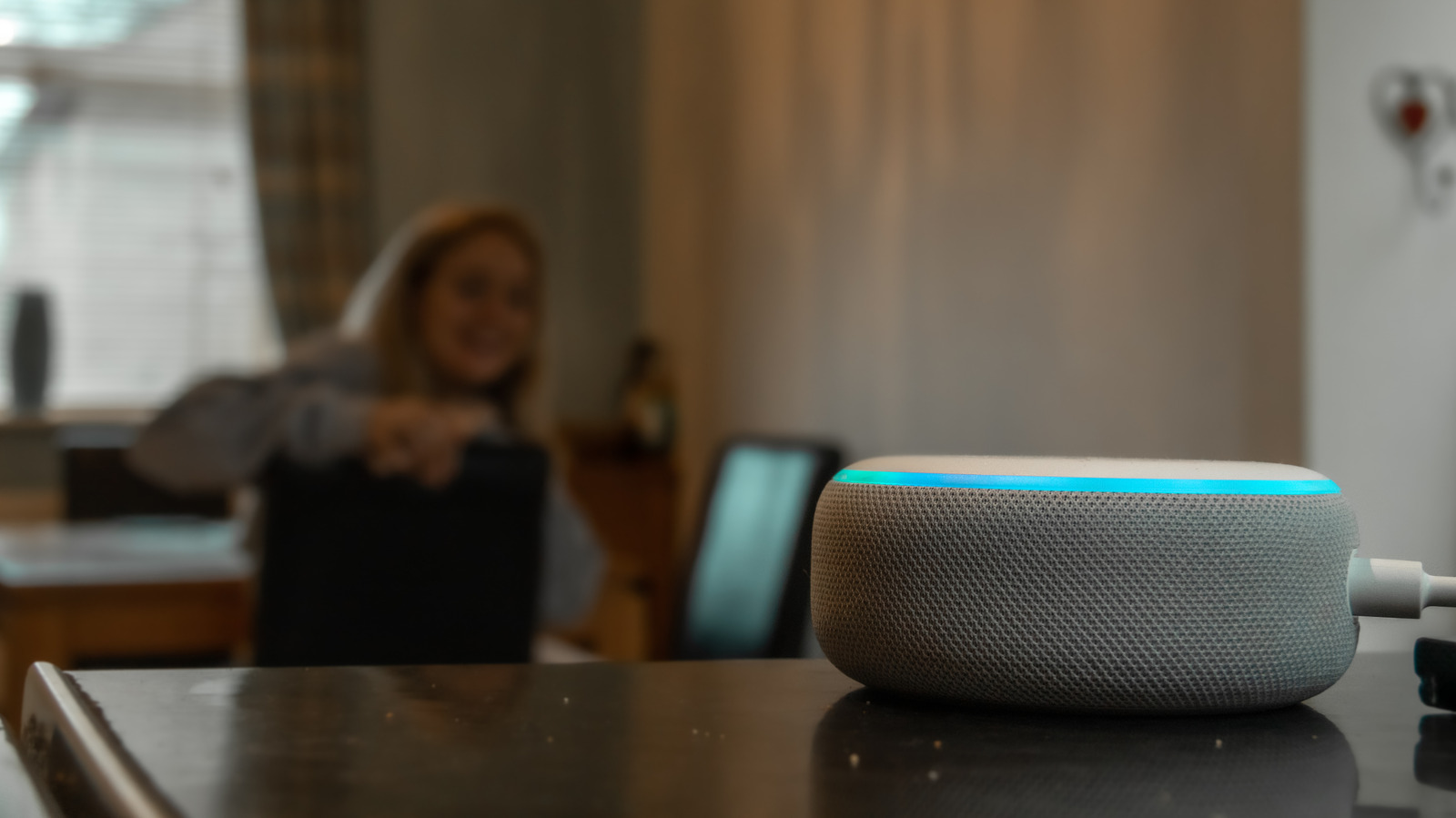
In a technical sense, your Alexa isn’t listening verbatim to every word you say around it, at least according to Amazon. Instead, it’s listening for “acoustic patterns” that match its particular wake word. It’s sort of like listening to a conversation with earplugs in — you can’t hear the exact words being said, but you’d still likely recognize someone saying your name because it’s a sound pattern you’ve heard many times before. Once Alexa recognizes its wake word, it will switch over to active listening to respond to your request, and only then will it record any audio or send it to the cloud.
This is the best balance Amazon has been able to find between privacy and what Alexa needs to serve its main purpose, i.e., conversational assistance. If the device isn’t listening on some level, there’s no way for it to know you’re asking it something. On the bright side, Alexa devices are designed to record as little audio as possible, only saving direct conversations you have with the device, and there are ways to adjust Alexa to further assuage privacy concerns.
How to improve privacy with Alexa
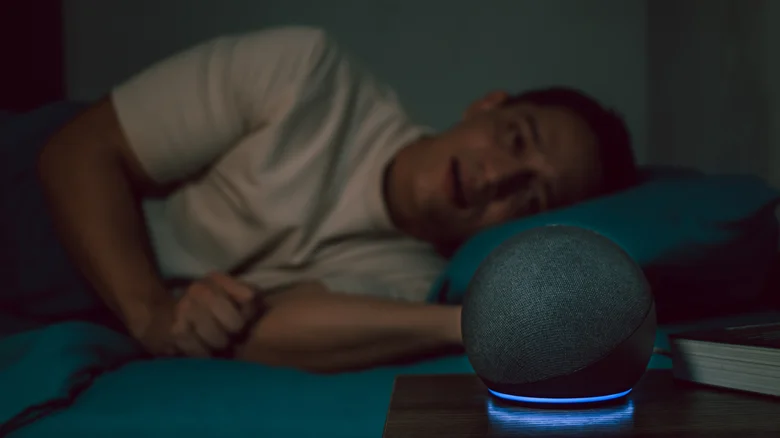
Of course, the most straightforward way to eliminate any eavesdropping Alexa concerns is to simply mute your device’s microphone. For most Alexa devices made by Amazon (the Echo lineup), the button to do so is located on the top of the device and looks like a microphone with a slash through it. Once you press it, you’ll know the microphone is muted by the red light displayed on the Echo device. It’s a bit antithetical to how the device is designed to be used, but if you don’t mind manually turning the microphone on and off each time you want to ask Alexa something, it’s an easy fix for privacy concerns.
If you still want to be able to call out to Alexa without fiddling with a button each time, you can adjust your recording settings for extra data protection. To do so:
-
Open the Alexa app.
-
Tap the three lines, then select Alexa Privacy.
-
Select Manage Your Alexa Data.
-
Select Voice Recordings and Transcripts.
From here, you’ll have four options: saving them for three or 18 months, saving until you delete them or not retaining them at all. On the Alexa data screen, you can also toggle how other data is saved (or not), like smart home device and detected sounds histories. With some devices, you can also toggle on this screen whether to allow deletion by voice, so that you can say things like, “Alexa, delete everything I said today,” or, “Delete my entire voice history.” However, this doesn’t work with devices running Alexa+ or Amazon Kids.
Keep in mind that these settings only work for the Amazon cloud itself. If you use Alexa with third-party devices like robotic vacuums or smart TVs, those companies may still have access to your history after deletion. Deleting your voice recordings can also impact how well Alexa is able to personalize its responses to you, as it makes the device unable to maintain a voice profile for you — if that doesn’t bother you, then delete away.
