

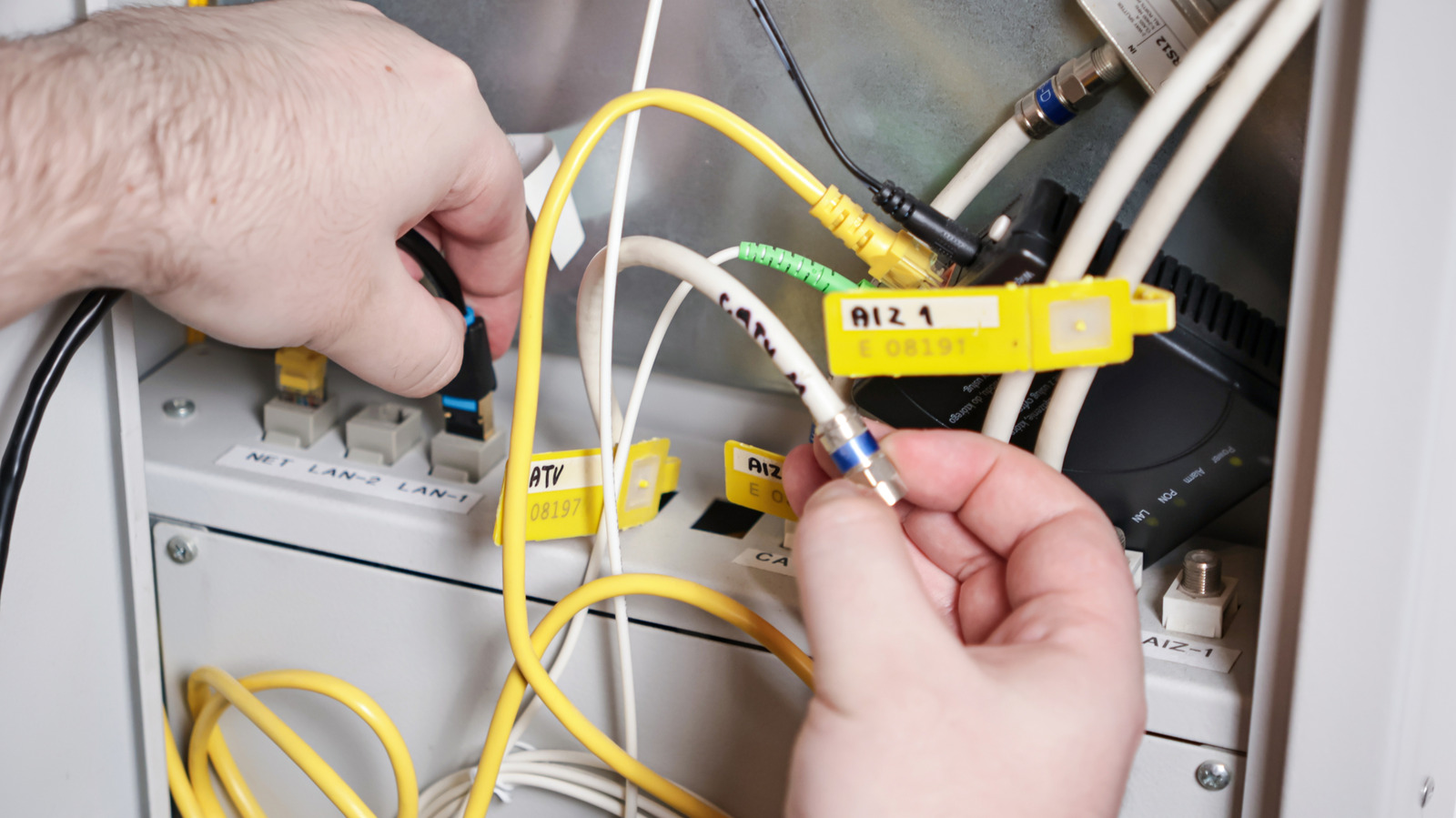
Understand the networking equipment that connects your devices to the internet.
Don’t feel bad for being unfamiliar with home networking terms. Many concepts aren’t relevant for most people until they need to fix problems with their home network. The goal is for your network to blend seamlessly into the background, just as you don’t think much about carburetors or batteries when driving your car.
However, understanding your network is helpful not just for troubleshooting, but also for being aware of what you’re paying for and deciding what you actually need. It’s long been common for internet service providers (ISPs) to charge rental fees for equipment, though this has thankfully been fading in recent years. If your ISP still charges a fee, you can potentially save money by buying your own. Even if a unit is included in your plan, bringing your own can unlock more flexibility and options.
Let’s walk through the basic differences between a router, modem and gateway. They’re not hard to understand, even though some companies seem to intentionally blur the lines.
Routers and modems and gateways, oh my!
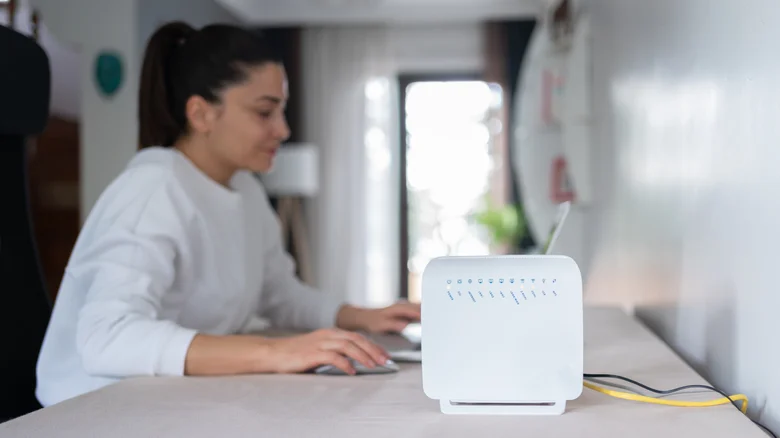
The vast majority of internet connections are dependent on a modem (short for modulator-demodulator). That hardware translates the signals from a cable or phone line into a digital form your devices can understand, as well as vice-versa. For an even simpler definition, a modem is the device that talks to the internet. The only way you can potentially skip having some sort of modem is if you have a pure fiber connection. Those replace the modem with an optical network terminal (ONT), which is functionally the same type of device from a practical standpoint.
Routers have multiple responsibilities. Primarily, they steer modem data to (and from) individual devices, whether that’s over Wi-Fi or Ethernet cables. But they can also direct entirely local data on your home network, like if you’re streaming movies from a Plex server to your TV. Some routers additionally serve as smart home hubs by acting as Matter controllers or bridging Thread-based accessories with your local network and the internet. All the while, they defend your network against intrusion and malware through measures like firewalls. You can also manually manage traffic using tools like user profiles and guest networks.
Within a home networking context, a gateway usually merges a modem and router into a single device. The obvious advantage of this is simplicity, with ISPs frequently including a gateway (increasingly at no additional charge) in your monthly plan. You won’t see as many of these at normal retailers, incidentally. Gateways available from stores are often aimed at businesses and other organizations looking for advanced control over incoming and outgoing data. You might come across combo gateways, but it’s usually more advantageous to go with separate units for each.
Why you should almost always buy your own router
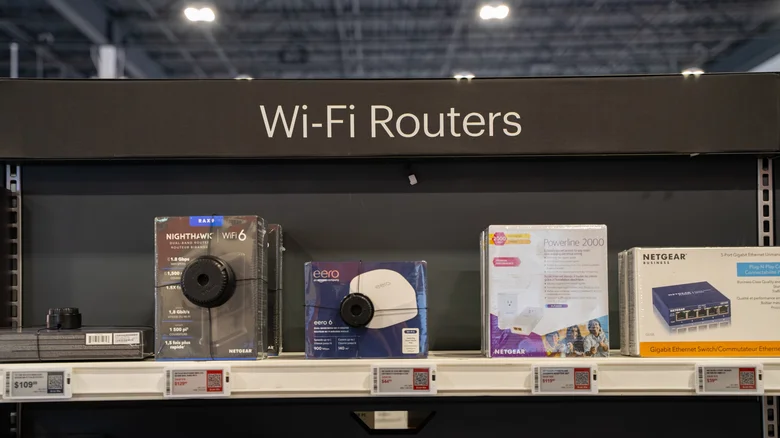
Whether your ISP provides you with a gateway or a separate modem and router, you’re likely getting a cheap, lowest-common-denominator networking setup for a modern home. That could mean Wi-Fi 6, and it almost certainly means a non-mesh configuration. Wi-Fi 6 is perfectly viable for a lot of scenarios, but the format has been eclipsed by Wi-Fi 6E and 7, which include a faster 6GHz band on top of the usual 2.4 and 5GHz options. Meanwhile, top mesh systems may sometimes be necessary to prevent dead zones or ensure consistent speeds throughout the house.
You can potentially pay for mesh or Wi-Fi 7 upgrades from your ISP, but that’s liable to increase monthly fees without the privilege of ownership. Consider AT&T’s All-Fi Pro, which includes Wi-Fi 7, mesh extenders and equipment upgrades every 36 months. This is $25/month on top of your existing plan cost if you’re not on one of the ultra-fast plans.
In just a year, you’ll have spent an additional $300. For less than the rental cost for two years, you could outright own your own mesh system and bring it to another ISP without wondering how much they’ll charge for the same coverage. All you need to do is put the equipment your ISP supplies into bridge mode so you can use your own router.
Default routers and gateways can also be light on other features, but it’s really speed and coverage that matter the most. With stock equipment, you’re not coming anywhere near the potential of the latest phones and computers, never mind other uses like home servers or smart home accessories.
