Close Menu
MyAppsPlus

    Subscribe to Updates

    Get the latest creative news from FooBar about art, design and business.

    What's Hot

    Trump says US will form ‘AI Force’ and appoint an artificial intelligence tsar

    September 19, 2026

    Finished ‘The Lizzie Borden Story’? 3 chilling true-crime dramas to stream next on Netflix

    September 19, 2026

    Get streaming combined with an Alexa smart speaker via Amazon’s Fire TV Cube down at $110, more

    September 19, 2026
    Facebook X (Twitter) Instagram
    Facebook X (Twitter) Instagram
    MyAppsPlusMyAppsPlus
    Saturday, September 19
    • Home
    • Breaking Tech
    • Apps & Software
    • AI & Automation
    • Android
    • iPhone & iOS
    • More
      • Reviews
      • How-To Guides
      • Deals & Discounts
      • Shop
    MyAppsPlus
    Home»Android»How to block and unblock a number on your Android phone
    Android

    How to block and unblock a number on your Android phone

    myappsplusBy myappsplusSeptember 19, 2026003 Mins Read
    Share Facebook Twitter Pinterest Copy Link LinkedIn Tumblr Email Telegram WhatsApp
    Follow Us
    Google News Flipboard
    How to block and unblock a number on your Android phone
    Share
    Facebook Twitter LinkedIn Pinterest Email Copy Link

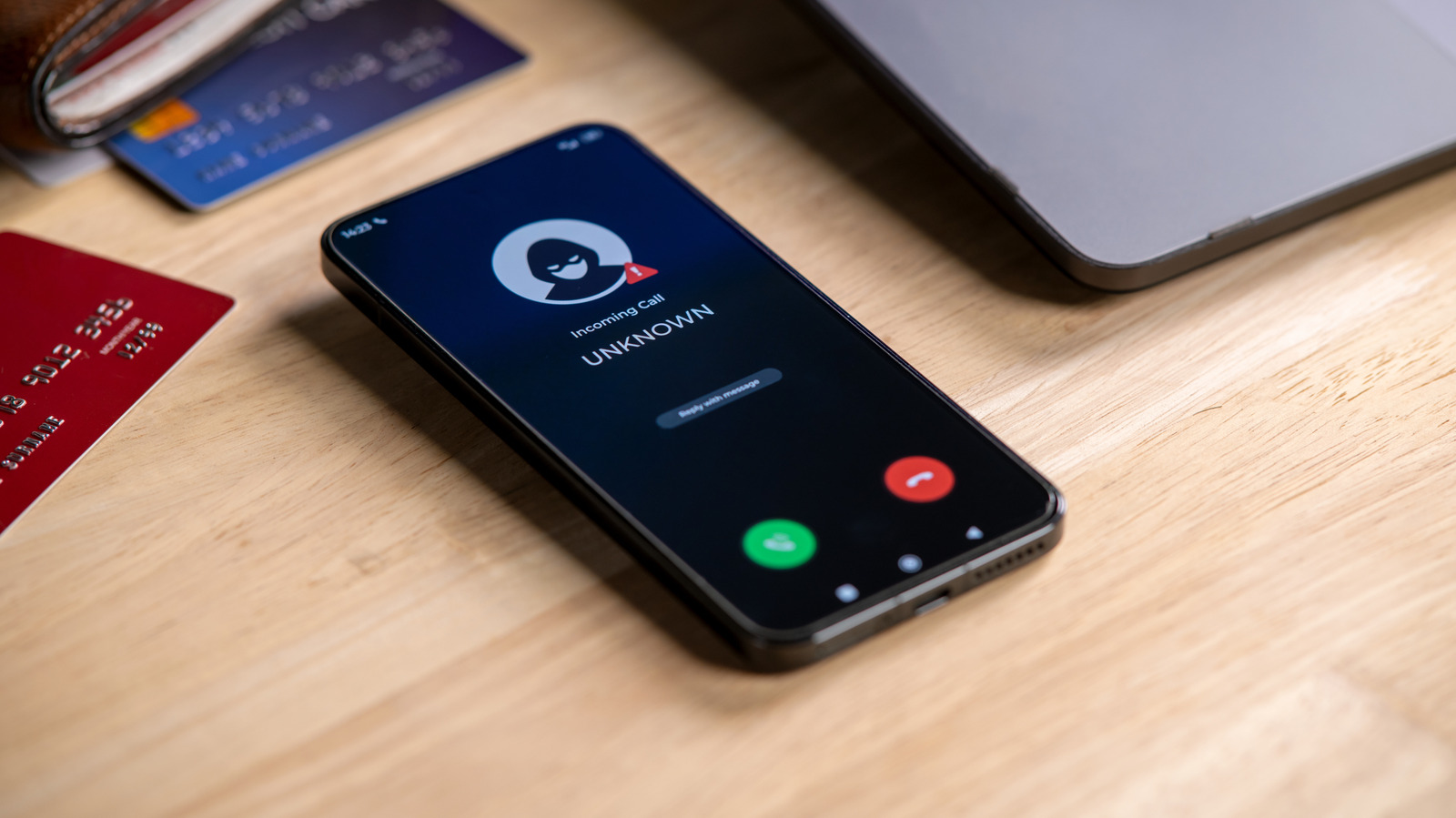
    Has someone been trying to reach you about your car’s extended warranty?

    It’s not a stretch to say that the modern smartphone is one of humanity’s greatest inventions; there’s so much packed into that pocket-friendly supercomputer. But even the greatest of inventions has its cons. For smartphones, one of those bitter cons is unwanted calls.

    With all the benefits, convenience and interconnectedness smartphones allow you to enjoy, unfortunately, they also allow scammers, spammers and all sorts of annoying people to conveniently connect with you either through texts or, worse, constant calls. Thankfully, you can easily block unwanted callers on your Android phone. Android is a vast ecosystem, so the exact process for blocking numbers may differ based on your Android device. But for the majority of Android phones, the Phone or Contacts app is the first step in blocking those annoying scam texts. And if you ever change your mind about a number you banished to the block list, you can also unblock it right from the Phone or Contacts app.

    How to block a number on your Android phone

    If you’re using a Samsung phone, there are two ways you can block calls from unwanted people: with the Contacts app and with the Phone app for numbers that aren’t saved.

    1. Select the contact you want to block

    1. Find and copy the number you want to block

    2. Tap More (three dots) at the top corner

    3. Tap Add phone number and paste or type the number you want to block

    If the number called you recently, then you can easily block it from the Recents section in the Phone app. Navigate to the number you want to block and tap Details > More Options > Block number.

    Blocking a number on a Pixel phone or a device running stock Android is just as straightforward:

    1. Tap a call from the number you want to block

    Once you do this, anytime the number tries to call you, your Android phone will automatically decline it before it even rings or pops up on your screen, and texts will usually be filtered into a blocked or spam folder. Do note that blocking a number is handled by your device, not your carrier. So, if you move your SIM to a different device, you’ll likely have to block the number again. 

    How to unblock a number on your Android phone
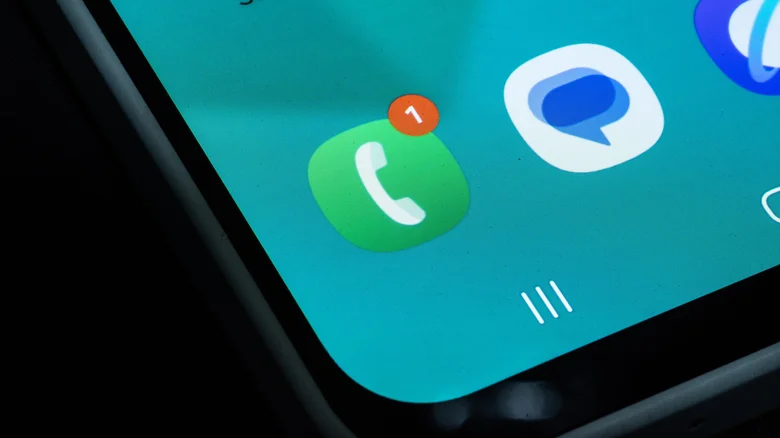
    A smartphone's phone app with a missed call notification.

    Unblocking a number follows a similar process. To unblock a contact on the Samsung Contacts app, simply:

    1. Select the contact you want to unblock

    If you’re using the Phone app:

    1. Then tap the (-) beside the number you want to unblock

    For the Google Pixel and stock Android users:

    1. Tap Clear (x) next to the number to unblock it

    As soon as you unblock the number, it’ll be able to call and text you like normal. Do note that any calls sent from the number during the block period won’t get added to your call logs, so that stays forever lost.

    Android block Number unblock Your
    Follow on Google News Follow on Flipboard
    Share. Facebook Twitter Pinterest LinkedIn Tumblr Email Copy Link
    myappsplus
    • Website

    Related Posts

    I spent a few minutes with the iPhone Duo. Even as an Android user, I’m blown away

    September 19, 2026

    Google confirms Gemini hacked into three companies during cybersecurity test months ago

    September 19, 2026

    Our top iPhone 18 Pro accessories to upgrade your setup [Updated]

    September 19, 2026
    Add A Comment
    Leave A Reply Cancel Reply

    Top Posts

    This tiny AI box could save me from upgrading my perfectly good laptop

    September 6, 20263 Views

    New Target ad delivers look at upcoming deals in one of Nintendo’s ‘largest promotions ever’

    September 13, 20262 Views

    Top 10 Best React Native App Development Companies in 2026

    September 12, 20262 Views
    Latest Reviews

    Amazon’s headphone sale is packed with deals from $19 — here are the 15 I’d buy

    myappsplusAugust 20, 2026

    China’s Military Says AI Can’t Replace Commanders. Xi Is Testing That

    myappsplusAugust 20, 2026

    EU Welcomes Apple’s App Store Changes, Epic Slams ‘Junk Fees’

    myappsplusAugust 20, 2026
    Stay In Touch
    • Facebook
    • YouTube
    • TikTok
    • WhatsApp
    • Twitter
    • Instagram

    Subscribe to Updates

    Get the latest tech news from FooBar about tech, design and biz.

    Most Popular

    Amazon’s headphone sale is packed with deals from $19 — here are the 15 I’d buy

    August 20, 20260 Views

    China’s Military Says AI Can’t Replace Commanders. Xi Is Testing That

    August 20, 20260 Views

    EU Welcomes Apple’s App Store Changes, Epic Slams ‘Junk Fees’

    August 20, 20260 Views
    Our Picks

    Trump says US will form ‘AI Force’ and appoint an artificial intelligence tsar

    September 19, 2026

    Finished ‘The Lizzie Borden Story’? 3 chilling true-crime dramas to stream next on Netflix

    September 19, 2026

    Get streaming combined with an Alexa smart speaker via Amazon’s Fire TV Cube down at $110, more

    September 19, 2026

    Subscribe to Updates

    Subscribe to our newsletter and get the latest tech news, app updates, AI trends, smartphone reviews, and exclusive deals delivered straight to your inbox.

    Facebook X (Twitter) Instagram Pinterest
    • About Us
    • Get In Touch
    • Disclaimer
    • Privacy Policy
    • Terms & Conditions
    © 2026 MyAppsPlus. All Rights Reserved.

    Type above and press Enter to search. Press Esc to cancel.