

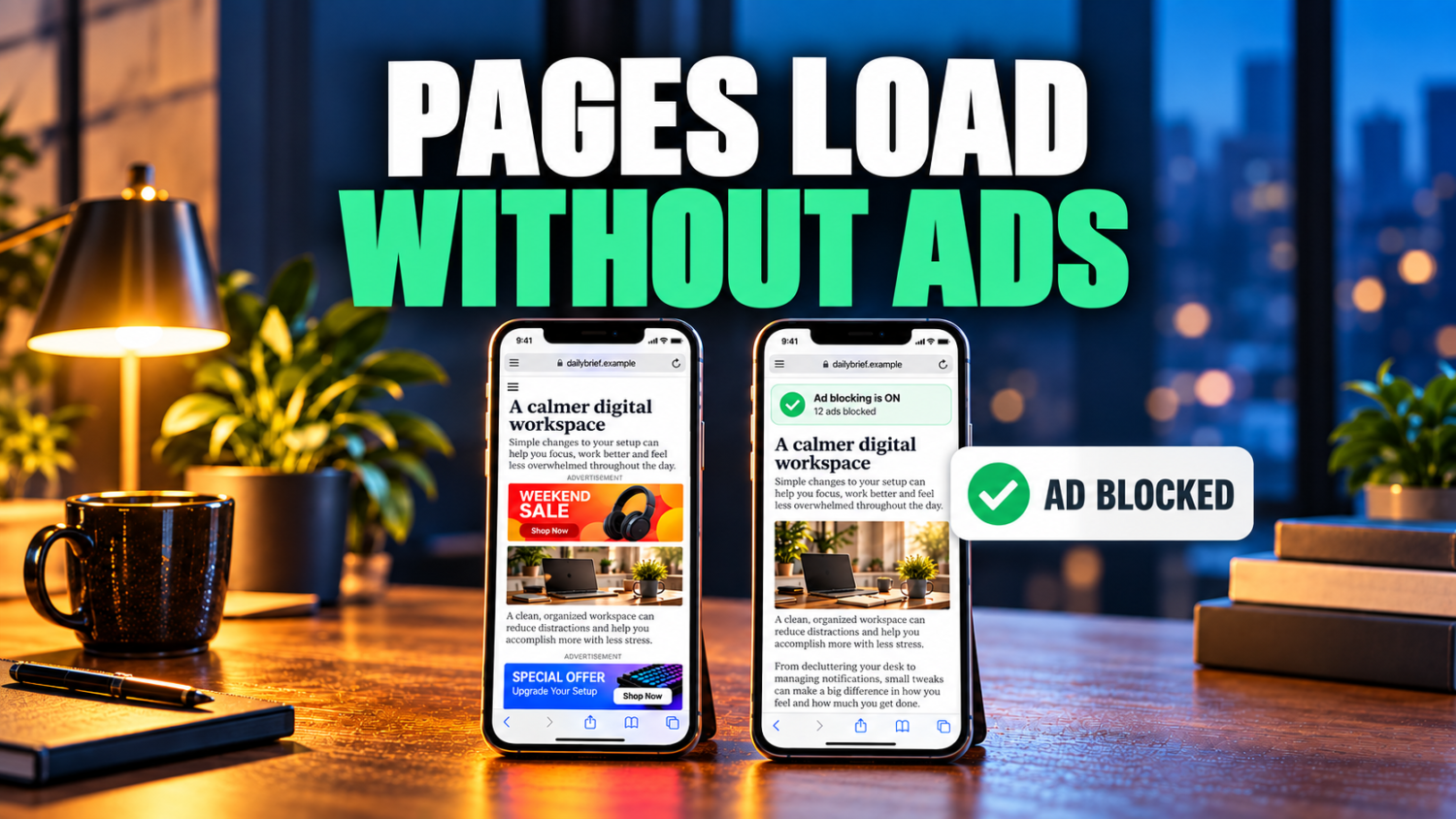
Digital privacy concerns push users to demand more control over their devices. Open-source Android applications offer a real alternative, sidestepping intrusive ads and opaque data practices. These apps cut through the digital noise, delivering genuine ad-free operation and critical offline capabilities that turn your device into a personal sanctuary where data isn’t tracked or sold. Anyone tired of apps treating their information like public property knows the drill. These 14 apps transform your device into a powerhouse, each one vetted to ensure authentic open-source credentials and real-world utility.
14. Essentials
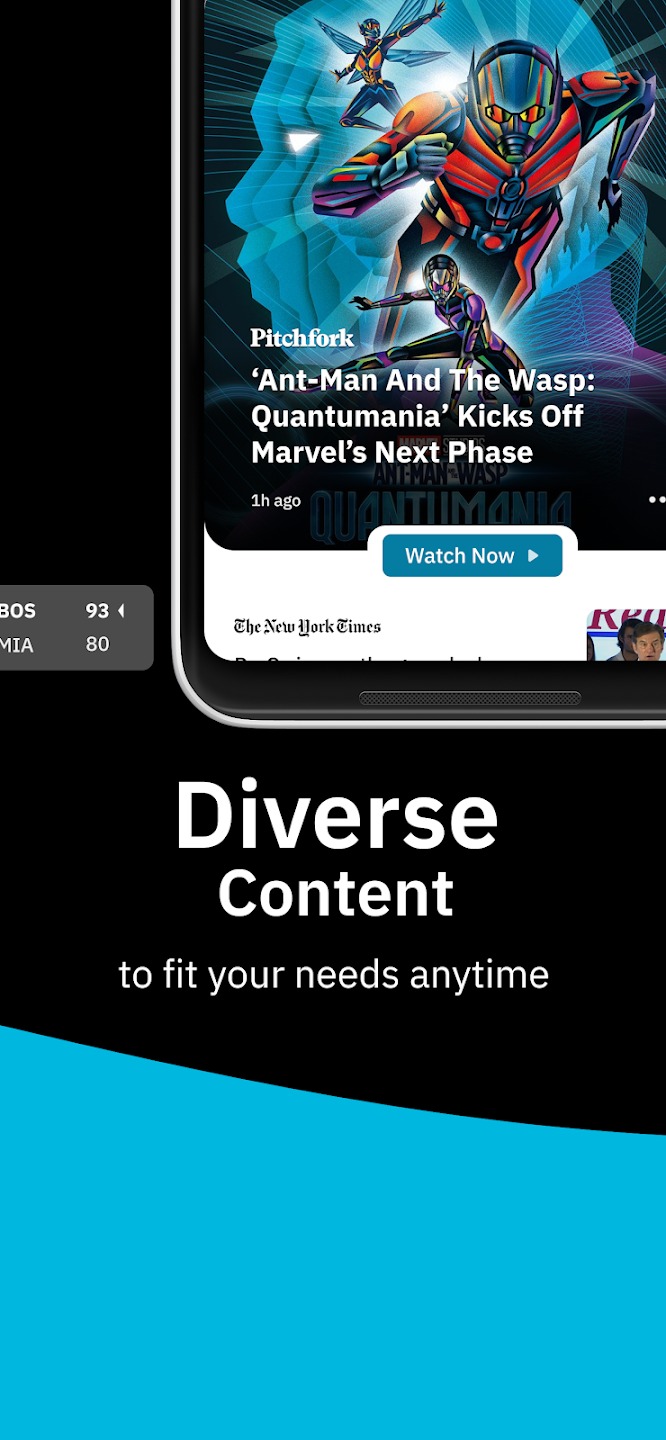
This power-user utility unlocks system-level customization without rooting your device.
Android often feels like a well-appointed car with the hood welded shut, but many users demand the tools to tinker. This application leverages Shizuku—a service granting apps root-like permissionshout voiding your warranty. Custom notification edge lighting and flashlight pulse alerts provide discreet notifications. Remapping screen-off buttons or freezing apps to conserve battery life puts unruly processes in timeout
Anyone who’s ever seen their battery percentage drop like a stone knows the frustration of an unoptimized device. This all-in-one hub becomes your digital concierge, managing alerts and power-draining apps. It transforms an everyday Android into a finely tuned instrument for power users seeking granular control.
13. PhotoU
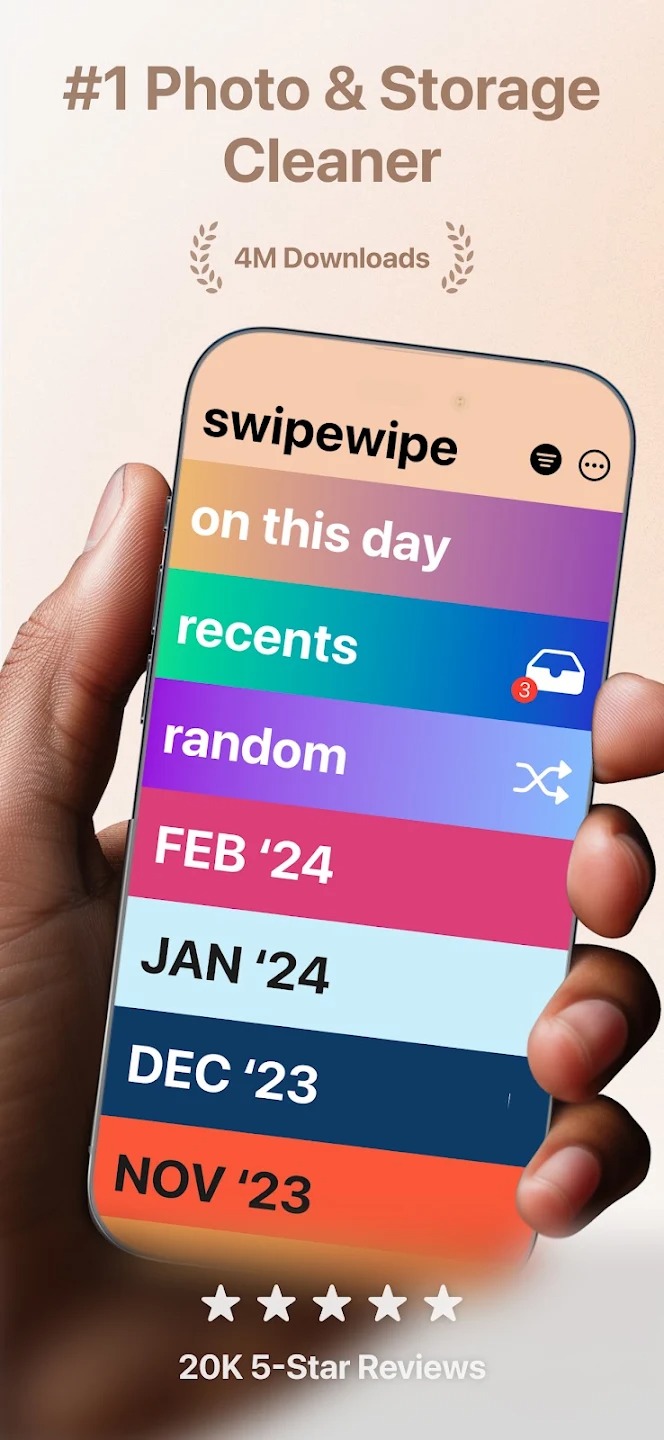
Swipe-based sorting transforms your chaotic gallery into a curated collection.
Your phone’s photo gallery probably contains thousands of images, quickly becoming a digital junk drawer. Finding that one specific photo from last summer feels impossible. PhotoU cuts through the chaos with intelligent swipe-based sorting. Its on-device processing handles the heavy lifting, grouping similar pictures and flagging low-quality images that just take up space.
Operating offline ensures zero data ever leaves your device and no ads interrupt your flow. You regain control of your memories, transforming a digital mess into a meticulously curated collection. Marie Kondo would approve.
12. PDF ToolKit
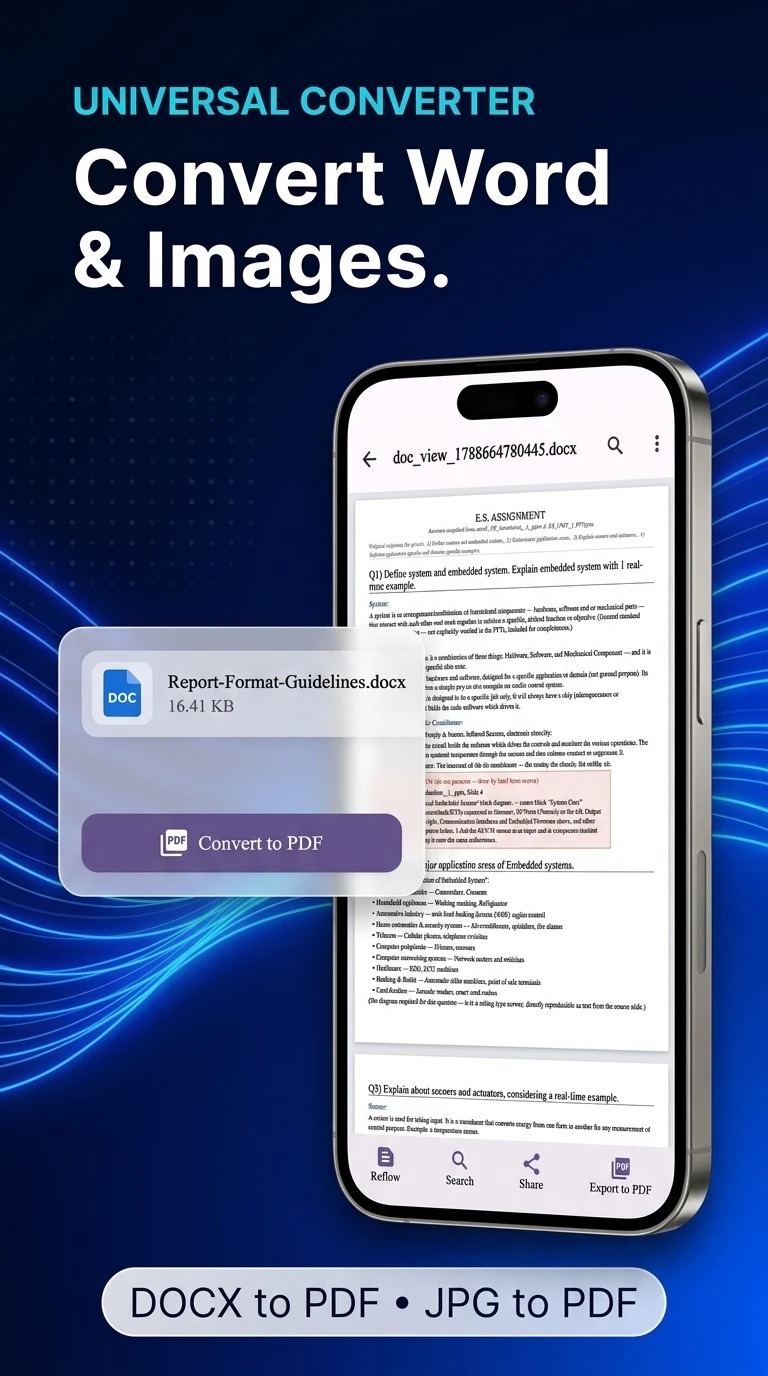
Handle sensitive documents locally without uploading to cloud servers.
Most PDF solutions demand you upload sensitive documents to random cloud servers or shell out for proprietary software. PDF ToolKit sidesteps that privacy nightmare by handling everything locally on your device. Merge, split, compress, and password-protect files without a single byte leaving your phone.
Picture a legal brief or stack of financial statements that needs organizing. Extract specific text and know it never touched the internet. This privacy-first design ensures no internet, no ads, and no subscriptions are ever required.
11. DNSNet
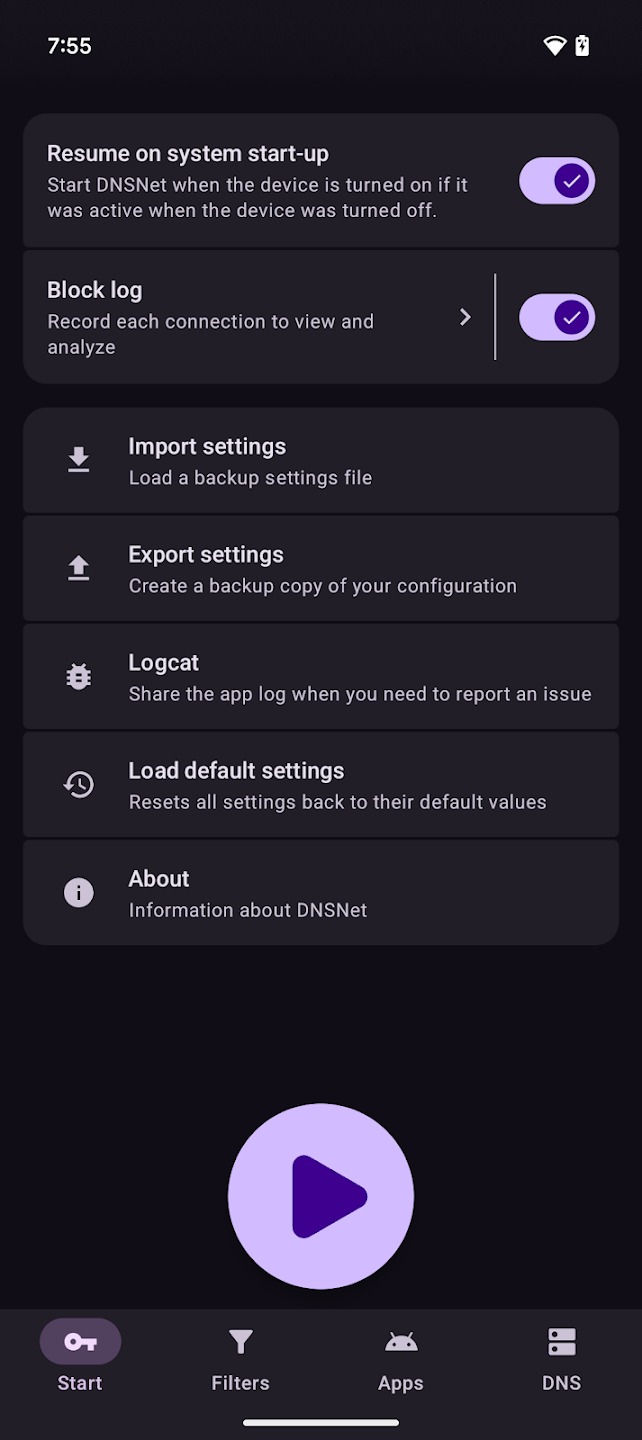
This local VPN blocks malicious sites and ads before they load.
Filtering internet traffic on Android without root access requires a clever trick: a local VPN. DNSNet acts as your device’s personal bouncer, scrutinizing incoming and outgoing data. It blocks malicious sites and relentless ads before they can load, sparing you the digital equivalent of spam calls. Charles Lombardo authored this open-ense
Anyone who has accidentally clicked a sketchy ad knows the relief when a blocker actually works. Customize its actions so you retain full control. Whitelist specific applications, ensuring your favorite streaming service bypasses all filtering without issue. This app delivers a cleaner, more private browsing experience.
10. Traffic Light
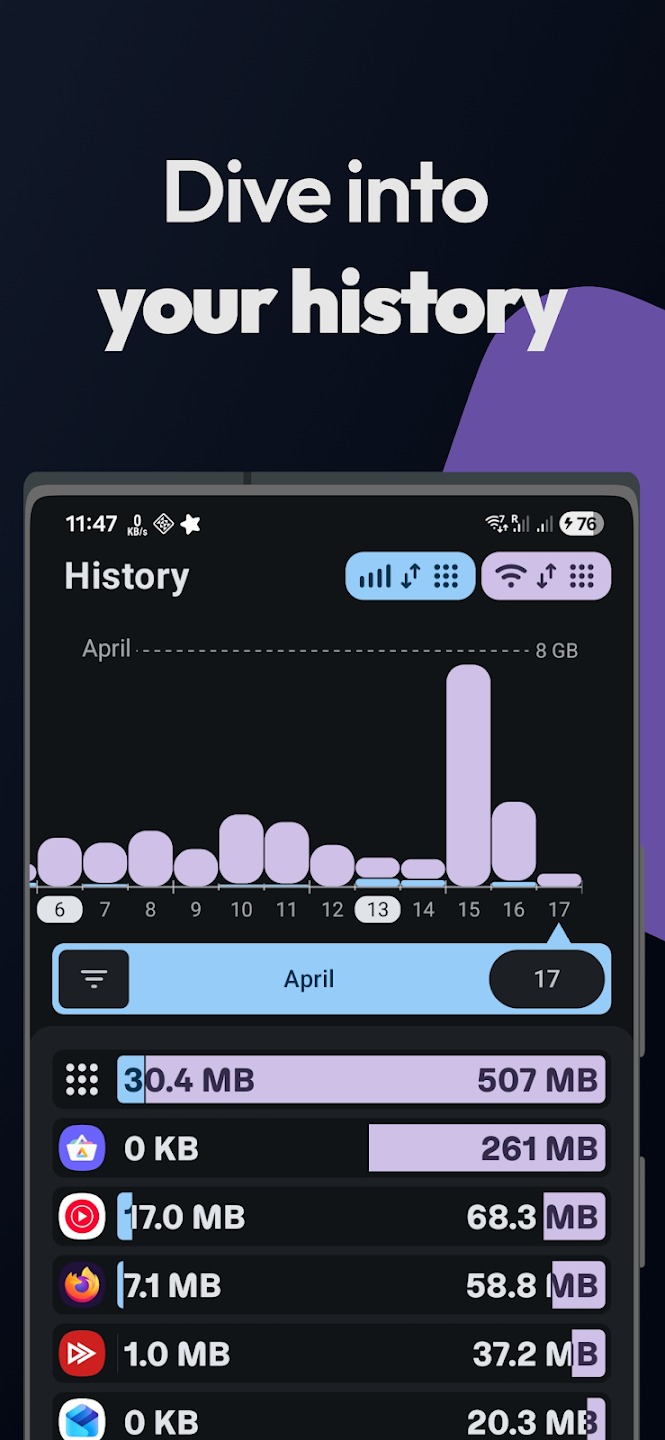
Real-time network monitoring reveals which apps devour your data.
Ever wonder why your Wi-Fi suddenly acts sluggish, or what’s secretly devouring your data plan? This open-e speed monitor directly in your status bar, showing real-time download and upload speeds
Detailed application-level traffic statistics reveal exactly which app is pulling a fast one. Quickly pinpoint if that background process is secretly eating your data, or if a rogue update is hammering your connection. Lightweight and battery-friendly, it operates without unnecessary bloat.
9. CareSleep
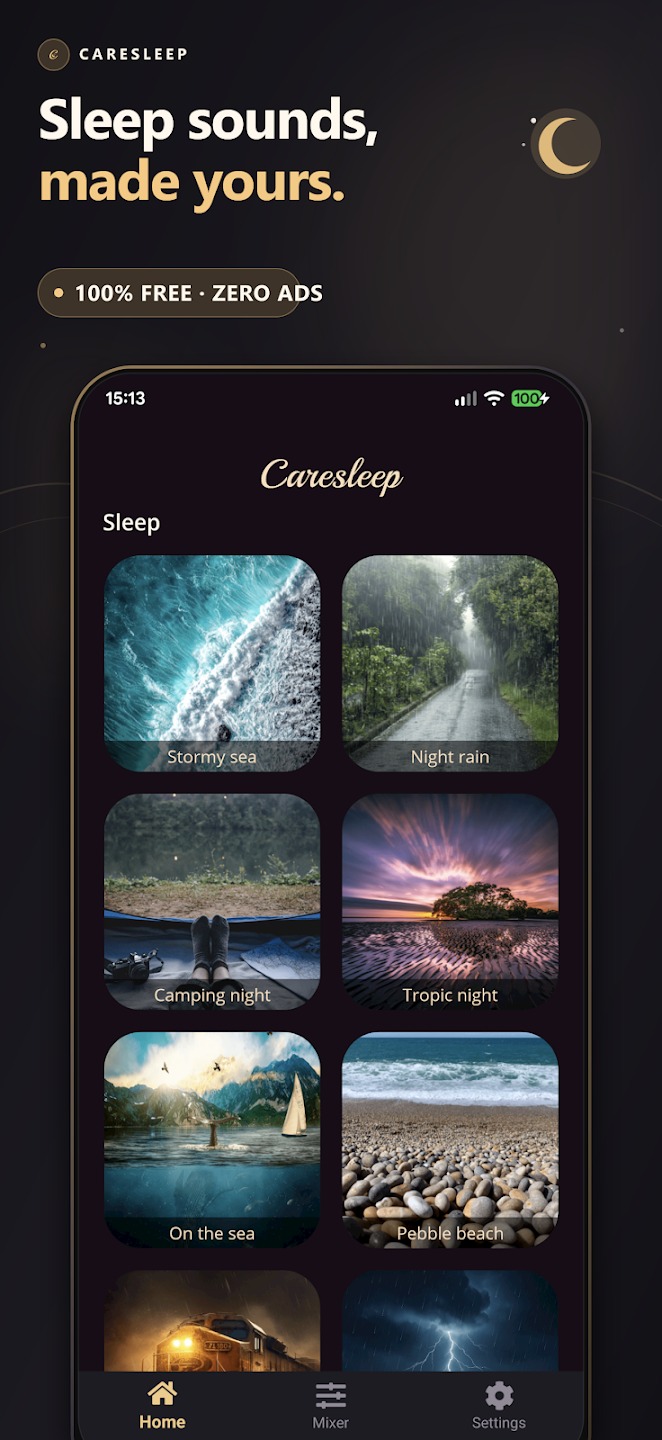
Offline soundscapes help you focus without subscriptions or ads.
Achieving deep focus in a world designed for constant distraction often feels impossible. Battling notifications and ambient noise just to finish a thought becomes exhausting. This tool offers an escape by putting you in control of your soundscape. It functions as a custom mixer, generating high-quality looping audio: rain, ocean waves, or crackling fireplaces.
Completely free with no ads or monthly paywalls, it operates entirely offline. Smooth audio transitions and minimal background battery drain let you finally tune out the world and zero in on what truly matters.
8. Weather Master
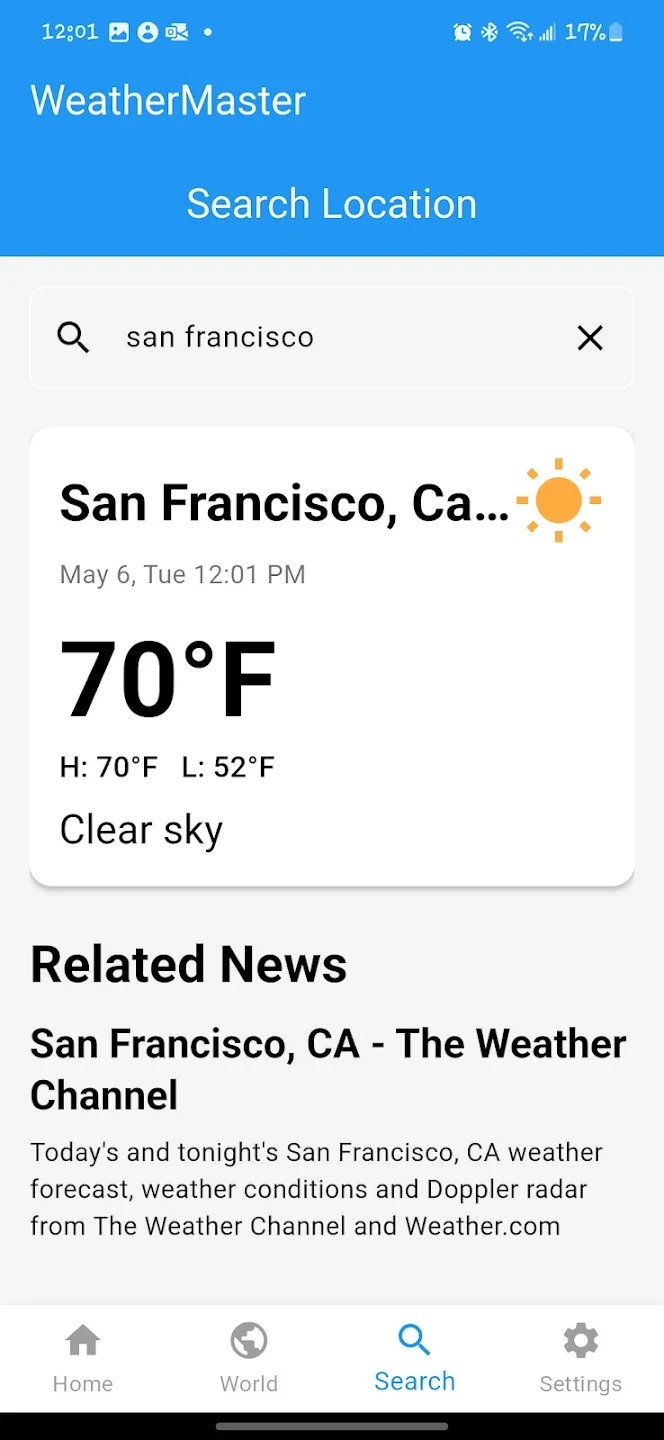
Customize your forecast display with dozens of themes and flexible layouts.
Finding a weather app that delivers granular detail without compromising privacy can feel futile. This app lets you custom-build your ideal forecast with dozens of distinct color themes and customizable animations. Rearrange layouts, prioritizing data like UV index or incoming rain forecasts.
Quickly prepare for outdoor activities by setting up a personalized weather display. Put wind speed and ‘feels like’ temperature front and center before a hike. Beautiful home screen widgets keep essential information at a glance, making your weather check both precise and visually appealing.
7. Block Ads
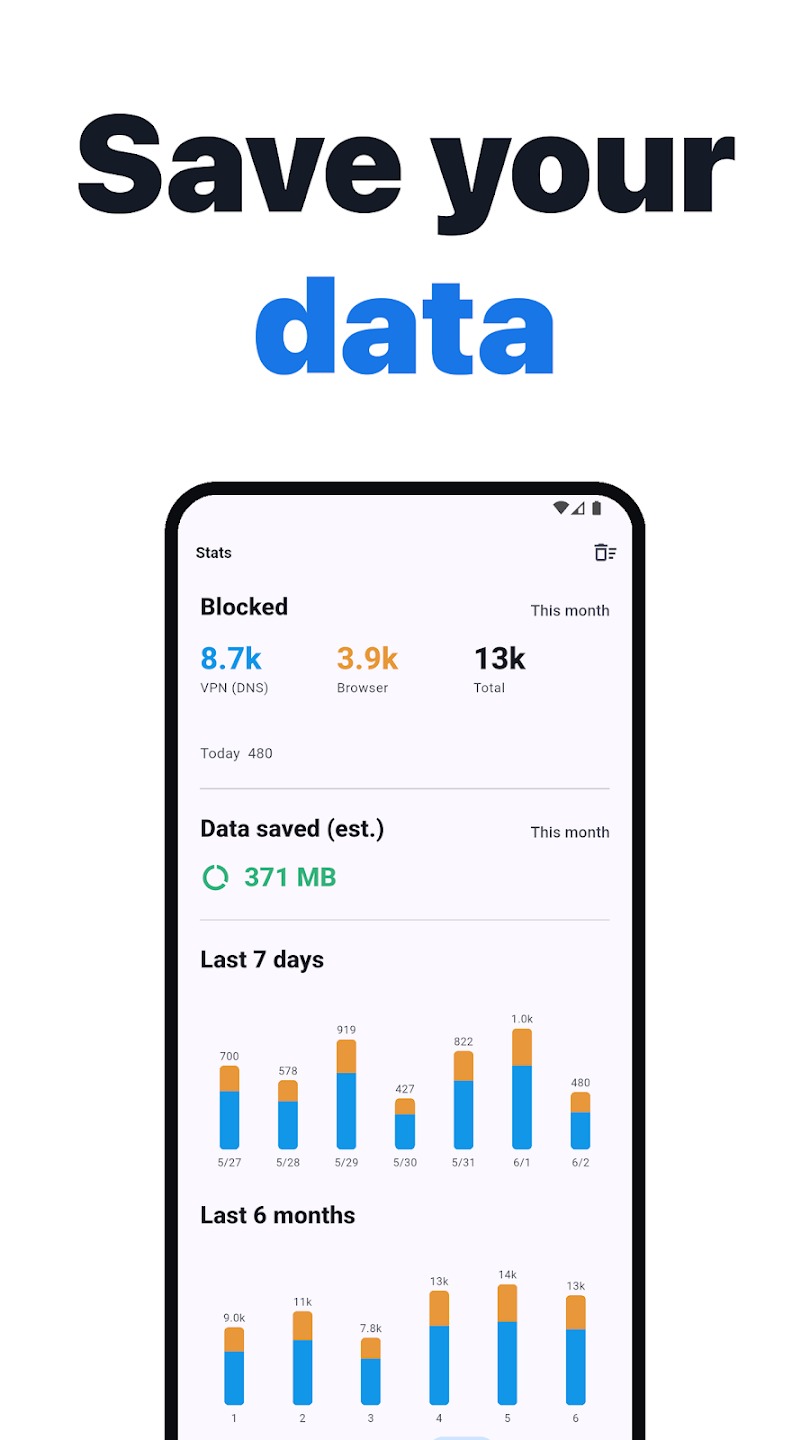
Smart split routing keeps banking apps working while blocking ads everywhere else.
System-wide ad blockers commonly disrupt essential apps, turning banking services or Android Auto into unusable digital brick walls. This free, open-ues. It employs a smart local VPN that filters ads and trackers across your device without requiring root access
Smart split routing functions as a digital bouncer for your apps. This feature reportedly bypasses sensitive services automatically, ensuring your banking app loads smoothly while other content remains ad-free. Its native Android designdelivers battery-friendly performance, running efficiently in the background.
6. Nora
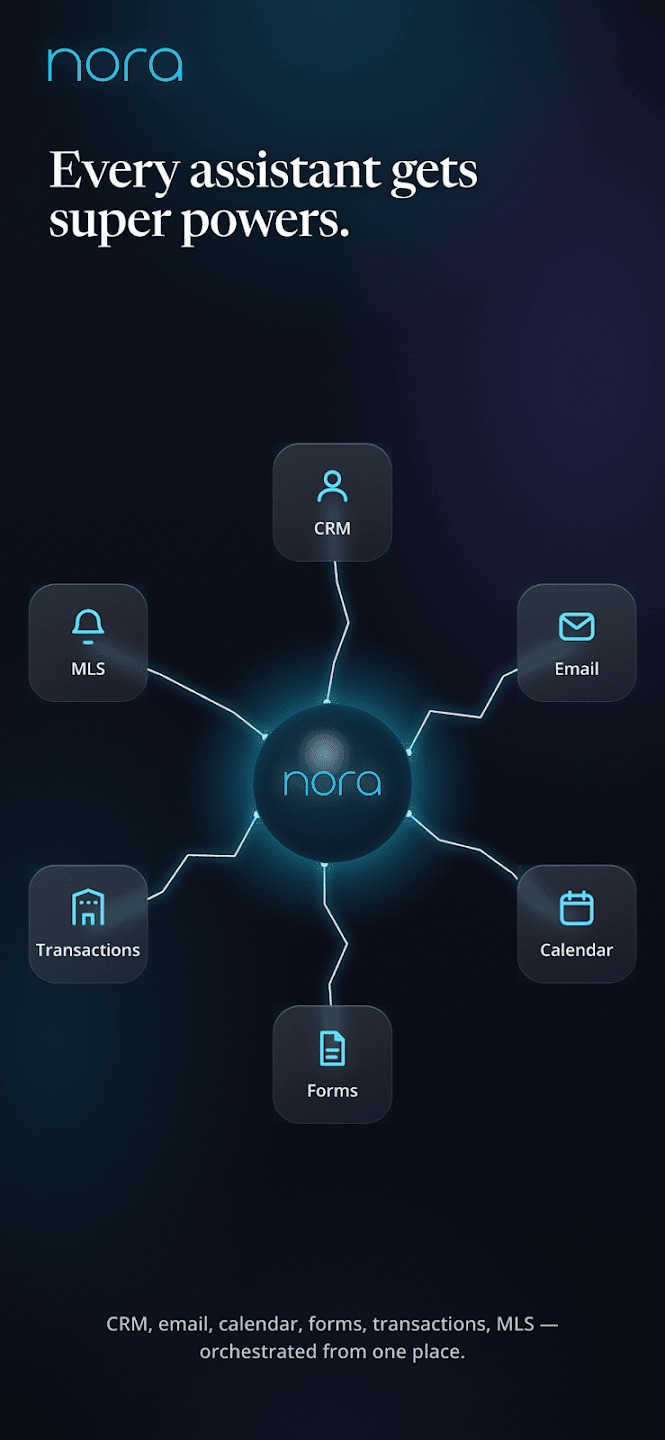
This privacy-focused browser optimizes social media platforms while blocking trackers.
Social media often feels like walking through a bazaar where every vendor tries to track your movements. This browser aims to reclaim that experience, optimized for platforms like Facebook, X, TikTok, and Instagram. As you scroll Instagram in the morning, it reportedly strips away invasive tracking, ensuring a cleaner feed.
Built-in tools claim to let you download videos or images directly, bypassing external apps. Multiple-account support with separate cookies prevents constantly logging in and out. This streamlined approach transforms social media from a cluttered digital marketplace into a more private, efficient space.
5. AB Download Manager
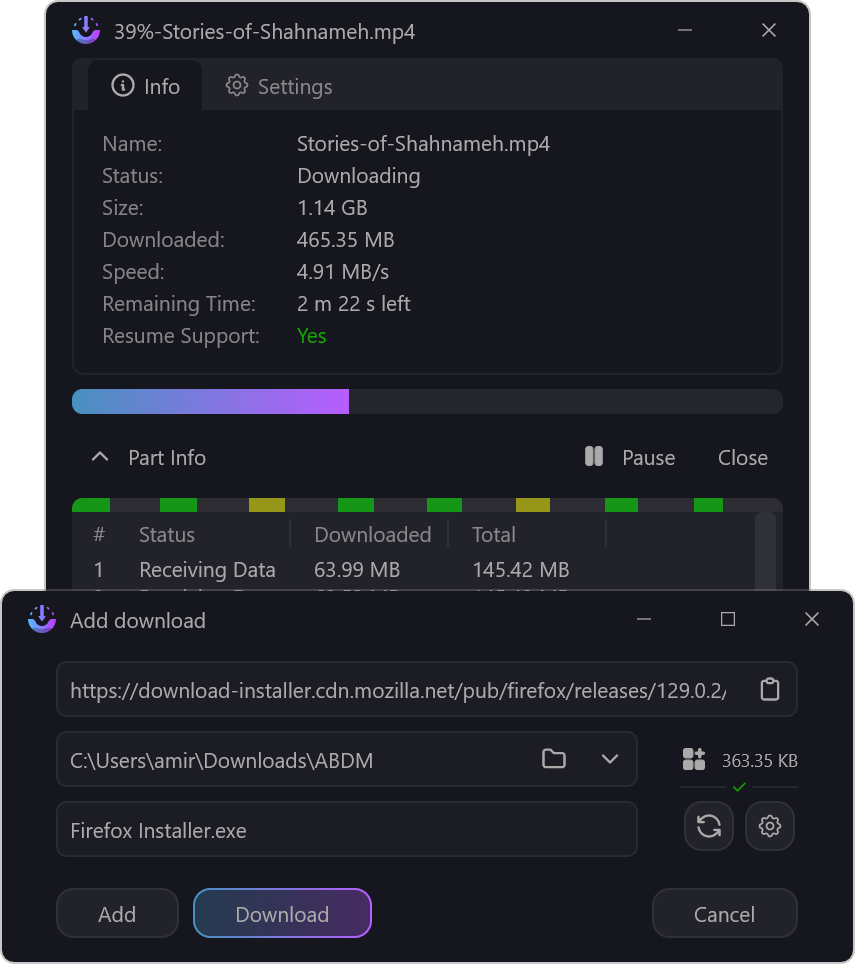
Multi-threaded downloading tackles large files with speed and scheduling control.
Many mobile users find large file downloads feel painfully slow. AB Download Manager offers a solution by splitting files into multiple segments and downloading them simultaneously. This multi-threaded approach can significantly boost speeds, transforming waits into quick grabs.
Beyond raw speed, the app layers in serious utility. A clean dark mode handles late-night data grabs, while queue and schedule features let you plan downloads. A built-in speed limiter manages bandwidth so your streaming stays smooth. Browser integration lets you grab videos directly.
4. PixelPlayer
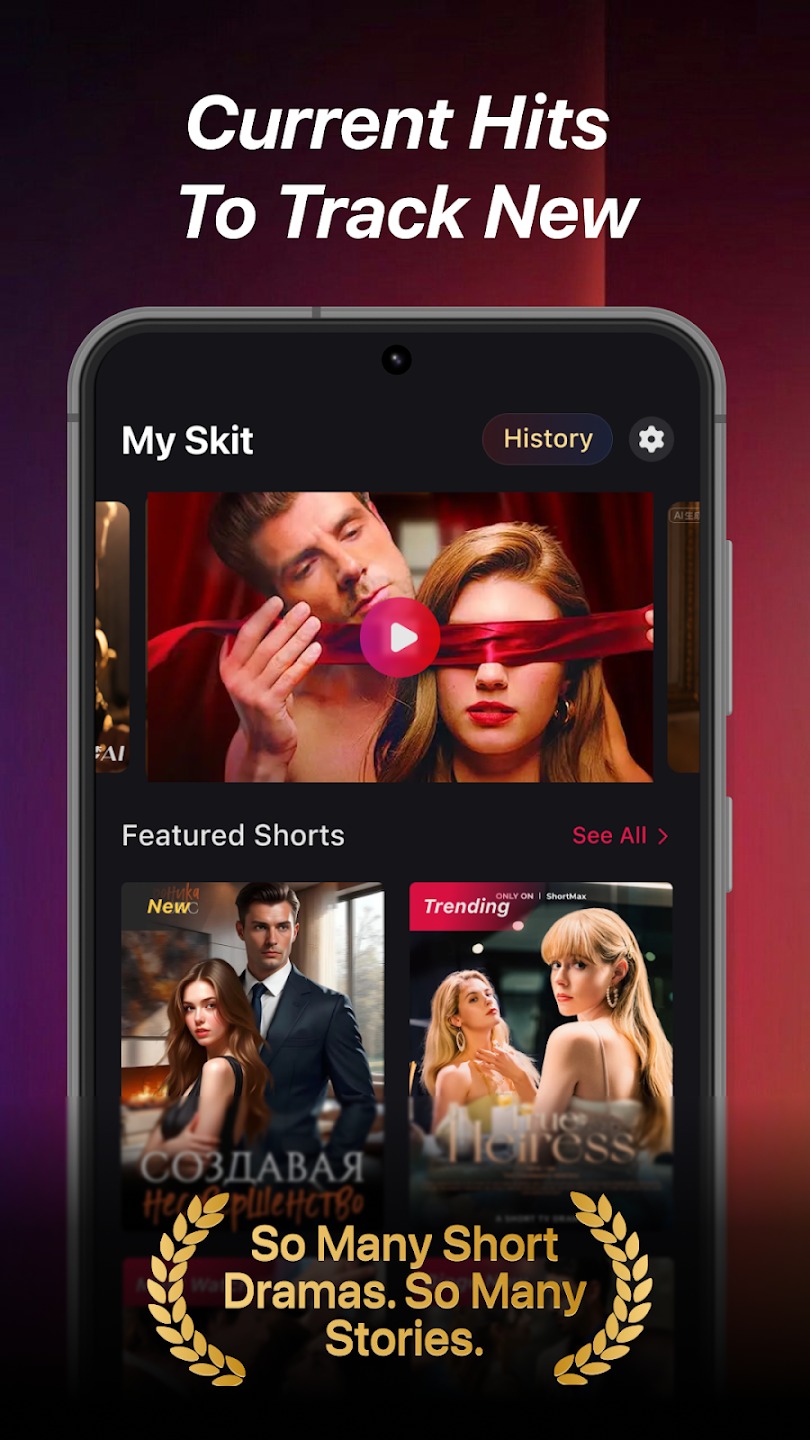
Material 3 design adapts to your wallpaper for a personalized music experience.
This local music player boasts a design philosophy rooted in Google’s Material 3 standards, delivering a visually appealing and intuitive interface that adapts to your phone. Its clean, modern aesthetic integrates seamlessly with your device, reflecting your wallpaper’s color palette for a truly personalized experience.
Operating smoothly and entirely ad-free provides a premium feel without digital clutter. Navigating your music library feels less like digging through old files and more like browsing a meticulously curated art gallery. The app claims to analyze your local library and surface tracks you might have overlooked, turning your personal archive into a dynamic discovery engine.
3. MPV EX video player
This MPV-based player delivers ad-free, high-quality video with gesture controls.
Many video players feel stuffed with intrusive ads and data trackers. This player aims to cut through that noise, built on the robust MPV engine for a pure playback experience. Watch content without feeling like you’re the product for digital paparazzi.
Expect smooth, high-quality video rendering that makes compressed files look sharp. Picture-in-picture mode reportedly keeps your show going without a hitch. Customizable gesture controls let you swipe to skip, adjust volume, or tweak brightness. Enjoy downloaded content offline, effortlessly manipulating playback with a flick of the wrist.
2. CaptureCap
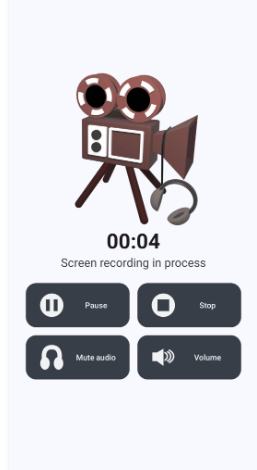
Lightweight screen recording captures internal audio without root access.
Conventional screen recording apps often drag down phone performance or plaster watermarks everywhere. CaptureCap defies this narrative. This screen recorder delivers high-quality video and crisp internal audio while remaining incredibly lightweight. It supports internal audio capture, a valuable feature for recording gameplay or tutorials.
Consider a mobile gamer pulling off a slick combo, needing to instantly share the unblemished clip. CaptureCap makes content creation effortless, freeing you from cumbersome setups and keeping your device nimble. More time creating, less time wrestling with technical details.
1. Deep De-Noiser
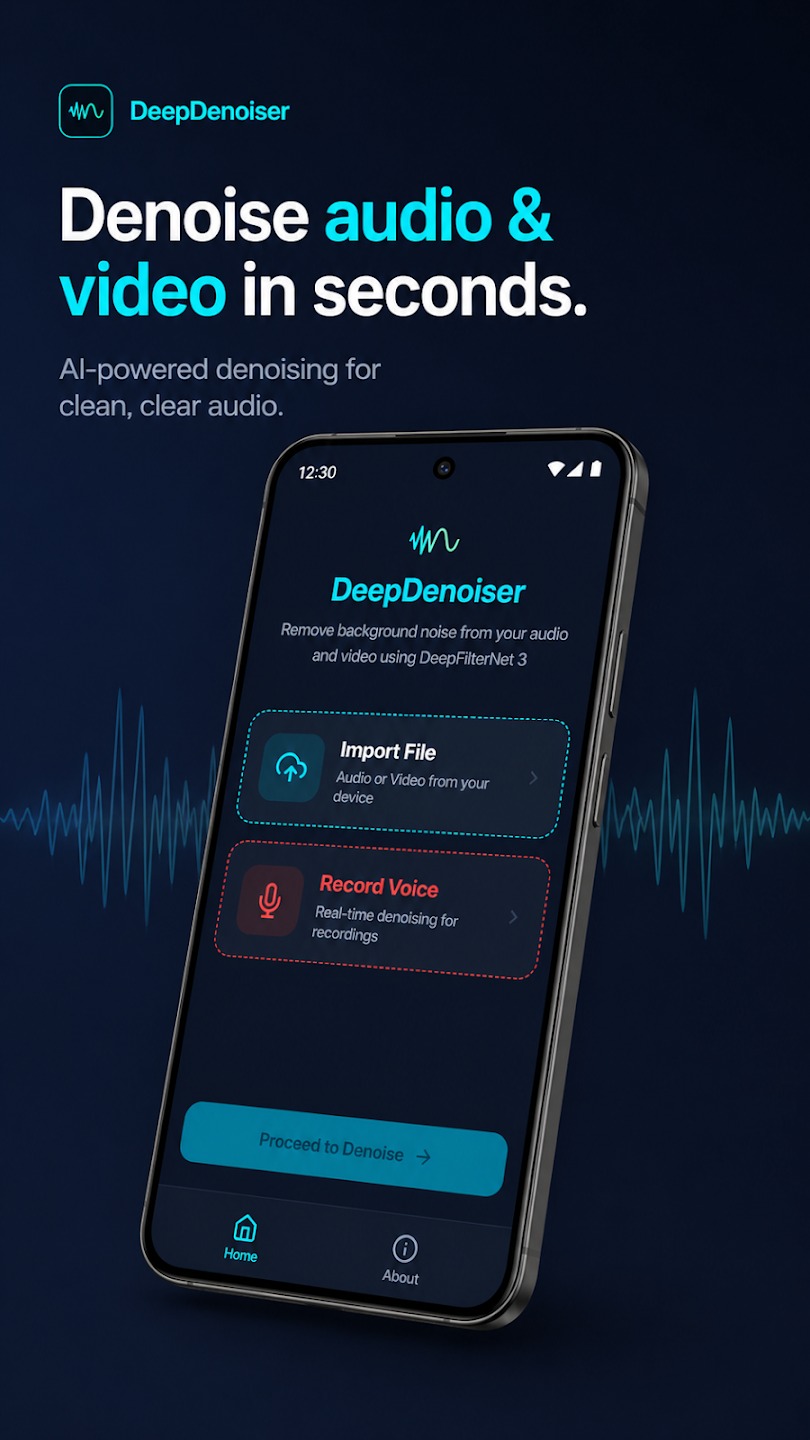
Offline AI processing removes wind, traffic, and fan noise from recordings.
Recording an important meeting only to discover a persistent hum makes it nearly unusable. This common problem no longer means starting over. Deep De-Noiser aims to isolate your voice from auditory chaos. This audio cleaning tool reportedly uses deep learning to remove ambient disturbances such as wind, traffic, or buzzing fans.
Remember that crucial voice note you almost deleted because your neighbor’s leaf blower joined the conversation? This app aims to turn that garbled mess into something coherent. All processing occurs entirely offline on your phone, delivering professional-grade sound engineering without sacrificing privacy.
