

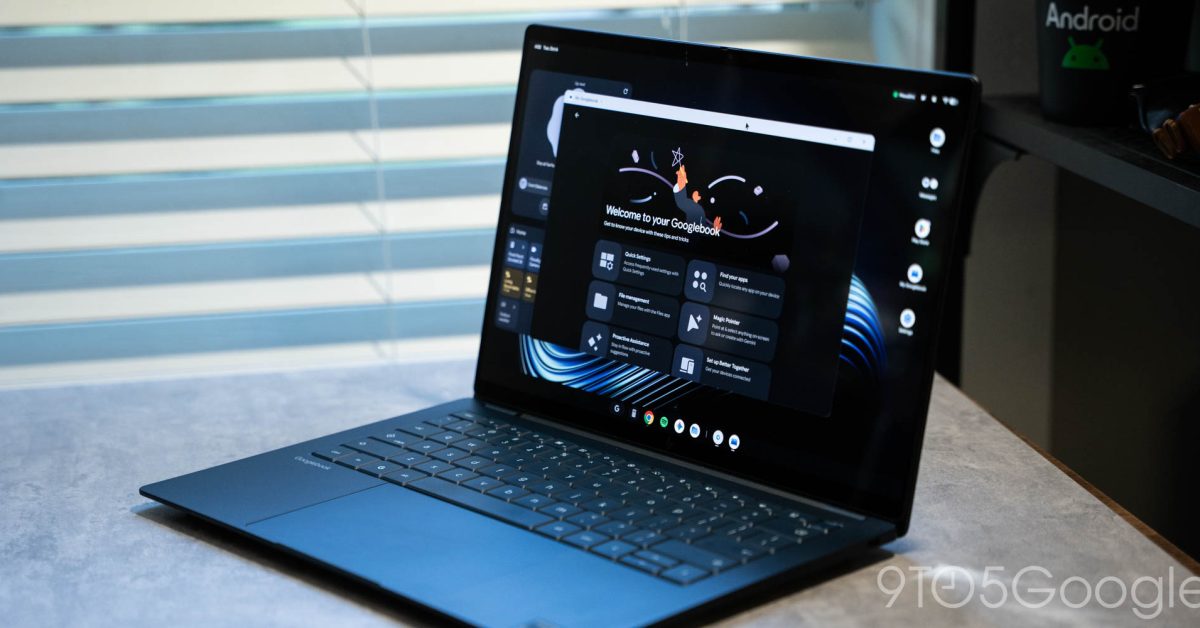
Having been using a Googlebook for the better part of a week, there are any number of headaches I could talk about, but easily the biggest problem I’m running into thus far is the app situation. Frankly, it’s a mess.
Googlebook, like Chromebook, was never going to be in a “good” place for apps. The Android-based platform sets up a more capable foundation for the future but, without a major push from Google and partners, it was always going to result in a rough start.
And, yeah, it’s a rough start.
The “main” issue is around desktop-class apps and programs. Staples like the Adobe suite are simply not here, and there’s no easy way to replace them. Not to mention the depth of niche apps that have been built out in the Windows and macOS over the decades. At launch, Googlebook was never going to compete with that, though I’d argue that stripping away the Linux support ChromeOS did have isn’t exactly helping matters.
The problem I’m finding much more frustrating is around the apps Googlebook can access, and the messy situation around that.
The Google Play Store is your main way to obtain apps on Googlebook. Android apps are the preferred method and, in time, I’m sure that’ll work better than it does today. But, at the moment, Google’s stopgap to varying levels of quality for Android apps on desktop was to give five quality labels to any given app.
- Built for mobile: Hasn’t been tested for desktop
- Better on the website:The web app/browser version has full features and/or better performance
- Compatible with Desktop: Works with mouse/keyboard controls
- Optimized for Desktop: “Adapted for a comfortable desktop experience”
- Made for Desktop: “Built for desktop with specialized features and controls”
These are all applied by Google — developers have no direct control.
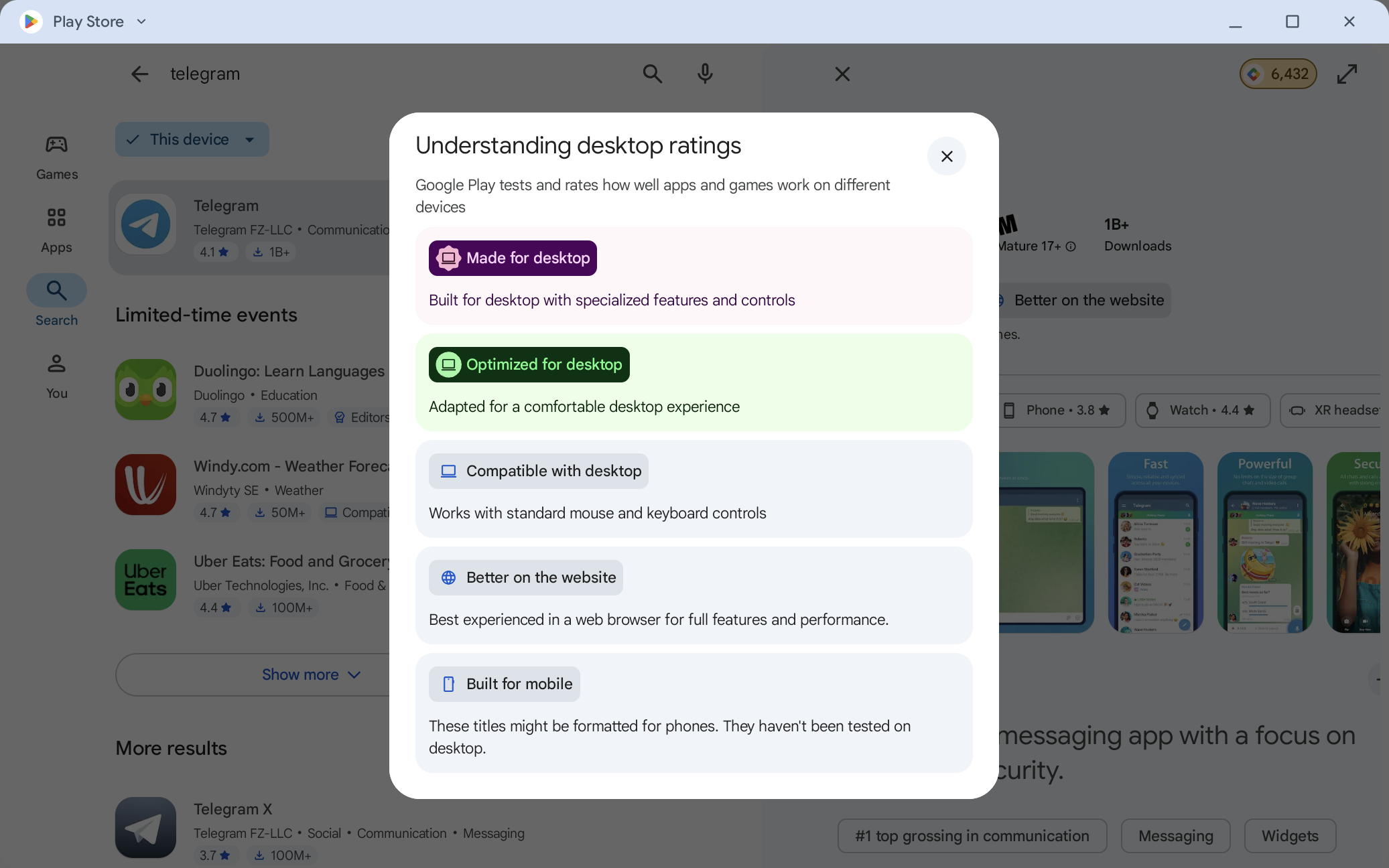
In my book, that’s wildly confusing for the end user, especially as the Play Store doesn’t link out to where you can use the web app for the Android apps it tries to steer you away from.
And it sadly should steer you away from some apps.
Telegram is a great example of my frustration. The Android app is “better on the website,” and that’s incredibly true. The Android app is broken on Googlebook in a lot of ways, but the most frustrating is that the enter key doesn’t send a message. But, on the flip side, the web app isn’t that much better, as I’ve frequently run into cases where it misbehaves or even crashes.
Slack continues to be a dailyexperience on anything other than a phone, and the web app unable to be installed. This is not some niche or trivial app, it’s something that millions rely on for daily work on their laptops
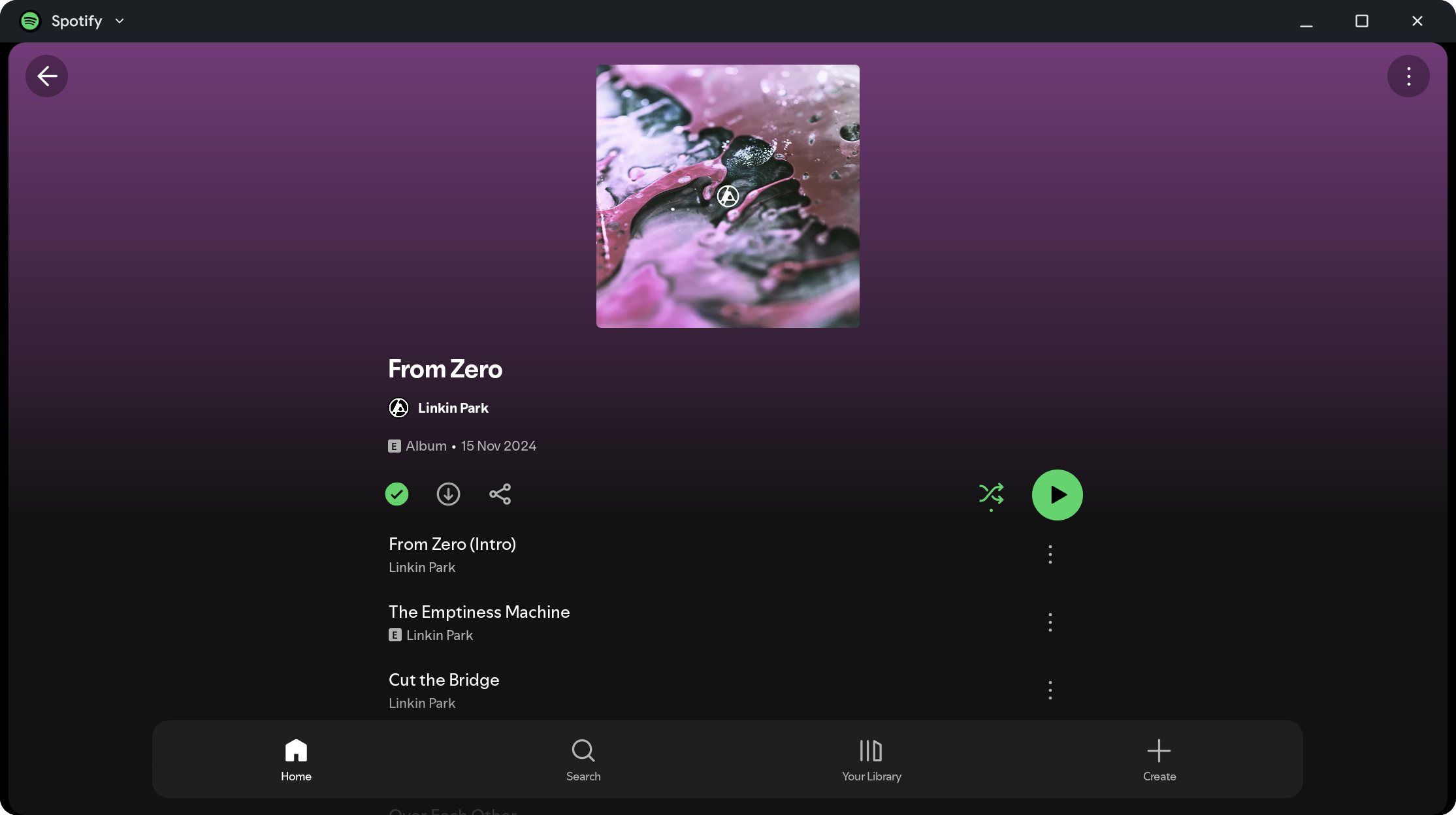
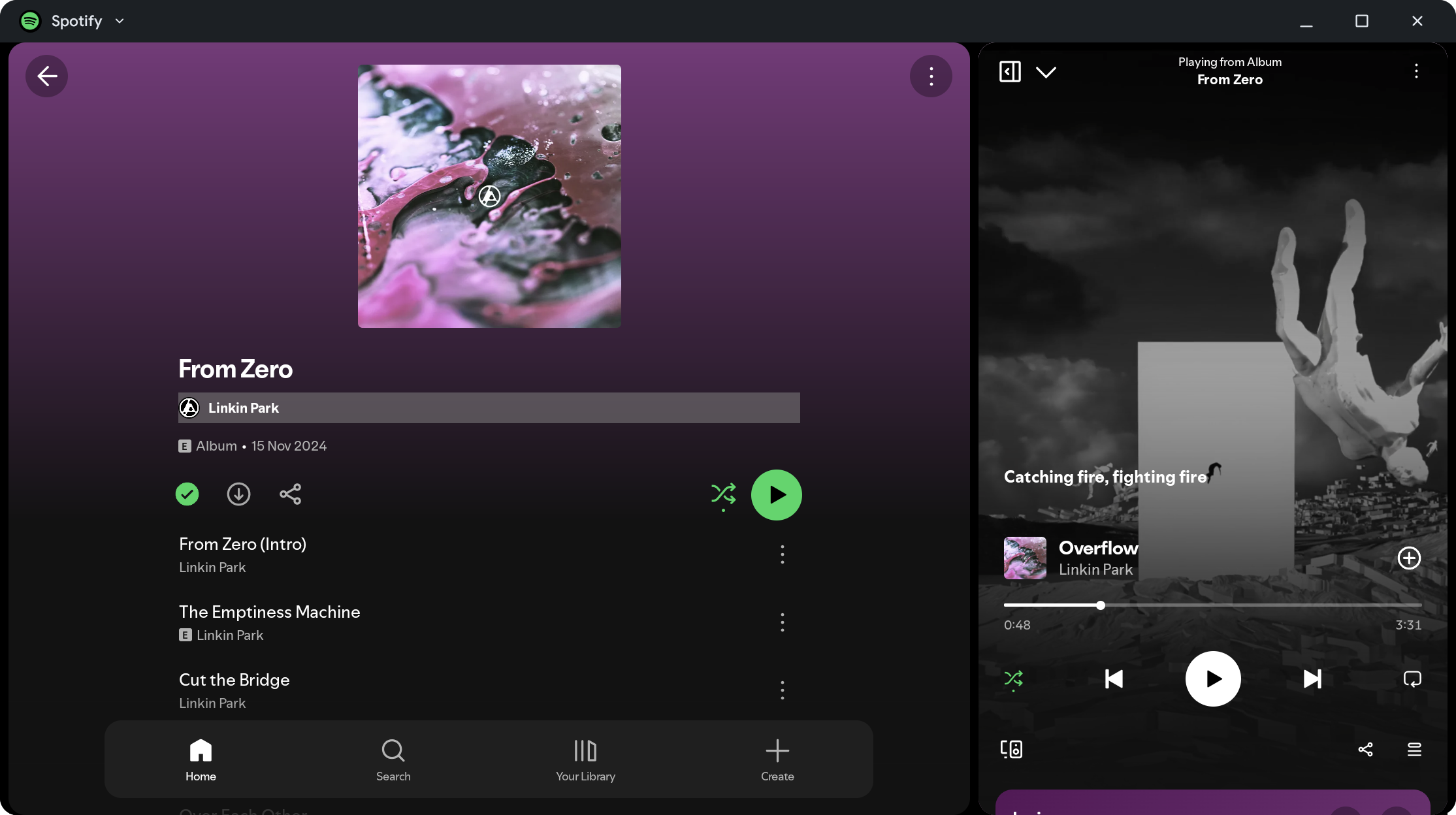
Spotify says that it is “Optimized for desktop” and, while it’s not bad, the phone UI doesn’t even scale as well here as it does on a foldable. It gets better when the “Now Playing” panel is expanded out, but it’s still not on par with other desktop platforms. “Optimized” just feels like the wrong word for this label. “Compatible” feels more apt for this particular example, but Google’s categories are way too specific to let that work.
There’s no easy solution here.
Googlebook is in its early days and, while the foundation presents a better future, the “now” is a huge headache, and one I struggle to get on board with because, well why would you subject yourself to this? Good Windows laptops are easy to find. The MacBook Airis easy to find for $1,099 (cheaper than most Googlebooks!). Good, established platforms that simply don’t have these shortcomings. Why would I give that up for some Android integrations that don’t even work with my phone yet?
Sound off in the comments, I’d love to hear what you think about this problem and how it impacts your view of Googlebook.
More on Googlebook:
- Googlebook’s hidden ‘Glowbar Disco’ turns your laptop’s lid into a light show — how to find it
- Logitech brings its mouse & keyboard controller to Googlebook, supports Magic Pointer
- Googlebook’s Android-integrated features won’t work with Samsung phones at launch
Follow Ben: Twitter/X, Threads, Bluesky, and Instagram
You’re reading 9to5Google — experts who break news about Google and its surrounding ecosystem, day after day. Be sure to check out our homepage for all the latest news, and follow 9to5Google on Twitter, Facebook, and LinkedIn to stay in the loop. Don’t know where to start? Check out our exclusive stories, reviews, how-tos, and subscribe to our YouTube channel
