Close Menu
MyAppsPlus

    Subscribe to Updates

    Get the latest creative news from FooBar about art, design and business.

    What's Hot

    The smart-heating, auto-leveling Elegoo Saturn 4 Ultra 16K 3D printer gets a $250 discount

    November 17, 2026

    NYT Connections hints and answers for Tuesday, November 17 (game #1255)

    November 17, 2026

    Whether it’s Black Friday or a CEO scandal, NVIDIA GPUs just don’t get deep discounts

    November 17, 2026
    Facebook X (Twitter) Instagram
    Facebook X (Twitter) Instagram
    MyAppsPlusMyAppsPlus
    Tuesday, November 17
    • Home
    • Breaking Tech
    • Apps & Software
    • AI & Automation
    • Android
    • iPhone & iOS
    • More
      • Reviews
      • How-To Guides
      • Deals & Discounts
      • Shop
    MyAppsPlus
    Home»iPhone & iOS»You can control your other devices with this resourceful Apple feature
    iPhone & iOS

    You can control your other devices with this resourceful Apple feature

    myappsplusBy myappsplusNovember 15, 2026013 Mins Read
    Share Facebook Twitter Pinterest Copy Link LinkedIn Tumblr Email Telegram WhatsApp
    Follow Us
    Google News Flipboard
    You can control your other devices with this resourceful Apple feature
    Share
    Facebook Twitter LinkedIn Pinterest Email Copy Link

    This accessibility feature can be really useful.

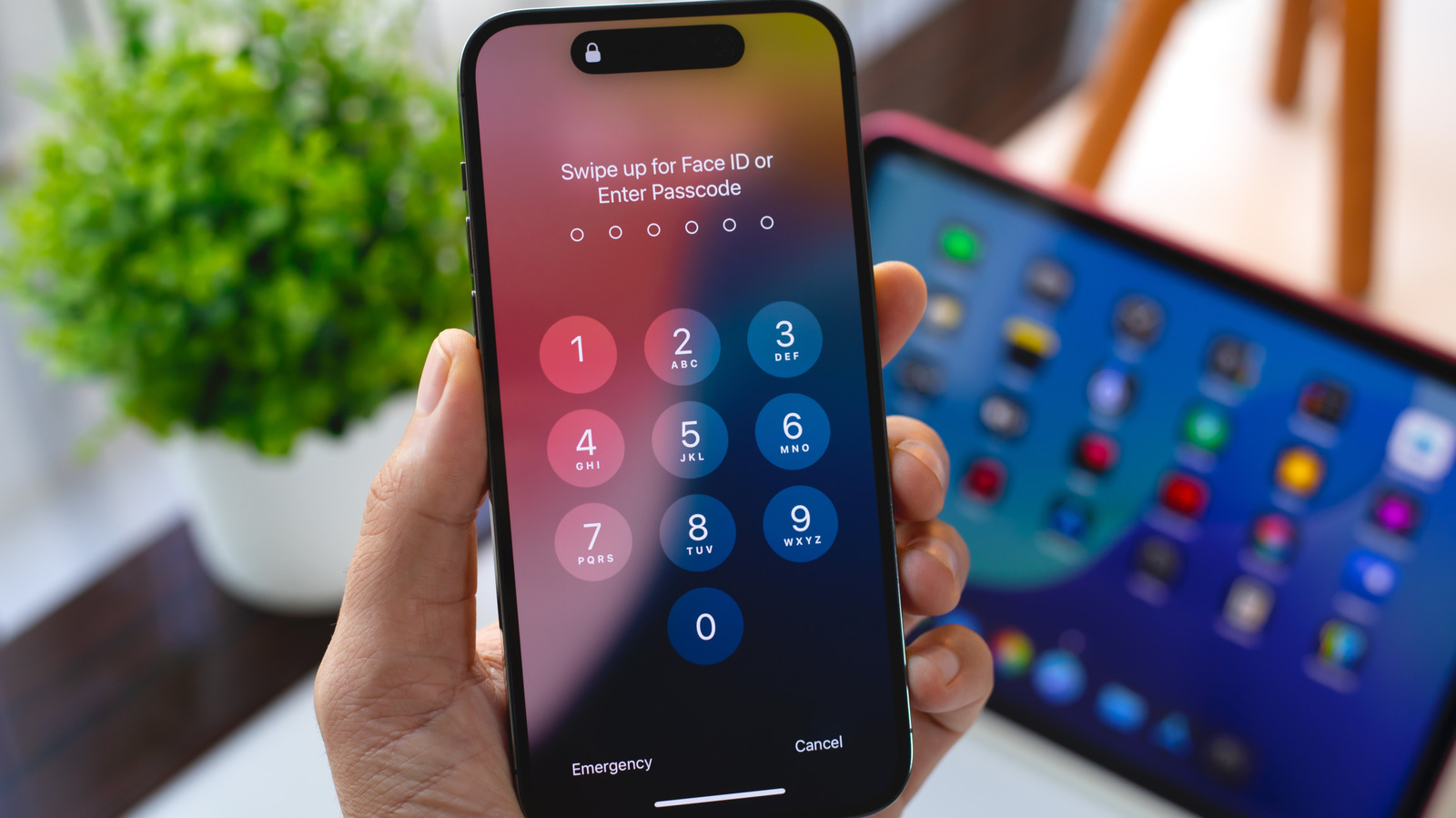
    With iOS’s Switch Control, you can control your iPhone or iPad using alternate input methods ranging from external adaptive controllers to head movements and hand gestures. It’s a useful accessibility feature for anyone with limited mobility that’s even more powerful than it might seem at first if you dig into its settings. One option, Use Other Devices for Switch Control, lets you use the alternate controls you set up on one iOS device to control other devices on the same Wi-Fi network, and it only takes a little bit of setup.

    First, you need to enable Switch Control across your devices. Make sure any devices you want to control are connected to the same Wi-Fi network and you’re signed into the same iCloud account on all of them. If you want to control a Mac desktop computer remotely, you also need to open the Apple menu, click Accessibility and open the Switch Control menu. Select Allow platform switching to control your computer. Then on your mobile devices, open the Settings app, click Accessibility and turn the Switch Control toggle on. Now you can assign external controllers or gestures to specific actions by selecting Add New Switch under the Switches menu and following the onscreen prompts.

    Once you have your switches set up, head back to the main Switch Control menu and select Device, then Use Other Device. This will show you a list of all the compatible devices linked to your network. Select one and you can use the switches you’ve already established to control them remotely. When you want to stop controlling the remote device, just select Stop Using Device under the same menu.

    Switch Control is more versatile than it looks

    While Switch Control’s Use Other Devices feature can only be used to control iOS devices, you can assign non-Apple devices as your external controllers. Adaptive controllers made by other companies like Microsoft can be mapped as switches, but you can even use devices that aren’t intended as accessibility tools. Standard game controllers work as well, along with other devices that can connect to your iPhone or iPad

    Switch Control is intended to make navigating iOS devices and selecting items on screen easier for people with limited mobility, but some users have found novel ways to use it for more than basic functionality. Switch Control lets you set up Recipes, which can be used to record and replay sequences of inputs. With a little work, iOS users have set up Switch Control to automate repetitive actions in mobile games or other apps and to turn pages in the Kindle app. These unintended applications may not always be the best use of Switch Control, but it’s worth experimenting with how you can use the feature, especially if you’ve got multiple iOS devices and want to try controlling them all from one place.

    control devices other this Your
    Follow on Google News Follow on Flipboard
    Share. Facebook Twitter Pinterest LinkedIn Tumblr Email Copy Link
    myappsplus
    • Website

    Related Posts

    New Apple TV 4K Discount Returns at Amazon

    November 16, 2026

    Apple Plans to Release These 18 New Products Next Year

    November 16, 2026

    ‘Schmigadoon!’ and ‘Widow’s Bay’ land Apple TV two Grammy nominations

    November 16, 2026
    Add A Comment
    Leave A Reply Cancel Reply

    Top Posts

    Google’s new AI shopping cart tracks deals across stores

    October 25, 202630 Views

    Save on your groceries, gas, and holiday shopping with this $15 BJ’s membership (Reg. $60) 

    November 4, 202629 Views

    Get Up to 38% Off Acer, Alienware, HP and More During Woot’s Laptop Sale

    October 23, 202627 Views
    Latest Reviews

    iPhone Ultra is coming, here’s what the final rumors say

    myappsplusSeptember 9, 2026

    LG Smart TVs Caught Recording Audio in Standby and Scanning Your Network

    myappsplusSeptember 9, 2026

    Vikings & Legends Global Announce U.S. Bank Stadium Enhancements for 2026

    myappsplusSeptember 9, 2026
    Stay In Touch
    • Facebook
    • YouTube
    • TikTok
    • WhatsApp
    • Twitter
    • Instagram

    Subscribe to Updates

    Get the latest tech news from FooBar about tech, design and biz.

    Most Popular

    Vikings & Legends Global Announce U.S. Bank Stadium Enhancements for 2026

    September 9, 20260 Views

    IKEA just launched a Matter-enabled driver that makes your integrated cabinet lights part of your smart home

    September 9, 20260 Views

    My phone refused to charge past 80% until I changed this one buried setting

    September 9, 20260 Views
    Our Picks

    The smart-heating, auto-leveling Elegoo Saturn 4 Ultra 16K 3D printer gets a $250 discount

    November 17, 2026

    NYT Connections hints and answers for Tuesday, November 17 (game #1255)

    November 17, 2026

    Whether it’s Black Friday or a CEO scandal, NVIDIA GPUs just don’t get deep discounts

    November 17, 2026

    Subscribe to Updates

    Subscribe to our newsletter and get the latest tech news, app updates, AI trends, smartphone reviews, and exclusive deals delivered straight to your inbox.

    Facebook X (Twitter) Instagram Pinterest
    • About Us
    • Get In Touch
    • Disclaimer
    • Privacy Policy
    • Terms & Conditions
    © 2026 MyAppsPlus. All Rights Reserved.

    Type above and press Enter to search. Press Esc to cancel.