Close Menu
MyAppsPlus

    Subscribe to Updates

    Get the latest creative news from FooBar about art, design and business.

    What's Hot

    Meta is allegedly deleting LGBTQ business Instagram accounts

    October 10, 2026

    Gmail’s Settings Page Is Finally Getting a Much Needed Cleanup

    October 10, 2026

    AirPods 5 vs. AirPods 5 With Wireless Charging Case Buyer’s Guide

    October 10, 2026
    Facebook X (Twitter) Instagram
    Facebook X (Twitter) Instagram
    MyAppsPlusMyAppsPlus
    Saturday, October 10
    • Home
    • Breaking Tech
    • Apps & Software
    • AI & Automation
    • Android
    • iPhone & iOS
    • More
      • Reviews
      • How-To Guides
      • Deals & Discounts
      • Shop
    MyAppsPlus
    Home»Breaking Tech»Why your smart speaker keeps misunderstanding you (and how to fix it)
    Breaking Tech

    Why your smart speaker keeps misunderstanding you (and how to fix it)

    myappsplusBy myappsplusOctober 10, 2026013 Mins Read
    Share Facebook Twitter Pinterest Copy Link LinkedIn Tumblr Email Telegram WhatsApp
    Follow Us
    Google News Flipboard
    Why your smart speaker keeps misunderstanding you (and how to fix it)
    Share
    Facebook Twitter LinkedIn Pinterest Email Copy Link

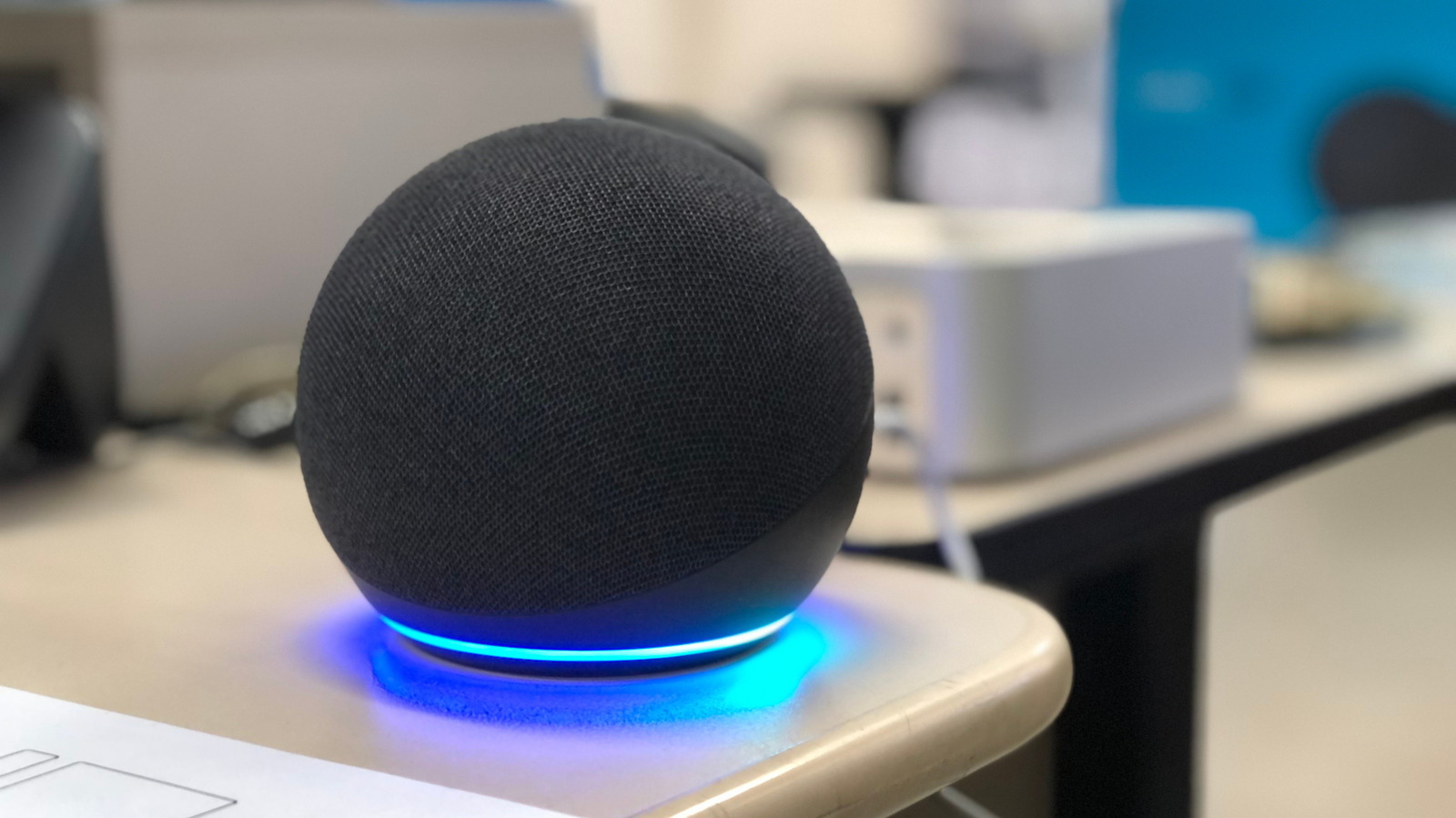
    Smart speakers have gotten better at comprehending you, but they don’t get it right every time.

    Because smart speakers are so convenient, you notice little annoyances right away when they stop working so smoothly. A common issue is your speaker misunderstanding you, whether due to your proximity to the speaker or other noise in the house. Luckily, these issues are pretty simple to fix.

    Many of the fixes are common across top smart speaker models, while each of the big names (Google Home, Apple HomePod and Amazon Echo/Alexa) require some specific know-how to reduce misunderstanding.

    Universal methods to improve understanding with smart speakers
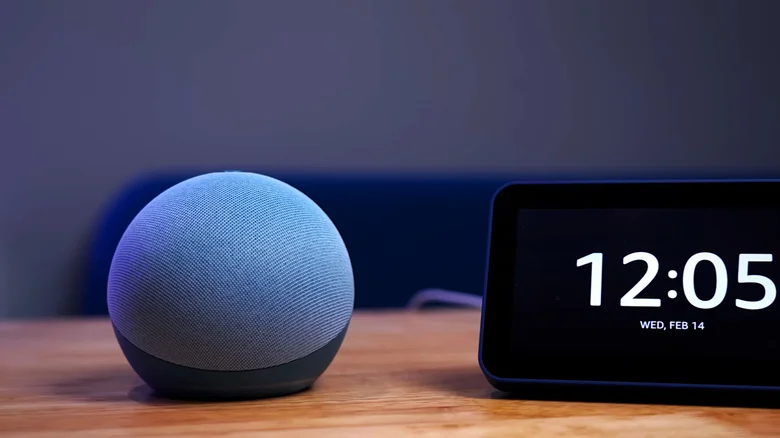
    Echo Dot speaker sitting next to a digital clock display.

    First, check that your speaker is clean. Use a dry cloth to wipe the unit down if there’s a buildup of dust or gunk. If issues persist, try moving your speaker to another spot or an entirely different room. Background noise, echoes and distance (whether too close or too far from your own voice) can all make a big difference. Try to avoid having smart speakers near regular noise sources like fans or surround sound speakers. Ideally, keep it at least one foot away from walls.

    Having multiple speaker units can also cause issues if one taking your request isn’t the closest. If the app allows, try lowering the sensitivity of the problematic speaker. For Echo devices, you can change the wake word per-device to avoid activating the wrong one. Failing those fixes, try to keep devices as physically separated as you can.

    After shifting it around, test a few voice commands to see if there’s a marked difference in its comprehension. It’s also worth checking that you’re issuing a command your speaker is actually able to execute. And of course, be sure you’re speaking clearly and concisely.

    When working with other smart products, make sure your linked smart home devices have unique names. Your speakers can mistake one device for another if multiple have a similar title. Use a few unique words in each name for maximum clarity, and give each room a clear label in your home app as well. 

    Specific fixes for Alexa, Google Home and HomePod
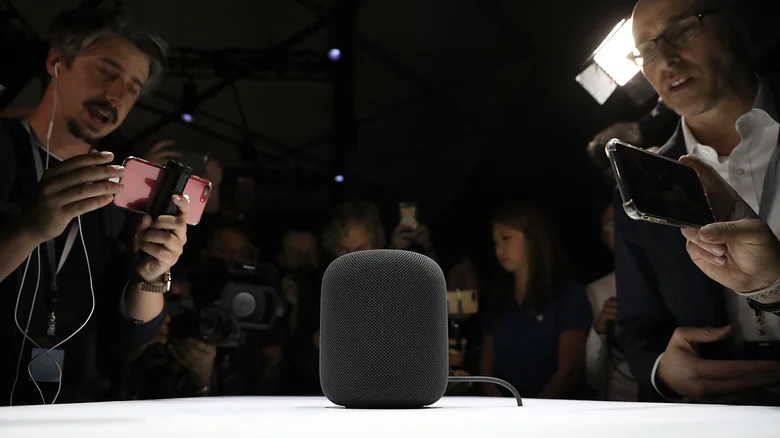
    Apple HomePod prototype being filmed by a crowd.

    If your speaker is still failing to understand your commands properly, it might be time to play with some settings. The best change is setting up voice recognition so the assistant has an easier time recognizing the way you speak. For an Echo, open the Alexa app and navigate to More > Settings > Account Management > Your Profile > Voice ID, where the app will ask you to say various commands to set up a Voice ID it recognizes across platforms. 

    For Google-powered speakers, open the Google Home app and head to Settings > Google Assistant > Voice Match to set up Voice Match for all of your connected devices. You can have up to six distinct voices per home.

    For an Apple HomePod speaker, open the Home app and tap the More button (three dots) to access Home Settings. There, open your user profile and turn on Recognize My Voice. For a smoother experience across devices, open Settings on your phone, tap your name at the top of the page, then go to iCloud. Tap See All by Saved to iCloud, then enable Siri.

    If none of these methods improve your issue, restart your speaker by unplugging it for a minute and then plugging it back in. If you suspect a major issue, you may need to go a step further and perform a factory reset. This will reset all your custom settings, so only do this if nothing else has worked.

    Big Tech keeps smart speaker Your
    Follow on Google News Follow on Flipboard
    Share. Facebook Twitter Pinterest LinkedIn Tumblr Email Copy Link
    myappsplus
    • Website

    Related Posts

    Does a VPN protect your privacy when using ChatGPT or Claude? What network encryption can and can’t hide from AI

    October 10, 2026

    3 days to Disrupt 2026: Meet the startups before they hit mainstream

    October 10, 2026

    How to change your home address on Google Maps

    October 10, 2026
    Add A Comment
    Leave A Reply Cancel Reply

    Top Posts

    What was the PSX? The souped-up PS2 rarely sold outside of Japan

    September 14, 20269 Views

    Can reviews settle disputes that marked first two seasons?

    September 21, 20268 Views

    Experts call for leveraging AI, breaking key tech bottlenecks to propel advanced manufacturing

    September 19, 20266 Views
    Latest Reviews

    OpenAI renews push to get Apple’s trade secret theft lawsuit tossed

    myappsplusAugust 27, 2026

    5 Android Phones That Outperform The OnePlus 15

    myappsplusAugust 27, 2026

    My housemate keeps losing their keys, so I bought them these AirTag dupes that are better value

    myappsplusAugust 27, 2026
    Stay In Touch
    • Facebook
    • YouTube
    • TikTok
    • WhatsApp
    • Twitter
    • Instagram

    Subscribe to Updates

    Get the latest tech news from FooBar about tech, design and biz.

    Most Popular

    OpenAI renews push to get Apple’s trade secret theft lawsuit tossed

    August 27, 20260 Views

    5 Android Phones That Outperform The OnePlus 15

    August 27, 20260 Views

    My housemate keeps losing their keys, so I bought them these AirTag dupes that are better value

    August 27, 20260 Views
    Our Picks

    Meta is allegedly deleting LGBTQ business Instagram accounts

    October 10, 2026

    Gmail’s Settings Page Is Finally Getting a Much Needed Cleanup

    October 10, 2026

    AirPods 5 vs. AirPods 5 With Wireless Charging Case Buyer’s Guide

    October 10, 2026

    Subscribe to Updates

    Subscribe to our newsletter and get the latest tech news, app updates, AI trends, smartphone reviews, and exclusive deals delivered straight to your inbox.

    Facebook X (Twitter) Instagram Pinterest
    • About Us
    • Get In Touch
    • Disclaimer
    • Privacy Policy
    • Terms & Conditions
    © 2026 MyAppsPlus. All Rights Reserved.

    Type above and press Enter to search. Press Esc to cancel.