


States across the US are slowly rolling out support for adding your driver’s license or ID to the Google Wallet app on Android.
Table of contents
How to add your state ID on Android
- Open the Google Wallet app on Android 9+
- Tap the “plus” button next to “View more” at the bottom
- Choose “ID & personal info” and then “Driver’s license or state ID”
- Select your state and follow the instructions
The process involves taking a picture of the front and back of your physical card, as well as a short video of yourself for verification: a “photo from this video will be submitted to your ID issuer.”
Once approved, the ID will appear below the carousel of payment methods alongside other passes. The order can be rearranged, while you can remotely remove the ID online if your phone is missing: myaccount.google.com > Personal Info > Manage IDs.
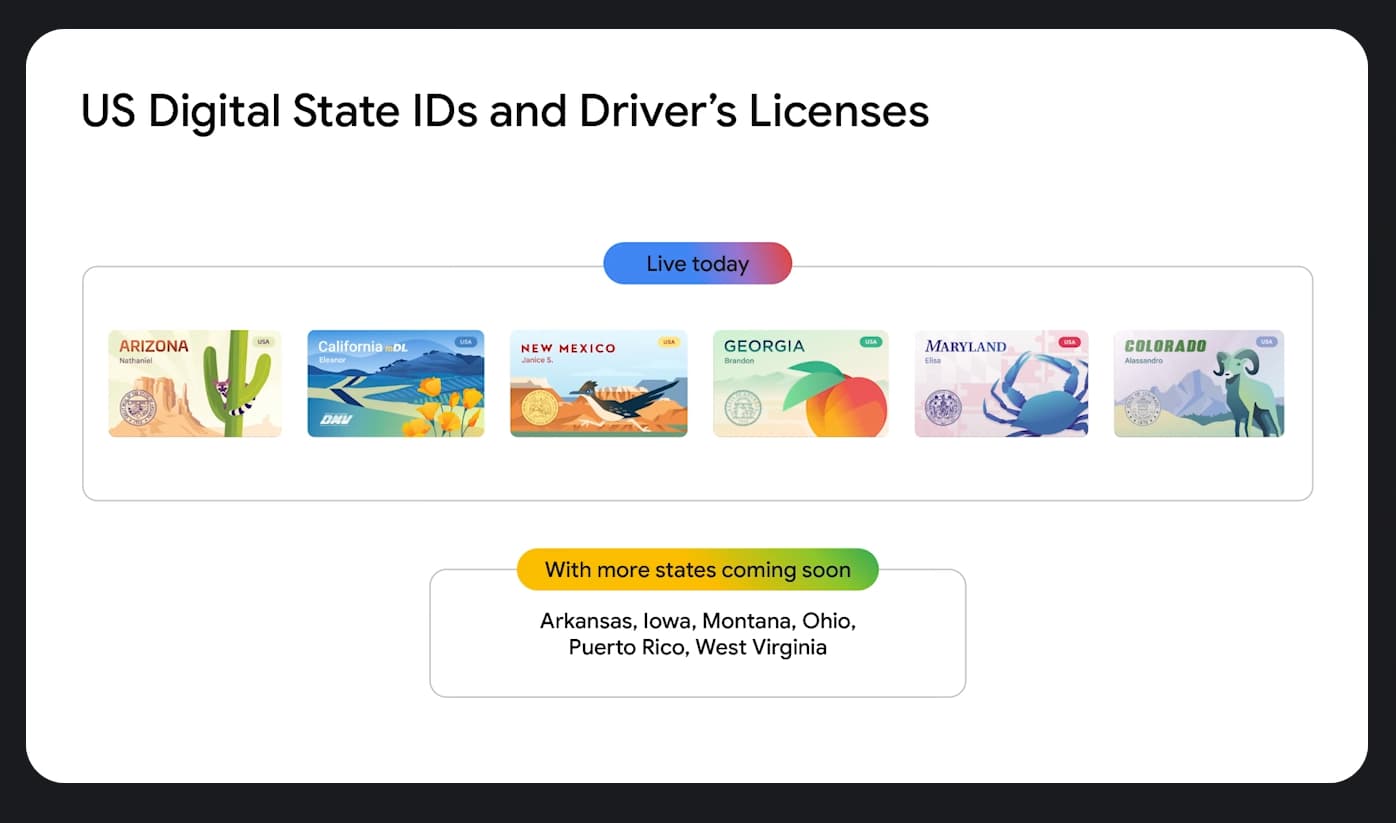
What Google Wallet state IDs are supported
- Arizona (Rolled out October 2023)
- Arkansas (Rolled out October 2025)
- California (Rolled out <a href="https://myappsplus.com/7-new-4k-blu-rays-from-august-2026-to-add-to-your-collection/” title=”7 new 4K Blu-rays from August 2026 to add to your collection”>August 2024)
- Colorado (Rolled out October 2023)
- Georgia (Rolled out October 2023)
- Iowa (Rolled out June 2025)
- Maryland (Rolled out December 2022)
- Montana (Rolled out August 2025)
- New Mexico (Rolled out December 2024)
- North Dakota (Rolled out October 2025)
- [New] Ohio (Rolled out September 2026)
- Puerto Rico (Rolled out October 2025)


Where state IDs are coming next
Google previously said to expect support in the following places:
Where you can use state IDs
The primary place you can use this digital ID is at TSA checkpoints in some US airports. There are two ways to do so, starting with tapping your phone at the NFC terminal. You then review the information that will be shared with the TSA and authenticate with device unlock. There’s also a QR code method that requires opening the ID in Google Wallet.
Officially, you still have to carry the physical ID card at all times.


Some apps, like from car rental services, are beginning to accept digital IDs for identity and age verification. On mobile, if an app or website requests your age, it’s as simple as confirming (and authenticating) that you want to share this information with a system-level prompt/sheet. On desktop web, the experience involves scanning a QR code.
Google wants to make it possible to do that “without any possibility to link back to a user’s personal identity” through what it calls Zero-Knowledge Proof. This technology will be open-sourced for anyone to use.
Looking ahead, the IDs can be used at DMVs in Arizona, Georgia, Maryland, and New Mexico as part of “improved and streamlined customer experiences.”
Google is also working on letting you use digital IDs to “recover Amazon accounts, access online health services with CVS and MyChart by Epic, verify profiles on platforms like Uber and more.”
Using passport as REAL ID
Google in April pointed out how you can “use your ID pass created from a U.S. passport with TSA security for domestic travel at supported airports, even if you do not have a REAL ID driver’s license or state-issued ID.” This comes ahead of the May 7, 2025 deadline.
To do so, open Google Wallet > Add to Wallet > ID pass. This three-step process involves taking a picture of your passport’s info page, and then scanning the security chip found inside the back cover of your passport. You also have to record a video of your face that Google will review “to make sure you’re a real person, and compare the video to your passport photo to make sure you’re the owner of the passport.”
The NFC and QR code instructions for using this digital passport ID are unchanged from above. You also have to keep the physical version on you when traveling. As a reminder, this won’t work internationally.

You’re reading 9to5Google — experts who break news about Google and its surrounding ecosystem, day after day. Be sure to check out our homepage for all the latest news, and follow 9to5Google on Twitter, Facebook, and LinkedIn to stay in the loop. Don’t know where to start? Check out our exclusive stories, reviews, how-tos, and subscribe to our YouTube channel
