

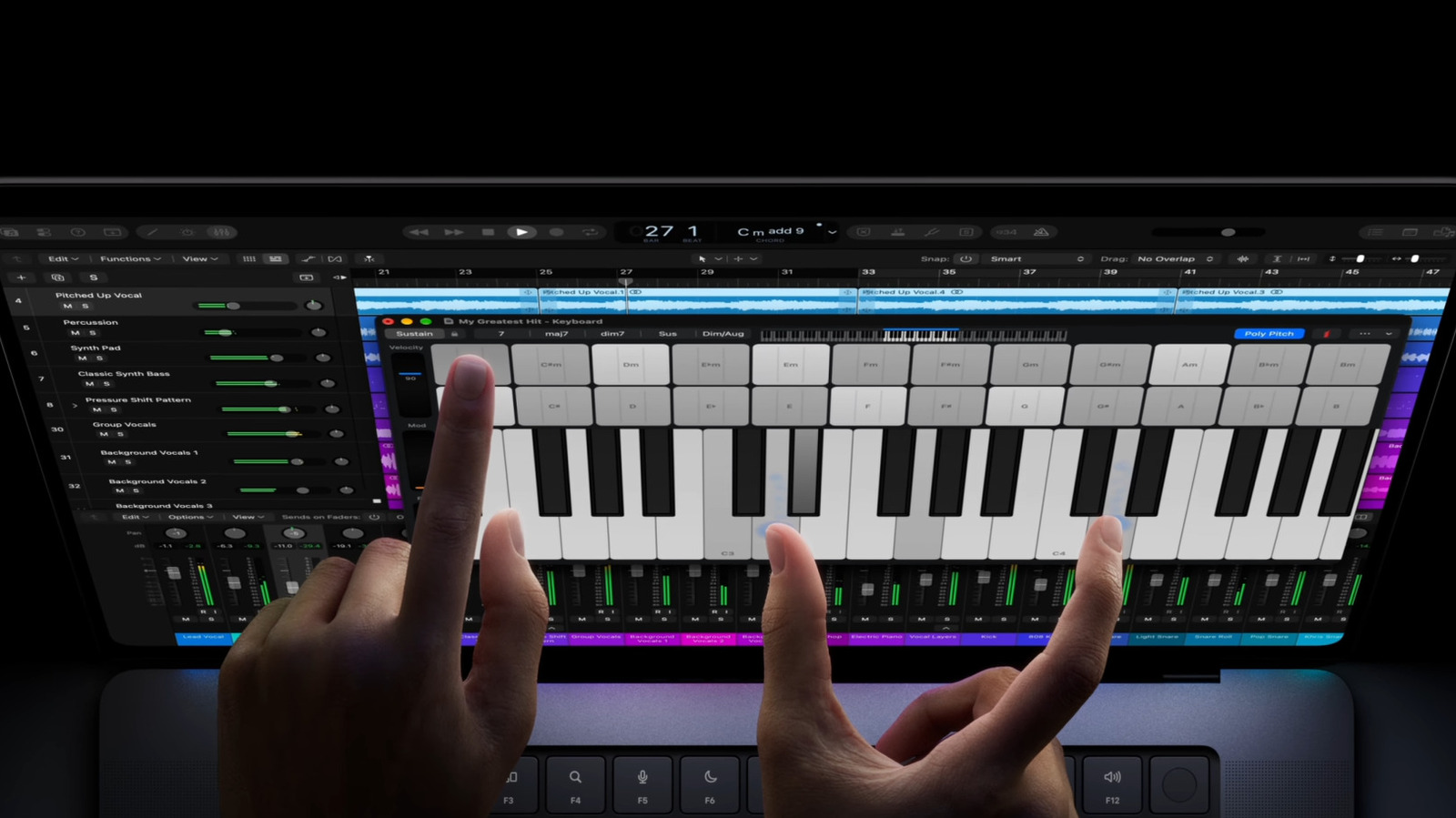
A touchscreen laptop gives you more options, but it’s a secondary benefit to everything else a laptop offers.
Recently, Apple made headlines by announcing its first-ever touchscreen Mac, the PROLED MacBook Pro. That’s despite co-founder Steve Jobs famously decrying touchscreen laptops as “ergonomically terrible,” and launching an alternative in the form of 2010’s iPad. In fact, iPads have become increasingly Mac-like in recent years, with many models adopting the same processors and iPadOS getting a similar multitasking interface. Some Android tablets have becoming increasingly PC-like, too.
Dedicated tablets do have advantages over laptops. They’re often hundreds of dollars cheaper, which matters when memory prices are rocketing out of control. And of course, they’re lighter and more portable, which can make them a godsend if you want to get tasks done (or just watch a few movies) on a long flight.
However, there are still reasons to buy a touchscreen laptop, even if you’re not going to splurge on a device as costly as a MacBook Pro. It’s mostly a combination of deeper functionality and what’s included with that (normally) higher upfront cost.
How (touchscreen) laptops often win over pure tablets
All laptops incorporate a keyboard and trackpad, whereas those are paid add-ons for tablets. You may not need either, depending on your goals. But if nothing else, a physical keyboard is far easier to type on than a touchscreen, owing to its ergonomic positioning and feedback. It also gives you back a large amount of screen space. A trackpad improves precision for functions like selecting text or manipulating timelines in audio and video editors.
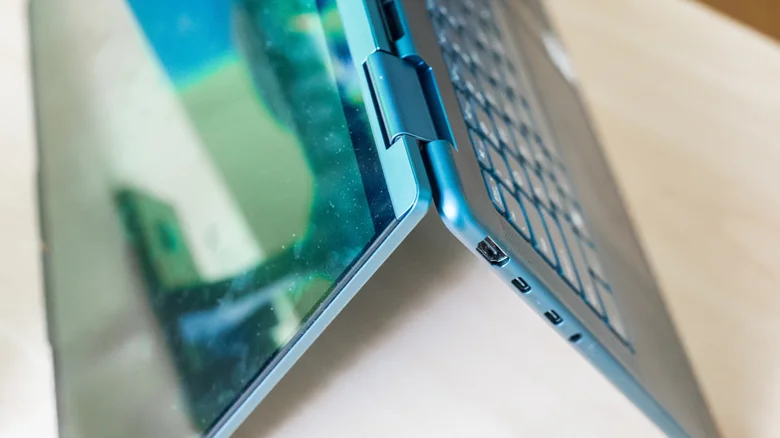
Tablets also tend to skimp on ports, with iPads being one of the worst offenders with their single port. You might get two with some other brands. For some productivity purposes, you may then end up having to buy a USB hub or Thunderbolt dock, which can actually make a tablet feel less portable than a comparable laptop unless you’re able to able to leave your accessories behind most of the time.
The real killers tend to be software and horsepower. Most tablets run either Android or iPadOS, which are really locked-down smartphone operating systems at their core. Laptops running Windows, macOS or Linux have fewer barriers, giving them access to more capable apps that sometimes have no real Android or iPad equivalent. Meanwhile, more expensive laptops can feature advanced GPUs that wipe the floor with what’s possible on even an iPad Pro. Professionals and hardcore gamers who need a heavy-duty device have little choice but a laptop for the software they want.
You might have noticed that this discussion didn’t talk much about the specific benefits of a touchscreen on a laptop, which is because they’re mostly secondary supports to a laptop’s pros. They can make some tasks you do on your laptop a bit more convenient, like scrolling through long pages with your finger or more naturally testing mobile apps you’re developing, but are hardly a selling point on their own.
Foldable 2-in-1 laptops can pull double duty as your work device and a tablet for scrolling through social media on the couch, but Windows and macOS aren’t built around touch like Android and iPadOS. Extended note-taking or drawing on a vertical touchscreen are not comfortable, so you’re better off with a drawing pad or tablet for those.
The real question you should be asking

It’s certainly possible to get by with a tablet. You might prefer one not just for price and portability, but the intuitive touch-centric workflow that matches your phone. It’s why I sometimes recommend an iPad as a first computer for both kids and seniors. But the more advanced your needs, the more likely a tablet is to fall short, especially if you’re not willing to spend a few hundred dollars on an iPad case with an attached keyboard and trackpad or a separate keyboard and mouse combo.
Ultimately, you should ask yourself whether you need a touchscreen device at all. Touch tech is rarely essential unless you’re doing illustration, handwritten notes or high-end photo editing. A touchless laptop might cost as much as an equivalent tablet, or let you put the savings towards upgrades like a better GPU or a bigger screen.
And we can’t forget about coping with those extreme memory prices. Putting cash aside for the right amount of RAM could enable smoother multitasking, while doing the same for storage could mean having to juggle and delete files and apps less often. Those are upgrades you can appreciate for the life of the device, compared to a touchscreen you might not have a real use for after a few weeks.
