

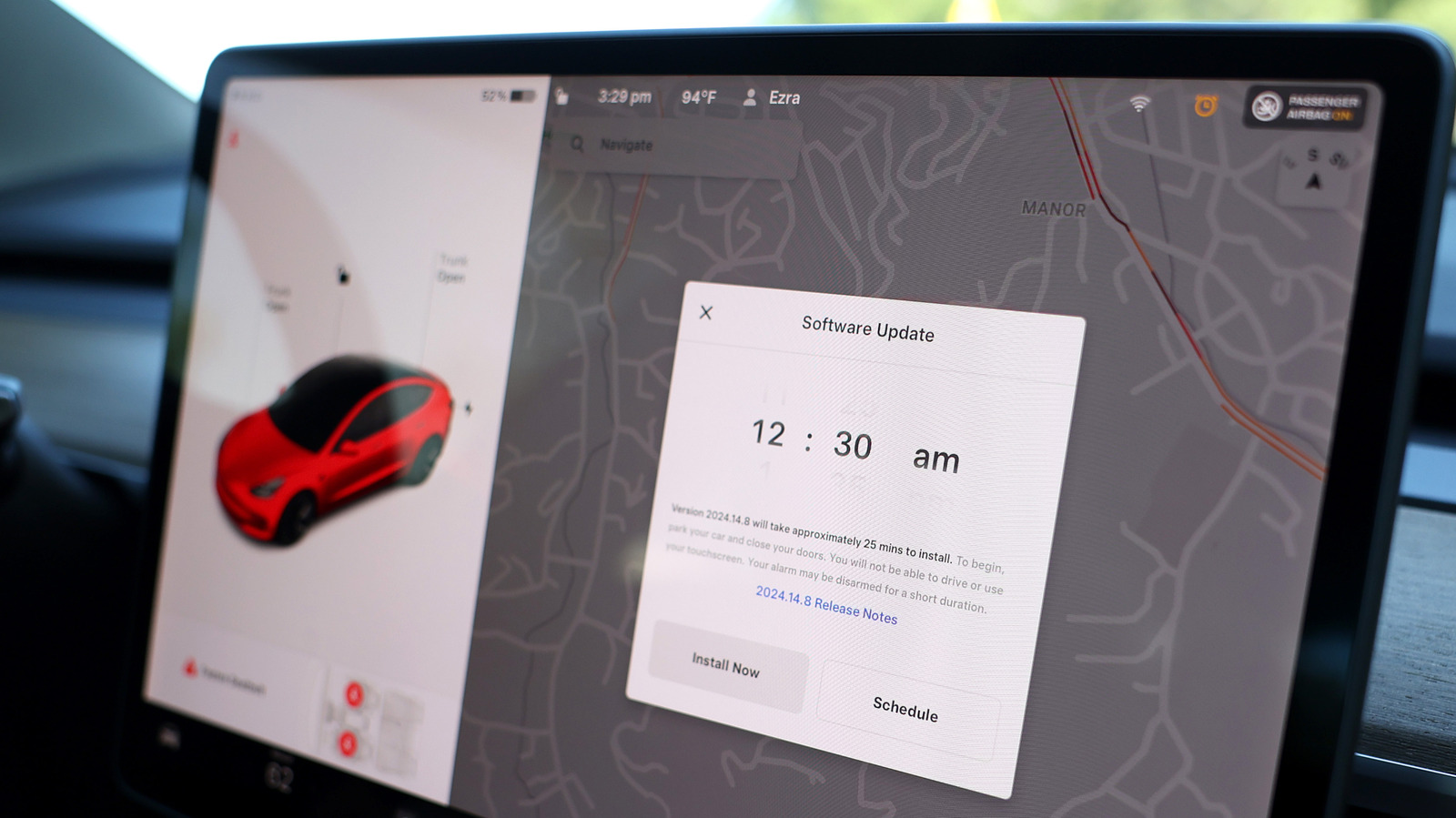
Gone are the days when cars consisted of just mechanical parts. In today’s world, software’s role is just as important, much like your smartphone or computer. Software updates aren’t limited to adding new features to your car. OTA (Over-the-Air) updates can push in patches for known bugs, boost security, and address performance and safety issues like braking distance. So, it’s important that you keep your car’s software up to date. However, it’s natural to wonder what might happen if you don’t. Simply put, skipping updates is likely to be more of an inconvenience than installing them, and it can leave safety recalls unfixed.
Automakers use software updates to address problems, improve performance, and refine existing functionalities like automatic braking, cruise control, and lane assist. Most popular car brands release updates from time to time to fix common issues, so skipping them means living with those issues.
There’s another, much bigger risk associated with not updating your car’s software. Depending on the manufacturer, damage that results from skipping updates may not be covered under warranty, leaving you to pay for repairs. The GMC’s 2026 Limited Warranty and Owner Assistance Information booklet states, “The owner is responsible for ensuring all GMC-provided Over-the-Air software updates are installed within 45 days of software availability to the vehicle. Damage resulting from failure to install Over-the-Air software updates is not covered.” So skipping those updates isn’t a smart idea.
Things to remember when updating your car’s software
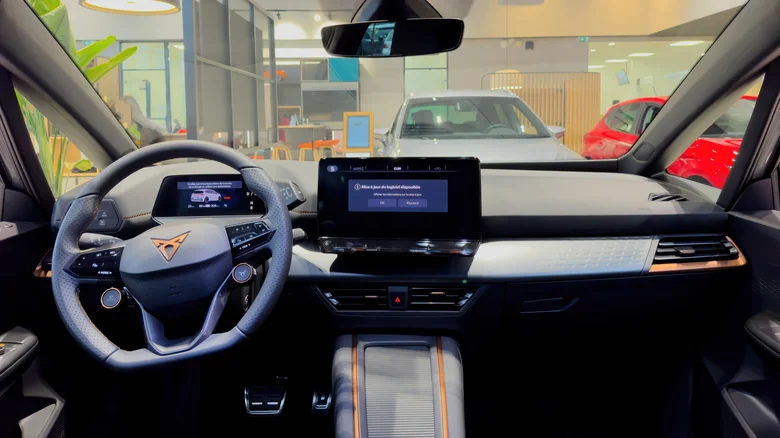
While updating your car’s software is important, the experience isn’t always seamless. However, a few simple measures can make the process largely stress-free. First, always read the release notes accompanying an update. This way, you will have an idea of the changes you can expect to the car’s controls, performance, and infotainment system after installing the update.
Also, never update the software when you are in a hurry. With many updates, you can’t drive the car until the installation is complete. Similarly, the door and window controls may stop working while the update is underway. This information, along with the estimated update time, is generally displayed on the car’s screen before you hit that “Install” button. As for the time it takes, most software updates install in about 20 minutes, but if the network connectivity is poor, downloads and updates can take longer. If the update seems stuck, moving the car to an area with better signal reception can sometimes fix things.
Lastly, there may come a time when your car stops receiving software updates. While this doesn’t mean that the car will stop working from a mechanical standpoint, you could miss out on new features or refinements that improve its performance. So, as long as your car receives software updates, make sure to install them in a timely manner, but never from unofficial sources.
