

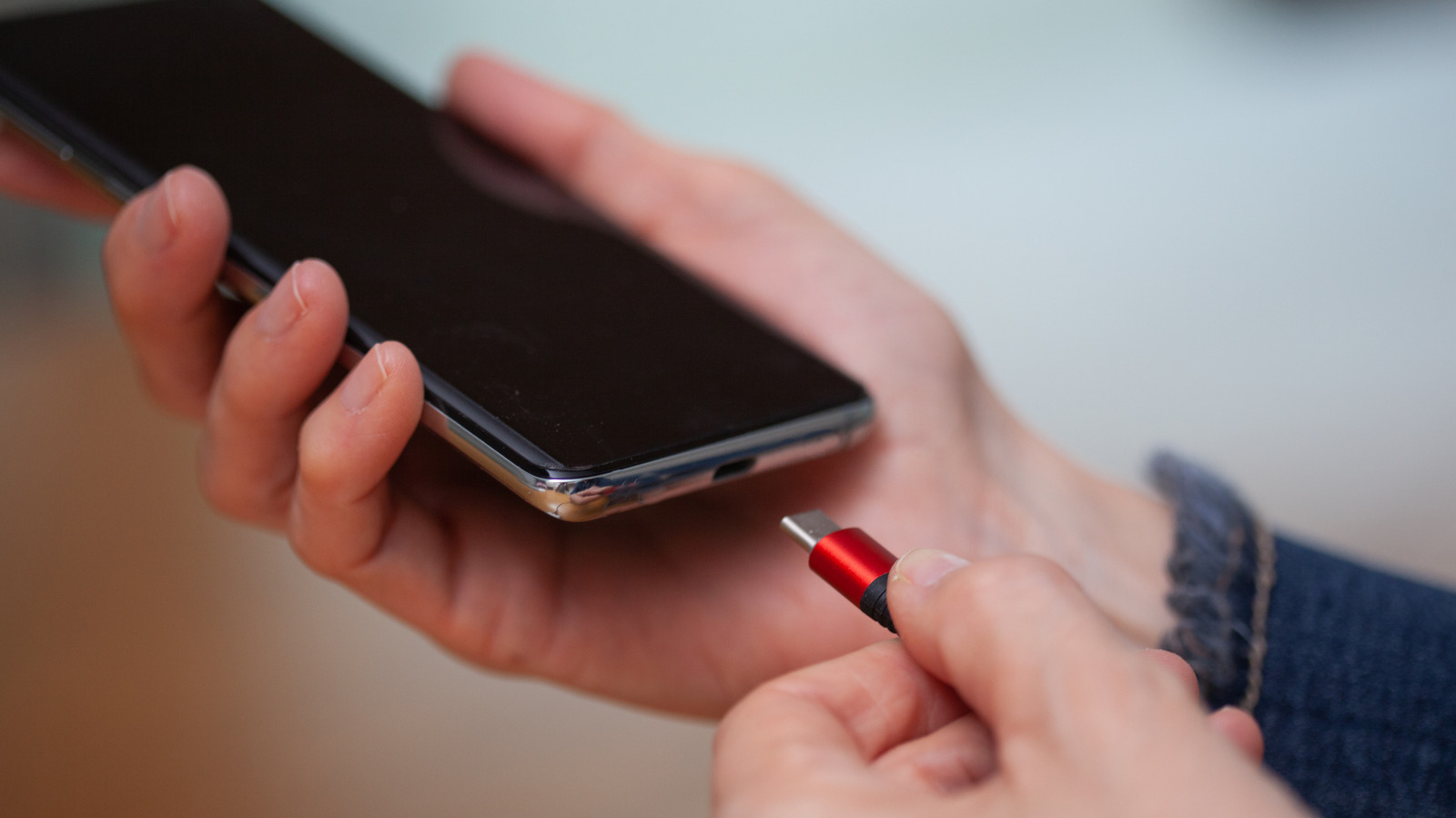
“Connectivity”? “Charging”? Nope.
For a cable that is considered a “universal connector,” the trusty USB comes in a staggering array of different shapes and colors. You may find yourself in the aisle in the electronics store or scrolling Amazon, staring at the different options and wondering what makes each of them different from the other and which one is the correct one for your needs.
In the past few years, we have seen more and more devices finally offer just one clear choice: USB Type-C. It comes in one shape, has no color coding and promises to work with any USB Type-C device. But what does the “C” actually stand for? Does it have a secret meaning? Well, the answer is a lot more straightforward than one might think.
What the C doesn’t stand for
If you go searching online for the answer to that question, you might come across several theories that the internet loves to repeat over and over. Those are all myths and are easily explained away.
Explainer sites keep running into the same three guesses. Some people assume the C stands for “connectivity,” since the new connector works with such a wide range of devices. Others figure it means “charging,” because that’s what most of us use it for. And a third camp thinks it refers to the rounded shape of the plug. None of them are right. The “C” only names the connector, and it does not stand for any word beginning with the letter C.
The myths don’t end with the name. There are even more about what a USB-C port can do. Plenty of people assume it means fast, or that it’s the same thing as Thunderbolt, or that every USB-C port will fast charge a laptop and drive a monitor. But they don’t all have the same capabilities. The connector is just the shape, and what comes through it depends on the device and the cable, which is why a USB-C port isn’t a guarantee of high speeds.
A short history: from Type-A and Type-B to Type-C
<img src="https://www.engadget.com/img/gallery/whats-the-meaning-of-the-c-on-your-usb-c-ports/a-short-history-from-type-a-and-type-b-to-type-c-1793628508.webp” alt=”DisplayPort, USB Type-C and USB Type-A cables isolated on white background.” loading=”lazy”>
The real answer is a lot less exciting. USB Type-C is just the connector that comes after Type-A and Type-B.
USB 1.0 arrived in January 1996 with only those two. They weren’t interchangeable on purpose. Type-A, the flat rectangle, went into the host, meaning the computer or a powerng the printer or scanner on the other end. USB was built around that one-way idea, with the host supplying power and running the show and the peripheral going along with it. Different shapes meant you couldn’t plug a cable in the wrong way
Then the different shapes and colors started piling up. USB 2.0 in 2000 brought the mini connectors, and micro followed because phones and cameras wanted something thinner. The colors were a loose convention for telling ports apart: black for USB 2.0, blue for USB 3.0 and red or yellow for ports that keep supplying power while the computer sleeps (even orange ports don’t mean the same thing everywhere). Manufacturers were free to ignore all of it, and plenty did. Most of them were B-style ends on the device side, so you still had a Type-A on one end and some flavor of Type-B on the other.
USB Type-C was finalized in August 2014, and it addressed nearly every complaint people had with the older versions. It was thin, so it fit even the thinnest phones and gadgets. It was reversible, so gone were the days of guessing which way to plug it in. And it dropped the idea of two different shapes, so the host and device split moved out of the connector and into the devices themselves.
Since the shape stays the same, there is no need for color coding either. The two ends talk to each other and agree on how much data and power to send, and newer cables simply move more through the same connector. USB4 Version 2.0 now reaches up to 80Gbps over that same Type-C connector.
What we learned, and what we’d want from a USB Type-D
USB Type-C was received positively by consumers and tech companies thanks to its speed, small footprint and versatility. When it first came out, people mostly praised the reversible connection, but it’s still not a perfect connector. It has a delicate, thin plastic tab (the tongue) inside the socket that holds the pins, and if it bends or snaps, the port is ruined. It’s also still a little finicky to plug in.
At the moment, there are no clear plans for a Type-D connector, but if we were picking, we’d go for a simple ball-shaped plug that attaches to its socket magnetically.
