

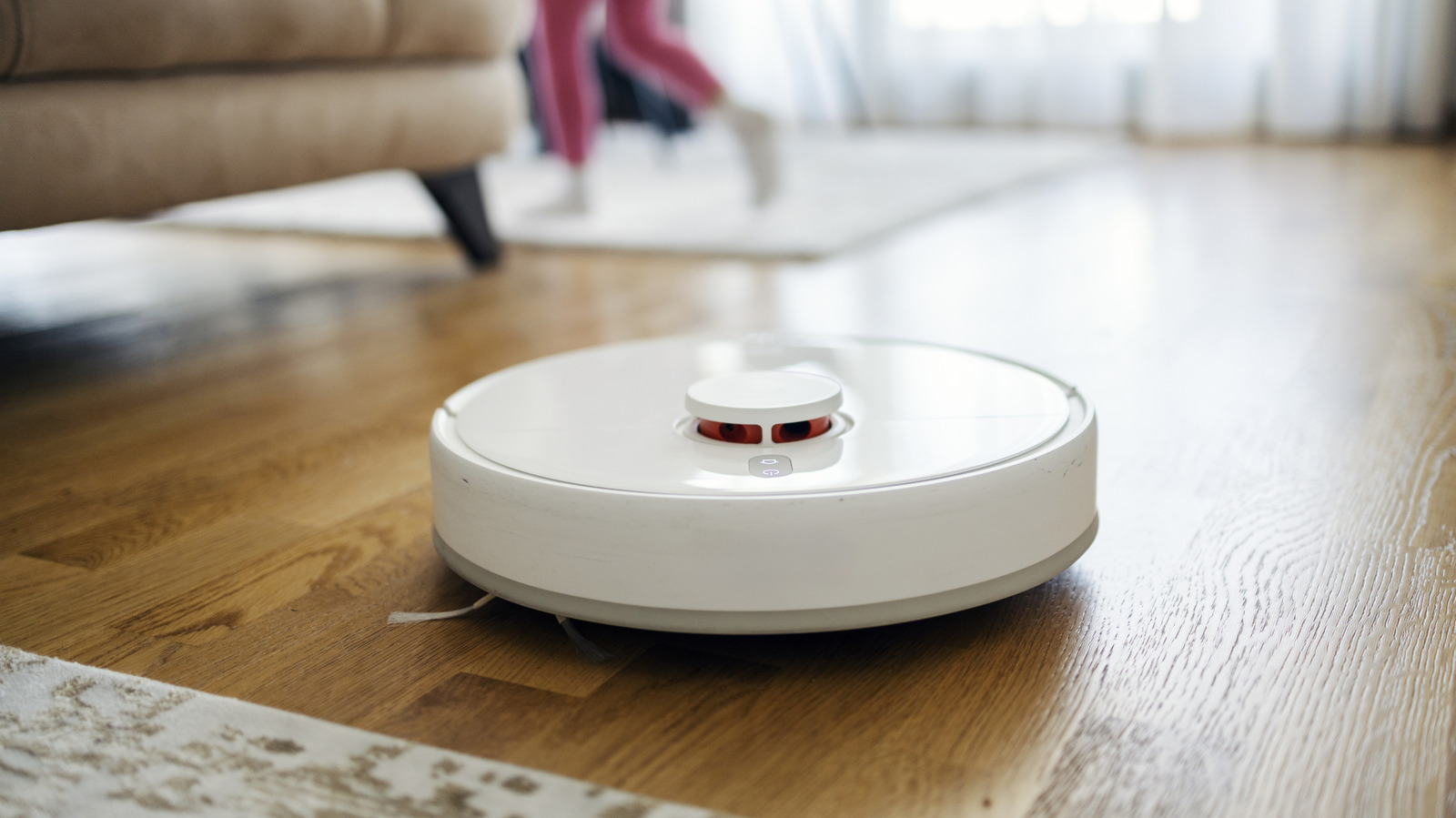
There’s quite a lot to consider before making an investment.
A robot vacuum is one of those quality-of-life improvements that, on paper, should save you time. You’re able to set it up and, once it’s mapped your floor space, it can be left to do the job for you. Some robot vacuum cleaners can even empty their own dustbin and, if you’ve got hard floors, mop it clean of any built-in grime, too.
That all sounds great: who can argue with less chores for themselves? The only problem is that a robot vacuum isn’t a like-for-like replacement for a human cleaner. There are plenty of disadvantages to using a robot vacuum, from obstacles to missed spots it can’t quite reach. Buying an upgraded model isn’t a catch-all solution, either.
There’s plenty to love about robot vacuums, but these are some of the points you’ll need to consider before you hang your upright for good.
You’ll need to clear the floor before it cleans
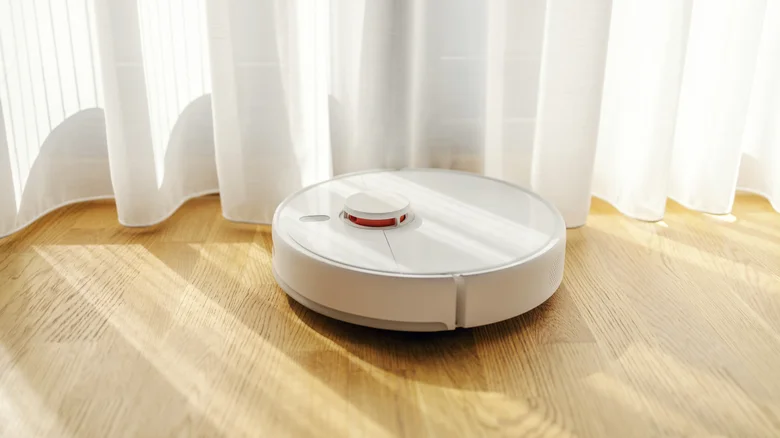
A human cleaner has a really big advantage over a vacuum: it can move things out of the way. That doesn’t seem like a huge problem, but the vast majority of robot vacuums lack arms. It can’t just move a chair or get a hoover nozzle into a tight spot to clean up dust. There’s also the unknowns to think about that it won’t have mapped on its route, like toys, charging cables left trailing across the floor or even pet messes that can be spread around the house.
That’s not to say that robot vacuums can’t overcome some of the issues. By design, even basic robot vacuum cleaners will change direction or move aside if they encounter an obstacle, rather than just following their pre-planned route. The cheapest models will use bump sensors, so it’ll need to physically collide with something. That can leave it going over the same patch again and again when it runs into a barrier. The best robot vacuum cleaners may use infrared sensors to try and bypass this, with the most expensive relying on LiDAR sensors and AI cameras to work out its surroundings better.
Yes, more expensive models will have more freedom to navigate as they can identify more problems to work around. That said, even the most complex models can’t deal with some obstacles, at least very well. Loose cables are a good example: they can wrap around brushes or wheels and stop the vacuum in its tracks before it completes a run. Socks are another problem that can get sucked in, as can lightweight rugs, unless you have a model like the Roborock Saros Z70 that can move things out of the way. While robot vacuum cleaners are more independent, you’re still going to need to check your floors beforehand, just to make sure that it won’t run into a problem that it can’t ride around.
Some floors are harder to clean than others
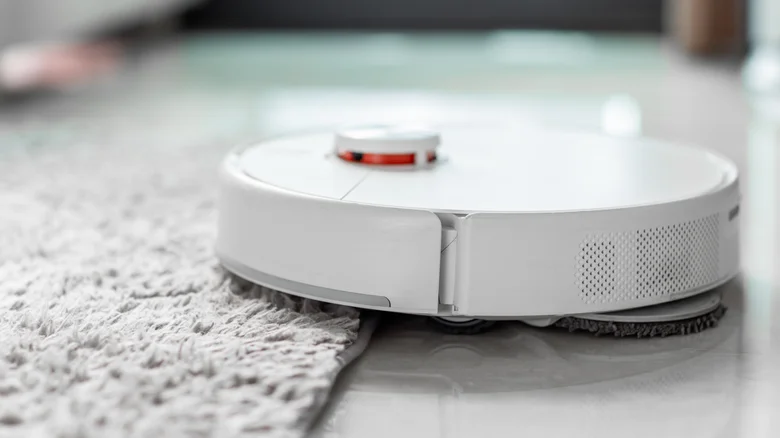
What type of dirt are you expecting to clear up? A robot vacuum is versatile, but it’s not infallible, and it’s not the ideal tool for some environments. Picking up crumbs from a wooden floor is certainly in its wheelhouse, but pulling out dirt from a thick carpet is a much harder job. Cleaning up surface debris is where you’ll see the best results.
You’ll notice, if you use a traditional vacuum cleaner, that the best models feature a powered floorhead that can agitate and lift up dirt that’s been engrained in carpet fibres. You’re able to move back and forth to get the dirt out. How well a robot vacuum is able to do this itself will depend on its brush design, but the advertised suction figure won’t give you a clear idea of how well it cleans.
It’s also going to be tricky moving across different surface types. Floors aren’t just flat, even surfaces. You’ve got tiles, rugs, carpets and wooden boards. A raised rug edge, or a doorway that creates a bridge between tile or wood and carpet is going to cause problems. The moment the vacuum gets stuck, then its suction power becomes irrelevant.
That’s before you consider corners. Corners are the perennial problem for the robot vacuum. If you’ve noticed, most are circular in design, with the main brush situation underneath. Side brushes do help to pull in dirt, and some models even have extending brushes, but tight corners are always going to be difficult to clean with most current-gen models.
For those, you’re going to need your regular vacuum. It’s the same for stairs and upholstery. Current generation robot vacuums aren’t cleaning up our staircases yet, although companies like Roborock are showcasing prototype models that can climb stairs, they’re not on sale yet. A robot vacuum is good for keeping on top of lighter dirt between bigger cleans, but it isn’t a full-blown replacement yet.
The extra features can cost you considerably more
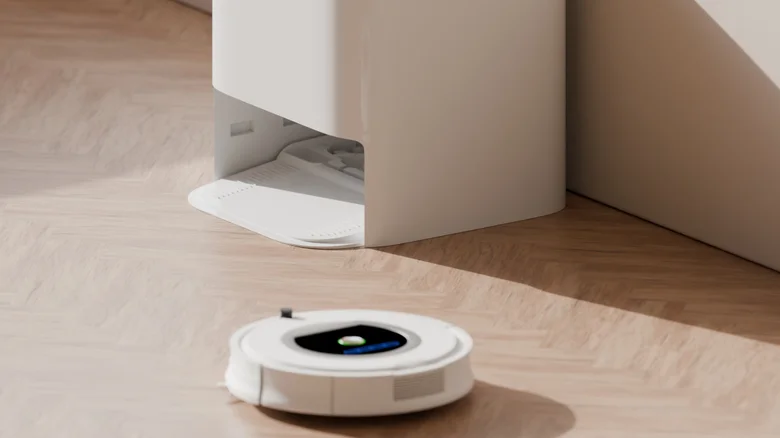
As with all things, the more features you want in your robot vacuum cleaner, the more you can expect to spend. Basic cleaning is one thing, but you’ll pay a premium for reliable obstacle detection, self-emptying
The most basic models can cost less than $100, which you can expect to clean up basic dust and crumbs, although robustness will be questionable. More expensive models, like the iRobot Roomba 105 Combo, which has mopping and a self-emptying dock, will set you back around $300. At the premium end is the Dreame X60 Max Ultra Complete, which adds automatic mop washing with hot water to clean itself, along with a retractable navigation sensor to help it fit underneath low furniture, for around $1,700.
Basic dry cleaning on an ‘easy’ surface is pretty easy to accomplish with a cheap, $100 model, but complex rooms with obstacles need more. So, too, do floors that need mopping regularly. The cost might seem prohibitive once you consider that, even with one of these, you’ll probably still need to clean yourself with a fully-fledged vacuum and mop every once in a while.
It’s still your job to empty and maintain your robot vacuum
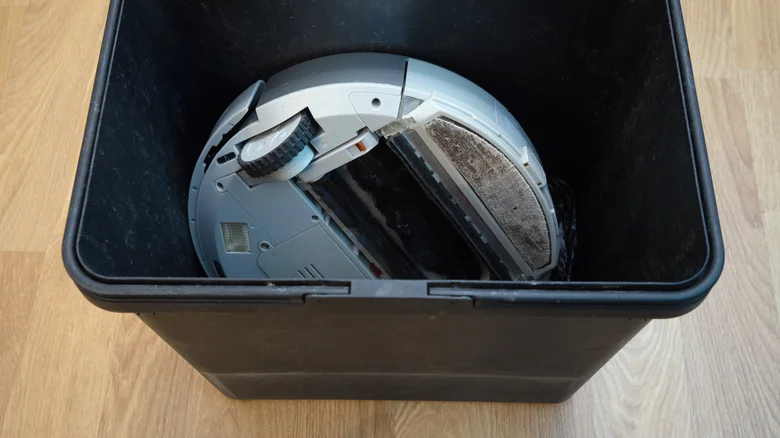
Without a self-emptying dock, you’ll be responsible for emptying the robot vacuum cleaner. That can fill up pretty quickly if you’re running it daily, especially with pets. The onboard dustbin in most robot vacuum cleaners is small, and once it’s filled up, it’ll struggle to collect more dirt. A self-emptying model can reduce this, but it’s just moving it into a bigger container that you’ll also need to empty once in a while.
There’s also maintenance to factor into the equation. Brushes and filters will need cleaning and replacing from time to time. Hair is problematic for any hoover, and it can easily wrap around the moving brushes. Neglecting any of this maintenance just means degraded performance at best, a fully broken robot vacuum at worst. Mopping adds more onto your plate, as you’ll need to deal with filling water tanks and cleaning dirty pads, depending on how much the dock is able to handle automatically.
None of this makes it a bad decision to buy a robot vacuum cleaner. You just have to be realistic about what you’re buying. They’re not a fully fledged replacement for the human element. You’re still going to find yourself clearing your floors, sucking up dirt in tight corners, and keeping your robot vacuum well maintained. As long as you’re clear about what it can and can’t do, you’ll (hopefully) be reducing your chore pile, but you may still have your own part to play to keep everything clean.
