

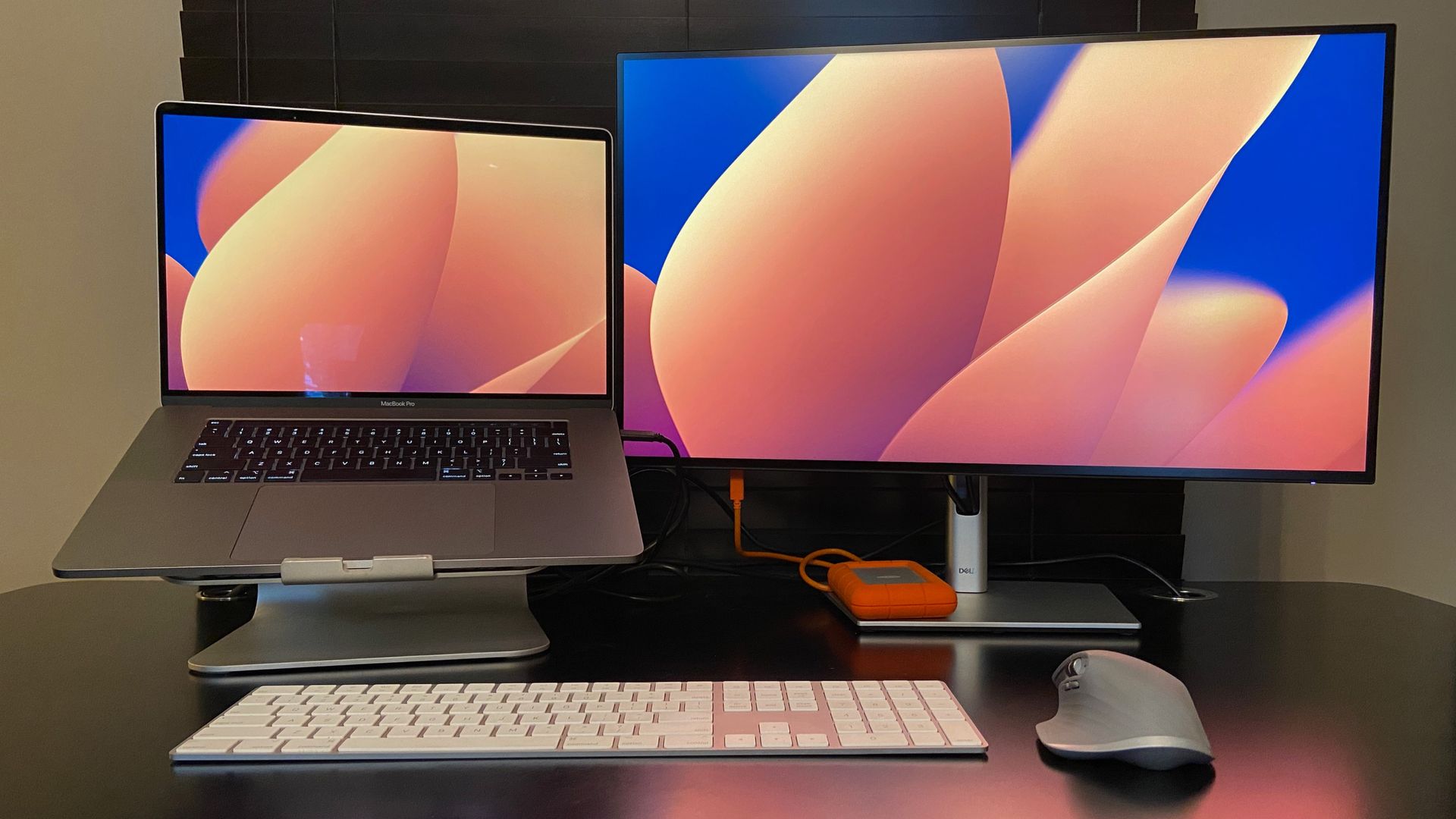
Devices now known as KVM (keyboard-video-mouse) switches, which allow multiple computers to use a single set of input devices and monitor, predate USB and even the mouse (That’s why the “M” is tacked on at the end).
PCs have also been able to support multiple monitors since the ‘80s, with the Mac leading the way and Windows users getting integrated support in the Windows 98. Years of studies have shown how people are generally more productive on two monitors than one, and that productivity is why we’ve previously highlighted the best KVM switch deals we can find.
But there’s a third multi-device scenario that combines elements of peripheral sharing and multiple monitors: controlling two PCs, each with its own display(s), with a single keyboard and mouse.
There are many reasons to choose this, including rapid switching between a PC for coding and a development target, having constant visual access to multiple platforms while saving desk space, and working across a work PC and a personal one.
My use case is keeping one PC display as a fixed dashboard that I can update on the fly while I hop around virtual desktops that would normally hide that dashboard from view. Many companies, including Apple, Asus, and Lenovo, have developed options that let you extend your work surface to a tablet, and Windows includes support for using another PC as an external display, and Logitech enables the feature if you use one of its higher-end keyboards or mice.
But if you want a vendor-independent approach, there are several software-only and hardware options (most of which also require software). Many offer a choice between “seamless” mode, in which a mouse can be dragged from one computer’s display to another’s, and “hotkey” mode, in which pressing a key combination instantly switches control of the cursor from one PC to another.
While the latter can be quicker depending on where your cursor is on the screen, it can sometimes take a moment to reorient yourself to its new position.
The Soft Switch
Software options often convenience and expedience. As long as you have a shared internet connection between the PCs, you can download one of the programs and soon be slinging your cursor around like a digital lariat. They also don’t require any extra desk space or available USB connections. And while hardware options are usually limited to two computers, software-based bridges can work across more PCs than one would practically have at the ready.
However, these options usually require that the computers be connected to the same network. And as is the case for other peer-to-peer applications that work over Wi-Fi, trying them in a public network situation, such as a cafe or co-working space, often fails.
And of course, if the Wi-Fi becomes spotty or unavailable, the connection can slow down or break. Furthermore, only some of the options work across platforms and none with Chrome OS. That said, there are at least four solutions out there that can bridge the gap.
Mouse Without Borders was one of the projects hatched out of Microsoft Garage. The skunkworks group focused mostly on mobile apps, but MwB works only on Windows. While it hasn’t been updated in several years, it still works well, is also available in PowerToys, and is one of the simplest apps to set up. After installing it on up to four PCs, you launch the app and select the networked PCs you want to join. The software generates a lengthy passcode to bind them.
Once entered, you can move your cursor freely between devices. MwB also supports automatic Clipboard sharing between computers so you can conveniently copy information from one computer and move it to its next-door neighbor. This also works with copying and pasting files in Explorer, although you cannot drag files from one PC to another.
The Voyages of the Enterprise
Two other options, Synergy and DeskFlow, have an unusual shared history. The former began life as an openough a company now also called Synergy
When forks such as Barrier and Input Leap failed to stay up to date, the company contributed financial and code resources to help develop DeskFlow as an actively maintained open
After installation, one PC is designated as the server and others, typically specified by their IP address, are designated as clients. A “grid” user interface available from both ends allows you to specify whether the mouse jumps to the other computer
Both support TLS encryption and Clipboard sharing. But Synergy uses Bonjour network detection to streamline locating other computers on the network as well as more robust enterprise management features.
When used with multiple laptops, however, these apps did not allow the “client” PC mouse to move the cursor back over to the “server” PC as other tools did. Synergy’s price varies with the number of computers you want to control with it: $15 for three, $19for five, and $29 for 15 with separate enterprise pricing.
Synergy (the company) is also previewing a new addition to its line-up called Synergy Dragon. In addition to a slicker user interface, it allows transferring files between connecting computers right from its preview and more accurate monitor size representations.
Best known for its apps that provide radical Windows makeovers and interface enhancements, Stardock Software also offers Multiplicity, which also works only on Windows. As with DeskFlow and Synergy, one PC is considered the primary computer or server while others are clients.
In addition to traversing multiple PCs, the Pro version of the software lets you use another PC as a second monitor, switch among multiple PCs on one monitor (KVM functionality), and even send multiple display outputs from another PC to a single monitor.
It can also route audio from one PC through the speakers of another, so you can have a consistent audio experience. Multiplicity starts at $30 for use on up to five PCs.
The $40 Pro version includes all features except for the enterprise management options for use on up to 10 PCs. But the licenses are needed only for the controlling software and don’t limit how many PCs you can control (two for the baseline version, nine for Pro)..
In my next column, I’ll discuss some of the hardware options available to bridge multiple computers and conclude with some recommendations.
