

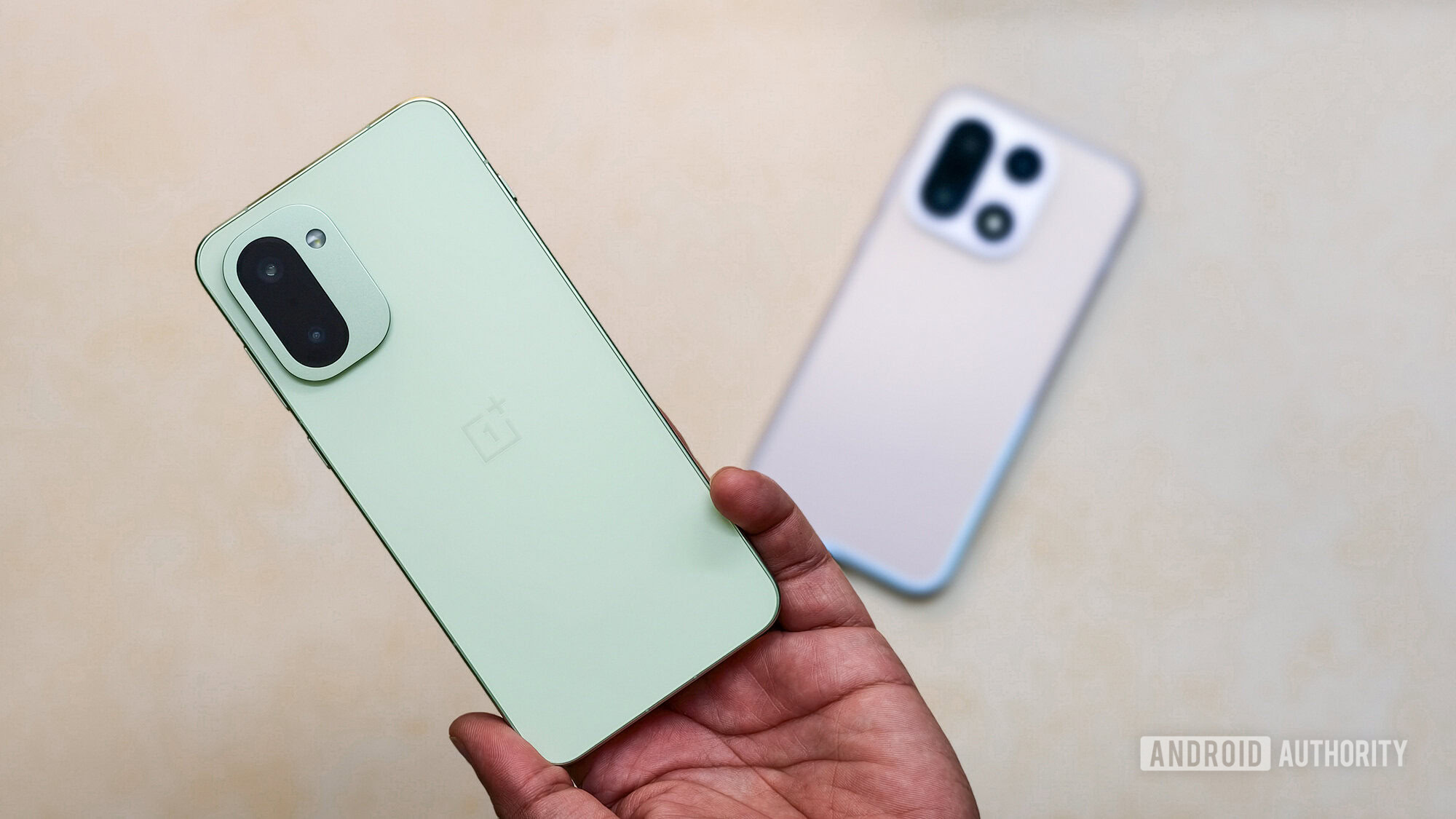
- OnePlus is rolling out a ColorOS 17 update to the OnePlus 15 and 15R that adds automatic PC unlocking through the O Plus Connect app.
- The update also lets users free up storage by removing backed-up photos, customize image quality and resolution, and connect their phone and tablet to the same PC at the same time.
- Both phones get Calculator, Translate, and privacy improvements, alongside the November 2026 security patch.
Earlier this month, OnePlus rolled out an OxygenOS 16 update that lets your phone automatically unlock your PC when connecting remotely. ColorOS users missed out on this feature at the time, receiving translation improvements instead. That’s changing with the latest ColorOS 17 update for the OnePlus 15 and 15R, which brings automatic PC unlocking, November 2026 security patches, and several other useful additions.
With the update, O Plus Connect can use a saved password to automatically unlock your computer during a remote connection, saving you the trouble of entering it manually. To set this up, tap the More icon on the floating ball during a remote connection, select Unlock PC, and enable “Automatically unlock when connected.” The update also lets you connect your phone and tablet to the same PC at the same time.
