

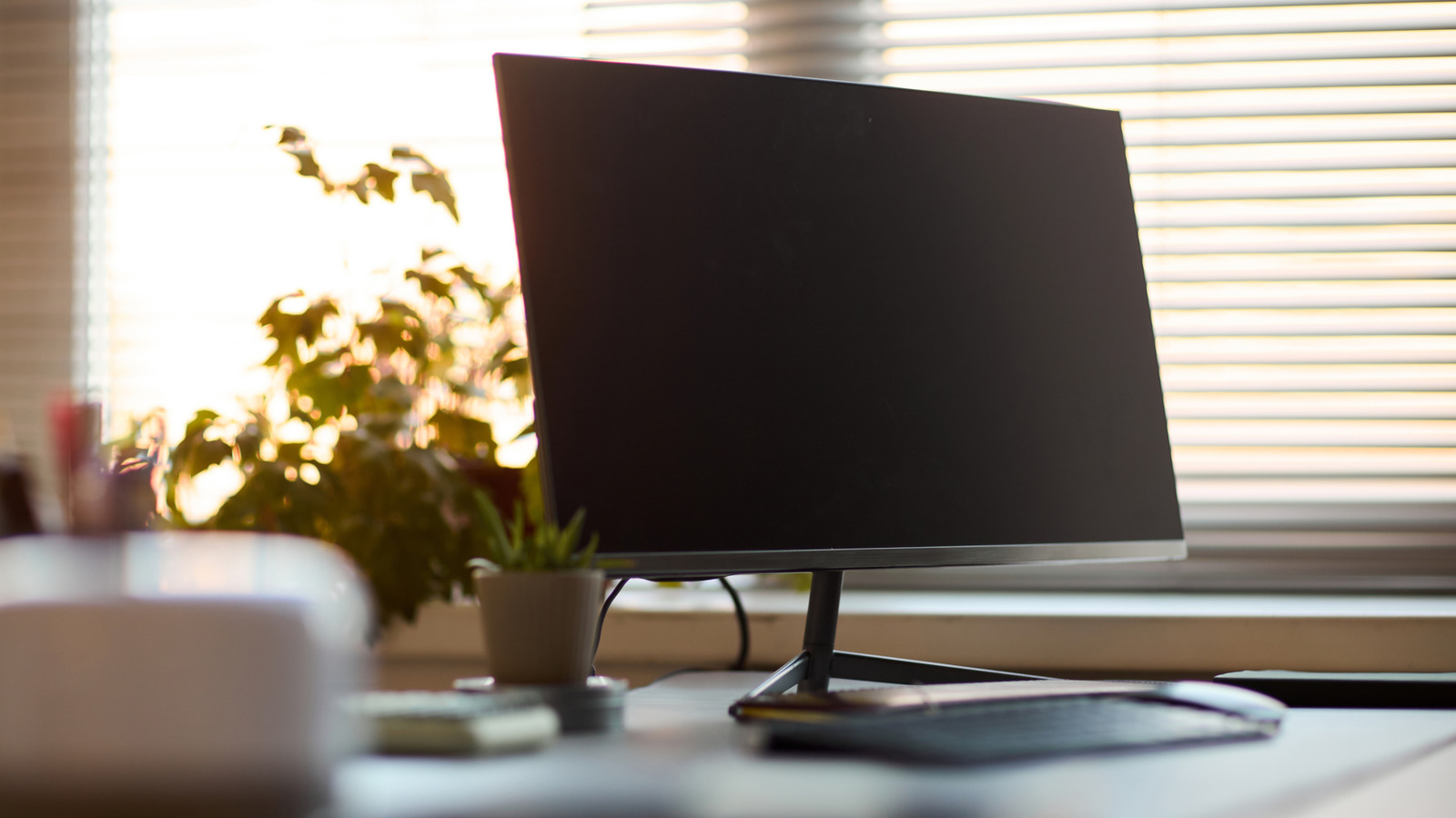
A laptop can become a desktop with one cable, making the home-office choice less obvious than it looks.
I own both a mini PC and a laptop, and I prefer to have the mini PC on my desk. It doesn’t take up much space and fades into a setup that revolves around the monitor, keyboard and mouse I actually use. The small box becomes a part of the office and an organized desk.
However, a laptop can do the same. Plug one into a big screenexperience is pretty close. This can get even better with a compatible USB-C or Thunderbolt dock to manage displays, peripherals, networking and charging all in one. When both computers are set up at a desk, the gap between them becomes tiny
What you’re paying for and whether the computer needs to leave that desk are the more important questions.
Mini PCs are often closer to laptops than desktops
<img src="https://www.engadget.com/img/gallery/mini-pc-vs-laptop-which-is-better-for-your-home-office/mini-pcs-are-often-closer-to-laptops-than-desktops-1790979340.webp” alt=”ASUS NUC mini PC on a white desk.” loading=”lazy”>
While their name implies a desktop PC that’s been hit with a shrink ray, there are plenty of mini PCs based on hardware that would be perfectly normal in a laptop. For instance, the ASUS NUC 15 Pro supports Intel’s Core Ultra 7 265H (a mobile processor), along with SO-DIMM memory and M.2 SSD storage.
There’s a practical explanation for that. When you’re attempting to fit a whole computer into a box that’s small enough to fit behind a monitor, laptop components are quite convenient. But similar parts don’t guarantee identical performance. Cooling, firmware and manufacturer-set power limits all have an impact on what a processor can sustain, especially when you put it to work for more than a quick benchmark. Thus, two machines with the same CPU name can still behave differently.
Upgradeability varies too, which is one of the main downsides of a mini PC. The NUC 15 Pro offers two SO-DIMM slots and two M.2 storage slots on supported configurations, offering greater flexibility for memory and storage upgrades than some thin laptops with soldered memory. Not all configurations include memory or storage from ASUS, however.
That last detail is important for fair price comparisons. When you start adding RAM, an SSD and perhaps an operating system to the list of items, a bargain-looking barebones mini PC can turn into less of a value.
The same reality check applies to graphics. Integrated graphics are just fine for email, office apps, video calls and browser-intensive tasks. If you’re doing demanding video editing, 3D work or any other GPU-intensive task, don’t assume that the small desktop box has more graphics power than a laptop.
A docked laptop makes this a much tougher choice
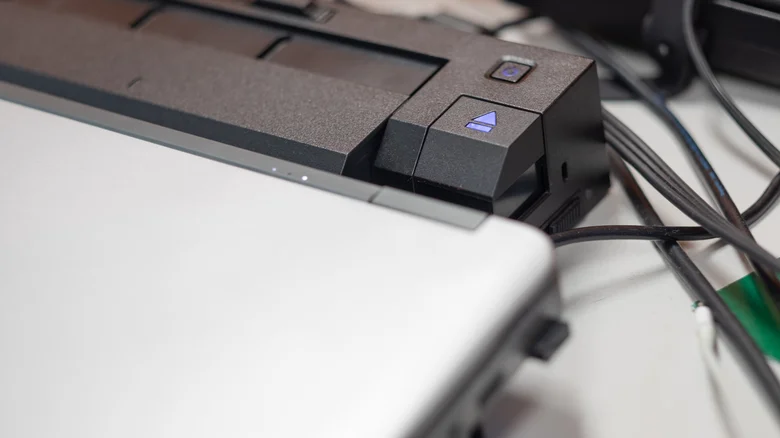
A mini PC has straightforward appeal compared to a laptop: you’re buying the computer without the built-in screen, battery, keyboard and trackpad that may go unused for the majority of its lifespan. That’s largely why I enjoy mine. I prefer to have a machine that’s part of the workspace and always available. But a laptop has a pretty good response to that argument, and it’s a single cable.
With a compatible docking station, a laptop can connect to external displays, Ethernet, a keyboard, mouse and other USB devices simultaneously. Supported models can also be powered from the same dock (specific capabilities vary by laptop and dock). Close the lid, tuck the machine into a stand and your day-to-day setup can feel like one built around a mini PC.
The difference is evident when you have to travel. Unplug the laptop and the same computer comes with you, including your local files, apps, browser sessions and settings. There’s only one machine to maintain — no need to wonder which computer has the document you definitely saved five minutes before a meeting.
But that doesn’t mean a laptop is the obvious home-office option. Mini PCs can be compact, flexible and even more cost-effective if your computer doesn’t move around much and you already have a monitor and peripherals. If you’re a frequent traveler, work in various locations or want to keep everything on one machine, a docked laptop might be the better choice.
