

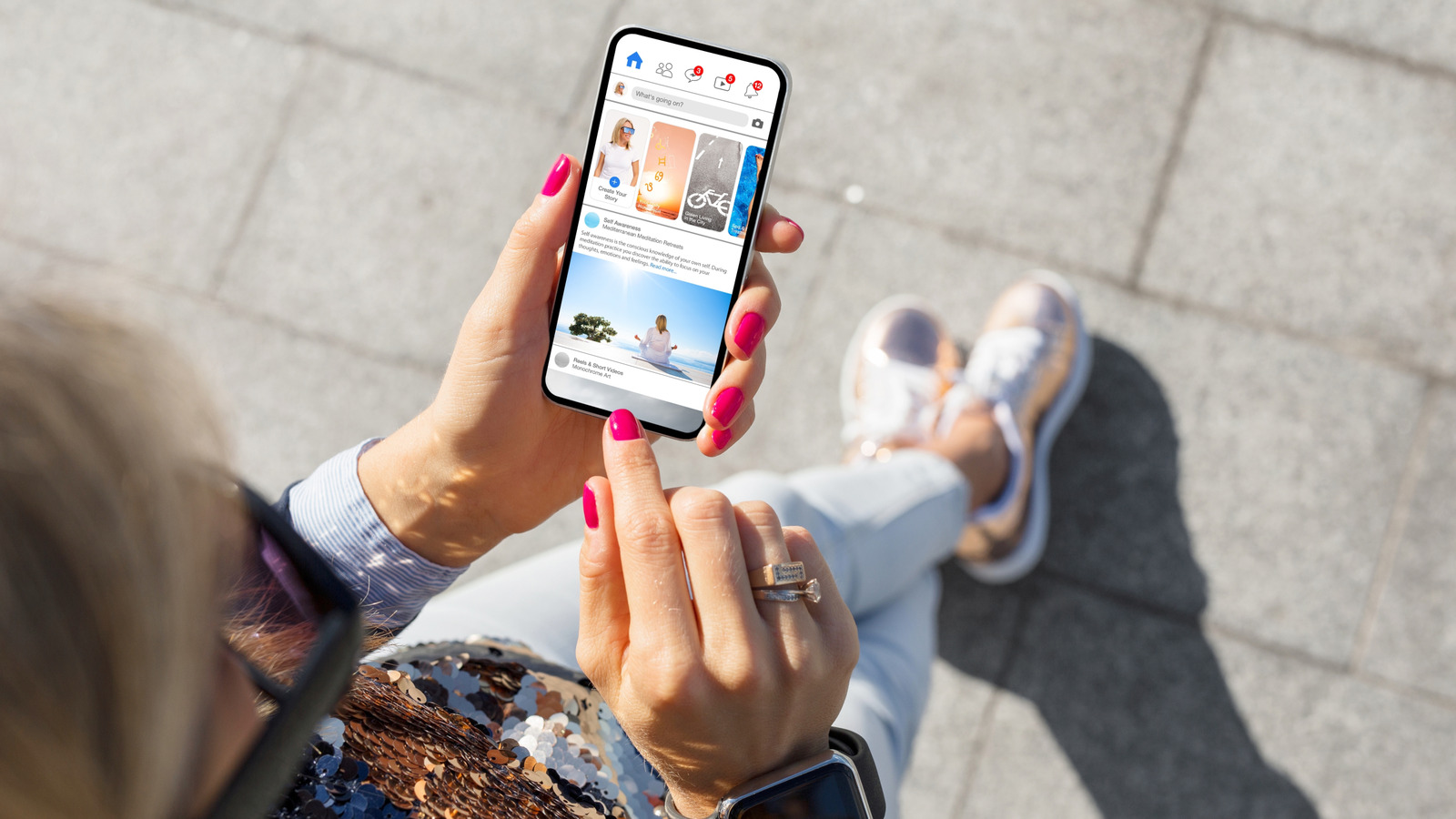
Convincing fake stores and AI-generated celebrity endorsements are making scam ads harder to recognize.
Imagine stumbling upon a Facebook ad for a jacket that’s $300 under normal circumstances, going for a mere $39. With high-quality images and logos you recognize, plus a ticking clock to pressure you into buying within a short timeframe, these ads are often effective at getting you to act without thinking it through. But in most cases, that “bargain” is you handing over money to a fraudster.
Many people have fallen victim to scam ads on social media, some of which direct people to make a purchase from an external website. People reported losing over $95 million as a result of such purchases in 2025. Reported losses from all types of scams beginning on social media totaled $2.1 billion in the same year.
They may appear to be run by well-known and reputable businesses, sell nonexistent goods or feature fake celebrity endorsements (some created using AI). Many will direct you to a fake website, while others seek as many of your details as possible. As with most places online, having the word Sponsored simply means a fee has been paid to display the ad, so you need to investigate more to see whether it’s legitimate.
Fake stores don’t always look fake
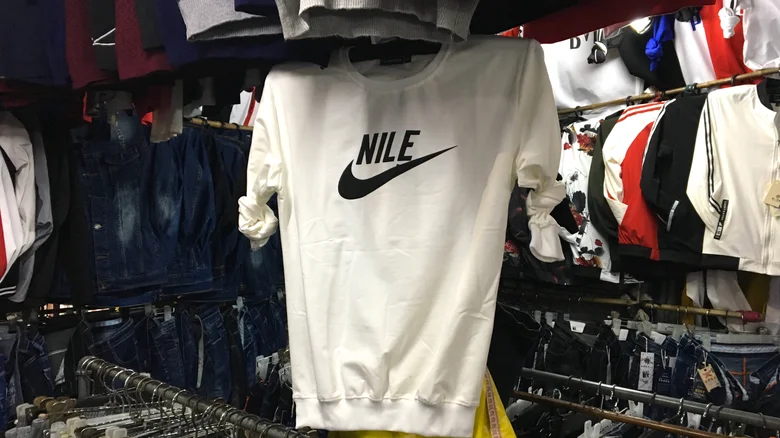
Don’t assume a phony site will be of poor quality and full of typos. Many scam ads will copy logos, images and their general look from the pages of well-known stores. Add large reductions with an offer counting down to “end of day”, and they can be very convincing.
As recently as February 2026, Meta sued a Vietnam-based advertiser over a range of products purportedly available at reduced prices, including those of Longchamp. Shoppers completed a survey before reaching a site asking for credit card details. Meta said products were not delivered, but unauthorized recurring charges were made.
In separate cases, advertisers used manipulated images and voices of celebrities appearing to recommend healthcare products or lure victims into investment groups. With AI getting this good, classic giveaways like poor-quality images or awkward voiceovers aren’t as common now.
The number of people affected by the Longchamp-style offers hasn’t been disclosed. However, these are all good examples of how having the right logo and images, a well-produced clip with a celebrity or other recognizable features doesn’t mean the
Check the website, not just the discount
As a general rule, it’s best to avoid clicking through to any website. Instead, type the name of the shop or store into a new tab and go directly to their homepage. This will help you avoid impersonator sites, though it’s still possible to fall for a “discount” page that isn’t claiming to be a well-known brand if you’re not careful.
Look carefully at the URL, which may have additional or different words, spelling or domain ending to impersonate a genuine site. Try Googling the company name and “scam”, “fraud” and similar words, and reading others’ comments and experiences. Many fraudulent sites will use stock images or photos lifted from other companies, so it can also be worthwhile to do a reverse image search.
Don’t assume that the presence of a padlock icon or “HTTPS” at the start of the URL means the company is reputable. HTTPS only encrypts your connection to the site, and scammers can use it too. A secure connection to a fraudulent site doesn’t protect you from falling for it.
It’s also useful to pause for a moment and apply some common sense. Always remember the old “too good to be true” line: luxury brands are not going to suddenly offer their goods at 80 percent off when the prestige is their main selling point.
If possible, you should always pay with a credit card (or wallet like PayPal) when buying from an unknown website, as that gives you more protection if you need to dispute any transactions. If you’re asked to pay using unusual methods like gift cards or money transfers, you’re almost certainly dealing with a scam. Gift card payments are a frequent tactic of scammers; legitimate companies won’t ask you to pay with them.
Naturally, none of the above will be totally reliable indicators on their own every time. Still, it’s well worth taking a short time to research a company before purchasing from them, rather than trying to get a refund or have a problem resolved for many weeks afterwards.
Clicked a scam ad? Here’s what to do
In case you do open a shady website, don’t enter your details or download any files. Double-check that nothing was downloaded, and decline any prompts to download programs. If something did get downloaded, don’t open it. Delete it, then update and run an anti-malware scanner to make sure all is OK.
Entered a password or other details already? You should change those passwords, along with those for any other sites where you use the same password. If you’ve entered payment details, even if you didn’t finish checking out, you should notify your bank or credit card company, explain what happened and ask them to prevent further payments. You can also ask them to reclaim any payments you made to the scam company.
Meta’s page on fraudulent ads has links to report scam ads on Facebook, Instagram and WhatsApp. TikTok’s support also explains how to report an ad on that platform. Even after a report, you might see others like it, so keep your guard up.
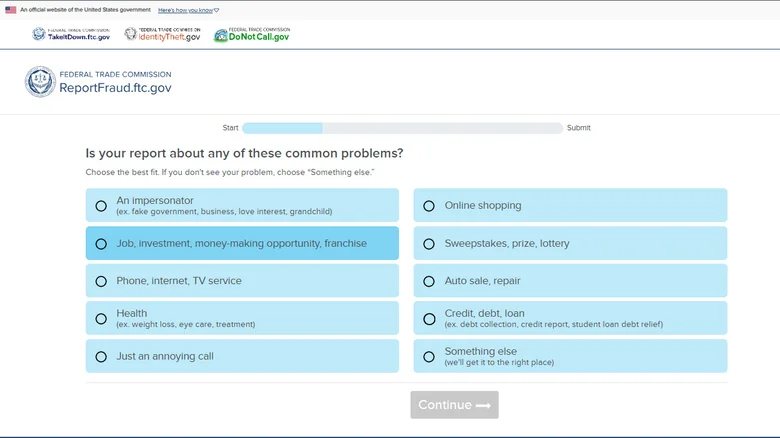
It’s also useful to take screenshots of the ad. Keep the URL of the website and details of any payments made, if they happened. You can report fraud to the Federal Trade Commission at ReportFraud.ftc.gov.
