Close Menu
MyAppsPlus

    Subscribe to Updates

    Get the latest creative news from FooBar about art, design and business.

    What's Hot

    T-Mobile is giving away the Apple iPhone 18 Pro for free

    September 12, 2026

    Nothing OS 5.0 Open Beta Hits Phone 4a Pro: What’s New?

    September 12, 2026

    Didn’t Pre-Order iPhone 18 Pro Yet? Here’s How Long the Wait is Now

    September 12, 2026
    Facebook X (Twitter) Instagram
    Facebook X (Twitter) Instagram
    MyAppsPlusMyAppsPlus
    Saturday, September 12
    • Home
    • Breaking Tech
    • Apps & Software
    • AI & Automation
    • Android
    • iPhone & iOS
    • More
      • Reviews
      • How-To Guides
      • Deals & Discounts
      • Shop
    MyAppsPlus
    Home»Breaking Tech»How to disconnect CarPlay so it will stop auto-connecting to your phone
    Breaking Tech

    How to disconnect CarPlay so it will stop auto-connecting to your phone

    myappsplusBy myappsplusSeptember 8, 2026003 Mins Read
    Share Facebook Twitter Pinterest Copy Link LinkedIn Tumblr Email Telegram WhatsApp
    Follow Us
    Google News Flipboard
    How to disconnect CarPlay so it will stop auto-connecting to your phone
    Share
    Facebook Twitter LinkedIn Pinterest Email Copy Link

    It’s actually quite easy to prevent it from linking to your iPhone in your car.

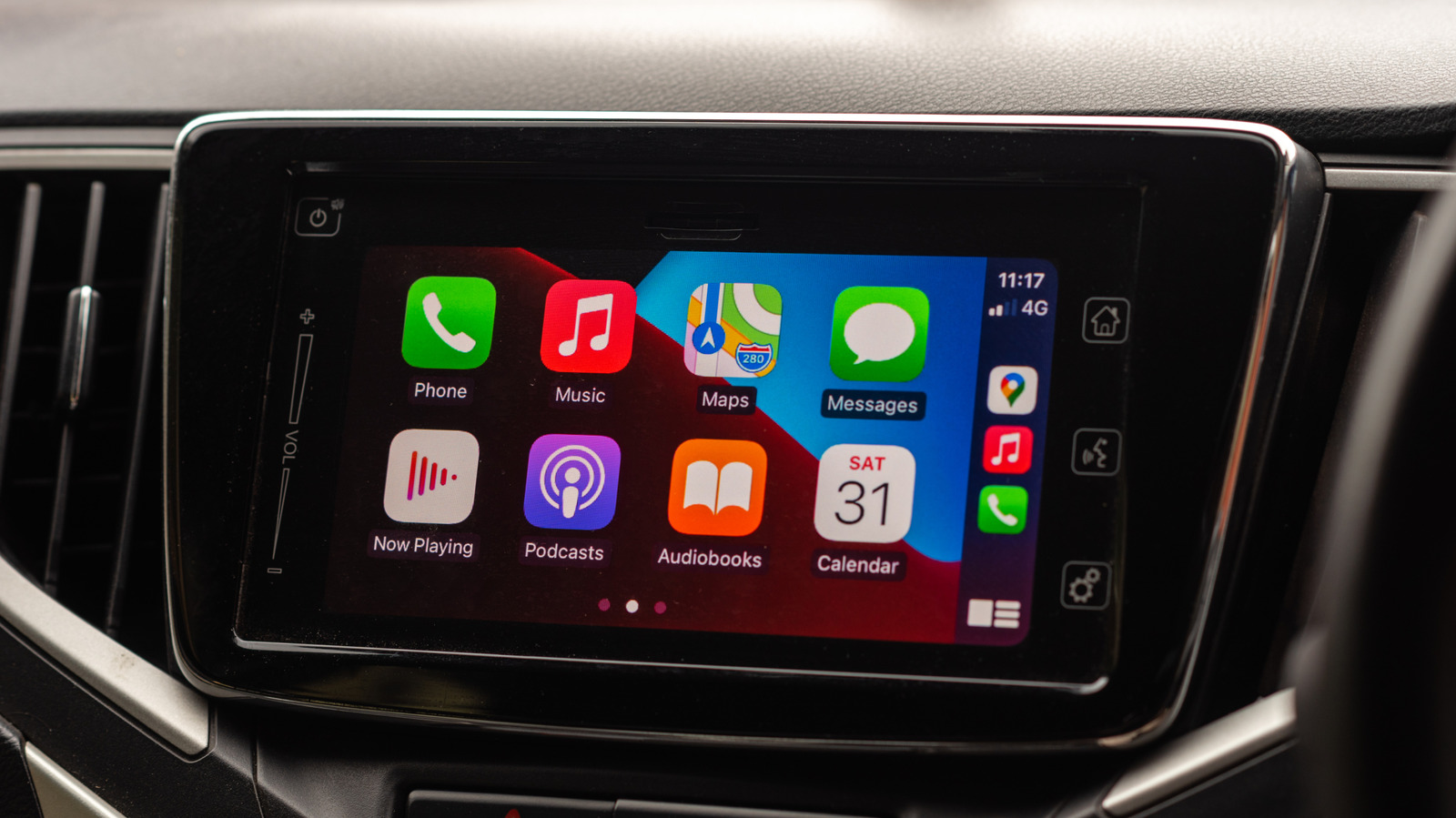
    Apple’s CarPlay has become one of the favorite features of iPhone owners who happen to own a car that supports it. Using an interface that’s an extension of iOS is certainly more appealing than relying on infotainment systems from car manufacturers, which can sometimes be ugly and not very intuitive. 

    Once you pair your iPhone with CarPlay, it’ll usually remember your device and reconnect automatically the next time you get in your car — unless there’s a weird bug. But what if you don’t want to use it on every trip, or you just want to save some battery on your iPhone? CarPlay will still be there waiting.

    If Apple’s CarPlay has been bothering you or you just fancy a break from it, there are a few ways to prevent it from automatically connecting in your car.

    Turning it off and on again

    If you want to stop a paired iPhone from seeking a CarPlay connection every time you start your vehicle, temporarily disabling CarPlay might solve your problem. Although this may sound a bit dramatic, disabling or re-enabling CarPlay only takes a few steps.

    On your paired iPhone, go to the Settings app. Look for the General section and scroll down to CarPlay. It’s the one with a green icon. Find your car in the list and tap it to display some additional management options. This should reveal a CarPlay toggle — simply turn it off so your iPhone no longer automatically launches it. 

    Want CarPlay back? Just repeat all the steps and re-enable the same toggle. Some older cars may not support this easy setting, so you’ll need to unpair your iPhone from CarPlay by tapping Forget This Car. This disables CarPlay for the specific car you’ve selected, but not for all of the cars your iPhone has paired with. 

    If you want to avoid disabling each car manually, there’s some good news: you can also completely block CarPlay on your iPhone using Screen Time settings. While Screen Time was designed to help you spend less time on your phone, it also offers some very useful restriction options. Also, in your iPhone Settings, go to Screen Time, then Content & Privacy Restrictions and you’ll find a menu called Allowed Apps & Features. From there, disable CarPlay to turn off the feature for good.

    Is there any benefit to turning off CarPlay?
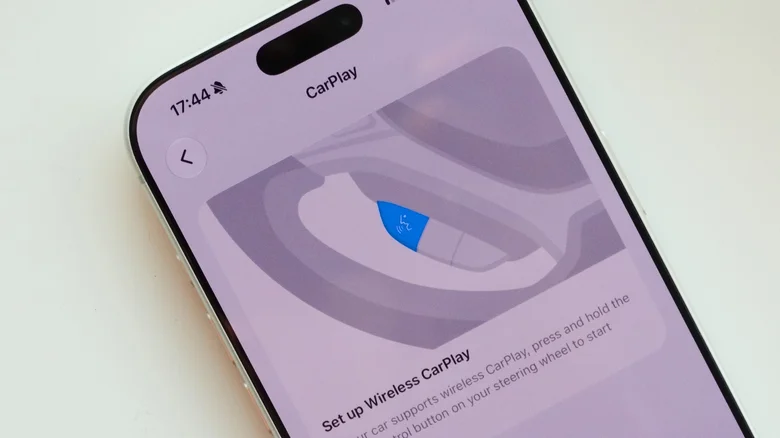
    Apple CarPlay settings.

    “Why would anyone want to turn off CarPlay?” you might ask. After all, CarPlay can put navigation and streaming apps right in front of you — especially thanks to new changes in iOS 27. You’re not really going to experience many benefits from turning off CarPlay, but maybe you want to drive with fewer distractions, or limit the number of notifications on your car’s display. Maybe you know your route so well that you don’t need to keep navigation on.

    The truth is, you should probably use CarPlay when it’s available and just ignore it when you don’t want it. Manufacturers also make it easy to switch between CarPlay and the car’s own infotainment system, which is an even quicker option. 

    Turning it off every now and then will definitely help save your iPhone’s battery life, which is especially helpful when you have a long day ahead and you don’t have a charger in the car. Plus, using wireless CarPlay interferes with AirDrop — meaning you might not be able to share photos with friends or family while CarPlay is on.

    Apple apps CarPlay disconnect will
    Follow on Google News Follow on Flipboard
    Share. Facebook Twitter Pinterest LinkedIn Tumblr Email Copy Link
    myappsplus
    • Website

    Related Posts

    T-Mobile is giving away the Apple iPhone 18 Pro for free

    September 12, 2026

    How to add your driver’s license to Apple Wallet and where you can use it

    September 12, 2026

    Top Stories: Apple Event Recap With iPhone Duo, iPhone 18 Pro, Apple Watch, and AirPods

    September 12, 2026
    Add A Comment
    Leave A Reply Cancel Reply

    Top Posts

    The 6 AI-free Linux distros I recommend most

    August 19, 20263 Views

    AI, automation, robot dogs ensure on-site nuclear safety

    September 7, 20262 Views

    This tiny AI box could save me from upgrading my perfectly good laptop

    September 6, 20262 Views
    Latest Reviews

    Apple Wallet driver’s licenses are coming to North Carolina, but there’s a catch

    myappsplusAugust 18, 2026

    3 Japanese AI Stocks Turning Automation Spending Into Real Revenue

    myappsplusAugust 18, 2026

    Apple: DOJ’s latest challenge in antitrust case ‘fails at every level’

    myappsplusAugust 18, 2026
    Stay In Touch
    • Facebook
    • YouTube
    • TikTok
    • WhatsApp
    • Twitter
    • Instagram

    Subscribe to Updates

    Get the latest tech news from FooBar about tech, design and biz.

    Most Popular

    Apple Wallet driver’s licenses are coming to North Carolina, but there’s a catch

    August 18, 20260 Views

    3 Japanese AI Stocks Turning Automation Spending Into Real Revenue

    August 18, 20260 Views

    Apple: DOJ’s latest challenge in antitrust case ‘fails at every level’

    August 18, 20260 Views
    Our Picks

    T-Mobile is giving away the Apple iPhone 18 Pro for free

    September 12, 2026

    Nothing OS 5.0 Open Beta Hits Phone 4a Pro: What’s New?

    September 12, 2026

    Didn’t Pre-Order iPhone 18 Pro Yet? Here’s How Long the Wait is Now

    September 12, 2026

    Subscribe to Updates

    Subscribe to our newsletter and get the latest tech news, app updates, AI trends, smartphone reviews, and exclusive deals delivered straight to your inbox.

    Facebook X (Twitter) Instagram Pinterest
    • About Us
    • Get In Touch
    • Disclaimer
    • Privacy Policy
    • Terms & Conditions
    © 2026 MyAppsPlus. All Rights Reserved.

    Type above and press Enter to search. Press Esc to cancel.