Close Menu
MyAppsPlus

    Subscribe to Updates

    Get the latest creative news from FooBar about art, design and business.

    What's Hot

    Amazon officially partners with Uber Eats: $0 delivery fees for all Prime members, $20 off first 2 orders

    November 5, 2026

    Amazon ditches GrubHub, taps Uber Eats for Prime

    November 5, 2026

    Got an iPhone Duo on Launch Day? Tomorrow Could Be Your Last Chance to Return It

    November 5, 2026
    Facebook X (Twitter) Instagram
    Facebook X (Twitter) Instagram
    MyAppsPlusMyAppsPlus
    Thursday, November 5
    • Home
    • Breaking Tech
    • Apps & Software
    • AI & Automation
    • Android
    • iPhone & iOS
    • More
      • Reviews
      • How-To Guides
      • Deals & Discounts
      • Shop
    MyAppsPlus
    Home»Breaking Tech»How to customize the side button on your Samsung Galaxy phone
    Breaking Tech

    How to customize the side button on your Samsung Galaxy phone

    myappsplusBy myappsplusSeptember 20, 2026053 Mins Read
    Share Facebook Twitter Pinterest Copy Link LinkedIn Tumblr Email Telegram WhatsApp
    Follow Us
    Google News Flipboard
    How to customize the side button on your Samsung Galaxy phone
    Share
    Facebook Twitter LinkedIn Pinterest Email Copy Link

    You might be surprised at all the things it can do.

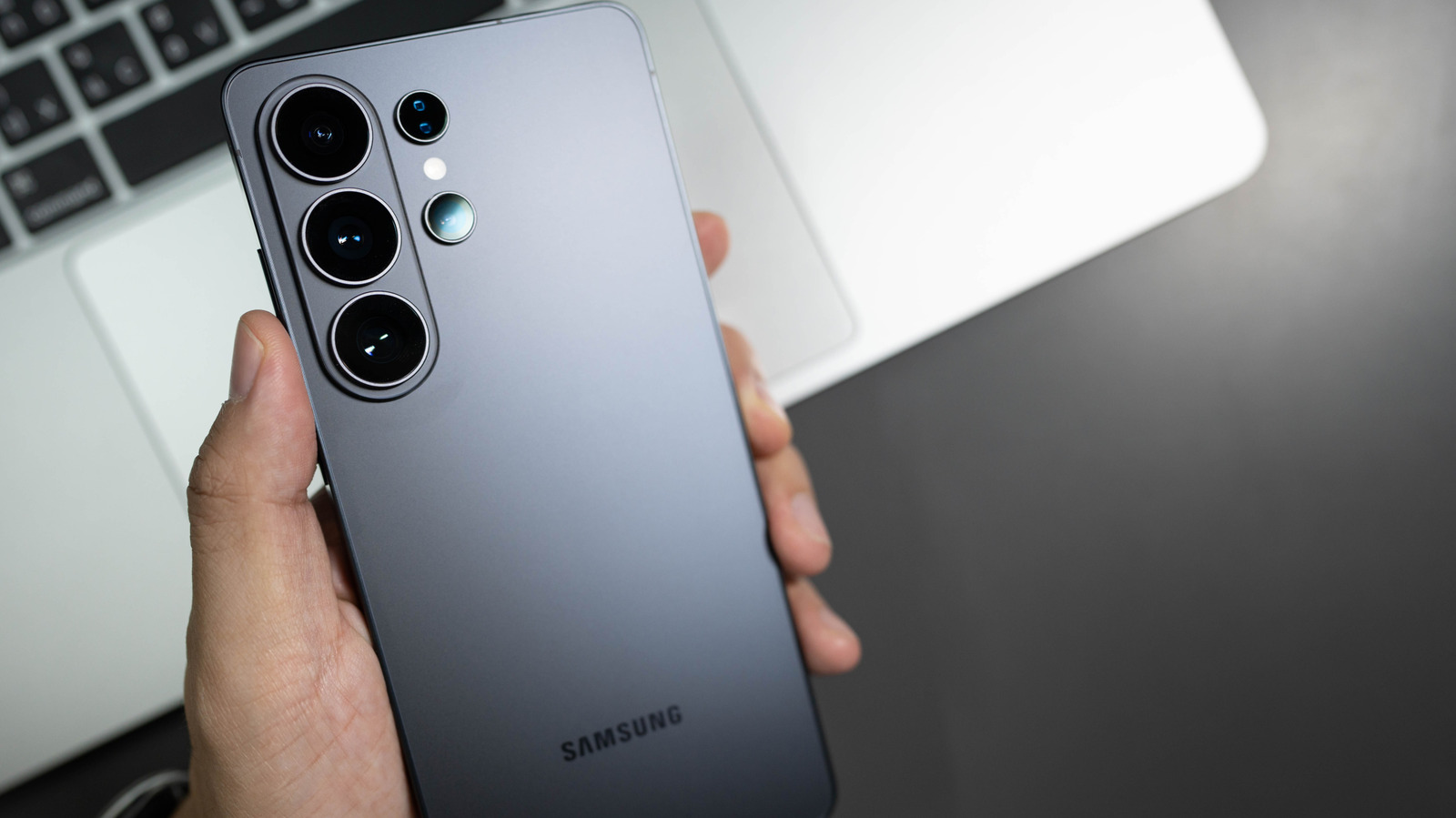
    Did you know that Samsung stopped making phones with traditional power buttons in 2019? That button beneath your Samsung phone’s volume button is actually a multifunctional and customizable side button. If you used any Samsung flagship phone between the S8 and S10, you probably noticed a fourth physical button on the side of the device: the infamous Bixby Button. That fourth button didn’t disappear; it actually got merged with the power button on Galaxy phones from the Note 10 series and beyond.

    How to customize the side button on a Samsung phone

    Customizing your Samsung phone’s side button is pretty straightforward; go to Settings > Advanced features > Side button. From here, you can remap the button; a double press can be set to open Camera, Flashlight, Magnifier, Voice Recorder, Samsung Notes, Modes and Routines, Samsung Capture or a chosen app. Unfortunately, the long-press option is limited to just assistant apps like Bixby, Google Gemini, and other AI assistants including ChatGPT and Claude. Otherwise, you can set the long press to pull up the power-off menu.

    On Samsung devices with a separate physical Bixby button, namely the Galaxy S10 series, S9 series, S8 series, Note 8 and Note 9, a long press will always open Bixby Voice. You can customize the button’s double-press and single-press functions, but not at the same time; one has to open Bixby Home. 
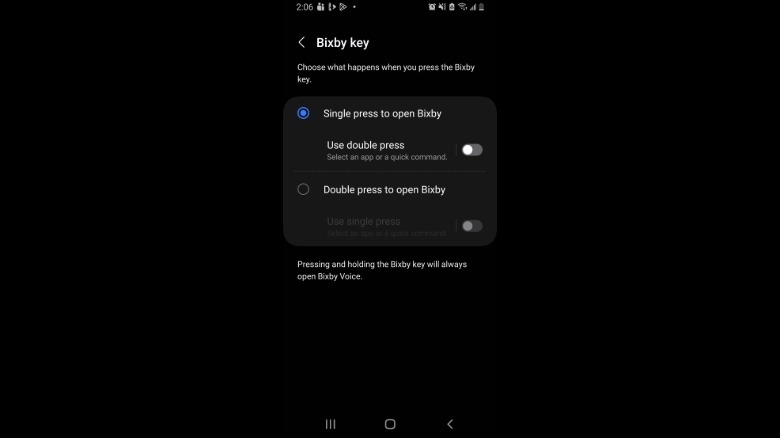
    Screenshot by Isaac Egbon (Samsung)

    To remap the button, open Settings > Advanced features > Bixby Key. Here, you can customize the button to either open any app of your choice or run a command.

    Cool ways to customize the side button
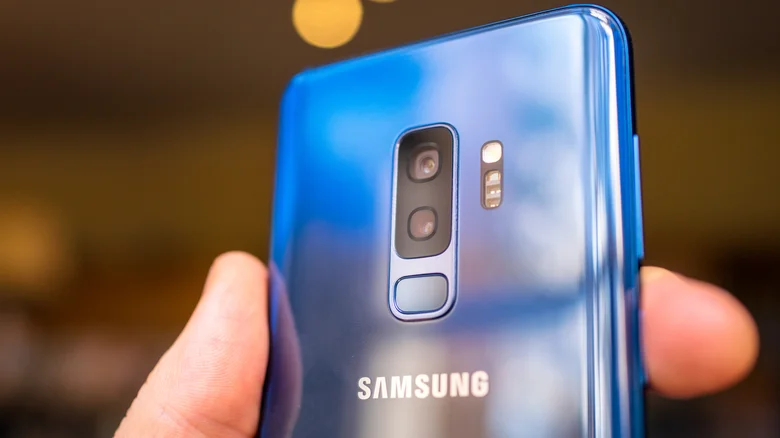
    Person holding coral blue Samsung S9+.

    Using Modes and Routines is one of the best ways to take advantage of your side button. For example, if you spend a lot of time driving, you can set the side button to turn on Driving Mode. You can make this mode trigger actions including hands-free calling, opening maps, reading messages aloud and auto-replying to texts. There are myriad things you can do when you pair Modes and Routines with your Samsung phone’s side button.

    If you like to take down quick thoughts or capture the beginning of a meeting before you can grab a notepad, you can use the side button to start recording. In your settings, you can assign Voice Recorder to begin recording with a simple side-button double press. No need to unlock the phone or hunt for the app; you can begin recording the moment inspiration strikes.

    button customize Samsung side Smartphones
    Follow on Google News Follow on Flipboard
    Share. Facebook Twitter Pinterest LinkedIn Tumblr Email Copy Link
    myappsplus
    • Website

    Related Posts

    Amazon ditches GrubHub, taps Uber Eats for Prime

    November 5, 2026

    Switch 2 sales fell by almost 40 percent after Nintendo increased prices

    November 5, 2026

    Sony is selling more PS5 games but still struggling to meet console demand

    November 5, 2026
    Add A Comment
    Leave A Reply Cancel Reply

    Top Posts

    Cathay Pacific tests Google AI that dramatically cuts airplane contrails — tiny altitude shifts slash environmental impact by 40% in early trials

    September 8, 2026138 Views

    Apple is making Creator Studio an even better deal with new AI features and creative tools

    October 28, 202618 Views

    Liene PixCut S1 Photo Printer and Sticker Cutter Review

    October 31, 202617 Views
    Latest Reviews

    Plug-in solar shone at IFA 2026 —here are the 5 best products we saw, from Anker to DJI and EcoFlow

    myappsplusSeptember 5, 2026

    I rode in a self-driving powered wheelchair that avoids obstacles and people, and can be summoned when you need it — it’s like Tesla’s Autopilot for personal mobility

    myappsplusSeptember 5, 2026

    What is the release date for The Paper season 2 on Peacock?

    myappsplusSeptember 5, 2026
    Stay In Touch
    • Facebook
    • YouTube
    • TikTok
    • WhatsApp
    • Twitter
    • Instagram

    Subscribe to Updates

    Get the latest tech news from FooBar about tech, design and biz.

    Most Popular

    Plug-in solar shone at IFA 2026 —here are the 5 best products we saw, from Anker to DJI and EcoFlow

    September 5, 20260 Views

    What is the release date for The Paper season 2 on Peacock?

    September 5, 20260 Views

    I just tried Ecovacs’ robot vacuum of the future — and as a pet owner, I’m beyond floored

    September 5, 20260 Views
    Our Picks

    Amazon officially partners with Uber Eats: $0 delivery fees for all Prime members, $20 off first 2 orders

    November 5, 2026

    Amazon ditches GrubHub, taps Uber Eats for Prime

    November 5, 2026

    Got an iPhone Duo on Launch Day? Tomorrow Could Be Your Last Chance to Return It

    November 5, 2026

    Subscribe to Updates

    Subscribe to our newsletter and get the latest tech news, app updates, AI trends, smartphone reviews, and exclusive deals delivered straight to your inbox.

    Facebook X (Twitter) Instagram Pinterest
    • About Us
    • Get In Touch
    • Disclaimer
    • Privacy Policy
    • Terms & Conditions
    © 2026 MyAppsPlus. All Rights Reserved.

    Type above and press Enter to search. Press Esc to cancel.