Close Menu
MyAppsPlus

    Subscribe to Updates

    Get the latest creative news from FooBar about art, design and business.

    What's Hot

    Security Researcher Max Justicz Finds Remote Android Takeover With AI in One Afternoon

    November 7, 2026

    What is System Data on an iPhone’s storage, and how much is normal?

    November 7, 2026

    Synter ad automation platform

    November 7, 2026
    Facebook X (Twitter) Instagram
    Facebook X (Twitter) Instagram
    MyAppsPlusMyAppsPlus
    Saturday, November 7
    • Home
    • Breaking Tech
    • Apps & Software
    • AI & Automation
    • Android
    • iPhone & iOS
    • More
      • Reviews
      • How-To Guides
      • Deals & Discounts
      • Shop
    MyAppsPlus
    Home»Breaking Tech»How often should you restart your Fitbit watch?
    Breaking Tech

    How often should you restart your Fitbit watch?

    myappsplusBy myappsplusNovember 7, 2026004 Mins Read
    Share Facebook Twitter Pinterest Copy Link LinkedIn Tumblr Email Telegram WhatsApp
    Follow Us
    Google News Flipboard
    How often should you restart your Fitbit watch?
    Share
    Facebook Twitter LinkedIn Pinterest Email Copy Link

    You don’t have to do it frequently, but the old “turn it off and turn it on again” trick can come in handy for certain situations.

    If your Fitbit is acting up, the first thing you might do is restart it. But is that a good idea? Rest assured, regularly restarting your Fitbit shouldn’t do any harm to it. It’s similar to restarting your laptop when it starts to lag or you run out of memory resources, or restarting your router because the connection is spotty or not working at all. There‘s a reason, after all, that two common IT fixes are to turn a device off and back on again or run a restart.

    Restarting your Fitbit can often times fix whatever issue might be going on with the device. Maybe it’s failing to sync to the app, or the screen is not responding, completely frozen. Maybe your swipes or taps aren’t registering, there’s a delay or it doesn’t seem to be tracking stats properly. A restart might be all it needs to get it working perfectly again, and there’s really no limit to how often you can do it. But there’s no need to regularly restart a Fitbit unless there’s a viable reason to do so.

    Restarting won’t harm the device
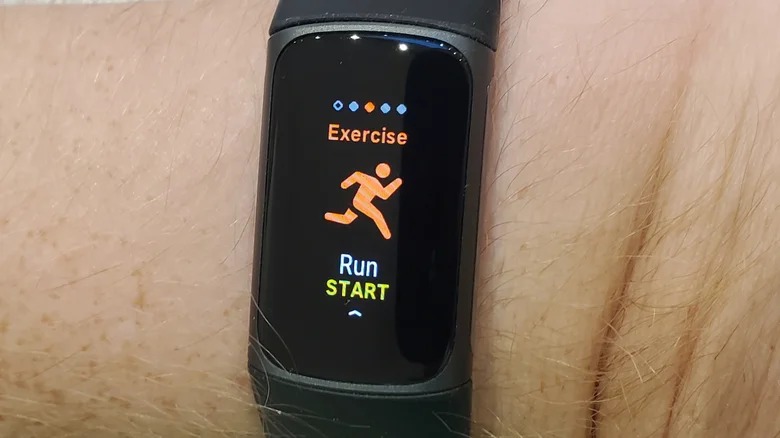
    a Fitbit Charge 5 on a man's wrist showing a run workout start page.

    Sometimes, devices need a kickstart because they’ve malfunctioned or lost a connection. Restarting is an important process to help troubleshoot an issue without losing any of your data. Just like when restarting an Apple Watch or other brand smartwatch or tracker, you want to restart instead of reset, since the latter deletes all your data. Only use reset if you’re giving or selling the device to someone else, or a serious issue persists that a restart doesn’t solve.

    Google warns never to insert anything into the small holes some models have for sensors like the microphone or altimeter. While some other devices do have recessed reset buttons you can use a paper clip or pin to press and hold to reset, this isn’t the case with Fitbit.

    The most common issues you’ll encounter that a restart might fix include a failure to sync with the Google Health app, not registering steps and other data like sleep, and not showing notifications and reminders. But even if the device is completely unresponsive, the screen is blank or frozen, or a continuous reboot loop is happening (I encountered this once after swimming in the saltwater ocean with an old Fitbit tracker), a simple restart can solve the issue. If these issues arise frequently, you may want to investigate further or consider that the Fitbit might have reached its end of life.

    How to restart your Fitbit
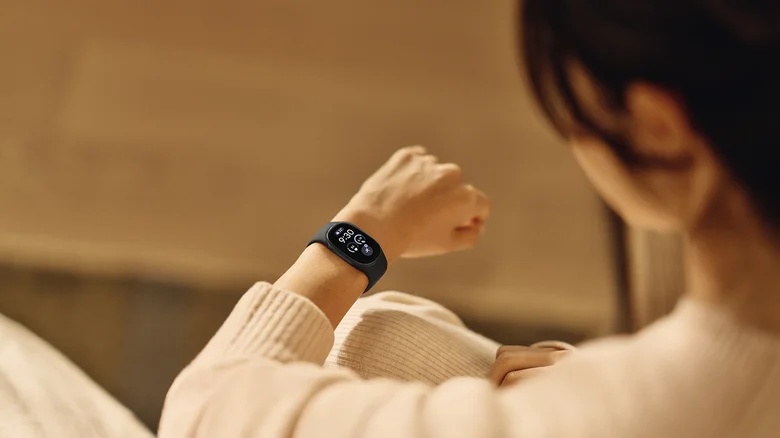
    A woman looking at the Fitbit Edge on her wrist.

    How to restart your Fitbit varies depending on the model. With smartwatches like the Versa 4 and Sense 2, go to Settings > About > Shutdown > Yes. Go to Settings > Restart Device > Restart for the Charge 5 and 6 as well as Inspire 3, or Settings > About > Reboot Device (Charge 3 and 4), and Settings > Reboot Device (Inspire 2). If you have an older model, check Google’s support page to learn how to restart.

    For a newer model like the Fitbit Edge, long-press the side button for up to 10 seconds. Then select Settings > System > Restart. With a screenless model like the Fitbit Air, you’ll need to connect it to the charging cable plugged into a power outlet, then press and hold the back button for about 10 seconds until you see the side light flash white. Once that happens, you can let go and the restart process has completed.

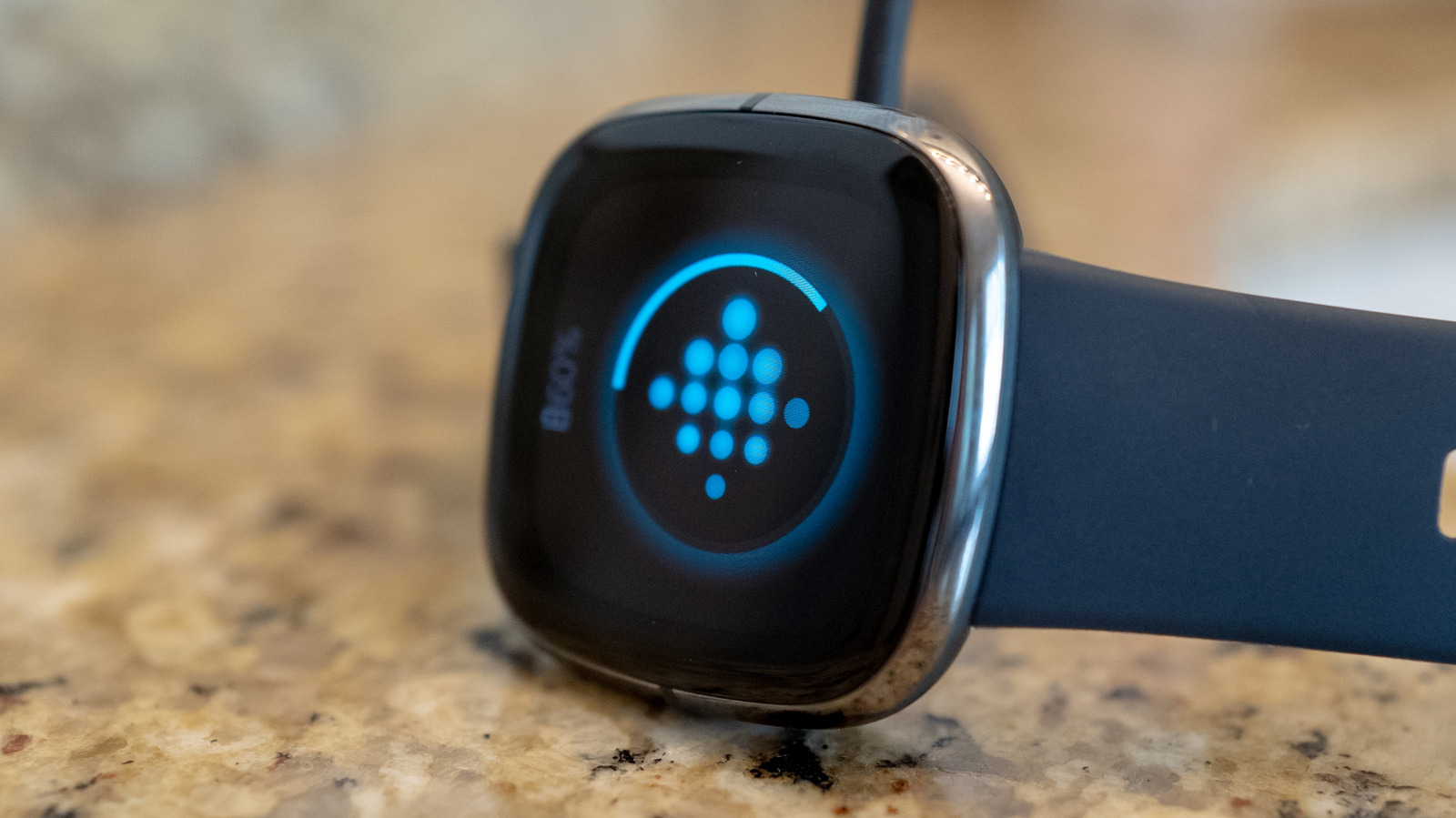
    There’s another process for screened models that aren’t responsive, preventing you from being able to navigate to the Settings menu. With Charge 5 and Charge 6, connect to the charging cable and press the button on the flat end three times in rapid succession, then wait 10 seconds for the Fitbit logo to appear on screen. With the Inspire 3, plug it in and press and hold its buttons for 10 seconds, then release and wait for it to vibrate and show the Fitbit logo. With smartwatches, press and hold the button for 10 seconds.

    Restarting your Fitbit is a simple troubleshooting step that will likely fix whatever issue has occurred. If not, it might be time for an upgrade.

    often restart should Wearables Your
    Follow on Google News Follow on Flipboard
    Share. Facebook Twitter Pinterest LinkedIn Tumblr Email Copy Link
    myappsplus
    • Website

    Related Posts

    Megaspeed exec was recruited to spy on Nvidia CEO, according to US intelligence memo

    November 7, 2026

    There is no end in sight for the GPU supply problem

    November 7, 2026

    Is AMD’s Ryzen 7 5800X3D CPU still worth buying in 2026?

    November 7, 2026
    Add A Comment
    Leave A Reply Cancel Reply

    Top Posts

    Cathay Pacific tests Google AI that dramatically cuts airplane contrails — tiny altitude shifts slash environmental impact by 40% in early trials

    September 8, 2026138 Views

    Save on your groceries, gas, and holiday shopping with this $15 BJ’s membership (Reg. $60) 

    November 4, 202627 Views

    Apple is making Creator Studio an even better deal with new AI features and creative tools

    October 28, 202619 Views
    Latest Reviews

    iPhone Duo?

    myappsplusSeptember 5, 2026

    From eating the elderly to selling kids, Afterworld gives you the freedom to do terrible things in the post-apocalypse — ‘We shouldn’t judge the player’ says director

    myappsplusSeptember 5, 2026

    This Dell 16 laptop is ideal for university, especially at the lowest price we’ve seen

    myappsplusSeptember 5, 2026
    Stay In Touch
    • Facebook
    • YouTube
    • TikTok
    • WhatsApp
    • Twitter
    • Instagram

    Subscribe to Updates

    Get the latest tech news from FooBar about tech, design and biz.

    Most Popular

    iPhone Duo?

    September 5, 20260 Views

    From eating the elderly to selling kids, Afterworld gives you the freedom to do terrible things in the post-apocalypse — ‘We shouldn’t judge the player’ says director

    September 5, 20260 Views

    I just went hands-on with the Odyss N1 — a sleek AI necklace that automatically tracks everything you eat

    September 5, 20260 Views
    Our Picks

    Security Researcher Max Justicz Finds Remote Android Takeover With AI in One Afternoon

    November 7, 2026

    What is System Data on an iPhone’s storage, and how much is normal?

    November 7, 2026

    Synter ad automation platform

    November 7, 2026

    Subscribe to Updates

    Subscribe to our newsletter and get the latest tech news, app updates, AI trends, smartphone reviews, and exclusive deals delivered straight to your inbox.

    Facebook X (Twitter) Instagram Pinterest
    • About Us
    • Get In Touch
    • Disclaimer
    • Privacy Policy
    • Terms & Conditions
    © 2026 MyAppsPlus. All Rights Reserved.

    Type above and press Enter to search. Press Esc to cancel.