

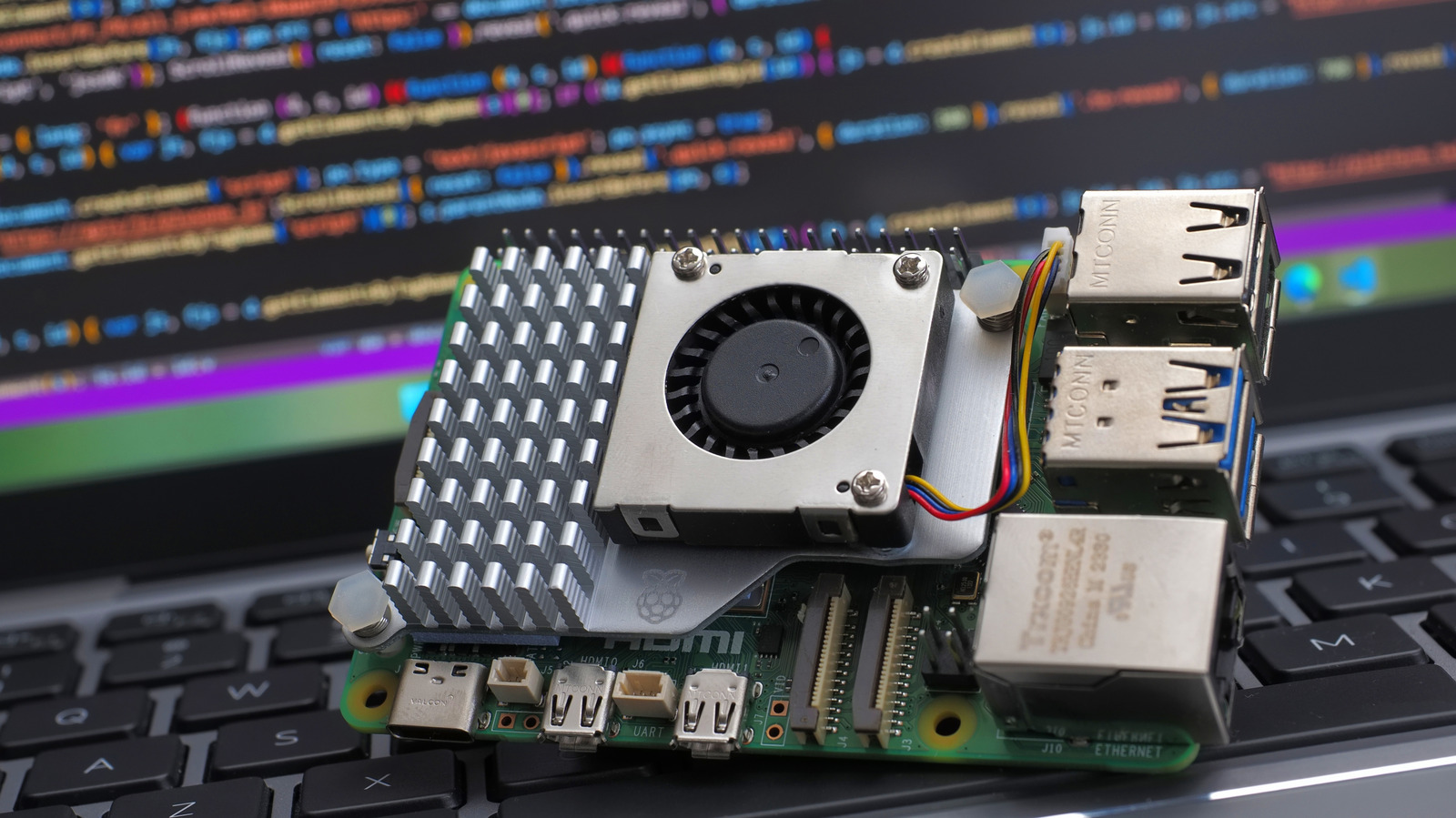
It all comes down to how you’re going to use it.
The Raspberry Pi has become the de facto option for single-board computers, thanks to its large community and growing library of online resources. The platform is capable of handling everything from light computing tasks to continuous server-esque deployments. My own home automation system ran off a Pi 3 stashed away in the closet for years. And even after I upgraded to a more powerful computer, I still use it for the occasional Raspberry Pi project.
Given the Raspberry Pi’s versatility, you might be wondering how much memory you need. The Pi 5 specifically comes in five different versions, ranging from 1GB to 16GB of RAM. The choice matters more than a typical desktop PC too — you cannot upgrade the memory once you’ve taken delivery of it. At the same time, though, you could find yourself spending hundreds of dollars for extra RAM that you don’t actually need.
You need less RAM than you think
You may recognize that most new laptops and PCs ship with at least 8GB of memory. The MacBook Air, for instance, includes 16GB of RAM in its base configuration and you can pay a few hundred dollars to upgrade that spec. Many higher-end laptops ship with 32GB of RAM too. Unless you have a specific use case, you probably won’t actually need as much memory in a Raspberry Pi.
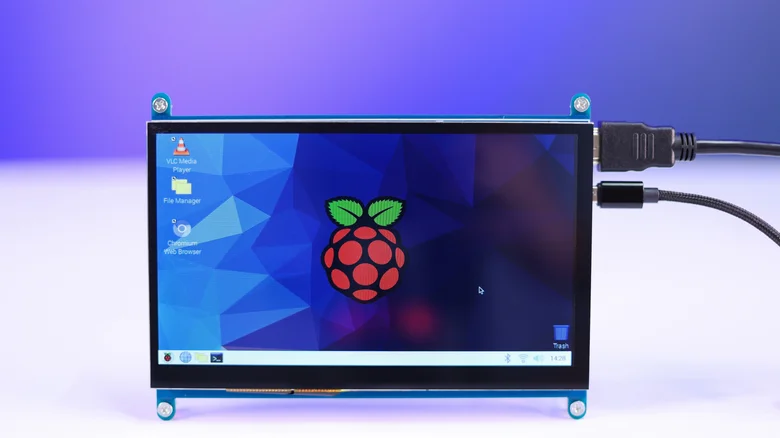
The difference between a typical computer and the Raspberry Pi is that the latter runs a much more lightweight operating system. Windows and macOS are designed to utilize available RAM, even when idling on the desktop with no additional programs running in the foreground. On the other hand, Raspberry Pi OS, which is based on Linux, doesn’t typically engage as many resources or process a lot of intensive background tasks. In practical terms, the operating system consumes just a few hundred megabytes of RAM.
That’s not to say you can get away with the bare minimum 1GB of RAM spec in all scenarios. Even on Raspberry Pi OS, running desktop-class programs like a web browser or word processor will quickly fill up the board’s memory. Three or four media-heavy Firefox tabs can be enough to overwhelm the 1GB Pi and force it to use physical storage to swap programs in and out of memory (which can cause slowdowns).
How much RAM do I need on a Raspberry Pi?
For desktop use, a Raspberry Pi with at least 2GB of RAM has enough headroom to run multiple programs or tabs simultaneously. The Raspberry Pi 5’s processor is fast enough for light multitasking and basic games, so you’ll want more memory to take advantage of the available performance.
The downside is cost: each step up in RAM takes you further away from the $45 base price of the Raspberry Pi 5. The 4GB RAM model, for example, will set you back $110 without improving any other specs on the board.
So if the Raspberry Pi needs more RAM for multitasking, does that mean you should never buy the base 1GB version? Not quite — many people use the Raspberry Pi as a media server, network-attached storage device, smart home hub or security system with the official camera add-on. These projects all have one thing in common: you don’t need a display connected to the Raspberry Pi. This is called headless operation, and allows you to squeeze more from limited hardware like the 1GB Pi 5.
Without a connected display, the Raspberry Pi can diligently perform tasks and quietly go about its business. That makes the 1GB model more than usable, and one of the cheapest entry points into the hobby. However, the Pi’s value proposition doesn’t hold up at higher price points. The processor is ultimately not powerful enough to replace an actual computer for intensive tasks.
Is the 8GB or 16GB Raspberry Pi worth it?
Unless you need the Raspberry Pi’s compact form factor for a particular project, like a battery-powered robot, it’s not recommended paying the premium for an 8GB or 16GB model.
The Raspberry Pi’s greatest advantage is its affordable price tag. Even with competition in the single-board computer space ramping up over the past decade, the Pi 5’s $45 starting price is still a bargain. The same cannot be said for the 8GB or 16GB models. At $175 and $305 respectively, though, you’re paying a sizable premium for memory alone.
This isn’t exactly a secret — you could buy the 8GB Raspberry Pi for just $80 when it launched in 2023. However, the ongoing RAM shortage forced the company to raise its prices across the board in 2025.
Rising component costs have affected all hardware manufacturers, but larger brands enjoy more negotiating leverage through bulk deals. Case in point: you can find a plethora of mini PCs with 8GB of RAM in the sub-$200 price range. These boast far more powerful CPUs, onboard storage and extra ports like dual-Ethernet and multiple display outputs.
I personally moved on from the Raspberry Pi years ago when I discovered that secondary markets like eBay are flooded with refurbished business-grade mini PCs. Some examples include the Lenovo ThinkCentre and HP EliteDesk lines. Even though these units typically feature older CPUs, they run circles around the Raspberry Pi 5. The only downside to mini PCs is that they consume more power, so the Pi is more efficient for round-the-clock use. Even then, the difference boils down to just a few dollars over the course of a year.
But if you’re not trying to build a media server and just need a Pi for the occasional project, choose the 1GB or 2GB model and call it a day.
