Close Menu
MyAppsPlus

    Subscribe to Updates

    Get the latest creative news from FooBar about art, design and business.

    What's Hot

    Diablo 5 devs say that the game’s player character will have a “unique bond” with Diablo himself

    September 13, 2026

    iPhone 18 Pro pre-orders: Here’s what still arrives on launch day

    September 13, 2026

    What’s the difference between your iPhone’s Do Not Disturb and Focus modes?

    September 13, 2026
    Facebook X (Twitter) Instagram
    Facebook X (Twitter) Instagram
    MyAppsPlusMyAppsPlus
    Sunday, September 13
    • Home
    • Breaking Tech
    • Apps & Software
    • AI & Automation
    • Android
    • iPhone & iOS
    • More
      • Reviews
      • How-To Guides
      • Deals & Discounts
      • Shop
    MyAppsPlus
    Home»Breaking Tech»How Google Maps knows when a business is packed
    Breaking Tech

    How Google Maps knows when a business is packed

    myappsplusBy myappsplusSeptember 12, 2026004 Mins Read
    Share Facebook Twitter Pinterest Copy Link LinkedIn Tumblr Email Telegram WhatsApp
    Follow Us
    Google News Flipboard
    How Google Maps knows when a business is packed
    Share
    Facebook Twitter LinkedIn Pinterest Email Copy Link

    Knowing when a venue is busy can make all the difference when you’re hungry.

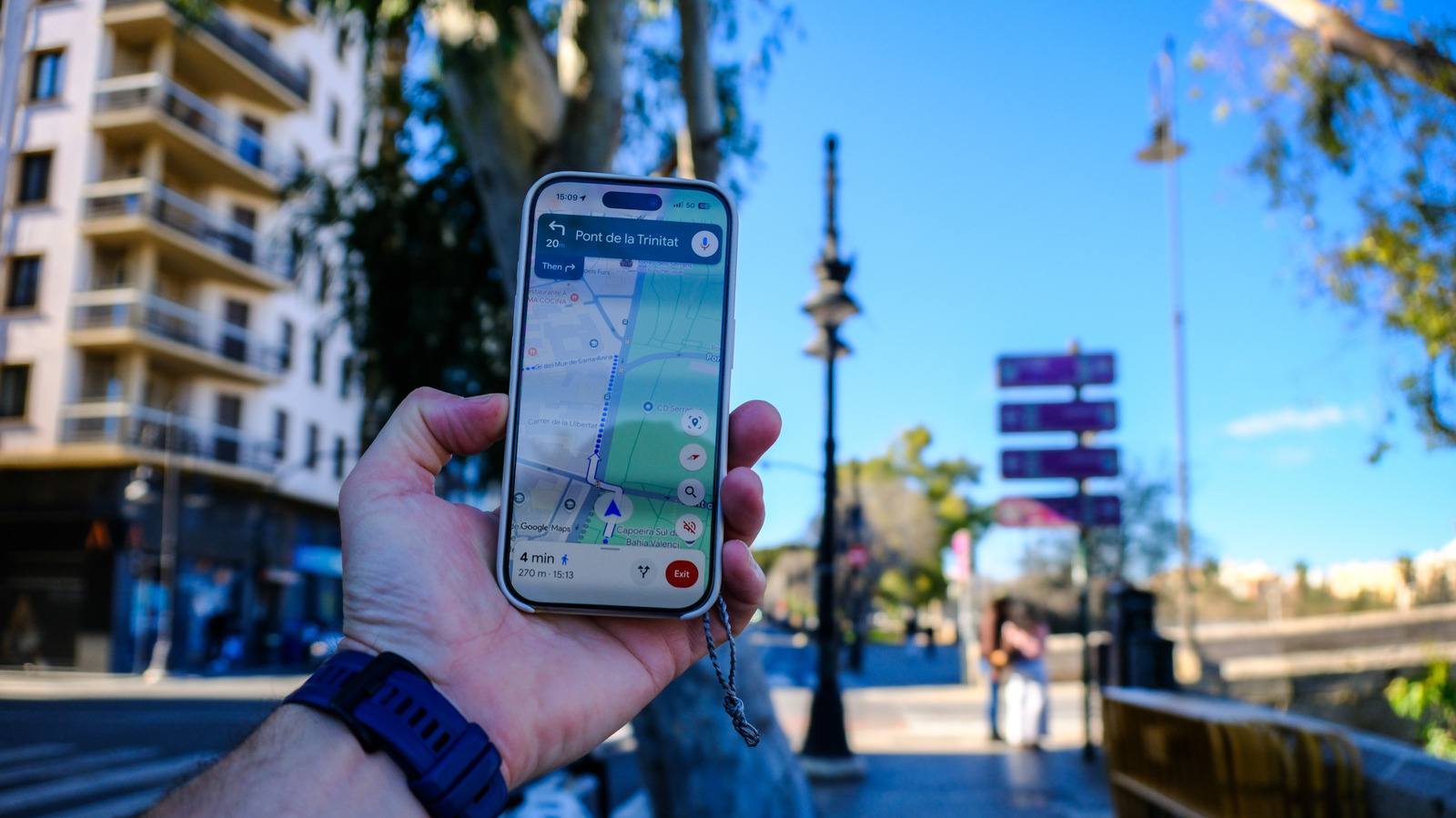
    Google Maps is super useful for step-by-step directions, whether you’re walking, driving or taking transit to a destination. But it also offers much more than that, highlighting businesses and points of interest along the way with useful information about them. This can include star ratings, opening hours, travel distance and even suggestions about dishes or services visitors tend to love, but it can also provide real-time information as well. At a glance, it can tell you how busy a place is and how long you may be likely to wait.

    This information, only available if Google has sufficient data to provide it, can potentially inform your decision as to where and when to go somewhere. If you’re in a rush, you don’t want to stop at a very busy breakfast spot that won’t get you back on the road quickly. Conversely, if you’re looking for a vibe, it’s best to wait until the local bar is starting to fill up. So, how does Google Maps not only know this information, but know it practically in real time?

    Understanding wait times and visit durations

    A restaurant busy with patrons.

    When it comes to specific establishments, like restaurants, hotels, stores and coffee shops, Google uses an aggregate of anonymous data supplied by random users who have opted into the Google Maps Timeline feature. By tracking the density of devices in a certain place, Google can determine how many people are in a specific venue, and thus how busy it is, using typical traffic as a benchmark.

    Google works out popular times, usual wait times and how long people stay by analyzing historical data. Google Maps displays a graph that indicates times when the business may be slow and when it’s likely to have queues out of the door. The average visit duration and wait time estimates are calculated using visitor patterns from the previous few weeks. 

    Visit duration is a great metric because it can give you an idea of how long people visit venues, like a museum, which allows you to better plan your day. Meanwhile, wait times are perfect for determining which restaurants and other service-based businesses will fit into your packed itinerary. You can even chat with Google Maps to order food, reserve hotels and more.

    Avoiding areas with lots of people
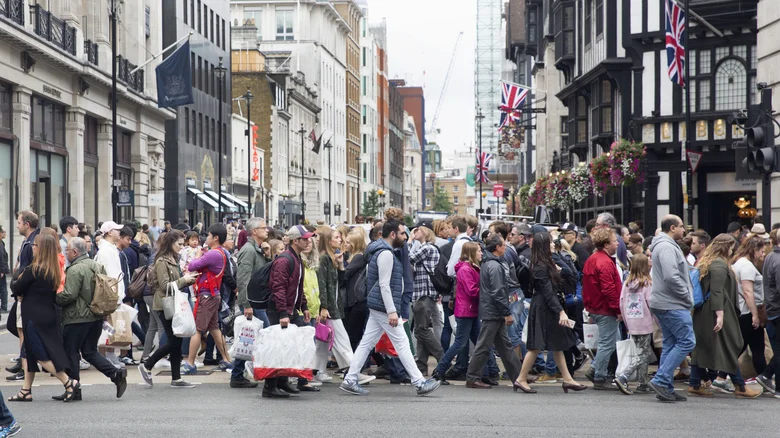
    A crowded outdoor area with people walking across the street.

    Google also calculates how busy entire areas are, which is great for outdoor events. You can tap the “Busy area” label to see a chart for the times of day the space is usually at its busiest, along with a directory of the businesses in the vicinity. Google captures this data by combining the information it has on various locations within that locale, like stores, restaurants and even parks. It does not, however, capture data from private residences.

    This is calculated, once again, using anonymous data from users who have opted into Google Timeline. Google must collect enough visitor data to be able to show this information, so it might not be as readily available for less popular locales. This feature is usually limited to high-traffic zones that attract a lot of people, like a tourist town or a festival location.

    The data is always private, says Google, and never reveals the identity of people or the total number of people in a location. Google Maps will only tell you if a place is busy, not busy or so busy that it’s probably not worth the hassle.

    Before opting in to Google Timeline, it’s worth noting that, with this feature on, Google is essentially always tracking your activity. Bear in mind, this not only helps determine the busyness of a location, but can also prove useful in other areas. Google Maps and its sister app, Waze, use similar techniques to track traffic patterns to help you find the best driving route to your destination. 

    If you prefer not to be part of the process, simply turn off Google Timeline, and you won’t contribute to the company’s data collection.

    Business Google knows Maps When
    Follow on Google News Follow on Flipboard
    Share. Facebook Twitter Pinterest LinkedIn Tumblr Email Copy Link
    myappsplus
    • Website

    Related Posts

    What’s the difference between your iPhone’s Do Not Disturb and Focus modes?

    September 13, 2026

    Is there any benefit to restarting your gaming handheld regularly?

    September 13, 2026

    What is the difference between a dead pixel and a stuck pixel?

    September 13, 2026
    Add A Comment
    Leave A Reply Cancel Reply

    Top Posts

    The 6 AI-free Linux distros I recommend most

    August 19, 20263 Views

    AI, automation, robot dogs ensure on-site nuclear safety

    September 7, 20262 Views

    This tiny AI box could save me from upgrading my perfectly good laptop

    September 6, 20262 Views
    Latest Reviews

    Apple Wallet driver’s licenses are coming to North Carolina, but there’s a catch

    myappsplusAugust 18, 2026

    3 Japanese AI Stocks Turning Automation Spending Into Real Revenue

    myappsplusAugust 18, 2026

    Apple: DOJ’s latest challenge in antitrust case ‘fails at every level’

    myappsplusAugust 18, 2026
    Stay In Touch
    • Facebook
    • YouTube
    • TikTok
    • WhatsApp
    • Twitter
    • Instagram

    Subscribe to Updates

    Get the latest tech news from FooBar about tech, design and biz.

    Most Popular

    Apple Wallet driver’s licenses are coming to North Carolina, but there’s a catch

    August 18, 20260 Views

    3 Japanese AI Stocks Turning Automation Spending Into Real Revenue

    August 18, 20260 Views

    Apple: DOJ’s latest challenge in antitrust case ‘fails at every level’

    August 18, 20260 Views
    Our Picks

    Diablo 5 devs say that the game’s player character will have a “unique bond” with Diablo himself

    September 13, 2026

    iPhone 18 Pro pre-orders: Here’s what still arrives on launch day

    September 13, 2026

    What’s the difference between your iPhone’s Do Not Disturb and Focus modes?

    September 13, 2026

    Subscribe to Updates

    Subscribe to our newsletter and get the latest tech news, app updates, AI trends, smartphone reviews, and exclusive deals delivered straight to your inbox.

    Facebook X (Twitter) Instagram Pinterest
    • About Us
    • Get In Touch
    • Disclaimer
    • Privacy Policy
    • Terms & Conditions
    © 2026 MyAppsPlus. All Rights Reserved.

    Type above and press Enter to search. Press Esc to cancel.