

Here’s what they do and what you can realistically expect.
One day, you won’t need to understand Japanese or have a human interpreter to have a fluent conversation with a Japanese person; one language would be enough to communicate with the world. That is the grand promise of most translation earbuds projects, and recent developments in AI make that goal closer than ever.
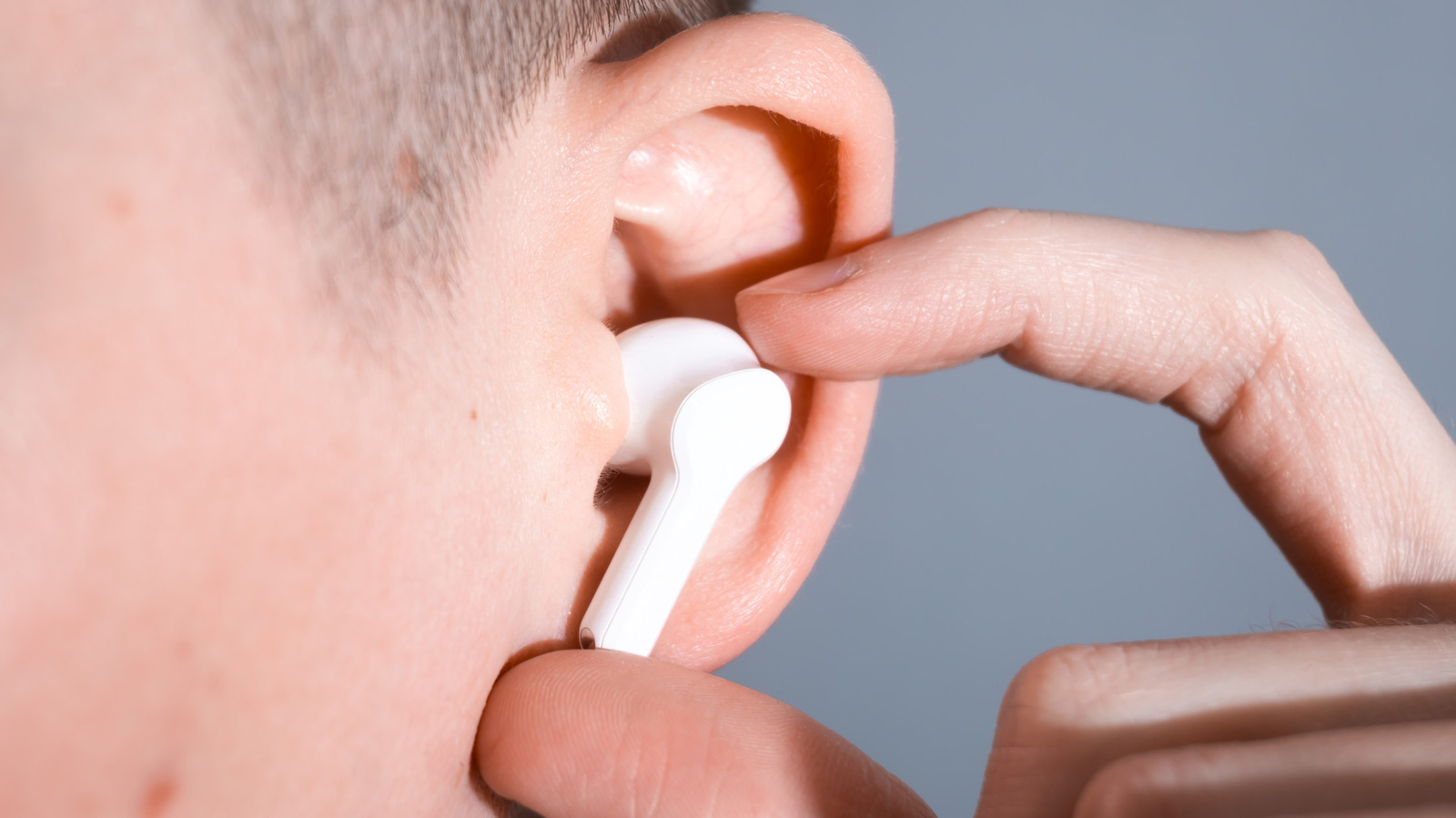
On the surface, translation earbuds seem like a simple piece of tech; for example, with Apple AirPods Pro, all you have to do is connect to your iPhone, select the languages in the Translate app and switch on Live Translation. Then, as the speaker talks, your earbuds translate their speech into your language within a few seconds. Some others require you to hand over a bud to the other speaker.
Beyond the surface, translation earbuds perform a complex set of processes to turn Mandarin into English. Translation earbuds work in three main steps: first, speech recognition; then, machine translation (audio processing); and lastly, text-to-speech synthesis.
How translation earbuds work
First, speech recognition. Using the mics, translation earbuds pick up the speaker’s voice. High-end translation earbuds use different solutions to separate a voice from background noise. For example, the Soundcore Liberty 5 Pro uses eight microphones, two bone conduction sensors and a specialized AI model to separate voices. Some others use dual or beamforming mics to achieve similar results.
After the voice is captured, the next step is audio processing. In this stage, the audio is processed either on the connected phone, in the cloud or both. What exactly happens varies by brand. Apple AirPods Pro processes all run on the iPhone once you’ve downloaded the language packs. Google Pixel Buds process translation in the cloud, requiring an internet connection. During processing, speech recognition turns sound (the speaker’s voice) into text, then that text is translated to the target language. NLP (natural language processing) is used in this step to understand the sentence’s meaning and context. Some translation earbuds also use LLMs like ChatGPT to improve that context.
Next, text-to-speech synthesis. Once the speaker’s speech has been understood and translated, audio is generated with a synthetic voice. That audio is sent back to your phone, and your phone passes it to your earbuds through Bluetooth, which in turn plays the translated audio to you. Some translation earbuds, including Apple AirPods Pro and Galaxy Buds Pro, can run the entire translation process offline, while others may need a steady internet connection, so make sure to confirm before purchase if that matters to you.
How well translation earbuds work
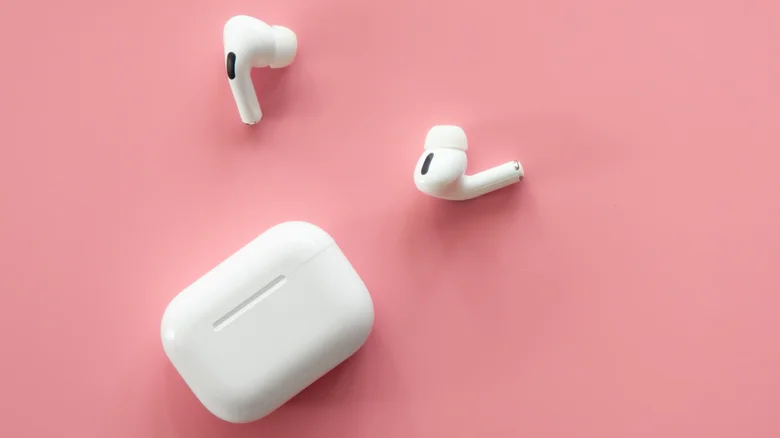
Compared to their early days, translation earbuds work much better than they used to. But the cheerfully advertised 95 or 99 percent accuracy is nothing but marketing hype (at least for now). Yes, many translation earbuds can be 99 percent accurate, so that itself isn’t false, but the conditions for that need to be nearly perfect, which is rarely ever the case outside the manufacturer’s lab.
Moving past that, one of the common pitfalls of translation earbuds is speed and accuracy. In favorable conditions, the whole process of speech capture to audio processing and text-to-speech synthesis takes a few seconds and longer when things aren’t ideal. And that delay can make a conversation drag. Then there are the occasional inaccuracies. The translation can be confused by unclear speech from the speaker, obscure dialects, slang, homonyms, idioms and heavy background noise. Also, the less popular the language pair is, the more “occasional” inaccuracies become.
Offline use adds its own limits. Timekettle currently offers 14 offline language pairs; the first two are free, while the remaining will cost you $10 each, but media translation, calls and advanced AI features need internet connection. Many translation earbuds also double as regular earbuds for calls and media, so if you aren’t buying them for language translation alone, confirm whether they have other features you need, so you don’t need to get two separate pairs of earbuds.
