

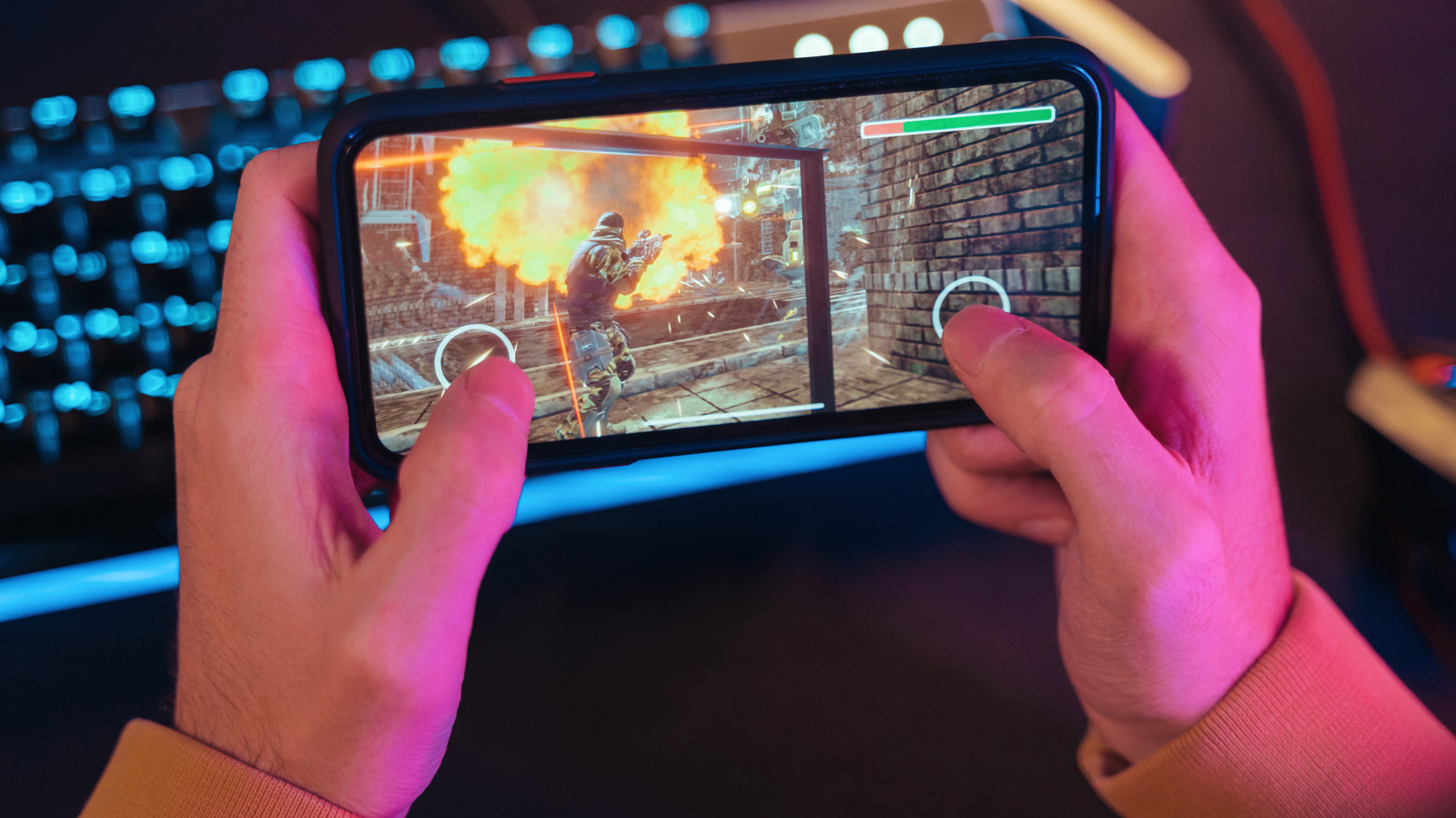
Specs matter a whole lot.
Shopping for a new Android phone can be confusing, especially if you’re searching specifically for an Android phone that’s great for gaming. There are so many devices out there with fancy designs, “never-before-seen features” and “incredible specs” that tag themselves as gaming phones. So finding the right one can be like finding a needle in a haystack, particularly if you’re not willing to shell out thousands of dollars.
Well, you can skip all the “up-tos” and unclear marketing jargon by simply knowing what to look for when buying an Android phone for gaming. A device doesn’t have to be explicitly tagged a “gaming phone” for it to actually be an excellent gaming phone.
The five most important components to look out for when buying an Android phone for gaming are: the device’s processor, RAM, display, thermal management (cooling) and battery. Any Android device that checks these boxes will provide an excellent gaming experience.
The most important components in an Android phone for gaming
The first and most important part in a gaming phone is the processor, also known as a chipset or SOC (System-on-a-Chip). They’re used interchangeably, but most times they mean the same thing. The processor is the brain of any smartphone, and it houses both the CPU and GPU. It is directly responsible for rendering game graphics, so a stronger processor directly translates into higher graphic settings in games, high and stable frame rates, and less lag when the action intensifies. The Snapdragon 8 Elite series is the best-in-class chips for Android devices, followed by MediaTek’s Dimensity series. Both companies make chips for flagship, midrange and budget Android devices, so check the specific processor rather than just the brand.
Remember quickly switching away from a game to reply to a text, then reopening to find it loading from scratch? That’s RAM. It’s the next most important thing to look out for in an Android gaming phone. RAM keeps game data, textures, large game assets (think maps) and audio ready, eliminating the need to reload from storage. Reloading from storage is slower and uses more resources. Inadequate RAM shows up as stutters or glitchy performance when gaming because the device has to keep swapping data in and out. A good middle ground for RAM on an Android phone is 8GB, but 12GB or 16GB is the ideal amount.
Thermal management and cooling are also important things to consider because they help a device sustain its performance. The faster a phone is, the more heat it produces, and the more heat it produces, the more it has to throttle performance to cool down and avoid overheating. This is why thermal management and cooling are crucial in gaming phones. An Android phone with proper thermal management will not only perform better, but also keep the intensity high for longer, allowing you to game for hours without significant throttling. A vapor chamber is the strongest signal of serious cooling, though a heat sink still works. Some dedicated Android gaming devices take cooling further with built-in fans.
Nice-to-haves in an Android phone for gaming
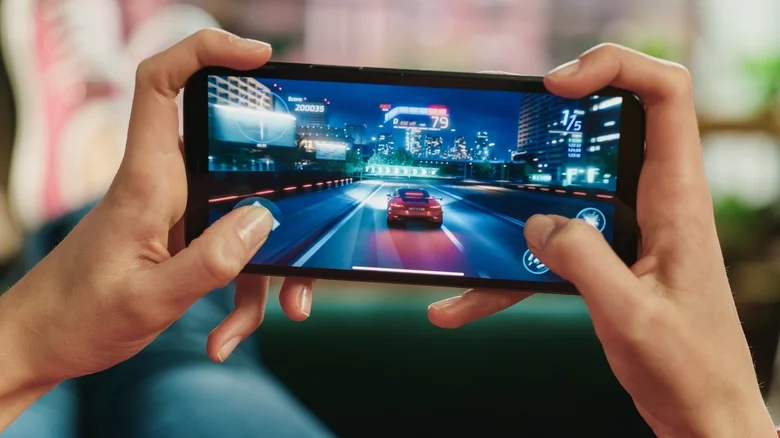
High refresh rate makes motion and in-game action feel smoother. It also sets the ceiling for how many frames per second (fps) a phone can run games at. Devices with a 120Hz high refresh rate are pretty common now, so it shouldn’t be a hard find. 120Hz is enough for most people. 90Hz devices still perform okay, but not as smoothly as 120Hz. On the extreme end, there are gaming Android phones with as high as 144Hz and 165Hz displays.
Touch sampling rate is another nice-to-have; the higher the device’s touch sampling rate, the more responsive it is to touch inputs. It’s really useful in competitive shooters like Call of Duty Mobile and PUBG Mobile, where every millisecond counts. 240Hz is a good starting point, but there are gaming devices with as much as a 960Hz touch sampling rate.
Lastly, battery life. If you frequently have long gaming sessions, you’ll need an Android phone with a big enough battery. A reasonable baseline is 5,000 mAh, and most devices have around this capacity. Dedicated Android gaming phones now regularly ship with 7,000 mAh, with newer high-end ones reaching up to 10,000 mAh without getting too bulky, thanks to silicon-carbon battery tech.
