

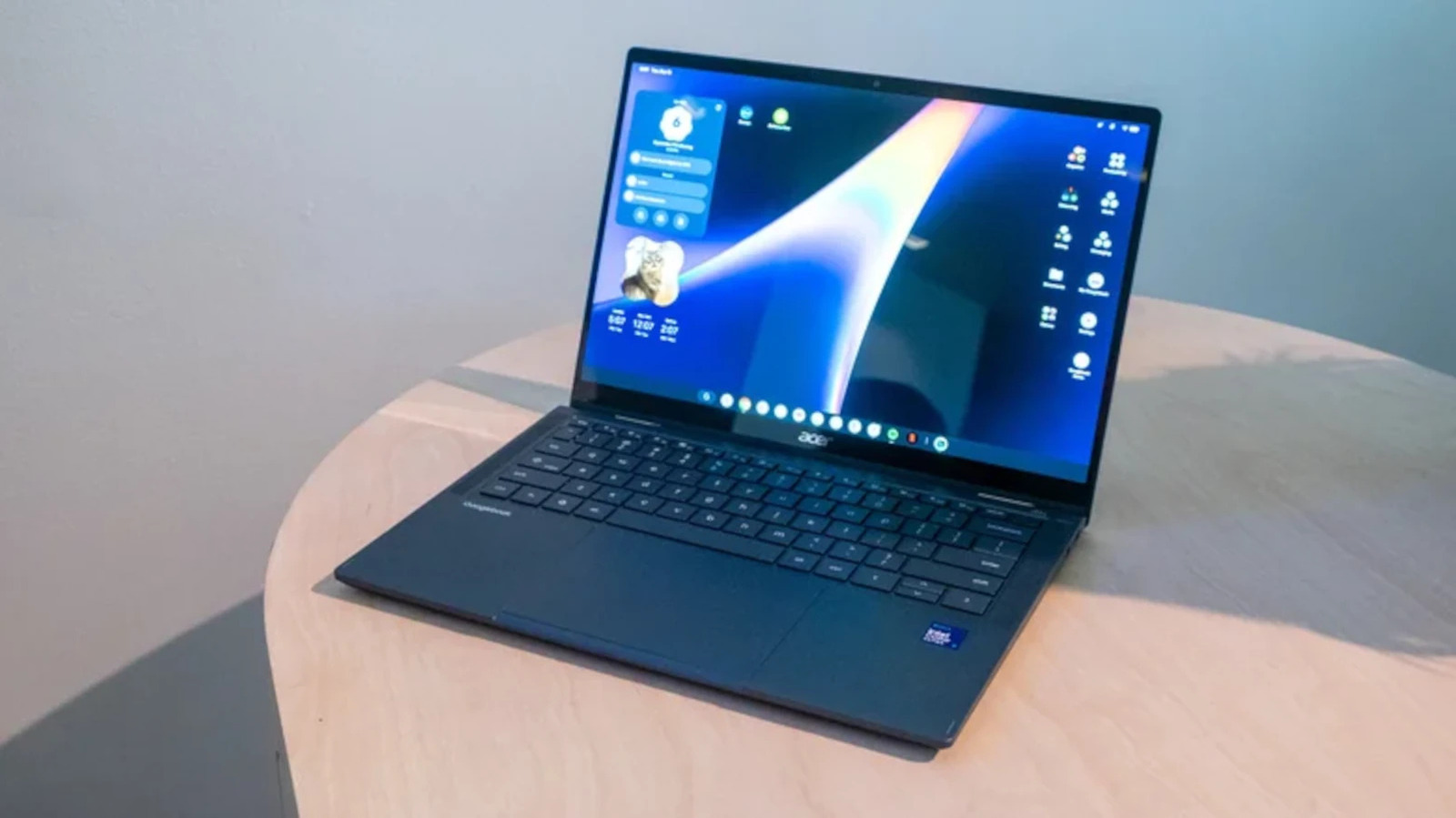
This annoying bug made for a rough first impression for new Googlebook buyers.
The Acer Googlebook 14 is one of the new launch models of the Googlebook laptop line, and given that it is the cheapest of the initial lineup and the only 2-in-1 Googlebook option, it’s also one of the most popular models available right now. With its emphasis on Android interoperability, premium specs and Google Gemini integration, it’s the Android users first real counterpart to the unified hardware and software ecosystem found in competing Apple iPhone and MacBook devices.
Unfortunately, some users experienced boot loop restarts during the initial setup process, keeping them from ever getting to actually use their device (we didn’t run into the issue ourselves, however). Some frustrated buyers even returned their Acer Googlebook 14 and purchased a more expensive model from another manufacturer, like the Lenovo Googlebook 15, as a result. Buyers chose the Acer Googlebook 14 for a reason, though, given its price advantage, solid hardware and a convertible form factor that makes it great for taking notes in school or at work.
Fortunately, Google has rolled out a fix for those getting stuck in boot loop purgatory. And the best part is you don’t even have to do anything if you are one of the rare users who were affected and you happen to still have or plan to buy the Acer Googlebook 14. All you need to do now is start the setup process and the update (build CL3B.260622.286.R2) will be applied during initialization.
Why is my Acer Googlebook stuck on the loading screen?
According to some users on Reddit and on the Google support forums, their new Acer Googlebook 14 laptops got stuck in what’s known as a boot loop when they first powered on their new laptops. During the initial setup process for the Googlebook 14, the system performs a system update which requires an automatic restart to complete. Typically, once the update is applied and the restart is finished, you’d move on to the next stage of the setup process.
A boot loop happens when something in the update itself interrupts this update process. Once interrupted, the system then tries to apply the same update again, which then gets interrupted, and the loop continues indefinitely. This is what some users experienced with their new Acer Googlebook 14s shortly after launch, and nothing is more aggravating than when your new device keeps restarting during setup.
According to the Google update notes, the problem is what’s known as a boot-slot priority error, which basically means that the system can’t find a valid OS to boot into, which makes sense if an update is only partially applied and the process gets interrupted. This also implies that the problem might not have been limited to Acer Googlebook 14 units, but could have affected other models as well during future updates.
Google really doesn’t want major bugs to disrupt Googlebook adoption
A boot loop error on a new Googlebook is a terrible first impression for a new platform. So it makes sense then that Google has spent the weeks since the Googlebook launched to track down any major bugs that could send people back to Mac or Windows laptops. In a post on the r/Googlebooks subreddit, a Google representative detailed the extensive fixes applied in the November update, and there are a number of major pain points included on that list.
Google also fixed another Acer-specific problem where users would lose keyboard and touchpad input when they converted their Googlebook 14 into tablet mode and returned it to laptop mode (a problem future 2-in-1 Googlebooks would theoretically also experience). The update also fixes things like excessive memory usage for AI tasks, HDR video playback error and Bluetooth mice not automatically reconnecting after a restart.
Many of the issues on the update list are fixes to problems that were raised on the r/Googlebooks subreddit itself, and that’s not a coincidence. The Google rep who posted the update details starts the post by saying that the Googlebook engineering team is keeping an eye on the subreddit specifically to help surface issues they might not know about so they can fix them promptly. So if you’re a new Googlebook owner and you’re running into bugs, posting the issue on the subreddit might be an easy way to get Google’s attention on the matter.
