

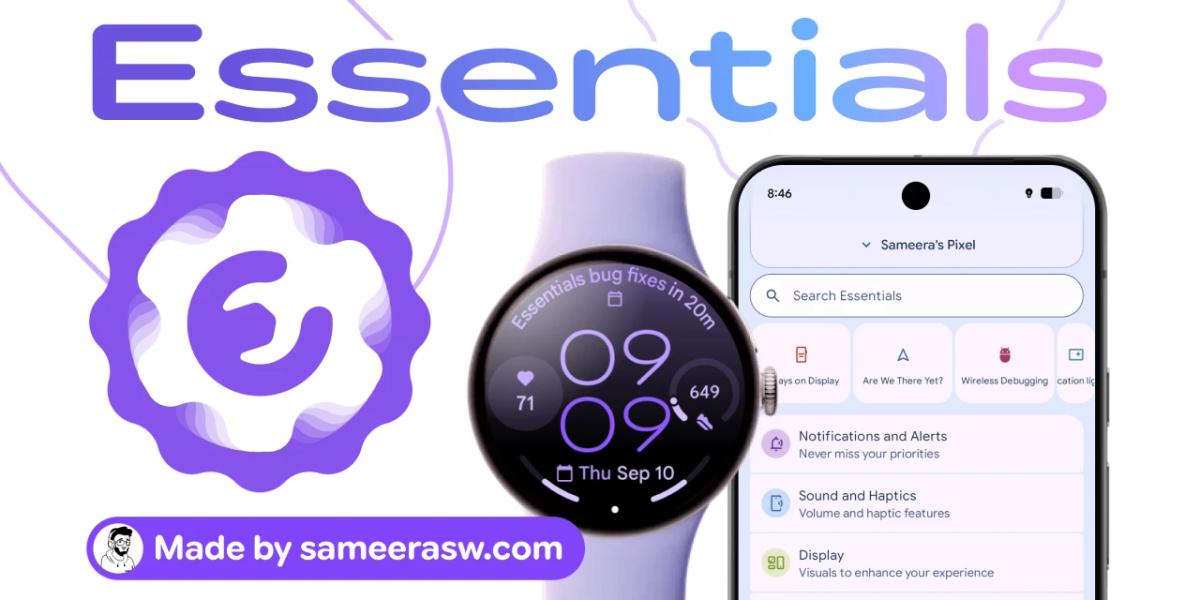
Add preferredhas been released. Developed by Sameera Wijerathna, it packs more than 30 customization features, including button remapping, app freezing, edge lighting, and App Lock. It is not distributed through the Google Play Store; instead, users sideload the APK from the official GitHub repository. It supports Android 8.0 and later, and some advanced features require root access or the installation of Shizuku
Key Elements
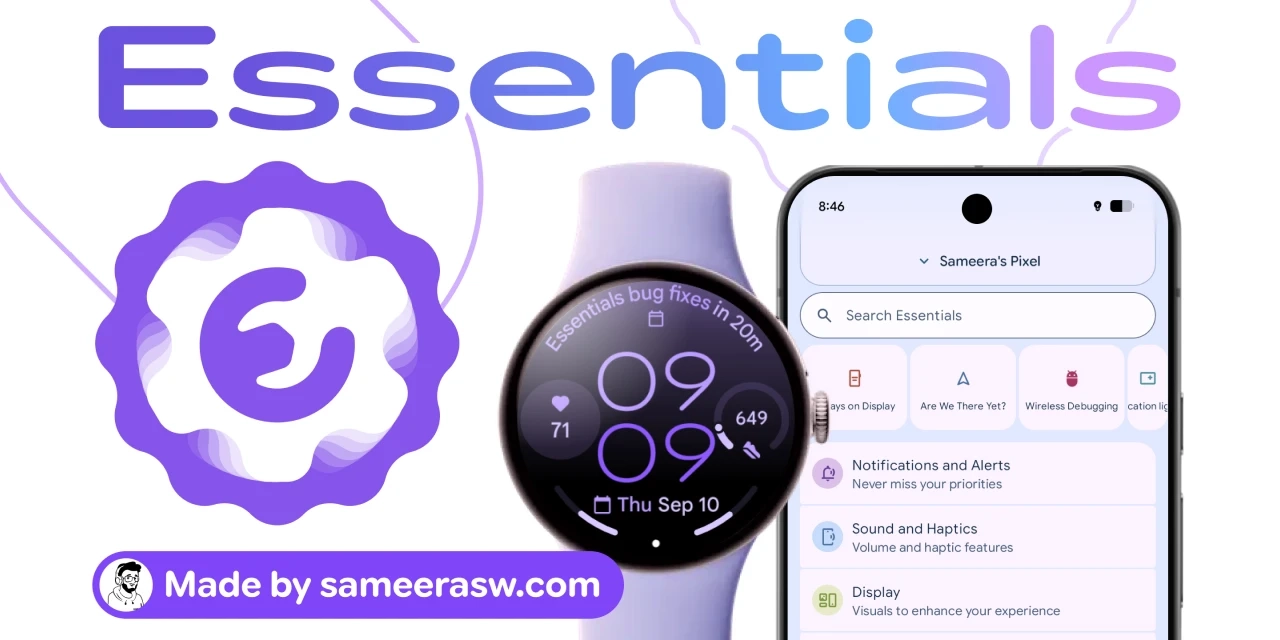
For advanced users who find the standard Android “Settings” app and “Developer Options” insufficient, a third-party utility called Essentials has been released that adds more than 30 customization features. The free app, developed by Sameera Wijerathna, is not distributed through the Google Play Store; users install it by sideloading an APK file obtained from the official repository on GitHub.
The features Essentials offers are wide-ranging. They include button remapping, app freezing, a battery-saving mode for Google Maps, sound and haptic feedback, wallpapers, widgets, status bar icon customization, edge lighting that makes the screen edges glow when a notification arrives, flashlight blinking, notification management, and an always-on display. It also includes “App Lock,” which requires a fingerprint, face authentication, or password when opening a specific app, and can be enabled from the Security and Privacy section.
| Item | Details |
|---|---|
| App name | Essentials |
| Developer | Sameera Wijerathna |
| Price | Free |
| How to obtain | Sideload the APK from the official GitHub repository |
| Supported versions | Android 8.0 and later |
| Number of features | 30+ |
| Requirements for advanced features | Rooting or installing Shizuku |
Note: The distribution store is not Google Play, and users must be mindful of Google’s changes to sideloading procedures.
The barrier to installation is not low. First, sideloading outside the Google Play Store is required, and users must understand the latest sideloading procedures that Google has changed. In addition, some features, such as changing lock screen shortcuts, require enabling accessibility services; users must go from “Settings” to “Apps” to “See all apps” to “Essentials” and turn on “Allow restricted settings” from the menu, or Android’s permission system will limit the features.
Another characteristic is that each time a feature is enabled, the user is asked to grant a new permission. However, the more permissions granted, the more features become available. Some permissions can only be granted with root access or with Shizuku, an open-source tool that grants system-level API and ADB (Android Debug Bridge) permissions to third-party apps without fully rooting the device. Shizuku is available from the Google Play Store, but starting the service requires enabling wireless debugging, meaning installation involves a detailed, lengthy procedure.
Operating Essentials itself is simple: just open the app, find the desired feature, and turn it on. Under the Notifications and Alerts section, users can configure notification lighting, flashlight blinking, notification snoozing, and system notification snoozing. Notification lighting lets users select target apps individually, making it harder to miss messages from specific apps even when the phone is in silent mode.
For users who want finer control over their Android devices, many of Essentials’ features are hard to find in other tools. On the other hand, the initial setup—sideloading, permission configuration, and preparing Shizuku—requires considerable effort and understanding. It can be described as an option for advanced users who can tolerate the security risks.
This article is based on an article from overseas Ziff Davis, edited for a Japanese audience by 4X.
