

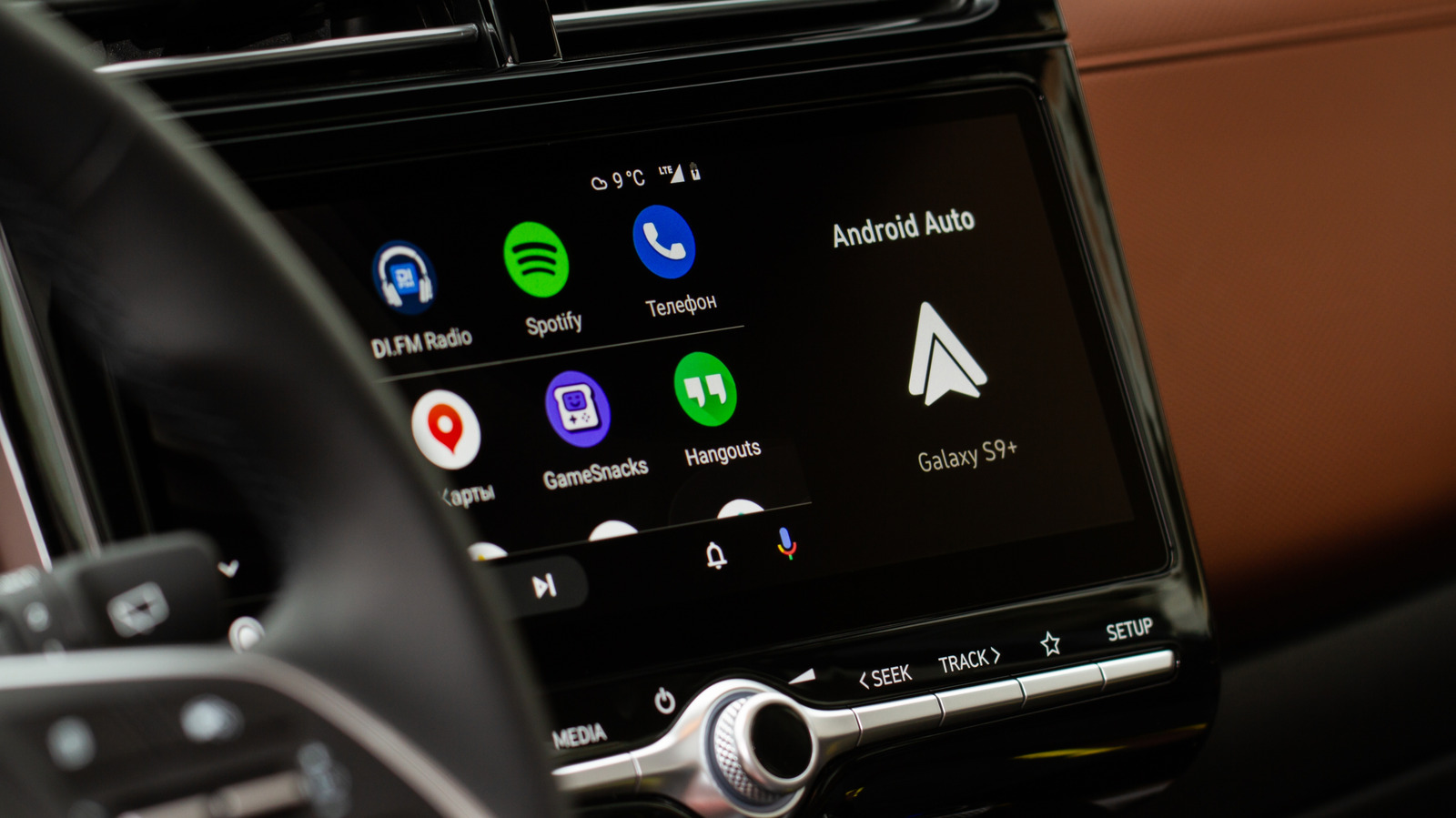
Audio ducking can be annoying, but it serves an important purpose.
Android Auto is the phone companion for your car, mirroring apps, messages and maps to your in-built display. Your audio is mirrored, too, with music and notifications passing through to your car’s speaker system. You might notice that, from time to time, Android might automatically lower the volume for you while you’re driving.
This behavior might be annoying, but it’s usually by design. Rather than a mix of sounds trying to compete with one another, Android Auto will try to prioritize when you receive alerts and notifications.This behavior isn’t permanent and should usually resolve itself after a second or two — although that isn’t always the case, depending on what’s causing it.
Why does Android Auto keep lowering the volume?
Prioritization is the reason why Android, and by extension Android Auto, will automatically drop the volume. It’s a focus system that gives priority to a particular app over another for a limited time only.
Here’s an example. You’re listening to music, so that’s the primary focus while it’s playing. However, you then receive an SMS notification. Android makes sure that you don’t miss that notification. It briefly reduces the volume for your music so that the sound for your notification is heard clearly.
This is called audio ducking. It’s been an Android feature since release 8.0. While it isn’t a universally-loved feature, it exists for clarity, giving you a chance to hear when important notifications or alerts appear without too much impact. It’s designed to be temporary, and should only impact your audio for a few seconds.
A rarer cause of the issue, however, might be Android’s hearing safety features. Again by design, and introduced with Android 14, Android will try to protect your hearing by tracking loud audio and automatically lowering the volume for you if you listen to it for too long. Android will tell you if it’s automatically doing this, and it’s a feature, not a bug.
You can toggle the media volume limit setting off if this is the case, but it’s worth taking note of the risk and using a volume level that isn’t likely to cause damage to your hearing.
Navigation and notifications can trigger audio ducking
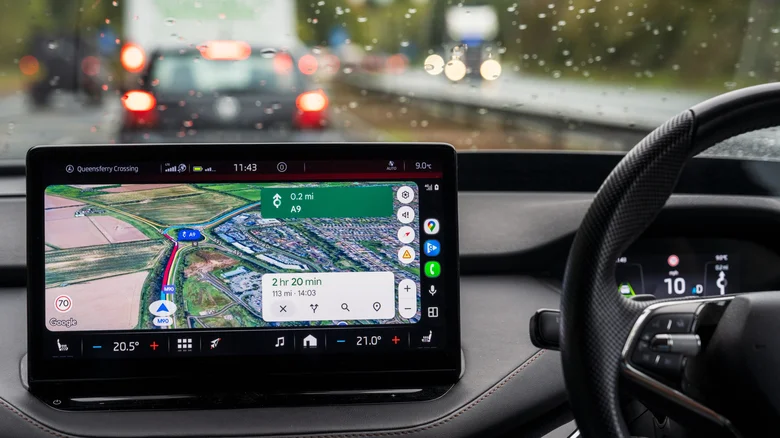
Audio ducking is going to be the most likely cause for Android auto automatically lowering your volume for most users. If it does so, then your notifications and your navigation are going to be the two biggest triggers.
Let’s consider notifications first. Android Auto will follow your existing notification settings. If an app is allowed to notify you on your phone, it’ll likely do the samebiggest culprits, from SMS messages to social media. If you receive a call, that will cause any other audio to be dipped
Google Maps, or an alternative like Waze, will also cause audio ducking. Directions, urgent driving alerts or speed warnings: these are all likely to cause a drop in audio volume, with your maps app taking the focus for a brief moment.
This will vary from app to app. What you hear, and how long the volume drops for, might change between apps you use, for instance between Spotify or YouTube Music. One thing you can be sure of, however, is that it’ll usually only take a few seconds before your audio returns to normal.
How to stop Android Auto from automatically lowering volume
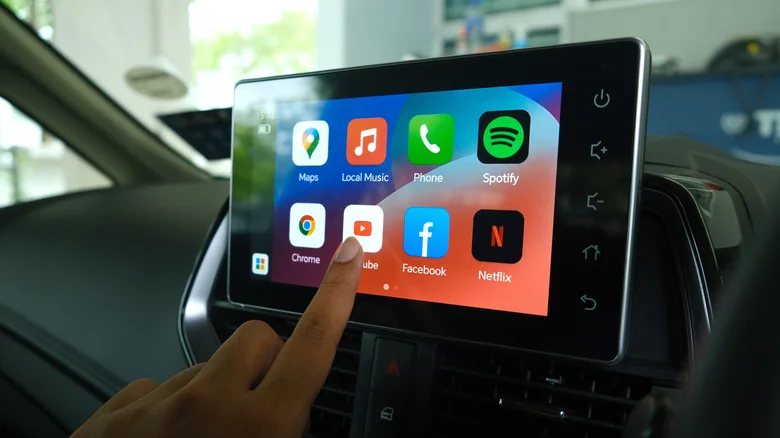
If you want to stop this behavior, you’ll need to switch off notifications for that app. That will stop Android Auto from dipping the audio. The downside is that you won’t see the notification at all which, unless consistent volume is the priority, is probably unwanted behavior.
Some apps may allow you to change how it responds to audio ducking, but the big apps won’t. You can’t stop audio ducking in Spotify or YouTube Music, for instance. Neither are there settings in Google Maps or Waze that let you determine app volume priority. You may have better luck by setting one app with a higher volume than the other but this won’t stop the ducking. Even at a lower volume, it’ll still dip for another app, like your messages app, to alert you.
Unfortunately, this just isn’t a bug. Audio ducking is Android’s way of making it obvious when an alert is received so you hear it without it mashing into your existing audio at the same volume. A partial workaround is to use do not disturb mode which should stop any message notifications, although it won’t stop your notifications from your maps app while you’re driving.
Still having problems? Check your car audio settings
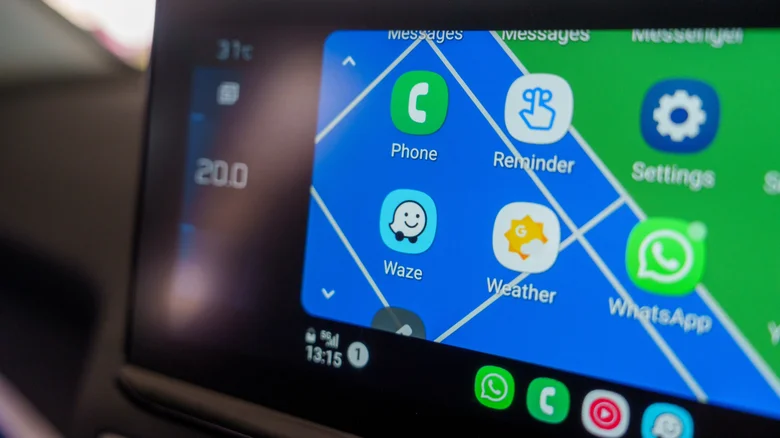
The Android Auto experience should be universal regardless of what phone you’re using, and customizing it mostly comes down to the settings on your phone. That said, there may be additional settings that you can access from your car that will impact your audio. There may also be a bug with a particular car model when connecting a device using USB or Bluetooth.
You can find reports on Reddit and online that report some of these unusual scenarios. For instance, one Redditor reported that their audio volume lowered the faster they drove. This turned out to be tied to a speed-sensitive setting in their car’s audio system and could only be adjusted
If you think there’s a fault, it’s worth restarting your device, re-pairing it to your car and switching the cable (if you’re wired). That’ll fix most problems if connectivity is the issue.
For most users, however, the audio automatically lowering isn’t a fault. Android is trying to give you the ability to quickly register when there’s a notification or alert that you need to know about when you’re driving. Turning it off is almost impossible but, in a pinch, do not disturb mode will silence any messages or calls you have. Otherwise, you might need to look at your in-app or general notification settings to alter the frequency of any alerts to help you control the behavior.
