

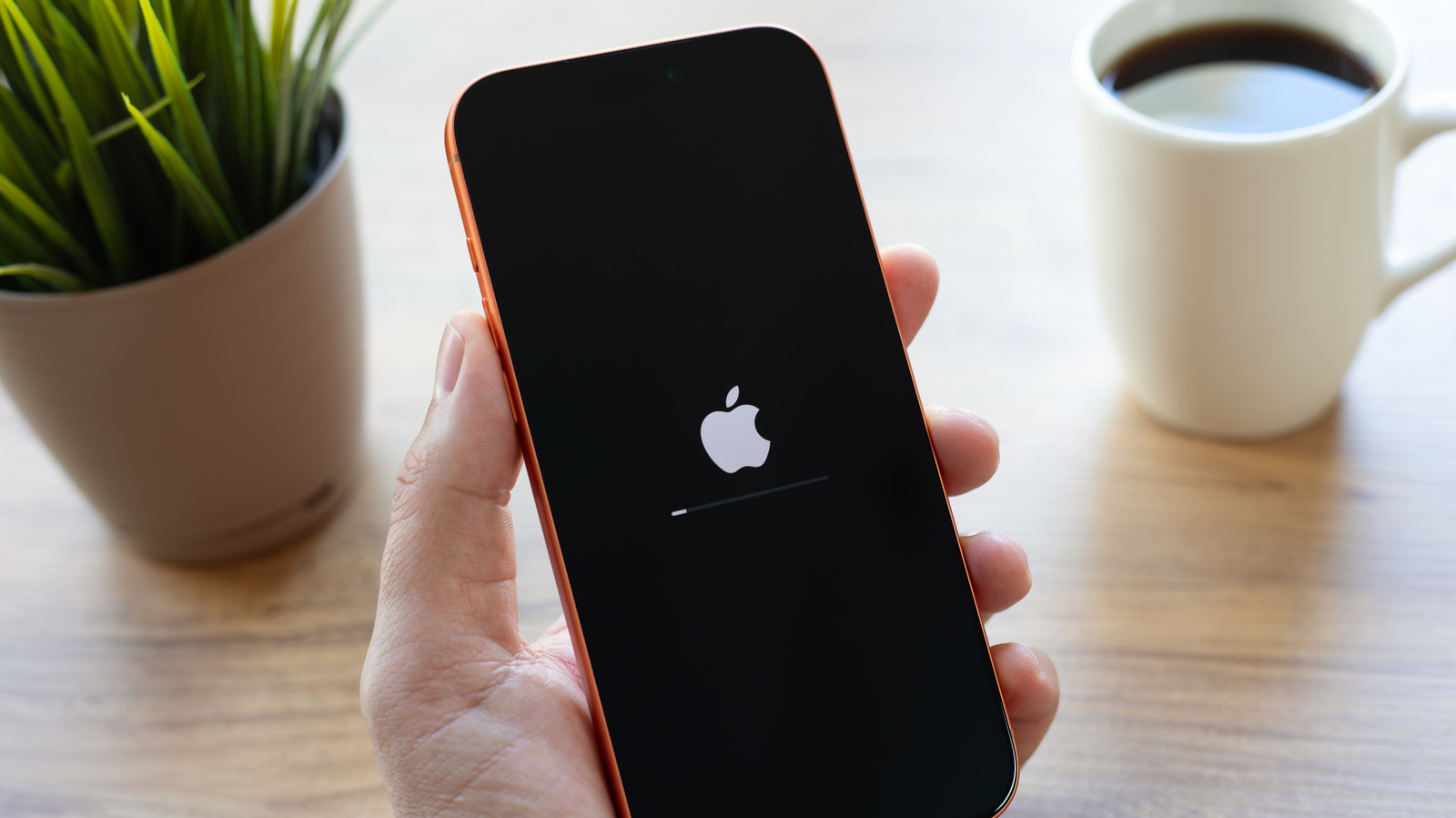
Your iPhone can immediately shut off for various reasons, and none of them are good.
Glitches and bugs are to be expected on even the best smartphones. They’re complex devices with a lot to handle across many possible OS, app and hardware combinations. And that’s part of what makes random iPhone shutdowns feel intolerable: Apple has much more control over every aspect.
Having your smartphone shut off when you aren’t expecting it is frustrating and can be a huge problem given how much we all depend on them (at least to entertain ourselves). In some circumstances, you might be worried that your iPhone is gone for good until you’re finally relieved to see the Lock screen pop back up.
But it’s not just bugs that can trigger these failures. There may be serious hardware issues at play, to the point where a shutdown is sometimes how iOS prevents far worse issues from occurring. Here’s what you need to know to minimize or fix the downtime you’re dealing with.
Why your iPhone is randomly shutting off on you
<img src="https://www.engadget.com/img/gallery/common-reasons-why-your-iphone-keeps-randomly-turning-off/why-your-iphone-is-randomly-shutting-off-on-you-1794857832.webp" alt="An iPhone showing the Apple logo and progress bar, installing an update.” loading=”lazy”>
When a software problem triggers a reboot, that means it’s so severe that it’s preventing iOS from operating properly, and the only solution is to start from scratch. On a technical level, there are many potential causes, such as memory access errors. Behind these are usually coding errors, and it’s not impossible (though highly unlikely in normal cases on an iPhone) for malware to intentionally exploit vulnerabilities.
A surprisingly common culprit — having experienced this myself — is temperature. If your iPhone reaches an unspecified level of internal heat, it may shut off automatically to prevent component damage. Typically, it will employ other measures first, namely performance throttling until heat comes back under control. You may also see a warning that your phone is too hot and you need to pause use of it. Shutdowns are also possible under extreme cold, but I’ve never once encountered these despite surviving multiple Alberta winters.
Where the problem starts to get serious is battery health. If your battery is struggling to hold capacity, it may not be able to supply enough power for high-demand activities, and will shut down to prevent damage. It’s a problem called battery sag (AKA voltage sag), and I’m quite familiar with it through my electric unicycle (EUC) hobby. As an EUC’s battery drains, its top speed (and torque) diminishes, and you ignore the warning beeps at your peril.
Less often, other hardware failures can be to blame. There are, for instance, a number of sensor checks that have to be completed every 180 seconds. If one of these fails, your iPhone will reboot as a defensive measure.
What you can do to prevent iPhone shutdowns
To prevent software-based shutdowns, it’s important to keep iOS and your apps up-to-date. Glitches may still happen, but generally, keeping everything on the latest version reduces the odds of a hiccup. Check for iOS updates through Settings > General > Software Update, and apps by opening the App Store, tapping your profile icon and selecting App Updates. Swipe down to refresh the App Updates view.
As for heat shutdowns, your major concern should be keeping your iPhone out of prolonged sun exposure. It’s a bad idea to mount it in your window if you’re on a long summer road trip, for example. You may also want to avoid running high-demand activities for hours at a time, like 4K video recording or graphically heavy gaming. During the winter, make sure your iPhone gets a chance to return to room temperatures regularly.
To size up battery health, head over to Settings > Battery > Battery Health. If it’s reported at 80 percent or higher, you’re probably fine. The further you dip below that threshold, however, the more likely you are to run into problems. If you can’t get your iPhone to turn back on without plugging it in first, it’s definitely time to schedule a battery replacement or buy a new iPhone.
Make sure you aren’t running your device at extremely low free space, as that can cause performance issues. Visit Settings > General > iPhone Storage to check how much you have. If you’re running with less than a few gigabytes to spare, make room on your iPhone. And if your iPhone has recently suffered physical damage, that could be the source.
If you’ve ruled out the above concerns, book an appointment at an Apple Store or authorized service center. There’s likely internal damage or a defect, and while Apple does offer self-service repair, there’s no easy way of diagnosing what’s broken — let alone fixing it — unless it’s blindingly obvious that a specific hardware feature is involved.
