

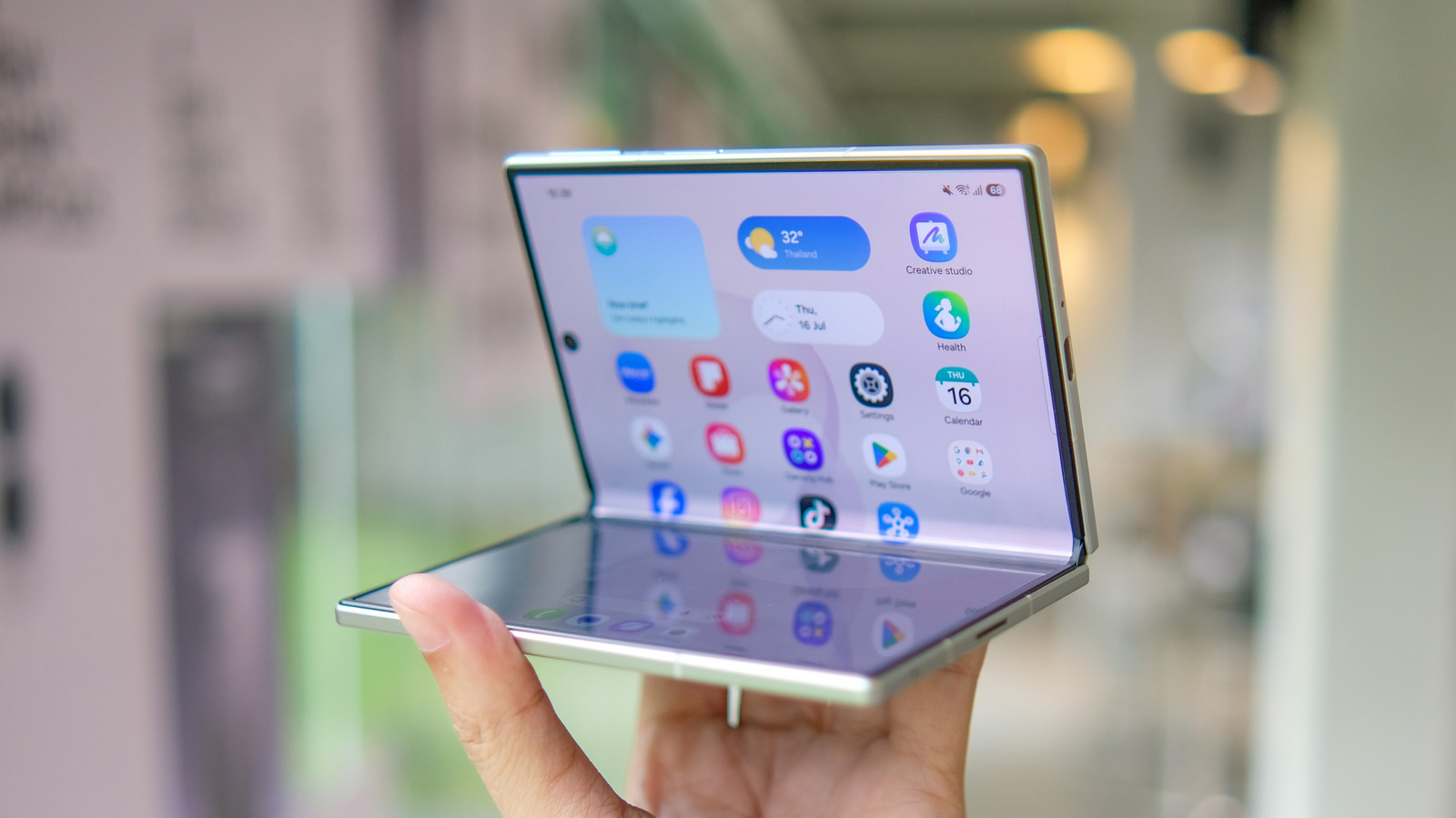
What you should know before applying a screen protector to your foldable phone.
Screen protectors are among the first accessories many people think about when buying a new phone. It’s no wonder; they’re a low-cost investment to protect an expensive purchase, and nobody wants permanent scratches on their phone’s glass. Screen protectors for standard phones are standardized by now, but for foldables, it’s more complicated.
Not only do most foldables have two screens, but the inner screen uses technologies different from those of standard displays. Foldables are more delicate, so understandably, people want to take extra care with them.
But what about screen protectors? Can you put one on a foldable phone? The short answer is yes, but it depends on the screen. It’s fine to put a protector on the outer screen, but you should avoid putting anything on the inner display.
Why is the inner screen of foldable phones so fragile?
<img src="https://www.engadget.com/img/gallery/can-you-use-a-screen-protector-with-your-foldable-phone/why-is-the-inner-screen-of-foldable-phones-so-fragile-1791297036.webp" alt="Finger pointing at the inner screen of Apple‘s iPhone Duo, showing messages and a full-screen photo.” loading=”lazy”>
Due to the physics involved, the inner screen of a foldable smartphone doesn’t use regular, rigid glass. Instead, it relies on many flexible layers to survive hundreds of thousands of folds — and to better protect all those layers, foldable phones usually come with a built-in screen protector.
On Samsung foldable phones like the Galaxy Z Fold8, the screen protector is made of TPU, which is flexible and specifically designed for foldable screens. The recently announced iPhone Duo, Apple’s first foldable phone, also comes with a screen protector on top of the display layers. This protector also adds a nano-texture coating that gives the screen a matte finish and reduces the visibility of the crease.
Phone makers don’t want you messing with the inner screen. When Samsung introduced the first Galaxy Fold, some people thought they could remove the screen protector on their own. As a result, the display began malfunctioning right after that, leading Samsung to warn consumers that the screen protector should not be removed. Samsung and Apple both offer replacements for this internal screen protector — but they have the right tools to do it. You shouldn’t try to do this on your own. If the inner screen of your foldable phone looks worn, take it to an authorized repair center.
Some brands sell ultra-thin screen protectors for the inner screen of foldable phones, which are usually less than 0.1mm thick. Whether it’s worth the risk is another matter, since companies make it clear that applying an unofficial screen protector to the inner screen can damage the entire display. For such expensive devices, the best approach is to follow the company’s advice.
How to protect your foldable phone
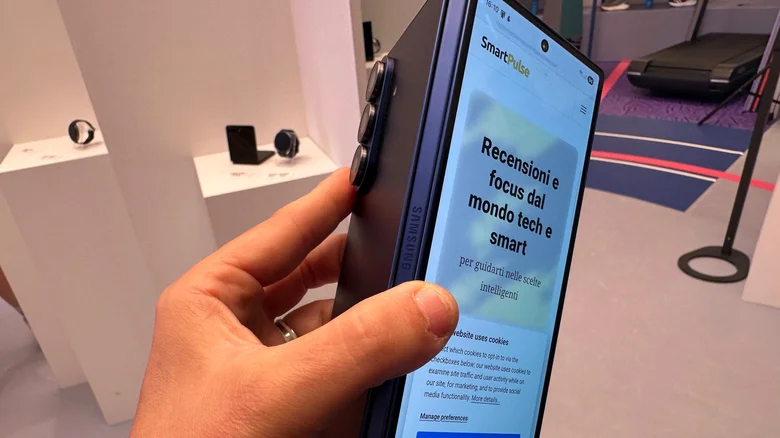
The outer screen of a foldable phone is a different story. You can put any screen protector on it, since it’s essentially a regular smartphone screen covered by a hard piece of glass. Modern smartphones are usually equipped with chemically strengthened glass, such as Gorilla Glass or Apple’s Ceramic Shield, which provide extra protection against scratches and cracks. Still, if you want to add a screen protector for extra peace of mind, that’s totally fine.
But as it turns out, scratches aren’t the biggest enemy of a foldable phone; dust is. The latest Galaxy Z Fold devices, for example, are IP48-certified. That makes them resistant to short periods of water immersion and particles larger than 1mm, but they aren’t completely sealed. The hinge mechanism is still fragile and vulnerable, and can end up getting damaged by small particles of dust or sand. Apple’s iPhone Duo is IP68-certified, which means it’s dust-tight and also resistant to dunks in water.
Still, only time will tell if it holds up as well as a regular smartphone, since this resistance is not permanent. Also, even if dust can’t enter the device, small particles can still scratch the screen if they get inside and rub around. To protect your foldable phone, getting a case that covers the hinge is a better idea than using a screen protector on the inner screen. Avoid the most common foldable phone mistakes, and follow general advice to make your phone last longer, too.
