Close Menu
MyAppsPlus

    Subscribe to Updates

    Get the latest creative news from FooBar about art, design and business.

    What's Hot

    Upgrade the home office this holiday season with HP printers from just $50 (Up to $100 off)

    November 15, 2026

    Anker vs. Belkin: Which company’s power banks and accessories should you get?

    November 15, 2026

    Top tax accountant exam scorer admits to cheating using AI

    November 15, 2026
    Facebook X (Twitter) Instagram
    Facebook X (Twitter) Instagram
    MyAppsPlusMyAppsPlus
    Sunday, November 15
    • Home
    • Breaking Tech
    • Apps & Software
    • AI & Automation
    • Android
    • iPhone & iOS
    • More
      • Reviews
      • How-To Guides
      • Deals & Discounts
      • Shop
    MyAppsPlus
    Home»Breaking Tech»Can you still use your router if it doesn’t get firmware updates?
    Breaking Tech

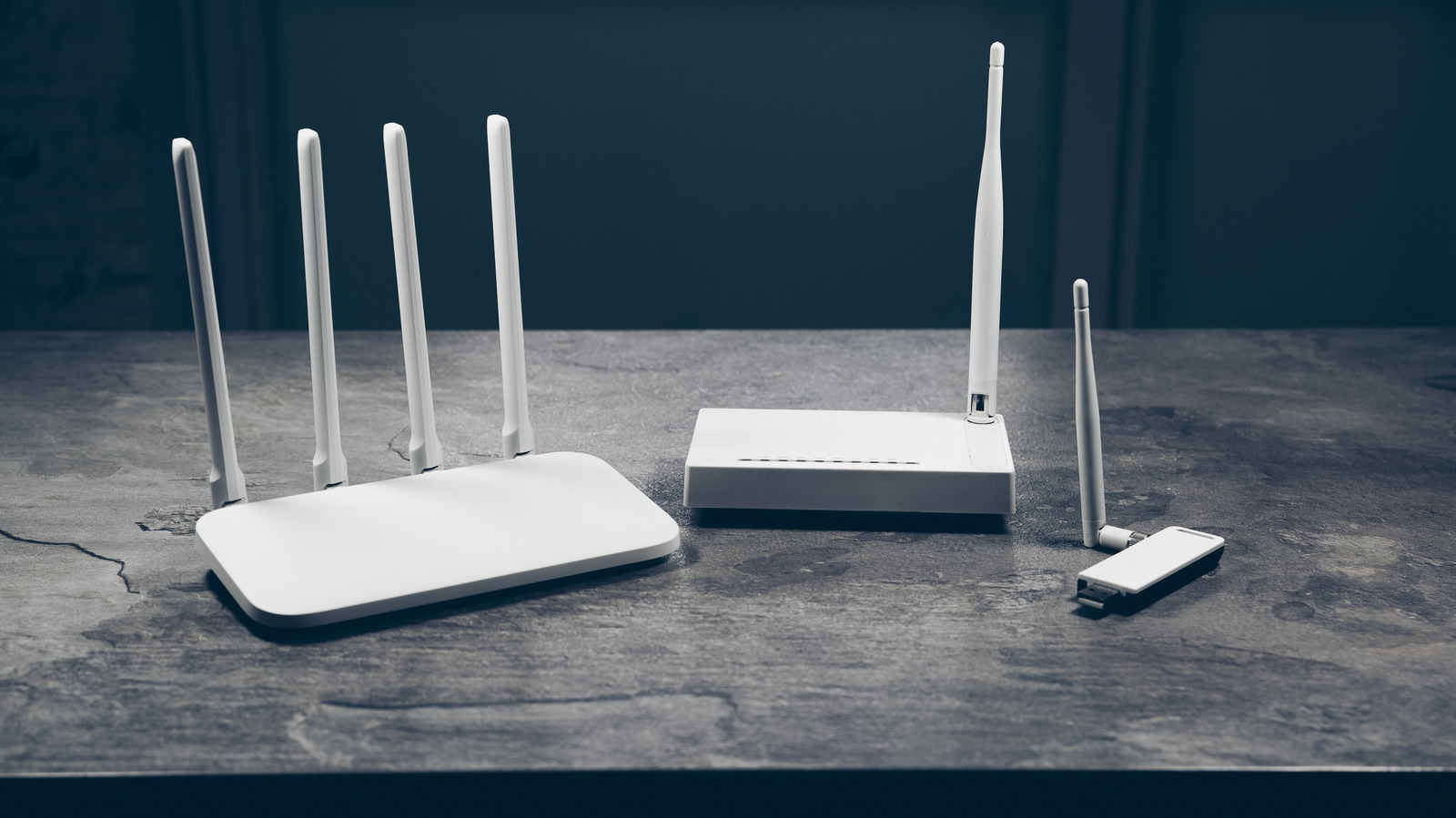
    Can you still use your router if it doesn’t get firmware updates?

    myappsplusBy myappsplusSeptember 29, 2026014 Mins Read
    Share Facebook Twitter Pinterest Copy Link LinkedIn Tumblr Email Telegram WhatsApp
    Follow Us
    Google News Flipboard
    Can you still use your router if it doesn’t get firmware updates?
    Share
    Facebook Twitter LinkedIn Pinterest Email Copy Link

    It won’t stop working, but newly discovered security flaws may go unfixed.

    So long as the hardware is healthy, a router will continue connecting your devices to the internet long after the manufacturer stops releasing firmware updates. There’s no built-in kill switch outside of eventual hardware failure that will silence your router forever. Unfortunately, once firmware updates cease to be a regular thing, your router loses its most dependable attribute for fixing newly-discovered security flaws.

    Now, that’s not to say that your home will be immediately targeted and all of your devices will suddenly rise up and begin wreaking havoc throughout the house. What it means is that your router could now be vulnerable and may remain so with every passing day. Attackers often target vulnerable routers in bulk, using them to relay malicious traffic or join a larger group of compromised devices controlled without their owner’s knowledge.

    On the bright side, a router without updates is not automatically compromised, but you should begin eyeballing a replacement sooner rather than later. Make sure things like remote administration are disabled so the router’s management page is not accessible outside your home network. It’s just one potential exposure risk, but that list may continue to grow the longer you take.

    Five years is a checkpoint

    A five-year-old router isn’t necessarily outdated, especially if “internet access” to you is web browsing for recipes or streaming TV shows. There’s also not a set-in-stone timeframe for when firmware updates cease. View it as a checkpoint for making sure that the exact model you own will continue receiving security updates. Netgear suggests the four- to five-year timeline, but it’s not an absolute decree.

    Should you check and discover that support is indeed coming to a close, install the most recent manufacturer update (if applicable) and start planning for a replacement. If you’re really worried, you can always go purchase a new router the old-fashioned way by visiting a nearby retail outlet. And if you haven’t already, create and use a strong, unique admin password on your current setup if you need to wait on shipping.

    There may be another technical alternative for some. Projects like OpenWrt may offer custom firmware for your router once the manufacturer stops updating it. You’ll have to check the exact hardware revision against OpenWrt’s supported device list. Just be careful on this particular leg of your aging router’s journey. Installing the wrong firmware or following the wrong procedure may turn your router into a neat-looking paperweight.

    How to check if a router needs a firmware update

    Someone connecting a mesh system via ethernet cable.

    First, find the router’s model number and hardware revision on its label, which is usually beneath or on the back of the router, along with its default Wi-Fi password or login address. The revision is very important because two routers sold under the same model name can still have different firmware releases. Log into the router or open the associated app, find the setting for firmware updates, and check the installed version against any update offered. If automatic update is a feature you can enable, do so.

    Next, look up the same model and revision on the manufacturer’s official support site. Compare the installed version with its latest listed release, read the release notes and check for an end-of-life or end-of-support notice.

    If an update exists, follow the manufacturer’s instructions and let it do its thing. If there is no update, double-check to confirm your router’s support status, especially if you’ve had it for more than a few years. If your router is actively supported, then you’re good to go. If not, you will likely be fine, but start making plans to replace it.

    cybersecurity doesnt router still Your
    Follow on Google News Follow on Flipboard
    Share. Facebook Twitter Pinterest LinkedIn Tumblr Email Copy Link
    myappsplus
    • Website

    Related Posts

    Anker vs. Belkin: Which company’s power banks and accessories should you get?

    November 15, 2026

    The right way to transfer your Spotify playlists and songs to Apple Music

    November 15, 2026

    Change these Fitbit Edge settings for a better experience

    November 15, 2026
    Add A Comment
    Leave A Reply Cancel Reply

    Top Posts

    Save on your groceries, gas, and holiday shopping with this $15 BJ’s membership (Reg. $60) 

    November 4, 202629 Views

    Google’s new AI shopping cart tracks deals across stores

    October 25, 202628 Views

    Apple is making Creator Studio an even better deal with new AI features and creative tools

    October 28, 202623 Views
    Latest Reviews

    Apple faces new UK rules over nude images on children’s iPhones

    myappsplusSeptember 8, 2026

    Everything revealed at Zelda Direct: Ocarina of Time pre-order deal, release date, new Switch 2, more

    myappsplusSeptember 8, 2026

    Google has deployed a fix for YouTube’s blank screen problems

    myappsplusSeptember 8, 2026
    Stay In Touch
    • Facebook
    • YouTube
    • TikTok
    • WhatsApp
    • Twitter
    • Instagram

    Subscribe to Updates

    Get the latest tech news from FooBar about tech, design and biz.

    Most Popular

    Apple faces new UK rules over nude images on children’s iPhones

    September 8, 20260 Views

    GL.iNet Beryl 7 review: This Wi-Fi 7 travel router saved my holiday connecting 5 iPads, a laptop, and a couple of phones

    September 8, 20260 Views

    69% of Americans oppose local AI data centers in 2026 poll — Trump blasts blocking communities on Truth Social for choosing poverty over server farms, throwing off ‘tremendous amounts of money’

    September 8, 20260 Views
    Our Picks

    Upgrade the home office this holiday season with HP printers from just $50 (Up to $100 off)

    November 15, 2026

    Anker vs. Belkin: Which company’s power banks and accessories should you get?

    November 15, 2026

    Top tax accountant exam scorer admits to cheating using AI

    November 15, 2026

    Subscribe to Updates

    Subscribe to our newsletter and get the latest tech news, app updates, AI trends, smartphone reviews, and exclusive deals delivered straight to your inbox.

    Facebook X (Twitter) Instagram Pinterest
    • About Us
    • Get In Touch
    • Disclaimer
    • Privacy Policy
    • Terms & Conditions
    © 2026 MyAppsPlus. All Rights Reserved.

    Type above and press Enter to search. Press Esc to cancel.