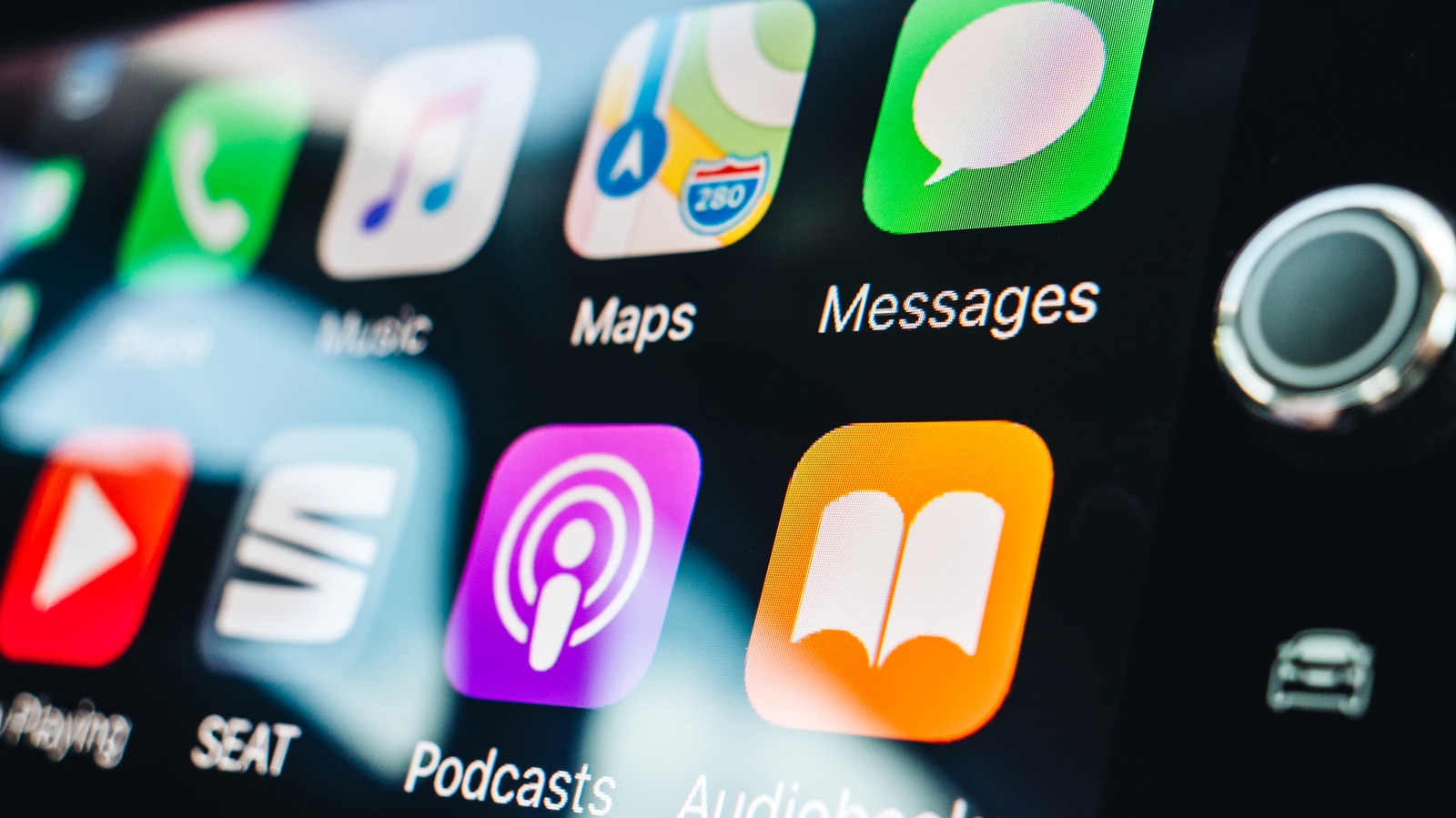
Close Menu
MyAppsPlus

    Subscribe to Updates

    Get the latest creative news from FooBar about art, design and business.

    What's Hot

    NYT Strands hints and answers for Sunday, September 13 (game #924)

    September 12, 2026

    One problem with Android Auto can be fixed with a simple update

    September 12, 2026

    LG’s denial over TV spying claims ‘does not address the full privacy picture’, experts say — after report accuses it of making ‘216,000,000 spy TVs’

    September 12, 2026
    Facebook X (Twitter) Instagram
    Facebook X (Twitter) Instagram
    MyAppsPlusMyAppsPlus
    Saturday, September 12
    • Home
    • Breaking Tech
    • Apps & Software
    • AI & Automation
    • Android
    • iPhone & iOS
    • More
      • Reviews
      • How-To Guides
      • Deals & Discounts
      • Shop
    MyAppsPlus
    Home»Breaking Tech»Bluetooth or Wi-Fi: How does wireless CarPlay connect?
    Breaking Tech

    Bluetooth or Wi-Fi: How does wireless CarPlay connect?

    myappsplusBy myappsplusAugust 30, 2026004 Mins Read
    Share Facebook Twitter Pinterest Copy Link LinkedIn Tumblr Email Telegram WhatsApp
    Follow Us
    Google News Flipboard
    Bluetooth or Wi-Fi: How does wireless CarPlay connect?
    Share
    Facebook Twitter LinkedIn Pinterest Email Copy Link

    Bluetooth handles pairing and reconnection, Wi-Fi does the rest.

    Wireless CarPlay uses both Bluetooth and Wi-Fi, but not for the same job. Bluetooth helps your iPhone and car find each other, pair and reconnect, while Wi-Fi carries the active CarPlay session. Apple says that includes CarPlay’s audio, video and control data, even the audio from phone calls.

    Bluetooth starts and reconnects wireless CarPlay
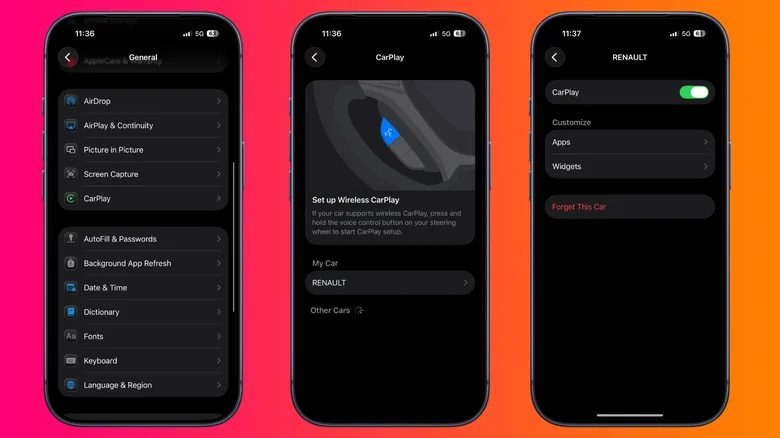
    Three iPhone screens showing the steps to open CarPlay settings, select a vehicle and manage that car's CarPlay connection.

    Screenshots by Novak Božović (Apple)

    During the first wireless setup, Bluetooth pairs the iPhone with the car. The car then gives the iPhone the information it needs to join its Wi-Fi network, and CarPlay starts over that connection. Once the Wi-Fi session is running, the car ends its Bluetooth connection to that iPhone.

    Bluetooth still has a job on later drives. The car can use the saved Bluetooth pairing to find the iPhone and start the wireless connection again. If a CarPlay session drops and Wi-Fi can’t reconnect quickly, Bluetooth can also help reestablish it.

    There are a couple of ways to complete that initial setup. If your car supports both wired and wireless CarPlay, connecting the iPhone by USB can handle the pairing before the phone offers to connect wirelessly on later drives. If you set it up without a cable, Apple tells users to make sure Bluetooth and Wi-Fi are enabled, put the car into wireless or Bluetooth pairing mode and select the vehicle under Settings > General > CarPlay.

    Wi-Fi carries the active CarPlay session
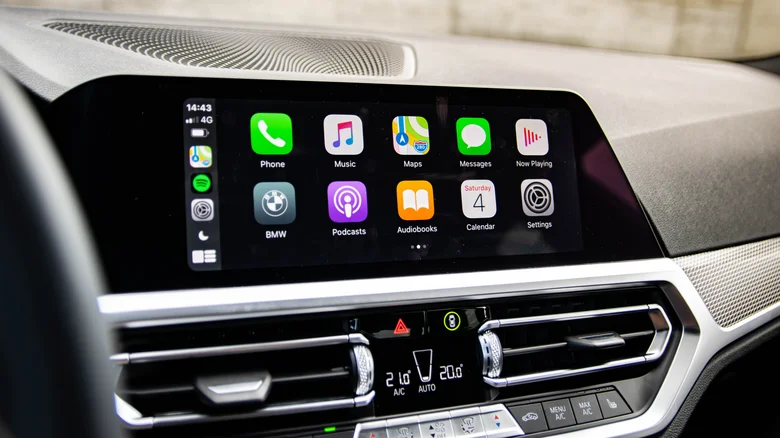
    Apple CarPlay interface displayed on a BMW infotainment screen with apps for Phone, Music, Maps, Messages, Podcasts and Settings.

    Once CarPlay is running, Wi-Fi takes over the work that matters to the dashboard. The connection carries CarPlay’s audio, control data and the video used to render its interface on the car’s display.

    That includes something you might normally associate with a Bluetooth connection: phone calls. During an active Wireless CarPlay session, Apple says phone-call audio also travels over Wi-Fi rather than switching back to ordinary Bluetooth audio.

    Apple recommends 5GHz Wi-Fi for wireless CarPlay because it offers more available channels and is generally less congested than 2.4GHz. That isn’t a universal requirement, though. Apple’s technical documentation acknowledges that 2.4GHz implementations can exist.

    Wireless CarPlay needs Wi-Fi, but not a separate internet network
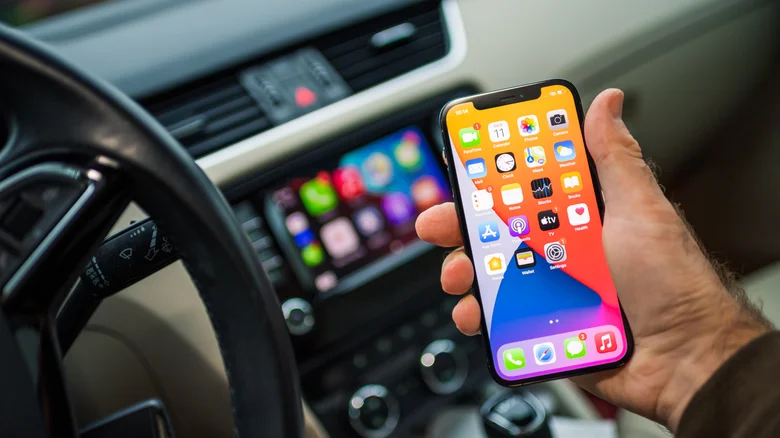
    A hand holding an iPhone with a blurred CarPlay display in the background.

    That distinction can make the common question “Can I use wireless CarPlay without Wi-Fi?” a little confusing.

    If you mean turning Wi-Fi off on your iPhone, the answer is no. You need to keep Wi-Fi enabled and make sure Auto-Join is turned on for the CarPlay network. However, that doesn’t mean the car needs to join your home Wi-Fi, public Wi-Fi or a separate hotspot just to run Wireless CarPlay. The car creates the local wireless connection that CarPlay uses to communicate with the iPhone. That Wi-Fi link between the two devices is separate from whether the vehicle itself provides internet access.

    Wired CarPlay and wireless adapters connect differently
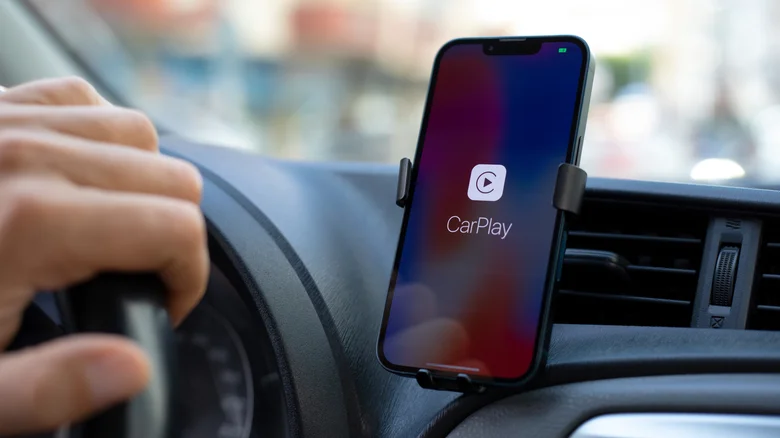
    iPhone mounted on a car dashboard displaying the Apple CarPlay connection screen while a driver holds the steering wheel.

    Wired CarPlay carries the CarPlay session over USB instead of the car’s Wi-Fi connection. That avoids the interference considerations that come with a wireless link, but Apple doesn’t describe wired CarPlay as providing a fundamentally better CarPlay experience.

    The everyday difference is more straightforward. Wired CarPlay requires you to connect a cable, while Wireless CarPlay lets the phone stay in a pocket or bag.

    A wireless CarPlay adapter adds another variation. These devices are generally designed for cars that already support wired CarPlay. The adapter plugs into the USB port that normally connects to the iPhone, then acts as the wireless middleman between the phone and the car.

    That means a wired-to-wireless adapter doesn’t normally add CarPlay to a vehicle that never supported it. It converts an existing wired CarPlay connection into a wireless one. Because compatibility and behavior vary by adapter, check that your particular vehicle or head unit is supported before buying one.

    Apple Bluetooth EVs and Transportation Smartphones WiFi
    Follow on Google News Follow on Flipboard
    Share. Facebook Twitter Pinterest LinkedIn Tumblr Email Copy Link
    myappsplus
    • Website

    Related Posts

    One problem with Android Auto can be fixed with a simple update

    September 12, 2026

    How to change Amazon Alexa’s voice and personality

    September 12, 2026

    Tesla says it will finally unveil the second generation Roadster on October 1

    September 12, 2026
    Add A Comment
    Leave A Reply Cancel Reply

    Top Posts

    The 6 AI-free Linux distros I recommend most

    August 19, 20263 Views

    AI, automation, robot dogs ensure on-site nuclear safety

    September 7, 20262 Views

    This tiny AI box could save me from upgrading my perfectly good laptop

    September 6, 20262 Views
    Latest Reviews

    Apple Wallet driver’s licenses are coming to North Carolina, but there’s a catch

    myappsplusAugust 18, 2026

    3 Japanese AI Stocks Turning Automation Spending Into Real Revenue

    myappsplusAugust 18, 2026

    Apple: DOJ’s latest challenge in antitrust case ‘fails at every level’

    myappsplusAugust 18, 2026
    Stay In Touch
    • Facebook
    • YouTube
    • TikTok
    • WhatsApp
    • Twitter
    • Instagram

    Subscribe to Updates

    Get the latest tech news from FooBar about tech, design and biz.

    Most Popular

    Apple Wallet driver’s licenses are coming to North Carolina, but there’s a catch

    August 18, 20260 Views

    3 Japanese AI Stocks Turning Automation Spending Into Real Revenue

    August 18, 20260 Views

    Apple: DOJ’s latest challenge in antitrust case ‘fails at every level’

    August 18, 20260 Views
    Our Picks

    NYT Strands hints and answers for Sunday, September 13 (game #924)

    September 12, 2026

    One problem with Android Auto can be fixed with a simple update

    September 12, 2026

    LG’s denial over TV spying claims ‘does not address the full privacy picture’, experts say — after report accuses it of making ‘216,000,000 spy TVs’

    September 12, 2026

    Subscribe to Updates

    Subscribe to our newsletter and get the latest tech news, app updates, AI trends, smartphone reviews, and exclusive deals delivered straight to your inbox.

    Facebook X (Twitter) Instagram Pinterest
    • About Us
    • Get In Touch
    • Disclaimer
    • Privacy Policy
    • Terms & Conditions
    © 2026 MyAppsPlus. All Rights Reserved.

    Type above and press Enter to search. Press Esc to cancel.