

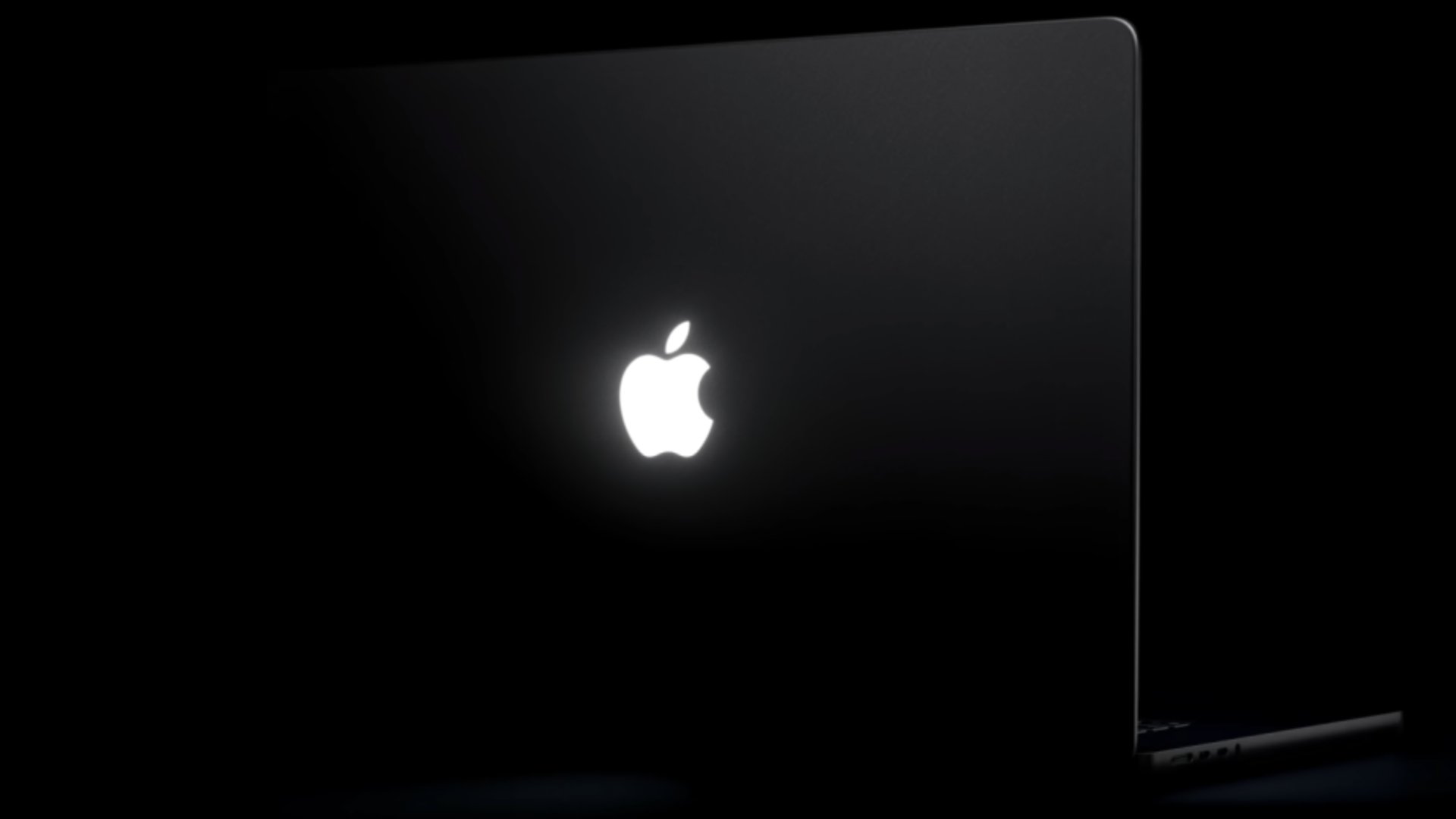
A new “Backglow” app created by designer Juan Buis lets you customize the illuminated Apple logo on the lid of the new MacBook Pro models.
The free version of the app allows you to manually adjust the brightness level of the Apple logo, independent of the MacBook Pro’s display brightness level. You can also turn it off entirely with a single click, rather than having to use Terminal.
Another free option is a “Breathe” mode that makes the logo’s light gently pulse similarly to the sleep indicator light on older MacBooks.
A one-time payment unlocks the Pro version of the app: $9 for a limited time or $15 later. This gives you two additional modes: “Music” mode makes the logo’s light move to the beat of the music you play on your Mac, while “Agents” mode makes the light pulse while Claude Code is working and blinks when your attention is needed.
https://x.com/juanbuis/status/2118825042922332283
Apple began phasing out the glowing logo on MacBooks in 2015, but it brought back the feature with the new 14-inch and 16-inch MacBook Pro models with PROLED XDR displays released on Friday. On older MacBooks, the logo was illuminated by the display’s backlight, but OLED displays do not have a backlight, so a new method was required.
Daring Fireball’s John Gruber was told that Apple engineered a “custom lightny additional thickness to the lid.” Why? “Because it’s awesome,” he heard an Apple representative say
Buis said the logo is lit by a white LED that does not change colors.Related Roundup: MacBook Pro
Buyer’s Guide: MacBook Pro (Buy Now)
Related Forum: MacBook Pro
This article, “‘Backglow’ Lets You Customize New MacBook Pro’s Glowing Apple Logo” first appeared on MacRumors.com
Discuss this article in our forums
