

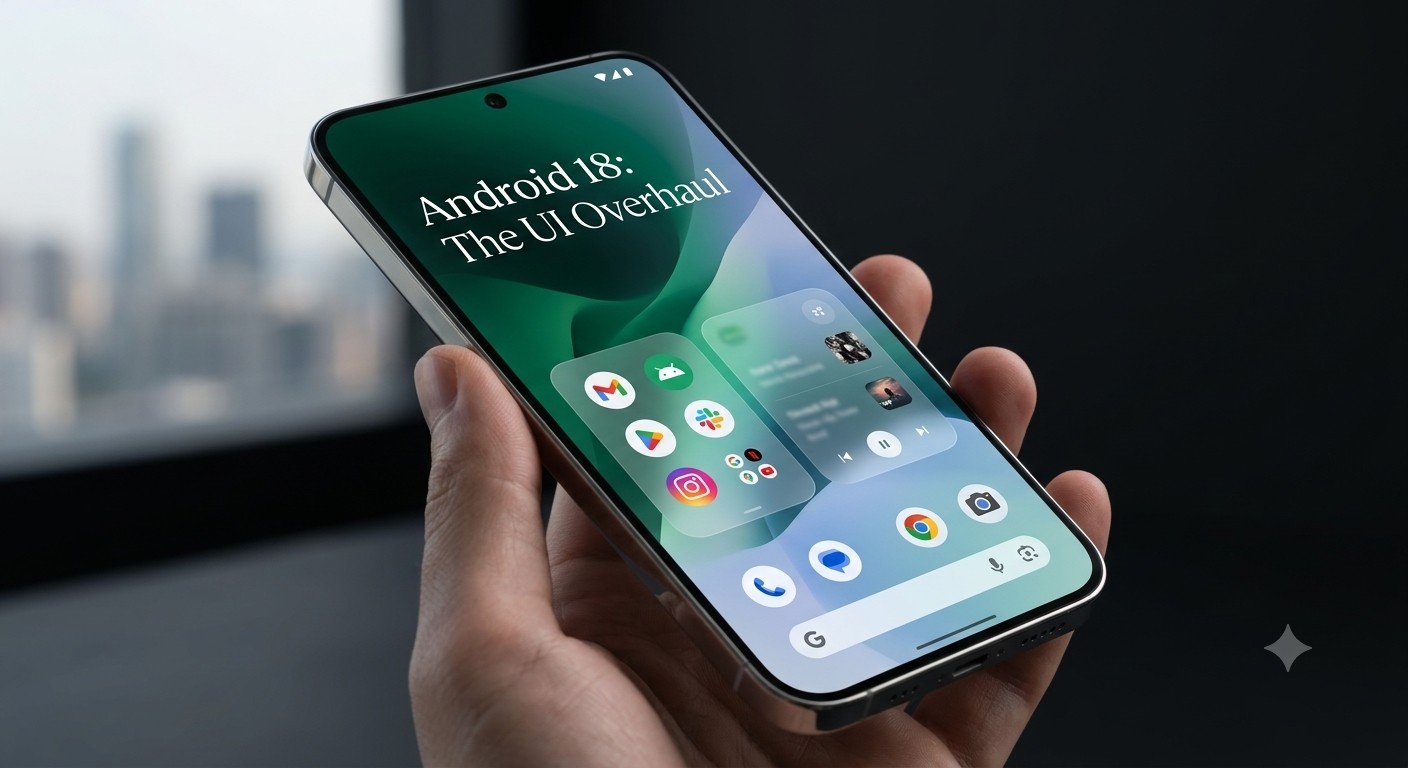
The Android experimental build pipeline continues to roll out practical tweaks for power users, developers, and early testers.While major platform shifts grab high-level attention,intermediate updates like theAndroid Canary Build 2610focus heavily on addressing minor user frustrations and refining everyday mobile interactions.
1. Smarter Gesture Navigation: Fixing Accidental App Switches
https://x.com/MishaalRahman/status/2116277308869025857
System gesture navigation is efficient, but rapid one-handed movements often trigger unintended inputs.
The Problem: Arc Swipes and Accidental Switching
Under standard gesture parameters, quickly swiping up from the bottom edge with a slight rightward arc can accidentally launch the “quick-switch” behavior, jumping straight to the previously opened app instead of opening the multitasking Recents screen.
The Fix: Angle-Based Gesture Thresholds
To eliminate this friction, Canary Build 2610 introduces refined directional angle thresholds to distinguish recents swipes from horizontal quick switches:
-
Flatter Horizontal Flings ($<15^circ$): Continue to trigger seamless quick-switching between adjacent apps.
-
Quick Diagonal Flings ($15^circtext{ to }45^circ$): Now route directly to the Recents overview, preventing accidental app transitions during vertical swipes.
| Gesture Direction | Swipe Angle Threshold | Intended System Action | User Benefit |
| Horizontal Swipe | Less than $15^circ$ | Quick Switch Previous App | Rapid multi-tasking toggle remains intact |
| Diagonal Swipe | $15^circ$ to $45^circ$ | Recents Overview | Stops accidental background app jumps |
This math-driven angle calibration ensures that one-handed navigation respects user intent rather than minor finger-path variance. For more details on how early system testing shapes these interface fixes, explore coverage
2. Android Photo Picker: On-the-Fly HEIF/HEIC to JPEG Conversion
High Efficiency Image File Format (HEIF/HEIC) has become standard for modern camera sensors because it saves space while preserving high dynamic range and color depth. However, legacy third-party applications and web upload portals frequently struggle with native format support.
[ Selected HEIF Image ]
         │
         ▼
[ Photo Picker Preview ] ──► ( Tap Top-Right 3-Dot Menu ) ──► [ Convert & Share as JPEG ]
Direct Format Conversion in Media Selection
To resolve upload errors without forcing users to install external utility apps, the system Photo Picker now tests native on-the-spot conversion:
-
When previewing an HEIF/HEIC image inside the system Photo Picker, users can tap the 3-dot context menu in the top-right corner.
-
Choosing the conversion option transforms the file instantly into a universally compatible JPEG.
-
The converted copy is passed directly to the target application while keeping the original high-efficiency asset untouched on device storage.
This bridge balances local storage optimization with immediate cross-app compatibility.
3. Health Connect: Detailed
Health Connect serves as Android’s central repository for aggregating biometric data across diverse third-party applications and fitness wearables. Build 2610 brings deeper administrative transparency to how those health records are logged.
Accessing Granular
Users can navigate to:Settings > Security & privacy > Privacy controls > Health Connect
Tapping on any individual metric—such as step counts, sleep cycles, or heart rate intervals—now opens an expanded
Tracked Metadata Fields
-
Exact Device Model: Highlights the specific hardware unit that captured the measurement.
-
Device Type: Classifies whether the entry originated from a smartwatch, smart ring, chest strap, or smartphone sensor.
-
Recording Method: Confirms whether metrics were loggedracking sessions
-
Unique Device Identifier (UDI): Provides concrete identification when multiple wearables of the same brand are synced to a single profile.
This added layer of metadata helps users audit duplicate entries and trace data origins seamlessly.
