Close Menu
MyAppsPlus

    Subscribe to Updates

    Get the latest creative news from FooBar about art, design and business.

    What's Hot

    If I Could Only Buy and Hold One of These Artificial Intelligence (AI) Chip Stocks for the Next 5 Years, It Would Be This One

    November 3, 2026

    FastestVPN launches the cheapest way to get a lifetime of VPN and password manager access — and it’s exclusive to TechRadar readers

    November 3, 2026

    This clever banking scam keeps phishing by faking its own demise – how it works

    November 3, 2026
    Facebook X (Twitter) Instagram
    Facebook X (Twitter) Instagram
    MyAppsPlusMyAppsPlus
    Tuesday, November 3
    • Home
    • Breaking Tech
    • Apps & Software
    • AI & Automation
    • Android
    • iPhone & iOS
    • More
      • Reviews
      • How-To Guides
      • Deals & Discounts
      • Shop
    MyAppsPlus
    Home»Breaking Tech»The reason why some USB ports are black
    Breaking Tech

    The reason why some USB ports are black

    myappsplusBy myappsplusNovember 3, 2026003 Mins Read
    Share Facebook Twitter Pinterest Copy Link LinkedIn Tumblr Email Telegram WhatsApp
    Follow Us
    Google News Flipboard
    The reason why some USB ports are black
    Share
    Facebook Twitter LinkedIn Pinterest Email Copy Link

    As with most USB colors, it indicates the port’s capabilities. At least it should.

    In most cases (not all), a black USB port denotes a USB 2.0 connection, also known as Hi-Speed USB, which supports data transfer rates up to 480 Mbps. However, as our previous articles on orange and purple USB ports noted, this is not an industry standard. It’s a common convention, sure, but a black USB 2.0 port on one PC doesn’t mean another PC’s black USB port is also USB 2.0.

    The best way to know for certain is to check the markings beside the port and the manufacturer’s documentation. Oftentimes, digging through the manual is the only way, because symbols, icons or letters may not be enough to positively identify a port. Some may not even have any labels at all.

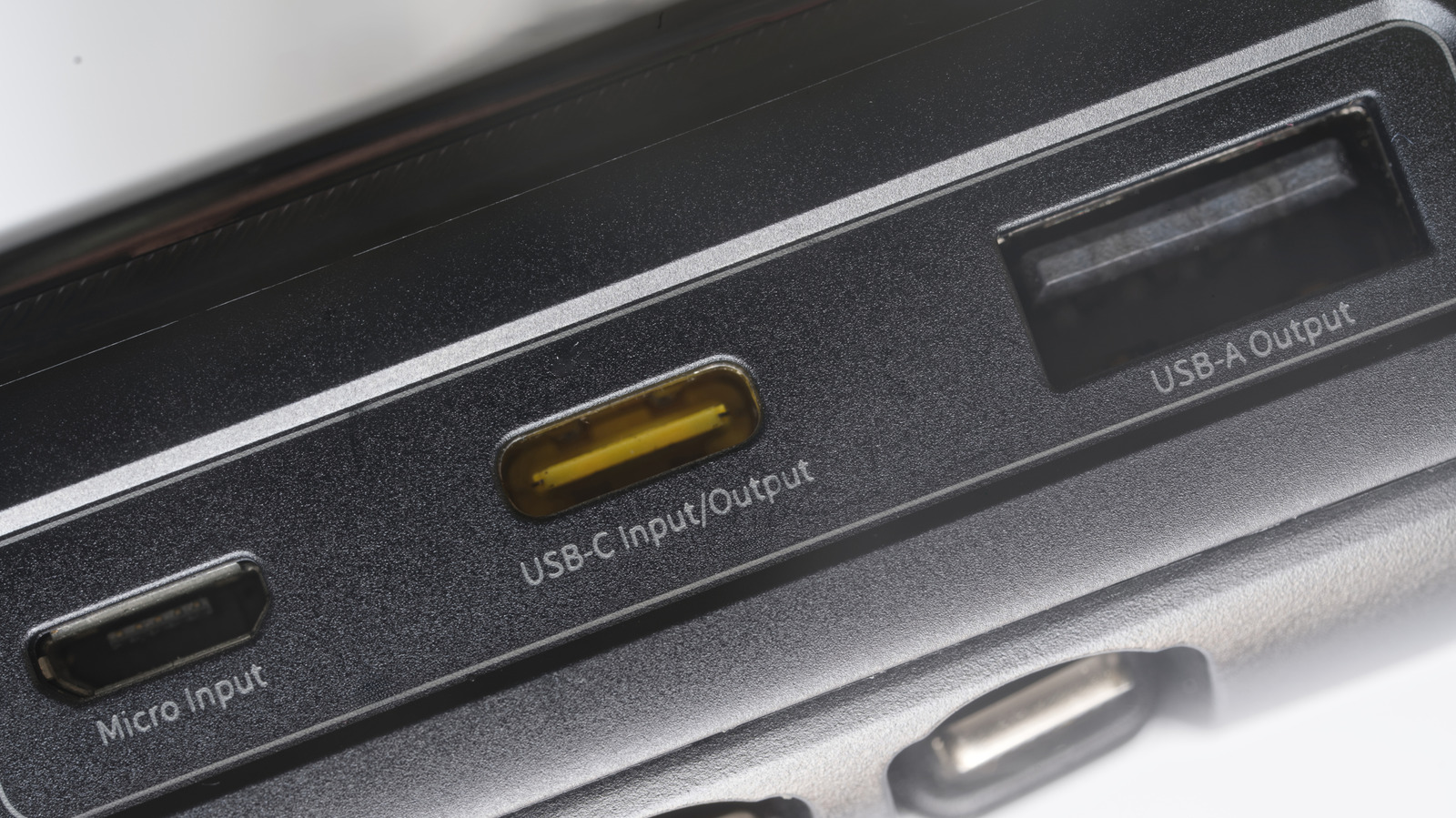
    Note that USB-A port colors and their meanings do not transfer over to USB-C. In fact, most USB-C ports don’t have any colors at all. If one does, it’s likely cosmetic. USB-C ports have a much wider range of capabilities, and color-coding them would likely get confusing.

    What should you plug into a black USB port?

    If you’ve confirmed that a particular USB-A port is USB 2.0, you’re good to use it for everyday accessories. Think basic flash drives, keyboards and mice, wired game controllers, mics, headsets and other similar devices. You generally don’t want to waste a much faster port on these accessories.

    Where USB 2.0 ports fall short is with more demanding peripherals. An external HDD or SSD is a prime example. Copying large video files or backing up a drive can be agonizingly slow over USB 2.0 due to limited transfer rates; don’t let the “Hi-Speed” label fool you. USB 2.0 may also have power limitations that prevent certain drives from working properly. Seagate, for example, states that a drive like the Wireless Plus 2TB may not be detected on certain USB 2.0 connections if they supply insufficient voltage.

    That said, many USB 3.0 devices will likely work fine when connected to a USB 2.0 port, though the device will be limited to USB 2.0’s maximum throughput. The reverse works as well. A USB 2.0 accessory can connect to a USB 3.0 port, but the accessory won’t perform any better than it normally would. Thus, you should match the port to the device: Use USB 2.0 ports for low-speed, low-power devices and reserve your faster or “Always On” ports for ones that will benefit.

    Are white or black USB ports faster?
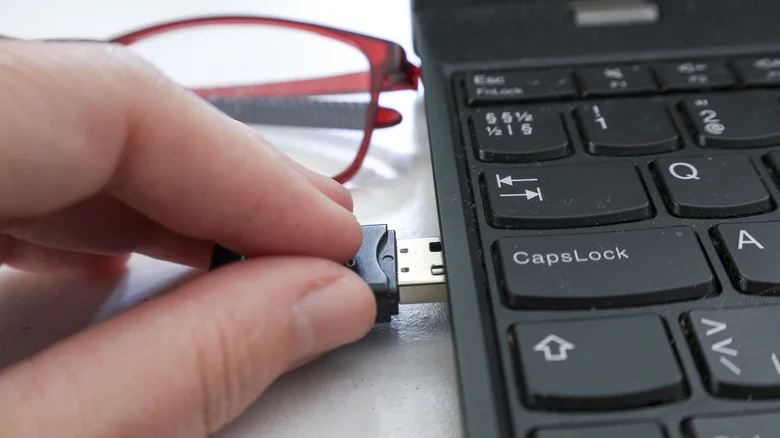
    Close-up of a hand plugging a USB flash drive into a laptop.

    According to convention, black USB ports are faster. White ones are typically USB 1.x, which maxes out at 1.5 Mbps in low-speed mode and 12 Mbps at full speed. The USB 2.0 “Hi-Speed” protocol that black USB ports support tops out at 480 Mbps, making them 40 times faster.

    All this still boils down to the manufacturer’s choice, of course. Most USB port colors you’ll encounter will match the standard capabilities listed online, but not all. Some PCs and motherboards will use the same color for all their USB ports, even though they will support different protocols. Without any set-in-stone standards, manufacturers can use whatever colors they desire and label them accordingly, or not at all. Fortunately, most stick to the common ones. 

    If you’re not sure, it’s best to go to thebsite. Black and white USB ports (or those with other colors) shouldn’t have the same capabilities, but “shouldn’t” is not a guarantee

    Black Computing ports reason Some
    Follow on Google News Follow on Flipboard
    Share. Facebook Twitter Pinterest LinkedIn Tumblr Email Copy Link
    myappsplus
    • Website

    Related Posts

    This clever banking scam keeps phishing by faking its own demise – how it works

    November 3, 2026

    B&H early Black Friday storage sale now live at up to $950 off: SSDs, flash drives, and more from just $11

    November 3, 2026

    What’s the meaning of the “C” on your USB-C ports?

    November 3, 2026
    Add A Comment
    Leave A Reply Cancel Reply

    Top Posts

    Cathay Pacific tests Google AI that dramatically cuts airplane contrails — tiny altitude shifts slash environmental impact by 40% in early trials

    September 8, 2026137 Views

    Liene PixCut S1 Photo Printer and Sticker Cutter Review

    October 31, 202617 Views

    Apple is making Creator Studio an even better deal with new AI features and creative tools

    October 28, 202617 Views
    Latest Reviews

    OpenAI warns about how good Astra model is at cracking cybersecurity, releases it anyway because it took ‘years of research and big bets’

    myappsplusSeptember 4, 2026

    Hands-on with Baseus’ tiny PicoGo Pro – a sleek 100W smart display charger for your new Dark Cherry iPhone 18 Pro [Deal]

    myappsplusSeptember 4, 2026

    Judge blocks X rival from using Twitter name, but allows ‘Tweet’ for now

    myappsplusSeptember 4, 2026
    Stay In Touch
    • Facebook
    • YouTube
    • TikTok
    • WhatsApp
    • Twitter
    • Instagram

    Subscribe to Updates

    Get the latest tech news from FooBar about tech, design and biz.

    Most Popular

    This week’s Apple deals for Labor Day: AirPods Pro 3, Studio Display, AirTag 2, Mac mini, more from $5.50

    September 4, 20260 Views

    Beatbot’s Labor Day Sale drops 2026 Sora 70 5-in-1 robotic pool cleaner to $1,099 ($400 off), more from $339

    September 4, 20260 Views

    iPhone Ultra, iPhone 18 Pro, and More: Apple’s September 9 Event Preview

    September 4, 20260 Views
    Our Picks

    If I Could Only Buy and Hold One of These Artificial Intelligence (AI) Chip Stocks for the Next 5 Years, It Would Be This One

    November 3, 2026

    FastestVPN launches the cheapest way to get a lifetime of VPN and password manager access — and it’s exclusive to TechRadar readers

    November 3, 2026

    This clever banking scam keeps phishing by faking its own demise – how it works

    November 3, 2026

    Subscribe to Updates

    Subscribe to our newsletter and get the latest tech news, app updates, AI trends, smartphone reviews, and exclusive deals delivered straight to your inbox.

    Facebook X (Twitter) Instagram Pinterest
    • About Us
    • Get In Touch
    • Disclaimer
    • Privacy Policy
    • Terms & Conditions
    © 2026 MyAppsPlus. All Rights Reserved.

    Type above and press Enter to search. Press Esc to cancel.