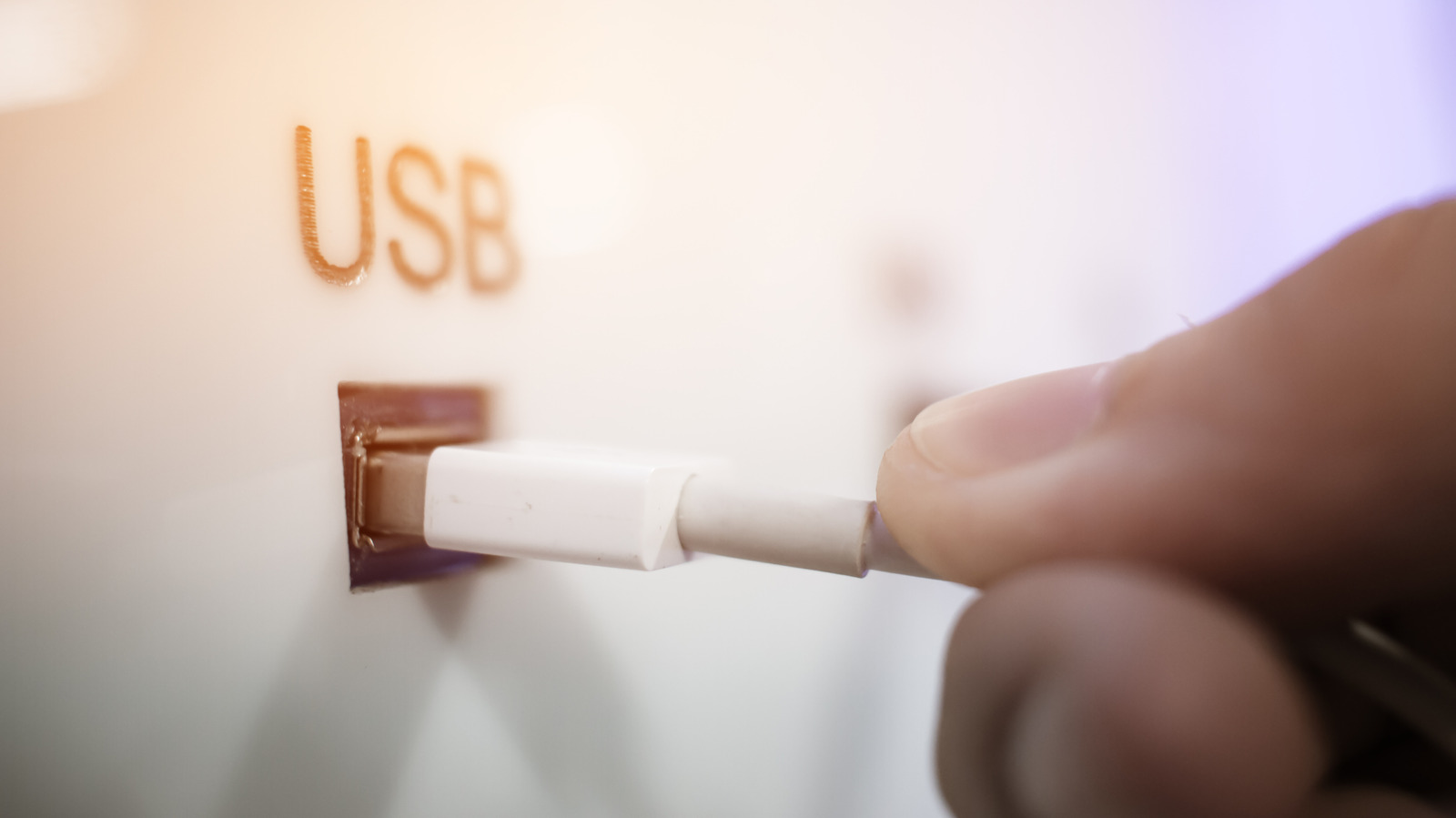
Close Menu
MyAppsPlus

    Subscribe to Updates

    Get the latest creative news from FooBar about art, design and business.

    What's Hot

    Apple Dodges Question on More Price Hikes as Memory Costs Climb

    November 3, 2026

    ‘Monday Night Football’ same-game parlay picks, bets, props from SportsLine AI

    November 3, 2026

    Bajaj Pulsar N250 SS First Ride Review: More Power, More Tech, More Pulsar!

    November 3, 2026
    Facebook X (Twitter) Instagram
    Facebook X (Twitter) Instagram
    MyAppsPlusMyAppsPlus
    Tuesday, November 3
    • Home
    • Breaking Tech
    • Apps & Software
    • AI & Automation
    • Android
    • iPhone & iOS
    • More
      • Reviews
      • How-To Guides
      • Deals & Discounts
      • Shop
    MyAppsPlus
    Home»Breaking Tech»Is it actually safe to charge your iPhone at airport USB ports?
    Breaking Tech

    Is it actually safe to charge your iPhone at airport USB ports?

    myappsplusBy myappsplusNovember 3, 2026003 Mins Read
    Share Facebook Twitter Pinterest Copy Link LinkedIn Tumblr Email Telegram WhatsApp
    Follow Us
    Google News Flipboard
    Is it actually safe to charge your iPhone at airport USB ports?
    Share
    Facebook Twitter LinkedIn Pinterest Email Copy Link

    While the risk is overblown, it exists. But it’s easy to protect yourself.

    We may receive a commission on purchases made from links.

    The short answer is that it’s reasonably safe to use public USB charging stations at airports and elsewhere. While US agencies, including the FBI and Transportation Security Administration (TSA), have warned against doing so, security researchers say the threat is overblown.

    “When you’re at an airport do not plug your phone directly into a USB port,” the TSA warned in a March 2025 Facebook post. “Bring your TSA-compliant power brick or battery pack and plug in there.” The Federal Communications Commission (FCC) published its own warning about these “juice-jacking” (also called “port-jacking”) attacks, but subsequently withdrew it once tech experts disputed the extent of the threat. In 2019, the Los Angeles County district attorney warned about the threat, but subsequently confirmed it had no cases on its books.

    Security pros say that while the threat is real in principle because proof-of-concept demonstrations exist, there are no credible reports of any successful attacks taking place. That doesn’t mean the threat is non-existent — it’s one among a multitude of potential attacks. To keep it that way, you should always take steps to secure your device.

    What is the risk of juice-jacking?
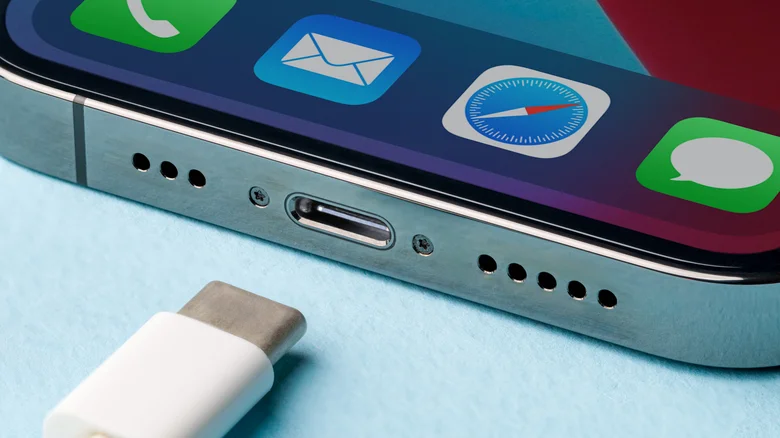
    USB-C cable sits ready to plug into an iPhone.

    The risk of juice-jacking is inherent to the USB standard, which carries both data and power along a single cable on separate internal pins. Proof-of-concept tests have shown attackers could potentially modify public USB charging points, making them connect to the data pins in your USB cable to install malware or steal data.

    One proof of concept at Black Hat USA in 2013 saw researchers from Georgia Tech present a malicious charger prototype named Mactans. They illustrated how the charger could install malware on a connected iPhone running iOS 6. 

    OS developers pay attention to emerging risks. For example, in the months following the Mactans revelation, Apple hardened iOS with the “Trust This Computer?” prompt you now see when you connect to a new device that wants to establish a data connection. No matter how you connect your phone, if a prompt appears asking you to “Trust” it, always tap “Don’t Trust” unless you intend to share data with that device.

    What you can do to prevent juice-jacking

    If you want zero risk, it’s best to not use public USB chargers at all, as the TSA indicated. Carrying a rechargeable USB battery pack, or using your own power brick and cable with a standard wall socket, are both safer options. Where available, using “Secure” charge points that block data transfer entirely can also work.

    When you do have to use public USB ports, you can greatly reduce the risk with inexpensive USB data blockers, like those from JSAUX. These small dongles block data transfers but permit energy passthrough, enabling safer use of unknown USB connections. The drawback is that USB-A blockers prevent fast charging standards because chargers use the data connection to manage high voltage electrical flow. Your device will still get charged, but it will take longer. This isn’t an issue with modern USB-C blockers.

    As always when traveling (and when at home), standard security advice remains the same: avoid using public Wi-Fi for sensitive information, install the latest software updates and enable multi-factor authentication (MFA) for important accounts. If you must use a public USB charging point, decline any trust prompt and consider a data blocker for added protection.

    actually Charge cybersecurity safe Your
    Follow on Google News Follow on Flipboard
    Share. Facebook Twitter Pinterest LinkedIn Tumblr Email Copy Link
    myappsplus
    • Website

    Related Posts

    Athenahealth patients can ask Claude about their medical records now

    November 3, 2026

    Your PS5 can now run Android, Switch 2, and PC games, if you get your hands dirty

    November 3, 2026

    The reason why some iPhone calls don’t have a decline option, and others do

    November 3, 2026
    Add A Comment
    Leave A Reply Cancel Reply

    Top Posts

    Cathay Pacific tests Google AI that dramatically cuts airplane contrails — tiny altitude shifts slash environmental impact by 40% in early trials

    September 8, 2026137 Views

    What was the PSX? The souped-up PS2 rarely sold outside of Japan

    September 14, 202617 Views

    Apple is making Creator Studio an even better deal with new AI features and creative tools

    October 28, 202616 Views
    Latest Reviews

    OpenAI warns about how good Astra model is at cracking cybersecurity, releases it anyway because it took ‘years of research and big bets’

    myappsplusSeptember 4, 2026

    Hands-on with Baseus’ tiny PicoGo Pro – a sleek 100W smart display charger for your new Dark Cherry iPhone 18 Pro [Deal]

    myappsplusSeptember 4, 2026

    Judge blocks X rival from using Twitter name, but allows ‘Tweet’ for now

    myappsplusSeptember 4, 2026
    Stay In Touch
    • Facebook
    • YouTube
    • TikTok
    • WhatsApp
    • Twitter
    • Instagram

    Subscribe to Updates

    Get the latest tech news from FooBar about tech, design and biz.

    Most Popular

    This week’s Apple deals for Labor Day: AirPods Pro 3, Studio Display, AirTag 2, Mac mini, more from $5.50

    September 4, 20260 Views

    Beatbot’s Labor Day Sale drops 2026 Sora 70 5-in-1 robotic pool cleaner to $1,099 ($400 off), more from $339

    September 4, 20260 Views

    iPhone Ultra, iPhone 18 Pro, and More: Apple’s September 9 Event Preview

    September 4, 20260 Views
    Our Picks

    Apple Dodges Question on More Price Hikes as Memory Costs Climb

    November 3, 2026

    ‘Monday Night Football’ same-game parlay picks, bets, props from SportsLine AI

    November 3, 2026

    Bajaj Pulsar N250 SS First Ride Review: More Power, More Tech, More Pulsar!

    November 3, 2026

    Subscribe to Updates

    Subscribe to our newsletter and get the latest tech news, app updates, AI trends, smartphone reviews, and exclusive deals delivered straight to your inbox.

    Facebook X (Twitter) Instagram Pinterest
    • About Us
    • Get In Touch
    • Disclaimer
    • Privacy Policy
    • Terms & Conditions
    © 2026 MyAppsPlus. All Rights Reserved.

    Type above and press Enter to search. Press Esc to cancel.