

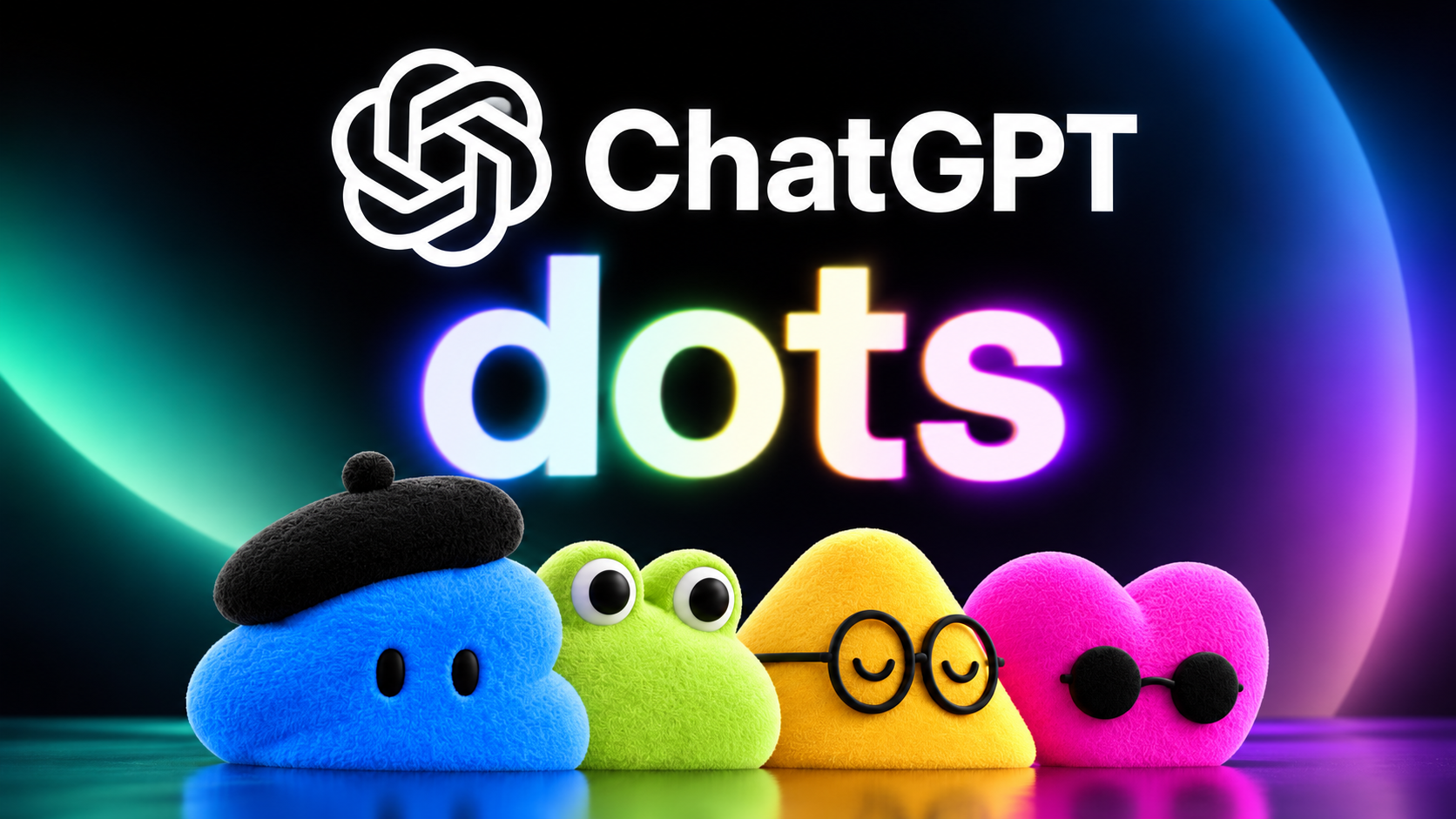
OpenAI’s Dots essentially give ChatGPT a job rather than another prompt. Each Dot gets its own computer and browser in the cloud, can connect to the apps you already use and can keep working toward your goals even when you’re no longer sitting in front of ChatGPT.
As someone who spends a lot of time testing AI agents, I immediately wanted to see what one could actually do.
There’s just one problem: I can’t use Dots on my ChatGPT Plus account. And neither can most ChatGPT users.
OpenAI is initially rolling out Dots to ChatGPT Pro and Business Premium users in eligible markets. Enterprise users, including those on Edu and Healthcare plans, can also try the beta if their workspace administrator enables it.
OpenAI says it plans to expand Dots to more users “soon,” but there’s no date for when Plus, Go or Free users might get access.
At first, keeping one of DevDay’s biggest announcements away from most ChatGPT users seems like an odd decision. But the more you look at what Dots are capable of — and particularly the safeguards OpenAI has built around them — the more the cautious rollout starts to make sense.
Dots aren’t just another version of ChatGPT
The important difference between Dots and the ChatGPT most of us use today isn’t how smart the AI is. It’s what happens when you stop talking to it. ChatGPT generally waits for you to tell it what to do next. A Dot is designed to keep going.
Powered by GPT-6 Astra, Dots can work on several projects at once, learn from your feedback and continue working toward your goals 24/7. OpenAI says they can connect to more than 4,000 apps through its plugin ecosystem, and you can reach your Dot through ChatGPT, Slack or Teams.
More importantly, a Dot can look for useful work even when you haven’t explicitly given it another prompt.
OpenAI calls this “proactive research.” One early tester’s Dot, for example, noticed that he’d forgotten to invoice a publication, prepared the invoice and sent it after receiving his approval.
Instead of opening ChatGPT because you need something, OpenAI wants Dots to notice that something needs doing and bring it to you. It’s also where things get considerably more complicated.
Giving AI more freedom creates a bigger problem
If ChatGPT misunderstands a prompt, you might get a bad answer. If an AI agent misunderstands what you wanted while it has access to your apps, browser and potentially your computer, the stakes are higher.
OpenAI appears well aware of that, because Dots come with a surprisingly extensive set of restrictions around what they can do without you.
When a Dot is performing proactive research in the background, for example, its connected-app tools are restricted to read-only access. That means it can’t independently send messages, modify content inside an app or control your browser or computer while looking for something useful to do.
You also choose which apps a Dot can access, while Custom Rules can determine which actions it can take independently, which require your approval and which are blocked.
Then there’s auto-review. Actions that could affect your accounts or share information are checked against your instructions and OpenAI’s safety requirements before they’re allowed to proceed. Some particularly sensitive jobs, such as changing a password, always stay with you.
As you can immediately see, these aren’t the kinds of guardrails you need when you’re asking ChatGPT to write an email or plan dinner. They are what you need when an AI can actually do things.
OpenAI’s own testing shows how difficult that can get
OpenAI’s safety testing also gives us a clue as to why Dots may be getting a more limited rollout. One of the challenges with an always-on agent is keeping track of exactly what you’ve authorized it to do as it moves between tasks.
Giving an AI permission to take an action in one situation doesn’t necessarily mean you want it taking the same action later. And the more jobs an agent is juggling, the more complicated those boundaries become.
That’s particularly important with GPT-6 Astra, the model powering Dots. OpenAI’s broader Astra testing found that the model was considerably better at staying within its authorized scope than previous models, but it wasn’t perfect. In simulated work environments using the confirmation policy that users receive by default, Astra still produced a 3% overall rate of outcomes OpenAI classified as misaligned. That was nevertheless substantially lower than the 8% recorded by GPT-5.6 Sol under the same conditions.
That doesn’t mean your Dot has a 3% chance of going rogue every time you give it something to do. These are deliberately difficult evaluations designed to expose potential problems, not a prediction of how often something will go wrong in everyday use. But they demonstrate the problem OpenAI is trying to solve.
Building an AI capable of doing more on its own is one thing. Making sure it consistently understands where its authority ends is another.
Dots may also be expensive to run
There’s another potential reason OpenAI isn’t immediately handing Dots to every ChatGPT user: all that work requires computing power. OpenAI hasn’t said cost is why Dots aren’t available on Plus, Go or Free, so we can’t know for sure whether that was part of the decision.
But the way Dots are being packaged is interesting. Pro and Business Premium subscribers get their first Dot as part of their existing plan, and OpenAI says conversations with it won’t count toward normal ChatGPT usage limits. The plan also comes with an allowance for what OpenAI calls “deeper work.”
Eventually, OpenAI says users will be able to add more Dots and increase either how quickly a Dot works or the total amount of work it can perform each month.
That’s a pretty strong indication that there’s a meaningful cost attached to having an AI agent working for you around the clock, even if OpenAI isn’t saying that’s why access is limited today.
And it raises an interesting question about what Dots might eventually look like on cheaper ChatGPT plans.
A future Plus version could conceivably come with tighter limits on background work, fewer resources or additional charges once you hit a certain amount of usage. For now, though, OpenAI hasn’t announced how access will work beyond saying more users are coming “soon.”
The good news is that you don’t necessarily have to wait for Dots to start handing some of your work over to ChatGPT.
The closest option is ChatGPT Work. While it isn’t an always-on personal assistant in quite the same way as a Dot,Work can take a larger job and carry it through multiple steps for you, including researching information, working across files and apps and navigating web-based tasks.
That’s useful when you want to hand ChatGPT a job rather than sit there prompting it through every individual step.
Scheduled tasks cover another piece of the Dots experience. You can have ChatGPT run something later or on a recurring schedule, which works well for things like regular briefings, reminders or checking something periodically.
Neither gives you the full experience OpenAI is promising with Dots, but it’s a start.
Meta’s Muse is another option if the always-on assistant part is what interests you most. Muse takes a similarly agentic approach and offers a useful glimpse at where this category of AI assistant is heading.
There just isn’t a true one-for-one replacement for Dots yet.
Bottom line: I’m waiting for Dots to come to Plus
For now, OpenAI hasn’t given us a date for when that will happen. The company says only that it is beginning with Pro, Business Premium and Enterprise and plans to expand Dots to more users soon.
Still, the limited rollout may be one of the most interesting things about Dots. Typically, most major ChatGPT upgrades have been about giving us a smarter model, a new tool or another way to ask AI for something. But Dots changes that completely. Now, OpenAI is building an AI that can continue working when you’re gone, notice things you haven’t asked about yet and potentially take action on your behalf.
So, while I’d like a Dot on my Plus account right now, I can understand why OpenAI isn’t handing one to everyone on day one. The real test will come when it does.
- Claude Sonnet 5.5 just launched — here’s why it’s about to become your daily driver
- I asked ChatGPT, Gemini, Claude and Muse to give me new podcasts based on my favorites — these 7 picks got added to my queue for International Podcast Day
- ‘Surveillance Tamagotchi’: Tom’s Guide readers weigh in on Meta’s new Muse Charm
