

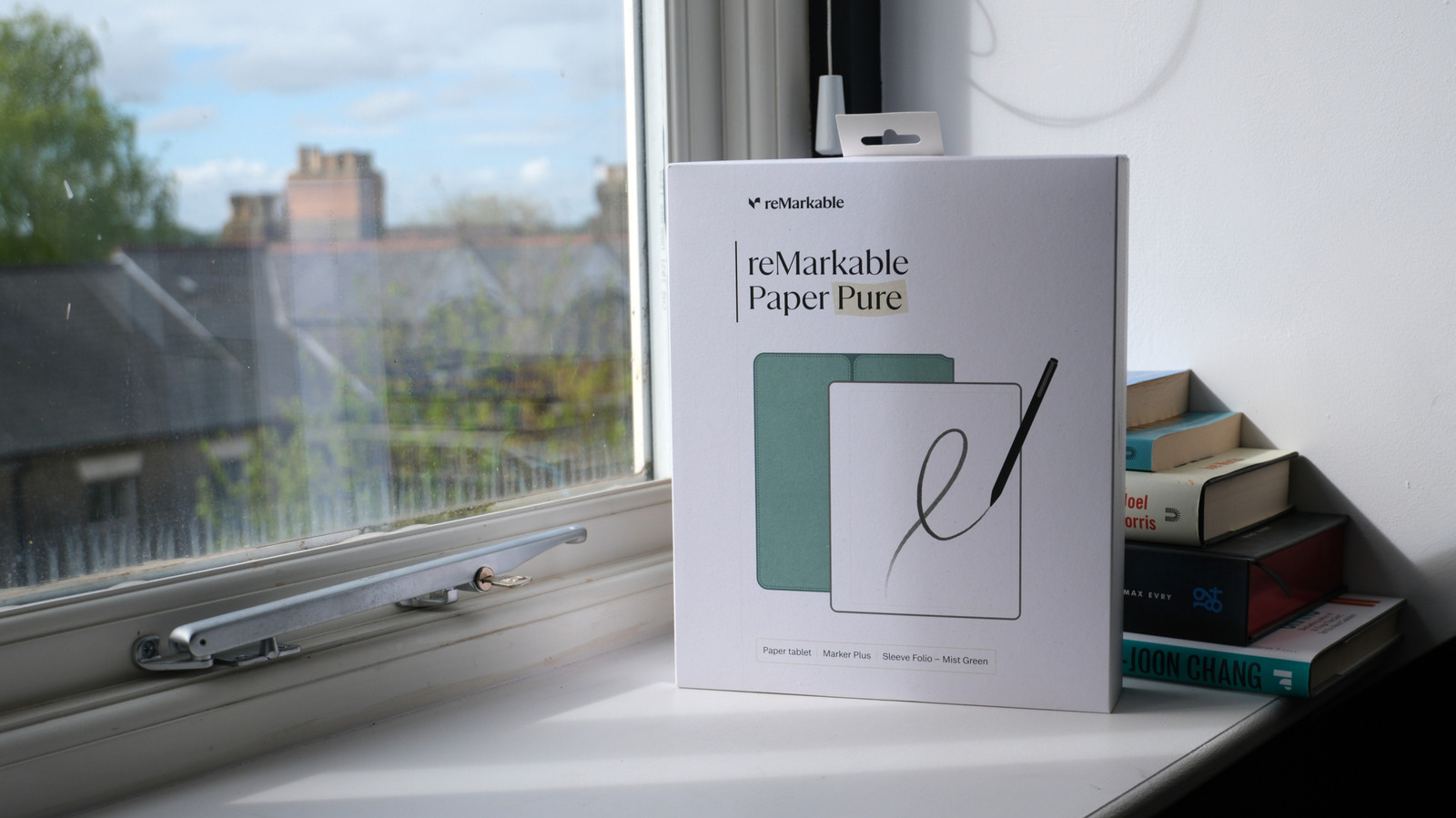
If your needs are simple, an E Ink tablet might be the device for you.
If you’ve ever used a Kindle or similar ereader, you’re probably familiar with E Ink display technology. Unlike the OLED or LCD displays on most of our other devices, an E Ink display doesn’t pack a built-in light source or even require power to keep displaying an image once it’s on-screen. Instead, millions of tiny physical particles are charged and oriented whenever an image needs to be changed. E Ink displays look remarkably paper-like, consume little power, and can be more comfortable to use than conventional displays for long periods of time.
Ereaders were the first major devices to rely on these displays, but several E Ink tablets and smartphones have hit the market of late. Despite some major advancements in E Ink technology, however, these displays aren’t ideal in every scenario. And if you’re in the market for a new tablet, you may want to consider a few factors before picking one with an E Ink display over an iPad.
When is an E Ink tablet better than an iPad?
E Ink tablets make the most sense when reading and drawing are your primary goals. The technology is believed to be easier on the eyes compared to the displays you’d find on mainstream tablets like the iPad. E Ink is a reflective display rather than an emissive one, meaning your eyes don’t have to adjust to bright light being emitted directly from the display.
In fact, E Ink shines outdoors since it relies on reflecting external light sources to make the contents of the screen visible. Lower-end iPad models, meanwhile, tend to struggle under direct sunlight as their backlit displays lack the brightness necessary to overcome the harsh glare of the outdoors. The iPad Pro fares much better in this regard, though, thanks to the high brightness levels of its tandem OLED display.
Many E Ink tablets also feature matte displays rather than the glossy glass surfaces you’d find on the iPad and other conventional tablets. This adds to the paper-like appearance and feel under your finger or stylus.
Finally, you’ll find that some E Ink tablets like the reMarkable Paper Pro deliver better battery life than an iPad, at least in active use. This is because these displays only consume power when refreshing or displaying new content. So if you’re reading content, an iPad has to continuously power its display while an E Ink tablet can enter a low power state between page turns or scrolling. The simpler construction and lower power requirements of these displays also allow manufacturers to build lighter devices.
All told, E Ink tablets can be more comfortable to use from a visual, and even ergonomics, standpoint. But that doesn’t mean it’s without its flaws.
What are the disadvantages of E Ink tablets versus an iPad?
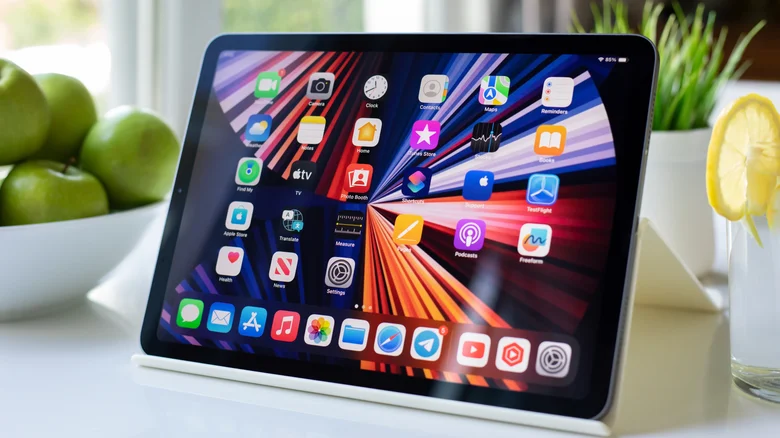
E Ink displays were once limited to displaying black and white content but thanks to advancements in E Ink technology, we now have color panels. However, even the best color E Ink displays available today fall short of an iPad’s color volume and vibrancy. The latter will almost always display comics, images, and web content to a higher degree of quality and accuracy.
E Ink displays also tend to struggle with any kind of motion, with some panels leaving a noticeable trail behind moving elements that makes watching any kind of video nearly impossible. Even on the latest models, navigating menus and switching between apps can feel noticeably less responsive than on a modern iPad. This is an inherent limitation of the technology as the display’s physical particles need to move and reposition every time the image changes. This difference in refresh rate can result in noticeable flickering or visual anomalies.
You’ll also find that many E Ink tablets ship with relatively underpowered processing hardware as they aren’t expected to run graphically intensive apps or display complex animations. Combined with the display’s slower refresh rate, you will almost certainly notice the performance difference between an E Ink tablet and an iPad. I often end up reaching for my smartphone rather than waiting for an E Ink tablet to load a complex webpage, almost negating its entire purpose.
Ultimately, E Ink tablets are best suited for relatively static applications like reading, drawing or note-taking. If you’re buying a tablet for media consumption with occasional reading on the side, I’d strongly consider an iPad or Android tablet. But if you’re willing to live with the trade-offs or will primarily use the device for text-based content, E Ink tablets have become a viable alternative.
